ToolMage
Sign in

Best 3 Reading AI tools for Books

Popular Reading AI tools in Books include 15minutes.ai, Summarist.ai, and GPT Book Club, helping you work more efficiently.

15minutes.ai
Paid

15minutes.ai

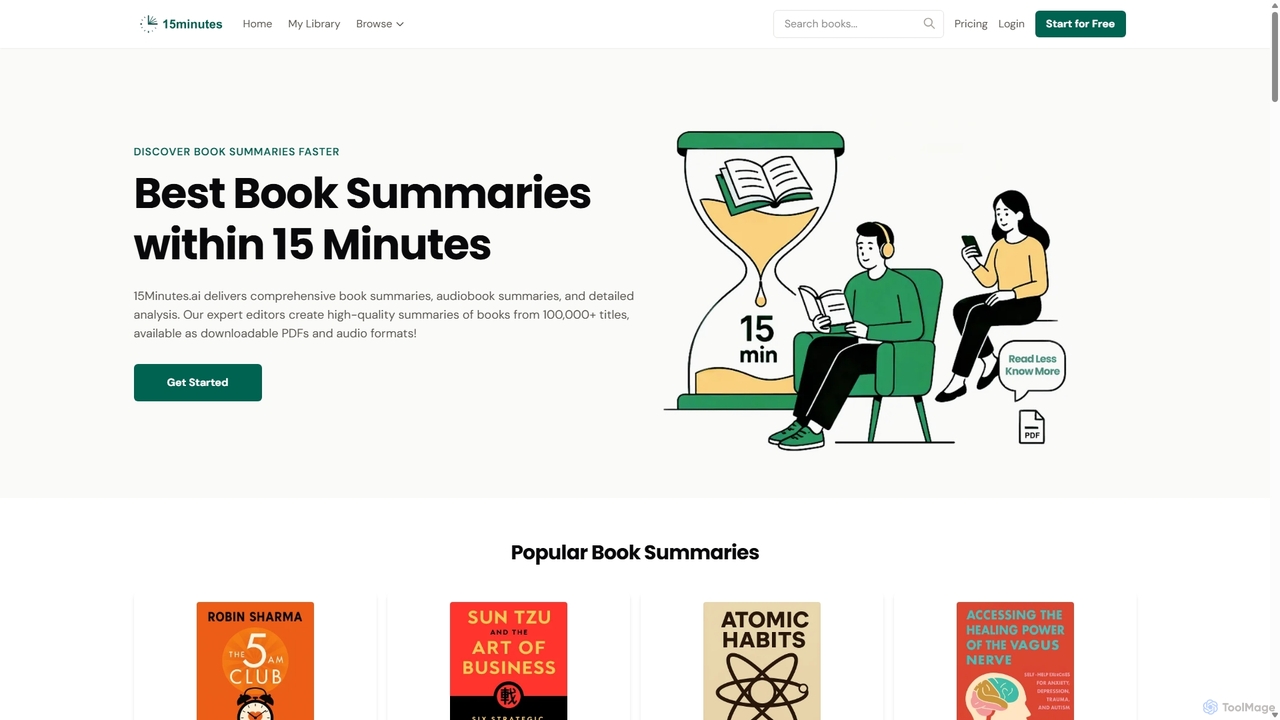
An AI-powered service providing concise text and audio summaries of over 10,000 books. Absorb key insights from bestsellers in business, psychology, self-help, and more in just 15 minutes. Download summaries in PDF/EPUB or listen on the go. Ideal for busy professionals, students, and lifelong learners.

Reading
Visits 12.9KFavorites 118Likes 110
Summarist.ai
Free

Summarist.ai

Summarist.ai is a free AI-powered platform that provides concise summaries of millions of books across a vast range of categories. It helps users quickly grasp key ideas from non-fiction and fiction titles, making it an ideal resource for students, professionals, and lifelong learners. Discover new books, save time, and expand your knowledge effortlessly.

Reading
Visits 9.7KFavorites 115Likes 141
GPT Book Club
Freemium

GPT Book Club

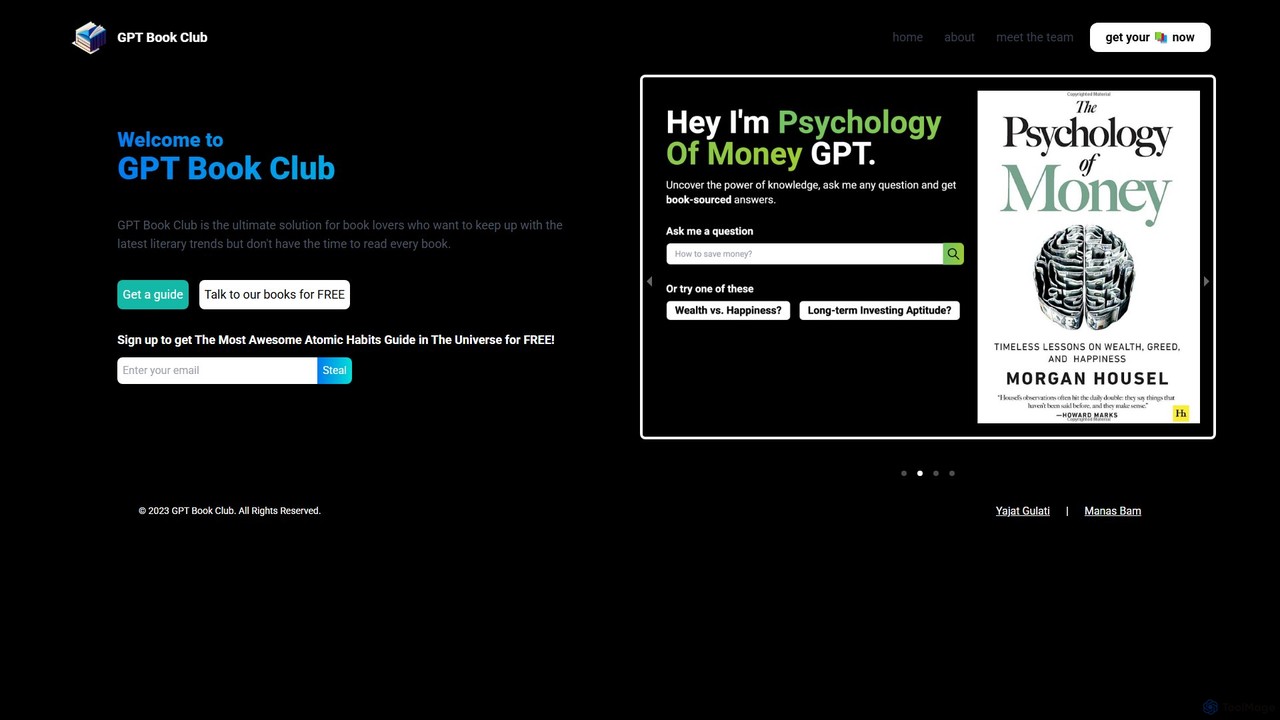
GPT Book Club is an AI-powered platform that provides key insights, summaries, and interactive Q&A sessions for popular books. It's designed for busy individuals who want to absorb knowledge from bestsellers without the time commitment of reading them cover to cover.

Reading
Visits 4KFavorites 110Likes 120

About Reading

AI Reading tools are applications designed to enhance and assist the human reading process. They leverage technologies like text-to-speech (TTS), natural language processing (NLP), and on-screen guides to improve comprehension, speed, and accessibility. These tools transform static text from articles, documents, or books into an interactive experience, making information consumption more efficient and inclusive. They are particularly useful for processing large volumes of text or for individuals with reading difficulties.

Core Features

  • Text-to-Speech (TTS): Converts written text into natural-sounding audio, allowing users to listen to content.
  • Speed Reading Guides: Uses visual pacers or rapid serial visual presentation (RSVP) to guide the eyes and increase reading speed.
  • Interactive Vocabulary Builder: Provides instant definitions, synonyms, and translations for words or phrases within a text.
  • Focus & Comprehension Aids: Highlights sentences or paragraphs as they are read, offers text simplification, and can generate questions to test understanding.
  • Multi-Format Support: Imports and processes various file types, including PDFs, web pages, ebooks, and plain text.

Use Cases

These tools are widely used by students for academic study, researchers for literature review, and professionals for keeping up with industry reports. They are also essential accessibility aids for individuals with dyslexia, visual impairments, or ADHD, helping to remove barriers to information.

How to Choose

When selecting an AI Reading tool, consider the quality and variety of TTS voices, the range of supported languages, and compatibility with your devices (desktop, mobile). Also, evaluate the effectiveness of its speed-reading features, integration with other apps like Pocket or Instapaper, and the level of customization available for visual aids and playback controls.

Featured tool rankings

Reading use cases

1

Assisting Students with Dyslexia in Coursework

A university student with dyslexia uses an AI Reading tool to keep up with heavy reading assignments. They upload PDF textbooks and research papers into the application. The tool's text-to-speech function reads the material aloud in a clear, natural voice, while simultaneously highlighting the text being read. This multi-sensory approach significantly improves comprehension and retention, allowing the student to process complex academic content effectively and reduce the fatigue associated with traditional reading.

2

Accelerating Literature Review for Researchers

A researcher needs to review over 50 academic papers for a meta-analysis. Instead of reading each one fully, they use an AI Reading tool's speed-reading feature, which flashes words at a set pace. This allows them to quickly skim abstracts and introductions to identify the most relevant papers. For the selected papers, they use the audio playback feature at 1.5x speed to absorb the core arguments while taking notes. This process reduces the time spent on initial screening by over 60%.

3

Improving Language Learning with Native Pronunciation

An English speaker learning Japanese imports news articles from Japanese websites into their AI Reading tool. They listen to the articles read by a high-quality Japanese TTS voice to improve their listening comprehension and familiarize themselves with native intonation. When they encounter an unfamiliar kanji character, they can instantly click on it to get its reading (furigana) and definition. This transforms passive reading into an active listening and vocabulary-building exercise.

4

Making Web Content Accessible for the Visually Impaired

A user with a visual impairment uses an AI-powered screen reader to browse the web. Unlike traditional screen readers, this tool uses AI to intelligently interpret page layouts, identify headings, and even describe the content of images that lack alt-text. When they open a news article, the tool automatically detects the main body of text and begins reading it in a human-like voice, skipping over ads and navigation menus. This provides a much smoother and more efficient browsing and reading experience.

5

Consuming Content During a Commute or Workout

A busy professional wants to stay updated on industry news but lacks time to read during the day. They use an AI Reading tool's browser extension to save long-form articles to a playlist. During their morning commute, they listen to the playlist through their car's Bluetooth system, just like a podcast. The tool's ability to strip out non-essential elements like ads ensures a seamless listening experience, turning unproductive time into a valuable learning opportunity.

6

Deepening Comprehension of Technical Documents

An engineer is studying a dense technical manual for a new piece of equipment. They use an AI Reading tool that offers more than just TTS. The tool's AI can identify and define complex jargon in real-time. It also allows the engineer to highlight a confusing paragraph and request a simplified explanation. This interactive approach helps break down complex information into manageable parts, ensuring a thorough understanding of critical operating procedures and preventing potential errors.

Reading FAQ

What are AI Reading tools?

AI Reading tools are software applications that use artificial intelligence to assist and enhance the reading experience. Their primary goal is not to replace reading, but to make it more accessible, efficient, and comprehensible. They achieve this through features like high-quality text-to-speech (TTS), speed-reading guides, real-time translation and definitions, and text simplification. These tools are valuable for anyone who reads extensively, as well as for individuals with learning disabilities like dyslexia or visual impairments.

How is an AI Reading tool different from an AI Summarizer?

The core difference lies in their purpose. An AI Reading tool is an assistant that enhances the process of reading the full text. An AI Summarizer is a substitute that condenses the text to avoid reading it entirely.

  • AI Reading Tool: Focuses on improving the real-time reading experience with features like TTS, speed reading, and vocabulary help. You still engage with the original content.
  • AI Summarizer: Focuses on post-processing content to create a shorter version. It delivers the key points without requiring you to read the source material.

You would use a reading tool to help you get through a book or long article, and a summarizer to quickly understand what that book or article is about.

How do I choose the right AI Reading tool?

Choosing the right tool depends on your specific needs. Consider the following factors:

  • Primary Use Case: Are you using it for accessibility (e.g., dyslexia), productivity (speed reading), or language learning? Different tools excel in different areas.
  • Voice Quality: Listen to samples of the text-to-speech voices. A natural, non-robotic voice is crucial for long listening sessions.
  • Platform Compatibility: Ensure the tool works on your preferred devices, whether it's a desktop app, mobile app, or browser extension.
  • Supported Content: Check if it can handle the formats you read most, such as PDFs, web articles, ePubs, or even physical book scanning.
  • Customization: Look for options to adjust reading speed, change fonts, and customize visual highlighting to fit your preferences.
Can AI Reading tools help with focus and concentration?

Yes, many AI Reading tools are specifically designed to improve focus. They use techniques like guided reading, where text is highlighted word-by-word or line-by-line, creating a visual pacer that keeps your eyes moving and prevents your mind from wandering. Some tools also offer a distraction-free reading mode that removes ads, pop-ups, and other clutter from web pages. By combining audio narration (TTS) with visual highlighting, these tools engage multiple senses, which can significantly enhance concentration, especially for individuals with ADHD or those who are easily distracted.

Who benefits most from using AI Reading tools?

While anyone can benefit, certain groups find these tools particularly transformative:

  • Students and Researchers: To manage heavy reading loads, improve comprehension of complex subjects, and accelerate research.
  • Individuals with Reading Disabilities: For people with dyslexia, ADHD, or other learning differences, these tools can be essential aids that make reading accessible and less stressful.
  • Visually Impaired Users: High-quality TTS and intelligent screen reading capabilities provide a vital bridge to digital content.
  • Professionals and Lifelong Learners: To stay current with industry news, reports, and books by listening to content during commutes or multitasking.
  • Language Learners: To improve listening skills, learn pronunciation, and quickly look up new vocabulary in context.