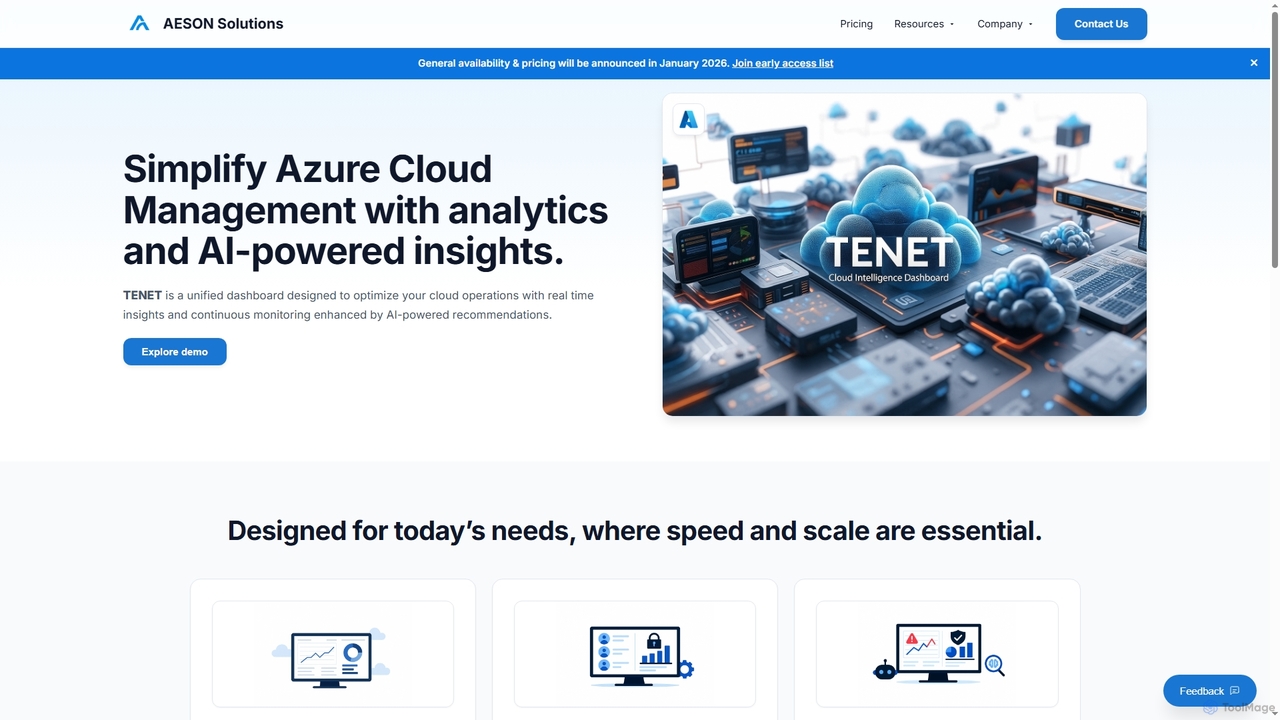
Azure Optimization tools are a specialized category within cloud management that focus on enhancing the efficiency, performance, and cost-effectiveness of Microsoft Azure cloud resources. These tools leverage advanced analytics, AI, and automation to identify underutilized resources, recommend cost-saving measures, and ensure optimal performance for applications and services deployed on Azure. Their primary value lies in transforming complex Azure environments into streamlined, high-performing, and budget-friendly operations, enabling businesses to maximize their cloud investment while maintaining reliability and scalability.
Core Features
- Cost Management & Analysis: Tracks Azure spending, identifies waste, and provides recommendations for cost reduction through rightsizing and reservation planning.
- Performance Monitoring & Tuning: Continuously monitors Azure services, identifies bottlenecks, and suggests configurations or scaling adjustments to improve application performance.
- Resource Governance & Compliance: Enforces organizational policies, ensures resource tagging, and helps maintain compliance with industry standards and internal guidelines.
- Automation & Remediation: Automates routine optimization tasks, such as shutting down idle resources or scaling services based on demand, and automatically remediates identified issues.
- Security Posture Management: Analyzes Azure configurations for security vulnerabilities and misconfigurations, providing actionable insights to strengthen cloud security.
Applicable Scenarios
Azure Optimization tools are essential for IT managers, cloud architects, and finance teams in organizations heavily reliant on Microsoft Azure. They are used to manage large-scale Azure deployments, control spiraling cloud costs, ensure critical applications meet performance SLAs, and maintain a secure and compliant cloud environment. These tools are particularly valuable for enterprises with dynamic workloads and complex resource dependencies.
How to Choose
When selecting Azure Optimization tools, consider their integration capabilities with existing Azure services and third-party tools, the breadth of optimization features (cost, performance, security, governance), the level of automation offered, and the clarity of reporting and recommendation engines. Evaluate the tool's ability to provide granular insights, support multi-subscription environments, and align with your organization's specific operational and financial goals for Azure.