ToolMage
Sign in

Best 3 Code & It AI tools

Popular Code & It AI tools include Julius AI, Hestus, and Design Buddy, helping you work more efficiently.

Design Buddy
Freemium

Design Buddy

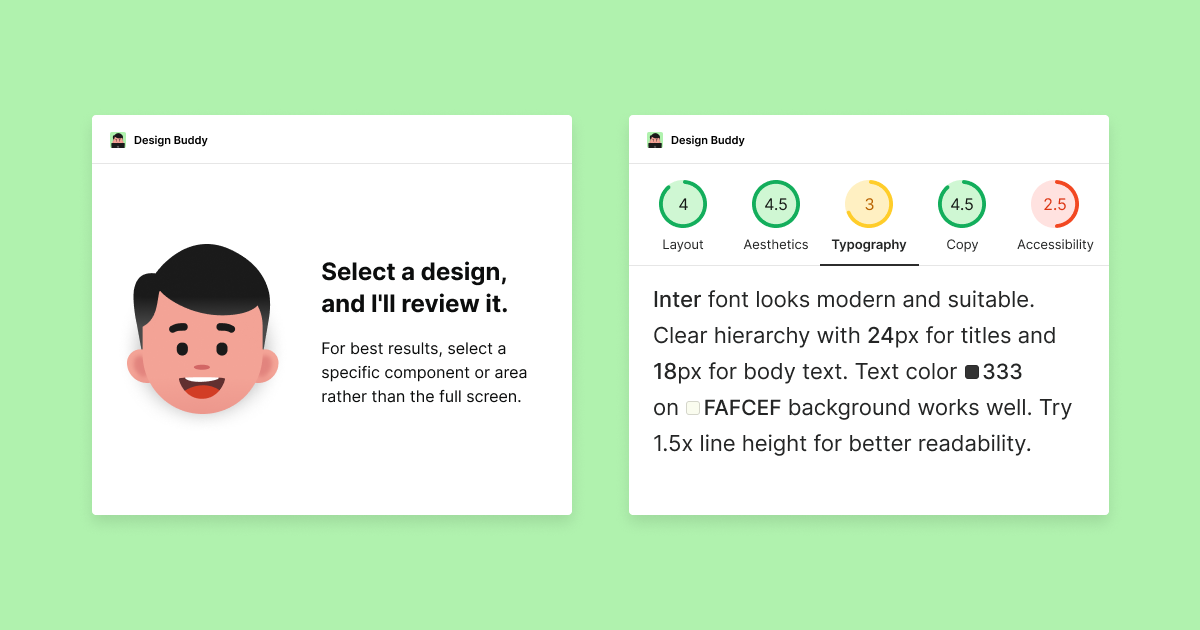
Design Buddy is an AI-powered plugin for Figma and Adobe Express that acts as a full-time design assistant. It provides instant, insightful reviews on your designs, covering layout, color, typography, and accessibility, helping you improve your work and boost your design confidence.

Developer Tools
Visits 7.3KFavorites 113Likes 103
Hestus

Hestus

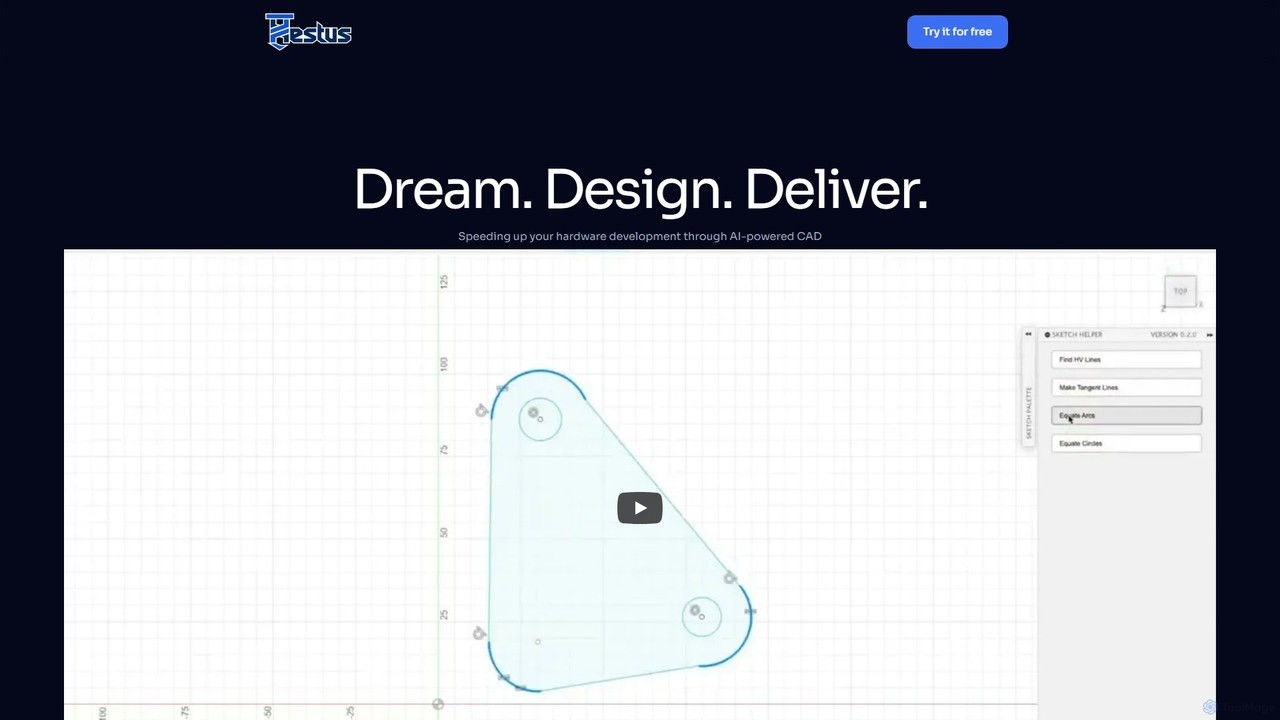
Hestus is an AI-powered CAD assistant for Autodesk Fusion 360 that accelerates hardware development. It automates mundane sketching tasks like adding constraints, generating geometry, and applying dimensions, allowing engineers to focus on creative design and innovation.

Developer Tools
Visits 26KFavorites 139Likes 125

About Code & It

Code & IT AI tools are a category of software that leverages artificial intelligence to assist developers and IT professionals in writing, debugging, testing, and managing code and infrastructure. These tools utilize large language models (LLMs) and machine learning to understand code context, suggest completions, identify vulnerabilities, and automate repetitive tasks. They significantly accelerate the software development lifecycle, improve code quality, and streamline complex IT operations, from database queries to cloud resource management. By acting as intelligent assistants, they empower teams to build more robust and secure applications efficiently.

Core Features

  • AI Code Generation & Completion: Generates code snippets, functions, or entire applications from natural language prompts and existing code context.
  • Code Debugging & Analysis: Automatically detects bugs, security vulnerabilities, performance bottlenecks, and suggests corrections.
  • Automated Testing: Creates unit tests, integration tests, and end-to-end test scripts to ensure code quality and reliability.
  • IT Operations Automation (AIOps): Uses AI to monitor systems, predict failures, analyze root causes, and automate incident response.
  • Database Query Generation: Translates natural language questions into optimized SQL, NoSQL, or other database query languages.

Use Cases

These tools are widely used by software development teams, DevOps engineers, database administrators, and cybersecurity analysts. Common applications include accelerating feature development in agile workflows, securing applications against threats in a DevSecOps pipeline, and optimizing cloud infrastructure costs through automated monitoring and resource management.

How to Choose

When selecting a Code & IT AI tool, consider the following: First, evaluate its support for your specific programming languages, frameworks, and platforms. Second, check its integration capabilities with your existing IDE, version control systems, and CI/CD pipelines. Third, determine its primary strength—whether it's code generation, security analysis, or AIOps. Finally, consider the deployment model (cloud vs. on-premise) based on your organization's security and data privacy requirements.

Featured tool rankings

Code & It use cases

1

Accelerating Software Development with AI Code Assistants

A software developer working on a new feature for a web application uses an AI code assistant integrated into their IDE. By typing comments describing the desired logic, the tool generates complete functions and boilerplate code instantly. It also provides real-time suggestions for code completion and optimization. This process significantly reduces manual typing, minimizes syntax errors, and allows the developer to focus on complex architectural decisions, ultimately cutting down feature development time by up to 30%.

2

Automating Code Debugging and Refactoring

A Quality Assurance (QA) engineer uses an AI code analysis tool to scan a large codebase before a major release. The tool automatically identifies complex issues like memory leaks, race conditions, and inefficient algorithms that are difficult to spot manually. It then suggests specific, optimized code refactoring solutions to fix these problems. By automating this deep analysis, the team catches critical bugs early, improves application performance, and ensures a higher standard of code quality across the project without extending the testing timeline.

3

Generating Complex SQL Queries from Natural Language

A data analyst needs to extract specific business insights from a large database but is not an SQL expert. They use an AI tool where they can type a question in plain English, such as "Show me the total sales for each product category in the last quarter, sorted by highest revenue." The AI translates this into an optimized, complex SQL query, including joins and aggregations. This empowers non-technical users to perform self-service data analysis, reduces the workload on database administrators, and accelerates data-driven decision-making across the company.

4

Enhancing Application Security with AI Vulnerability Scanning

A DevSecOps engineer integrates an AI-powered security tool into the CI/CD pipeline. As developers commit new code, the tool automatically scans it for common vulnerabilities like SQL injection, cross-site scripting (XSS), and insecure dependencies. Unlike traditional scanners, the AI model understands the code's context, reducing false positives and identifying novel threats. This proactive approach embeds security directly into the development workflow, allowing teams to fix risks early and deploy more secure applications without slowing down the release cycle.

5

Streamlining IT Operations with AIOps Platforms

An IT Operations Manager for a large e-commerce platform deploys an AIOps platform to manage their complex cloud infrastructure. The platform ingests logs, metrics, and traces from all services, using machine learning to establish a baseline of normal behavior. It automatically detects anomalies that could indicate an impending outage, correlates alerts to identify the root cause, and can even trigger automated remediation scripts. This reduces alert fatigue for the operations team, shortens the mean time to resolution (MTTR), and improves overall system reliability.

6

Automating Unit Test Generation for Code Coverage

A Software Developer in Test (SDET) is tasked with increasing the test coverage for a new module to meet quality standards. Instead of manually writing dozens of unit tests, they use an AI tool that analyzes the source code's logic and structure. The tool automatically generates a comprehensive suite of unit tests, including tests for edge cases and boundary conditions that a human might overlook. This accelerates the testing phase, ensures a high percentage of code coverage, and helps maintain code reliability and robustness with significantly less manual effort.

Code & It FAQ

What are Code & IT AI tools?

Code & IT AI tools are software applications that use artificial intelligence to enhance and automate tasks in software development and IT operations. They function as intelligent assistants for developers and IT professionals. Key capabilities include generating code from natural language, automatically detecting bugs and security flaws, creating test cases, and monitoring IT systems to predict and prevent issues. Their primary goal is to increase productivity, improve quality, and streamline complex technical workflows.

How do I choose the right AI coding assistant?

To choose the right AI coding assistant, consider these factors:

  • Language & Framework Support: Ensure it excels in the programming languages and frameworks you use daily (e.g., Python/Django, JavaScript/React).
  • IDE Integration: Check for a seamless, well-supported extension for your preferred Integrated Development Environment (IDE), like VS Code or JetBrains.
  • Feature Focus: Determine your primary need. Do you need powerful code generation, in-depth code analysis and debugging, or automated testing features?
  • Privacy & Security: Understand how your code is handled. Some tools process data on the cloud, while others offer on-premise or local processing options for sensitive projects.
What is the difference between AI code generation and traditional code snippets?

The key difference is context and dynamism. Traditional code snippets are static, pre-written blocks of code that you manually insert and adapt. They do not understand the surrounding code. AI code generation, on the other hand, is dynamic. It analyzes the context of your entire file, understands your natural language comments, and generates new, relevant code logic on the fly. AI can create entire functions or classes tailored to your specific problem, whereas snippets are typically for small, generic, and repetitive patterns.

Can AI tools replace developers or IT professionals?

Currently, AI tools are designed to be powerful assistants, not replacements. They excel at automating repetitive, time-consuming, and pattern-based tasks, which frees up human experts to focus on more complex, creative, and strategic work. This includes system architecture design, complex problem-solving, and stakeholder communication. The role of a developer or IT professional is evolving to leverage these tools for higher productivity and quality, rather than being replaced by them. They augment human capabilities, not eliminate them.

Is AI-generated code and IT configuration secure?

AI-generated code is a powerful starting point but should not be trusted blindly. While models are trained on vast amounts of public code, they can sometimes reproduce insecure patterns or generate code with subtle vulnerabilities. It is a critical best practice for a human developer to always review, test, and validate any AI-generated output before deploying it to production. Using a separate AI security scanning tool to analyze the generated code can add an extra layer of protection. The principle is 'trust, but verify'.