Laike
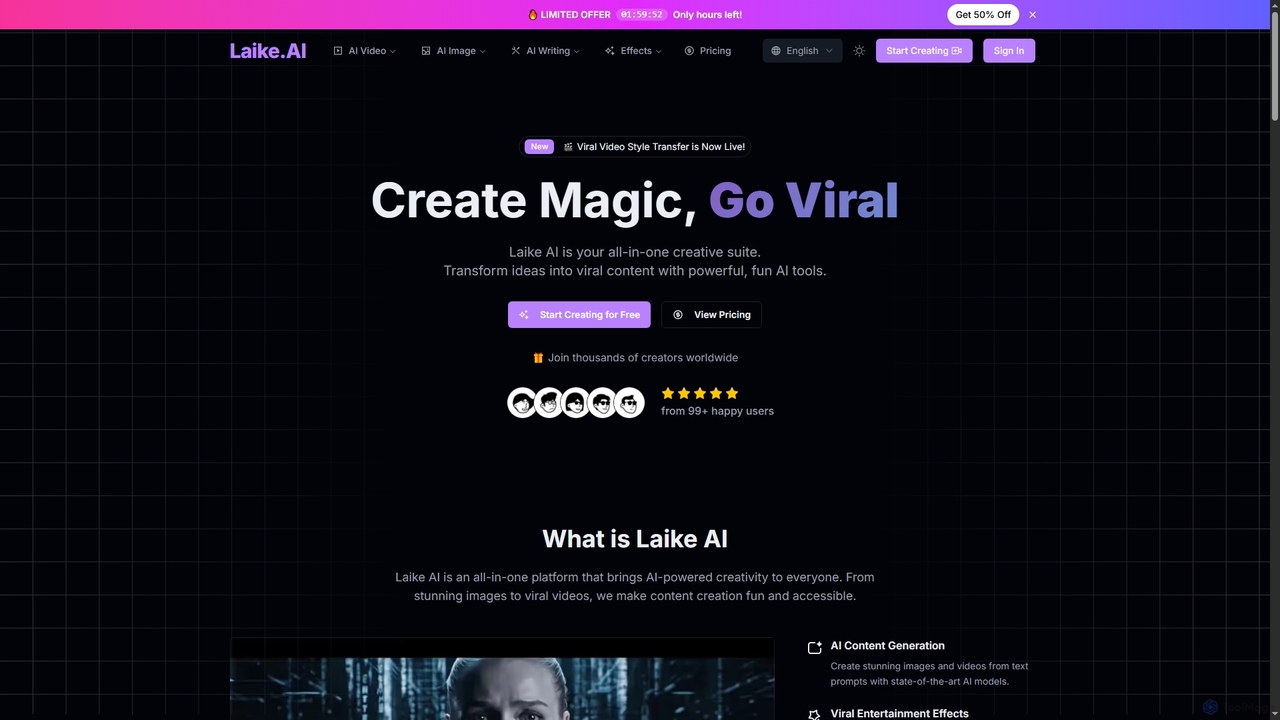
Laike is an all-in-one AI-powered creative suite designed to transform ideas into viral content. It offers powerful tools …
Laike is an all-in-one AI-powered creative suite designed to transform ideas into viral content. It offers powerful tools for generating stunning images and videos, applying trending entertainment effects, and sharing creations effortlessly across social platforms.
Lucy Edit AI
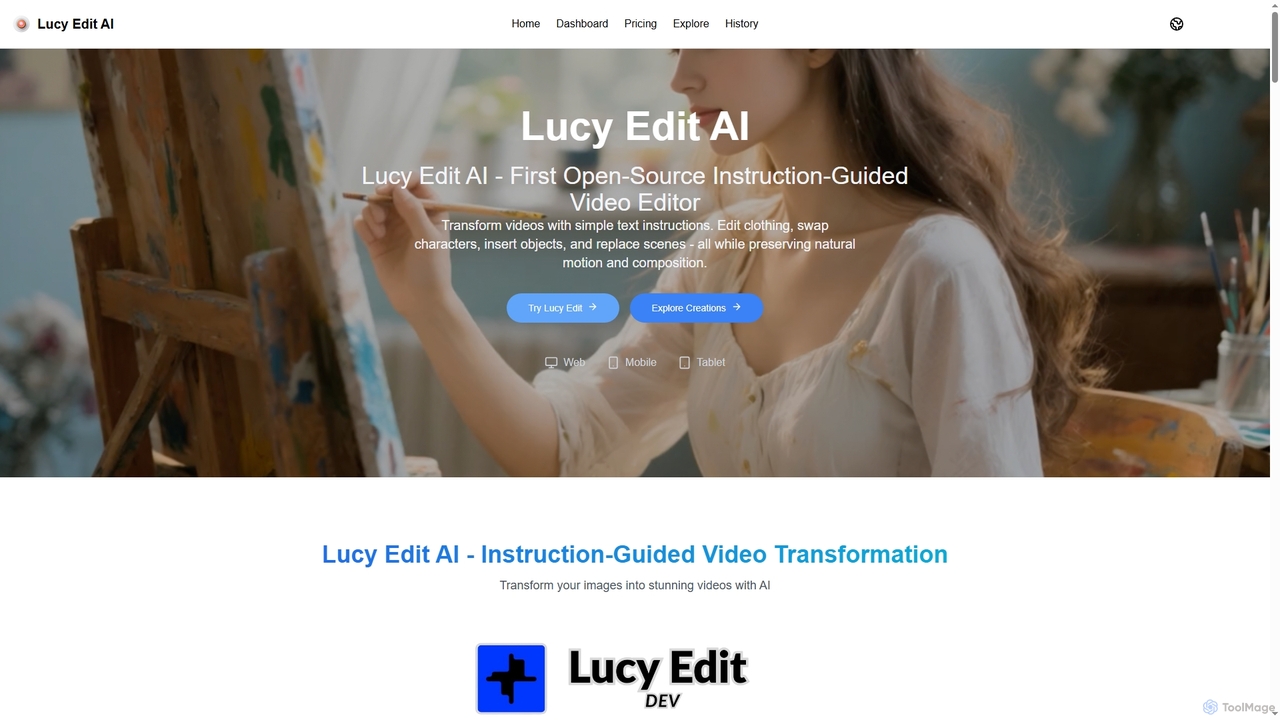
Lucy Edit AI is the first open-source, instruction-guided video editing model that empowers creators to transform videos using …
Lucy Edit AI is the first open-source, instruction-guided video editing model that empowers creators to transform videos using simple text commands. It allows for complex edits like changing clothing, swapping characters, inserting objects, and replacing scenes, all while meticulously preserving natural motion and composition. This innovative tool eliminates the need for masks or fine-tuning, making advanced video manipulation accessible to a wide range of users.
About Visual Effects
AI Visual Effects (VFX) tools are a class of software that uses artificial intelligence to generate, manipulate, and enhance digital imagery for video, film, and interactive media. These tools leverage deep learning models, such as generative adversarial networks (GANs) and neural radiance fields (NeRFs), to automate complex and time-consuming tasks. They empower creators to produce high-quality cinematic effects, remove unwanted objects, or transform video styles with significantly reduced manual effort. This technology makes professional-grade visual effects more accessible to individual artists and smaller studios.
Core Features
- AI Rotoscoping: Automatically isolates subjects from their backgrounds frame-by-frame, drastically cutting down on manual masking time.
- Object Removal & Clean Plate Generation: Intelligently removes unwanted objects, wires, or rigs from footage and reconstructs the background seamlessly.
- Style Transfer: Applies the artistic style of one image or video to another, enabling unique visual transformations.
- AI-Powered Simulation: Generates realistic particle effects like smoke, fire, or water with physics-informed AI models.
- Motion Tracking & Stabilization: Uses AI to accurately track object movement for seamless element integration or to stabilize shaky footage.
Use Cases
AI VFX tools are widely used in the film and television industry for post-production, by video game developers for creating in-game assets and environments, and by advertising agencies for producing compelling commercials. Social media creators also use them to add engaging effects to short-form videos, elevating their content's production value.
How to Choose
When selecting an AI VFX tool, consider its integration with your existing workflow (e.g., plugins for Adobe After Effects, Blender, or Nuke). Evaluate the level of control and realism the tool offers for specific tasks. Also, assess the processing speed, hardware requirements, and whether the pricing model (subscription vs. perpetual license) aligns with your budget and project frequency.
Visual EffectsUse Cases
Automating Post-Production Rotoscoping
A VFX artist working on a feature film needs to isolate a fast-moving character from a complex, dynamic background for color grading and compositing. Traditionally, this requires manually tracing the character's outline frame by frame, a process that can take days. Using an AI rotoscoping tool, the artist can upload the footage, and the AI model automatically generates a precise matte. The artist then only needs to perform minor clean-up on a few keyframes, reducing the total work time by up to 90% and freeing them to focus on more creative aspects of the shot.
Creating Dynamic Effects for Indie Games
An independent game developer with a limited budget wants to add realistic magical effects, like fireballs and energy shields, to their game. Instead of building complex particle systems from scratch, they use an AI-powered simulation tool. By providing simple text prompts or reference images, the tool generates a variety of unique, high-fidelity visual effects. This allows the developer to quickly prototype and implement dozens of effects that look professional without needing a dedicated VFX specialist, accelerating the development cycle.
Enhancing Social Media Video Content
A content creator for a fashion brand aims to produce eye-catching short-form videos for platforms like TikTok and Instagram. They use an AI VFX tool to apply cinematic style transfers, add dynamic motion graphics that track their movements, and seamlessly remove distracting background elements from their shots. This enables them to create videos with high production value directly from their desktop or mobile device, increasing audience engagement and brand perception without the cost of a professional video crew.
Removing Unwanted Objects in Commercials
A video editor for an advertising agency is working on a car commercial and needs to remove reflections of the camera crew from the car's glossy surface. Using an AI object removal tool, they can simply paint over the unwanted reflections in the footage. The AI analyzes surrounding frames and textures to intelligently fill in the selected area, creating a flawless, clean shot. This process avoids expensive reshoots and complex manual cloning work, ensuring a polished final product is delivered on time.
Generating Backgrounds for Virtual Production
A virtual production studio is creating a scene set in a fantasy world. Instead of building a physical set, they use an AI tool based on Neural Radiance Fields (NeRFs). The tool generates a complete 3D environment from a series of 2D images or a text description. This allows the director to place actors in a green screen studio and see the final composite in real-time on an LED wall, enabling them to make immediate creative decisions and significantly streamlining the production pipeline.
Stabilizing Handheld Action Footage
A documentary filmmaker has captured crucial, but shaky, handheld footage during an action sequence. The footage is unusable in its raw state. They process the clips through an AI-powered video stabilization tool. The software analyzes the motion vectors within the footage, intelligently distinguishing between intentional camera movement and unwanted jitter. It then stabilizes the video while minimizing warping artifacts and cropping, salvaging the critical shot and maintaining a professional, cinematic quality.