HeyDesk
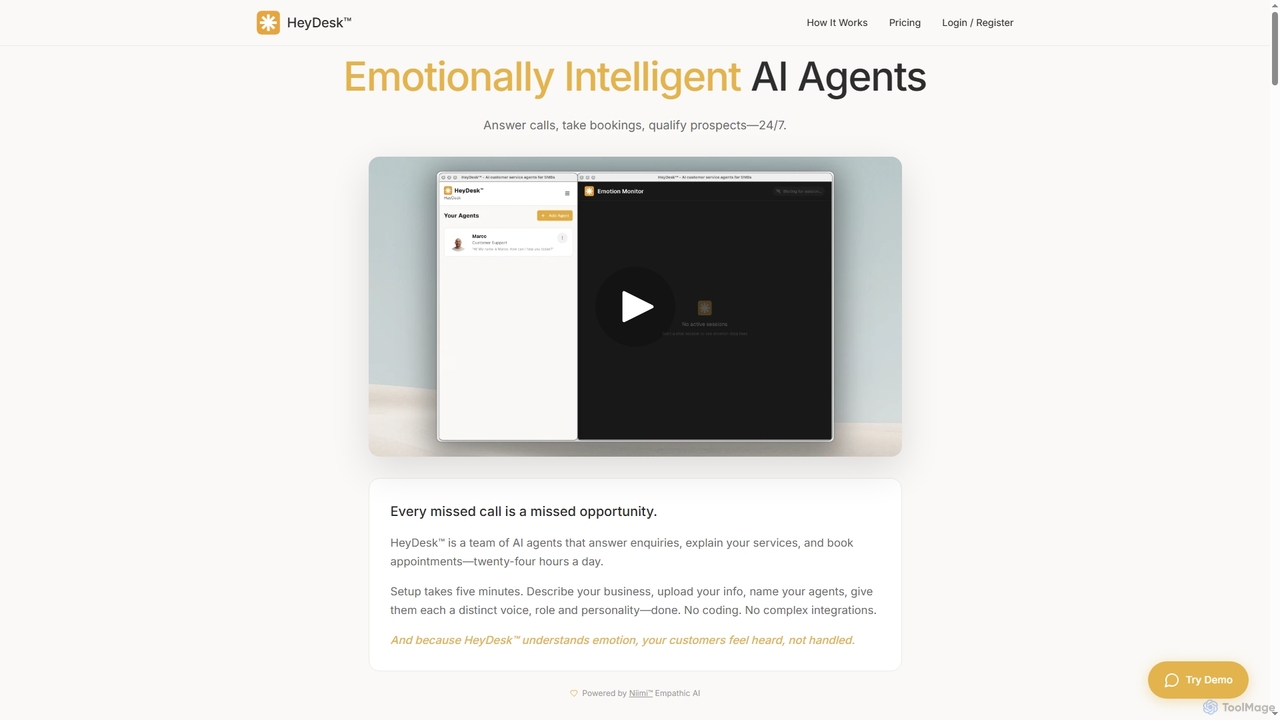
HeyDesk offers emotionally intelligent AI agents designed for small and medium-sized businesses (SMBs). These agents operate 24/7, handling …
HeyDesk offers emotionally intelligent AI agents designed for small and medium-sized businesses (SMBs). These agents operate 24/7, handling customer inquiries, booking appointments, and qualifying prospects with a human-like touch. Setup is quick and requires no coding, making advanced customer service accessible.
ConfigureMyAI
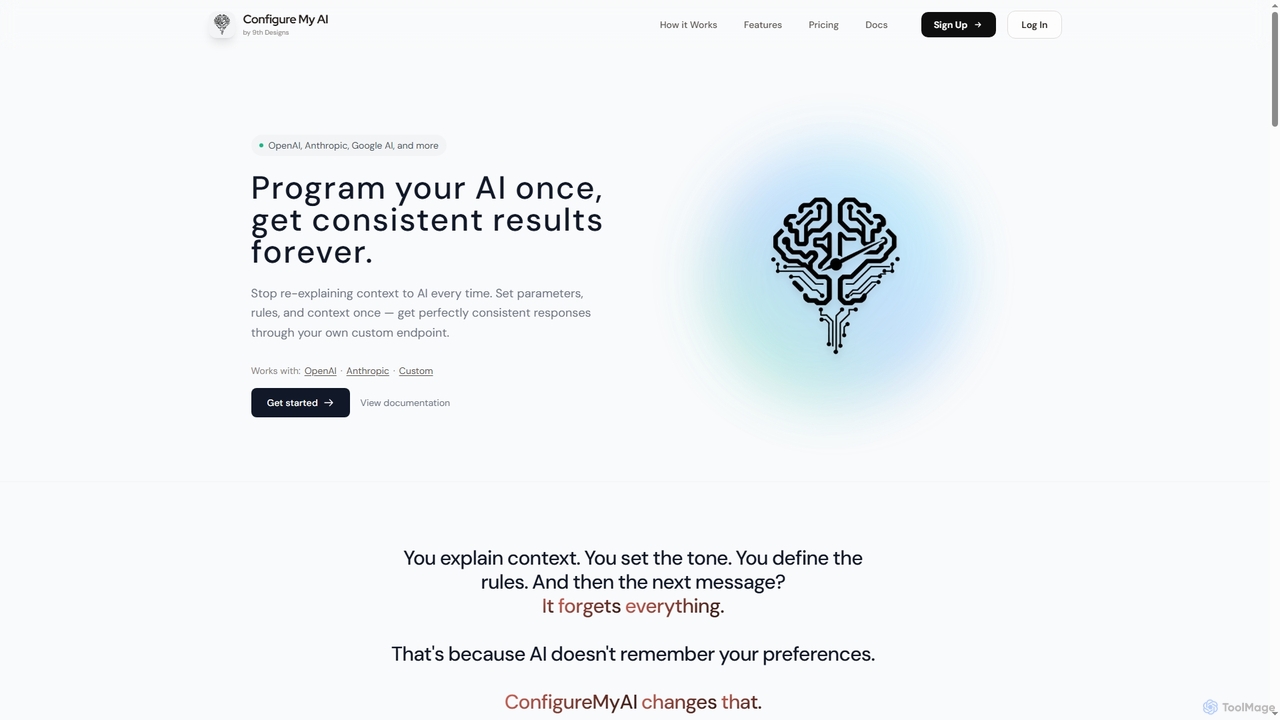
ConfigureMyAI is a powerful platform designed to help developers and businesses program AI assistants once and achieve consistent, …
ConfigureMyAI is a powerful platform designed to help developers and businesses program AI assistants once and achieve consistent, on-brand results every time. It allows users to set system prompts, rules, and upload training data across multiple AI providers like OpenAI, Anthropic, and Google AI, then deploy via custom API endpoints or embeddable widgets.

Brozcal
Brozcal is an AI-powered phone receptionist that ensures 24/7 business availability, intelligent lead qualification, and automated call handling. …
Brozcal is an AI-powered phone receptionist that ensures 24/7 business availability, intelligent lead qualification, and automated call handling. It captures every lead, qualifies prospects, and routes urgent matters instantly, helping businesses boost revenue and never miss a call.
MindX Service AI
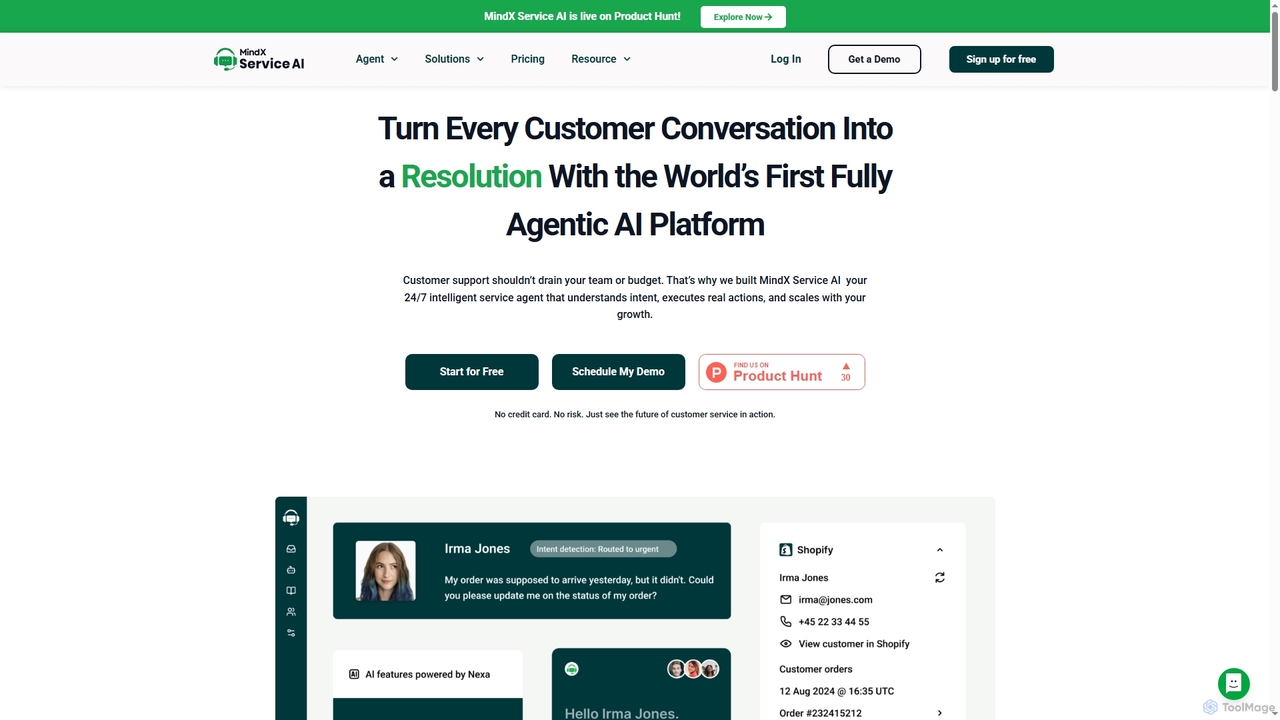
MindX Service AI is the world's first fully agentic AI platform designed to transform customer support. It leverages …
MindX Service AI is the world's first fully agentic AI platform designed to transform customer support. It leverages Nexa AI to provide instant, personalized resolutions, automate up to 90% of Tier 1 queries, and empower human agents. Designed for scalability, it integrates seamlessly with existing systems, reduces costs, and significantly improves customer satisfaction across all channels.
Dunoya
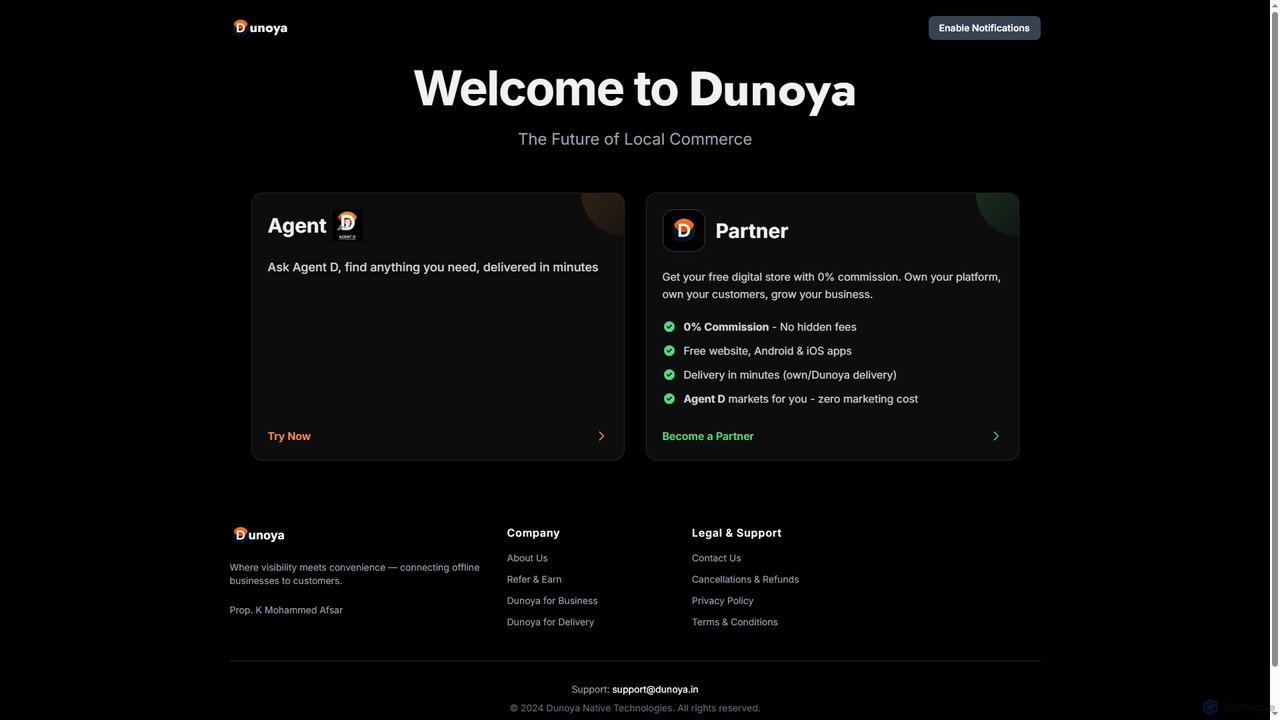
Dunoya is a revolutionary local commerce platform connecting customers with local businesses through an AI agent, Agent D. …
Dunoya is a revolutionary local commerce platform connecting customers with local businesses through an AI agent, Agent D. It offers partners a free digital store, Android & iOS apps, 0% commission, and AI-powered marketing to help them own their customer relationships and grow their business efficiently.
About Ai Assistant
AI Assistants are intelligent software tools designed to automate and enhance various tasks by understanding and responding to human input. Leveraging advanced natural language processing (NLP) and machine learning, they can provide instant support, manage schedules, and streamline workflows across diverse applications. These tools significantly boost productivity and user experience, acting as a crucial component within broader customer service and operational strategies, offering personalized interactions and efficient task management.
Core Features
- Natural Language Understanding (NLU): Interprets user queries and commands in conversational language.
- Automated Task Execution: Performs actions like scheduling, data retrieval, or sending messages.
- Personalized Interaction: Adapts responses and suggestions based on user history and preferences.
- Multi-channel Support: Operates across websites, messaging apps, voice interfaces, and email.
- Proactive Assistance: Offers relevant information or actions before explicit user requests.
Applicable Scenarios
AI Assistants are widely adopted in various professional settings. For customer service, they handle routine inquiries, provide instant FAQs, and guide users through processes, freeing human agents for complex issues. In personal productivity, they manage calendars, set reminders, and automate email sorting. Businesses also deploy them for internal support, onboarding, and data analysis.
How to Choose
When selecting an AI Assistant, consider its core functionalities, ensuring it aligns with your primary use cases, such as customer support or personal productivity. Evaluate its integration capabilities with existing systems like CRM or project management tools. Assess the accuracy and naturalness of its natural language processing, and review its scalability to handle growing user demands. Finally, compare pricing models and the level of customization offered to fit your specific operational needs.
Ai AssistantUse Cases
Automating First-Level Customer Support
For e-commerce businesses or SaaS companies, an AI Assistant can handle a high volume of initial customer inquiries, such as order status checks, password resets, or basic product information. By integrating with CRM and knowledge bases, it provides instant, accurate answers 24/7, reducing wait times and allowing human agents to focus on complex problem-solving. This significantly improves customer satisfaction and operational efficiency.
Streamlining Internal IT Helpdesk Operations
Large organizations can deploy an AI Assistant to manage common internal IT support requests. Employees can ask questions about software installation, network issues, or access permissions, receiving immediate guidance or automated ticket creation. This reduces the burden on IT staff, ensures quick resolution for routine problems, and provides a consistent support experience across the company.
Enhancing Personal Productivity and Task Management
Individual professionals, like busy executives or freelancers, utilize AI Assistants to manage their daily schedules, set reminders, and organize emails. The assistant can prioritize tasks, suggest meeting times, and even draft routine communications based on learned preferences. This frees up valuable time, minimizes administrative overhead, and helps maintain focus on core responsibilities.
Facilitating Sales Lead Qualification and Engagement
Sales teams can leverage AI Assistants to engage website visitors, answer preliminary questions about products or services, and qualify leads based on predefined criteria. The assistant can gather contact information, understand pain points, and even schedule demos with sales representatives, ensuring that human agents only interact with genuinely interested and qualified prospects, boosting conversion rates.
Providing Proactive Onboarding and Training Support
For new employees or users of a complex software, an AI Assistant can offer guided onboarding and continuous training support. It answers questions about company policies, software features, or workflow procedures, providing step-by-step instructions and relevant documentation. This accelerates the learning curve, reduces the need for extensive manual training, and ensures consistent knowledge dissemination.
Assisting with Data Retrieval and Report Generation
Business analysts or managers can use AI Assistants to quickly retrieve specific data points from large datasets or generate summary reports. By simply asking a question like 'What were Q3 sales in Europe?', the assistant can query databases, analyze information, and present findings in a digestible format. This speeds up decision-making and reduces the manual effort involved in data compilation.