XMOX
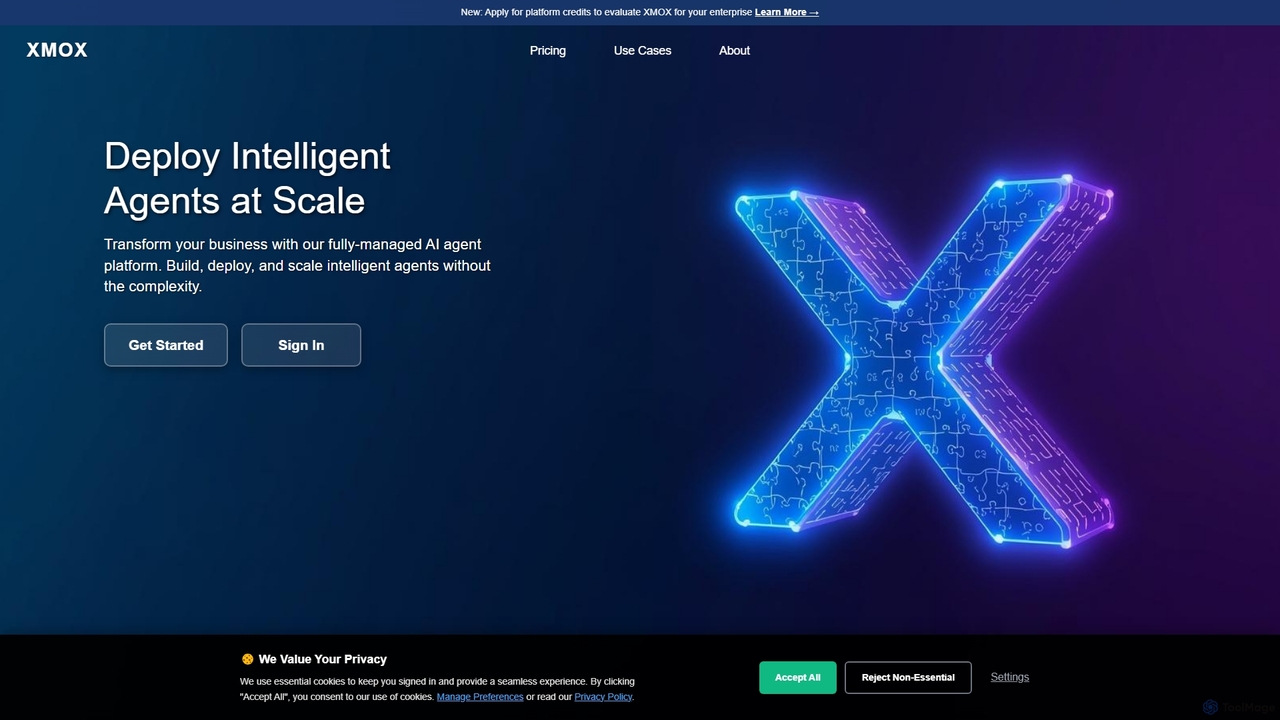
XMOX is a leading managed AI agents platform that provides enterprise-grade infrastructure and services for deploying, scaling, and …
XMOX is a leading managed AI agents platform that provides enterprise-grade infrastructure and services for deploying, scaling, and managing intelligent agents. It eliminates operational complexity, allowing businesses to harness the power of multi-modal AI agents—including language, code, and voice—with advanced RAG integration, zero-touch operations, and intelligent auto-scaling.
About Virtual Assistants
Virtual Assistants are AI-powered applications designed to perform tasks and provide services for an individual or organization. Leveraging natural language processing (NLP) and machine learning, these tools understand complex user requests to manage schedules, automate communications, and retrieve information. As a key component of modern customer service, they handle inquiries and support tasks, while also excelling at personal productivity and administrative automation. Unlike simpler chatbots, virtual assistants can manage multi-turn conversations and integrate with external systems to execute actions directly.
Core Features
- Natural Language Understanding (NLU): Accurately interprets user intent and context in conversational language.
- Task Automation: Executes actions like scheduling meetings, sending emails, and managing calendars.
- Information Retrieval: Accesses connected databases or the web to provide accurate answers to questions.
- Multi-channel Integration: Operates seamlessly across websites, mobile apps, messaging platforms, and smart speakers.
- Personalization: Learns user preferences and historical data to provide tailored assistance.
Use Cases
Virtual Assistants are widely used by customer service teams to provide 24/7 support, answer common questions, and route complex issues to human agents. Sales and marketing teams utilize them for lead qualification and appointment scheduling. Internally, they can function as IT helpdesks or HR assistants, while individuals use them to manage personal tasks and boost productivity.
How to Choose
When selecting a Virtual Assistant, first evaluate its task automation capabilities—does it just answer questions or can it perform actions? Assess its integration options with your existing software, such as CRM and calendar systems. Consider the sophistication of its natural language understanding and the ease of training it on your specific business data. Finally, verify its support for the languages and channels your audience uses.
Virtual AssistantsUse Cases
Automated Customer Support Triage
A customer service team for an e-commerce company uses a Virtual Assistant on their website's chat widget. When a user initiates a chat, the assistant asks for the nature of their inquiry. Based on keywords like 'refund', 'shipping status', or 'technical issue', it automatically categorizes the request, provides an instant answer for common questions from the knowledge base, or seamlessly transfers the conversation with full context to the appropriate human agent. This reduces agent workload for repetitive questions by over 60% and cuts down customer wait times.
Intelligent Appointment Scheduling for Sales
A sales development representative (SDR) for a SaaS company connects a Virtual Assistant to their email and calendar. After an initial positive interaction with a lead, the SDR instructs the assistant to schedule a demo. The assistant emails the lead, offers available time slots based on the SDR's real-time availability, handles any rescheduling requests, and automatically sends a calendar invitation with a meeting link to both parties once a time is confirmed. This eliminates manual back-and-forth emails and accelerates the sales cycle.
Internal IT Helpdesk Automation
An employee at a large corporation needs to reset their password for a specific internal application. Instead of creating a support ticket and waiting, they interact with the company's Virtual Assistant via Slack. The assistant authenticates the user's identity through a two-factor process, understands the request 'password reset for CRM', and guides them through the steps to securely create a new password. The entire process is resolved in under two minutes, improving employee satisfaction and freeing up the IT team for more complex issues.
E-commerce Order and Shipping Inquiries
An online retailer deploys a Virtual Assistant on their support page and messaging apps. A customer asks, 'Where is my order 12345?'. The assistant, integrated with the order management and shipping systems, instantly retrieves the order details. It provides the current shipping status, a tracking link, and the estimated delivery date. It can also handle follow-up questions like 'Can I change the delivery address?', initiating a process for address changes if it's still possible. This provides instant, 24/7 service without human intervention.
Lead Qualification for Real Estate
A real estate agency uses a Virtual Assistant on its website to engage visitors. When a user shows interest in a property, the assistant initiates a conversation, asking qualifying questions like 'Are you working with an agent?', 'What is your budget?', and 'What is your timeline for moving?'. Based on the responses, it identifies high-intent leads and offers to schedule a viewing with a human agent directly, integrating with their calendar. This ensures agents spend their time on pre-qualified, serious buyers.
Personal Productivity and Meeting Management
A busy executive uses a personal Virtual Assistant integrated with their email, calendar, and contacts. They can issue voice or text commands like, 'Schedule a 30-minute review with the marketing team for next Tuesday afternoon' or 'Remind me to call John at 3 PM'. The assistant checks everyone's availability, finds a suitable slot, sends out the invitation, and sets a reminder. It can also summarize unread emails from key contacts or pull up relevant documents before a meeting, acting as a true administrative partner.