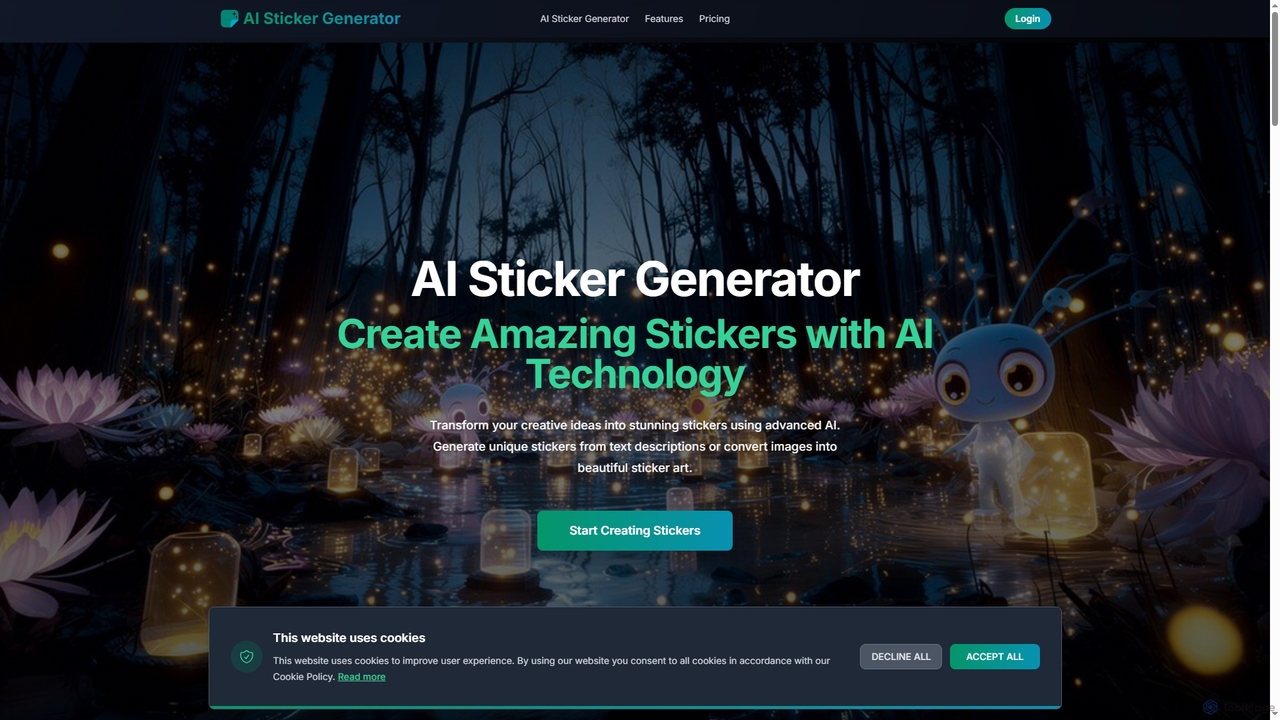
AI Sticker Generator
AI Sticker Generator transforms text descriptions or images into unique, high-quality stickers using advanced AI. Choose from various …
AI Sticker Generator transforms text descriptions or images into unique, high-quality stickers using advanced AI. Choose from various styles like cartoon, emoji, or line art, and get instant, customizable results with commercial rights. Perfect for social media, messaging, and creative projects, no design skills needed.
About Sticker Creation
AI Sticker Creation tools are specialized applications that use generative AI to produce custom digital stickers from text prompts or images. These tools employ diffusion models or similar neural networks, trained on vast libraries of illustrations and icons, to generate unique, expressive visuals in various styles. They are primarily used to personalize digital communications, enhance social media content, and create branded assets for marketing. Unlike general AI image generators, these tools are optimized to create graphics with clean outlines, transparent backgrounds, and distinct art styles suitable for messaging apps and online platforms.
Core Features
- Text-to-Sticker Generation: Creates unique stickers from simple text descriptions and prompts.
- Image-to-Sticker Transformation: Converts existing photos or images into stylized stickers.
- Style Customization: Allows users to select from a range of artistic styles, such as cartoon, anime, 3D, or pixel art.
- Automatic Background Removal: Generates stickers with transparent backgrounds for seamless integration anywhere.
- Style Consistency: Produces a series of stickers in a consistent visual style for creating cohesive packs.
Use Cases
AI sticker creation tools are widely used by social media managers, community managers, content creators, and marketing teams. Common applications include designing custom sticker packs for messaging apps like Telegram and WhatsApp, generating unique reaction emojis for Discord or Slack communities, and creating branded stickers for Instagram Stories to boost engagement.
How to Choose
When selecting an AI sticker creation tool, consider the variety and quality of available art styles. Evaluate the tool's ability to consistently generate high-resolution images with clean, transparent backgrounds. Assess the user interface for ease of use, especially for non-designers. Also, check the supported export formats (e.g., PNG, WEBP) and review the pricing model (credit-based vs. subscription) to ensure it aligns with your needs.
Sticker CreationUse Cases
Creating Custom Sticker Packs for Messaging Apps
A community manager for a gaming group wants to create a unique sticker pack for their Telegram channel. They use an AI sticker creation tool to generate a series of stickers based on inside jokes and game characters. By entering prompts like 'a triumphant knight holding a pizza' or 'a sneaky goblin winking,' they quickly produce over 20 stickers in a consistent cartoon style. This process takes less than an hour, saving the cost of hiring an illustrator and providing the community with personalized, engaging content that strengthens group identity.
Designing Branded Stickers for Social Media Marketing
A social media manager for a coffee brand needs engaging assets for an Instagram campaign. Using an AI tool, they upload their brand's logo and product photos. The tool's image-to-sticker function transforms these into cute, animated-style stickers. They also generate new stickers from text prompts like 'a happy coffee bean character giving a thumbs up.' These branded stickers are then made available in Instagram Stories, encouraging user-generated content and increasing brand visibility as followers use them in their own posts.
Generating Custom Emojis for Online Communities
An administrator of a large Discord server wants to add unique reaction emojis (emotes) to foster a distinct community culture. Instead of searching for pre-made emotes or commissioning an artist, they use an AI sticker tool. They input prompts specific to their community, such as 'a meditating fox for the focus channel' or 'a robot celebrating a software update.' The tool generates a set of small, expressive, and perfectly sized emotes with transparent backgrounds. This allows for rapid creation of a diverse and relevant emote library that enhances user interaction.
Personalizing Digital Planners and Journals
A student uses a digital planner app like GoodNotes to organize their studies. To make the planner more engaging and personalized, they use an AI sticker generator. They create stickers for different subjects and activities by prompting 'a stack of books with a graduation cap' for exam season or 'a minimalist coffee cup icon' for study breaks. The ability to generate stickers that perfectly match their planner's color scheme and theme helps them create a functional and aesthetically pleasing organizational system, improving their motivation and planning consistency.
Creating Educational Stickers for E-Learning
An instructional designer is developing an online course for children. To make the content more visually engaging, they use an AI sticker tool to create a cast of friendly characters and icons. They generate stickers like 'a smiling star for correct answers' and 'a curious magnifying glass for exploration tasks.' These visuals are easily added to presentation slides and interactive modules. The consistent art style helps build a cohesive learning environment, and the custom stickers make abstract concepts more understandable and memorable for young learners.
Prototyping App Icons and UI Elements
A UI/UX designer is in the early stages of designing a new mobile app and needs to quickly brainstorm icon ideas. They use an AI sticker generator as a rapid prototyping tool. By entering prompts like 'simple settings gear icon, flat design, blue and white' or 'notification bell icon, 3D style,' they can generate dozens of variations in minutes. This allows them to visualize different artistic directions and test concepts with the team without spending hours on manual illustration. The generated stickers serve as a strong foundation for the final, polished UI assets.