ToolMage
Sign in

Best 1 Sticker Creation AI tools for Design

Popular Sticker Creation AI tools in Design include AI Sticker Generator, helping you work more efficiently.

AI Sticker Generator
Freemium

AI Sticker Generator

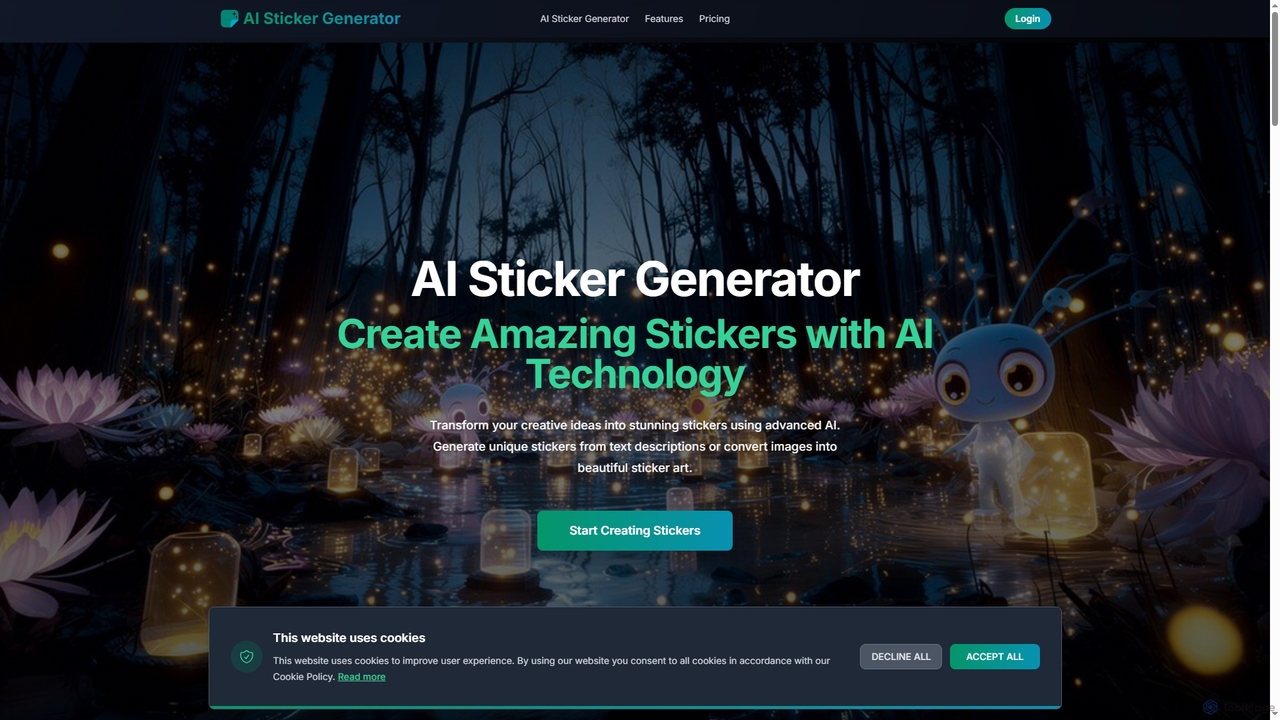
AI Sticker Generator transforms text descriptions or images into unique, high-quality stickers using advanced AI. Choose from various styles like cartoon, emoji, or line art, and get instant, customizable results with commercial rights. Perfect for social media, messaging, and creative projects, no design skills needed.

Art Generation
Visits 5.4KFavorites 116Likes 112

About Sticker Creation

AI Sticker Creation tools are specialized applications that use generative AI to produce custom digital stickers from text prompts or images. These tools employ diffusion models or similar neural networks, trained on vast libraries of illustrations and icons, to generate unique, expressive visuals in various styles. They are primarily used to personalize digital communications, enhance social media content, and create branded assets for marketing. Unlike general AI image generators, these tools are optimized to create graphics with clean outlines, transparent backgrounds, and distinct art styles suitable for messaging apps and online platforms.

Core Features

  • Text-to-Sticker Generation: Creates unique stickers from simple text descriptions and prompts.
  • Image-to-Sticker Transformation: Converts existing photos or images into stylized stickers.
  • Style Customization: Allows users to select from a range of artistic styles, such as cartoon, anime, 3D, or pixel art.
  • Automatic Background Removal: Generates stickers with transparent backgrounds for seamless integration anywhere.
  • Style Consistency: Produces a series of stickers in a consistent visual style for creating cohesive packs.

Use Cases

AI sticker creation tools are widely used by social media managers, community managers, content creators, and marketing teams. Common applications include designing custom sticker packs for messaging apps like Telegram and WhatsApp, generating unique reaction emojis for Discord or Slack communities, and creating branded stickers for Instagram Stories to boost engagement.

How to Choose

When selecting an AI sticker creation tool, consider the variety and quality of available art styles. Evaluate the tool's ability to consistently generate high-resolution images with clean, transparent backgrounds. Assess the user interface for ease of use, especially for non-designers. Also, check the supported export formats (e.g., PNG, WEBP) and review the pricing model (credit-based vs. subscription) to ensure it aligns with your needs.

Sticker Creation use cases

1

Creating Custom Sticker Packs for Messaging Apps

A community manager for a gaming group wants to create a unique sticker pack for their Telegram channel. They use an AI sticker creation tool to generate a series of stickers based on inside jokes and game characters. By entering prompts like 'a triumphant knight holding a pizza' or 'a sneaky goblin winking,' they quickly produce over 20 stickers in a consistent cartoon style. This process takes less than an hour, saving the cost of hiring an illustrator and providing the community with personalized, engaging content that strengthens group identity.

2

Designing Branded Stickers for Social Media Marketing

A social media manager for a coffee brand needs engaging assets for an Instagram campaign. Using an AI tool, they upload their brand's logo and product photos. The tool's image-to-sticker function transforms these into cute, animated-style stickers. They also generate new stickers from text prompts like 'a happy coffee bean character giving a thumbs up.' These branded stickers are then made available in Instagram Stories, encouraging user-generated content and increasing brand visibility as followers use them in their own posts.

3

Generating Custom Emojis for Online Communities

An administrator of a large Discord server wants to add unique reaction emojis (emotes) to foster a distinct community culture. Instead of searching for pre-made emotes or commissioning an artist, they use an AI sticker tool. They input prompts specific to their community, such as 'a meditating fox for the focus channel' or 'a robot celebrating a software update.' The tool generates a set of small, expressive, and perfectly sized emotes with transparent backgrounds. This allows for rapid creation of a diverse and relevant emote library that enhances user interaction.

4

Personalizing Digital Planners and Journals

A student uses a digital planner app like GoodNotes to organize their studies. To make the planner more engaging and personalized, they use an AI sticker generator. They create stickers for different subjects and activities by prompting 'a stack of books with a graduation cap' for exam season or 'a minimalist coffee cup icon' for study breaks. The ability to generate stickers that perfectly match their planner's color scheme and theme helps them create a functional and aesthetically pleasing organizational system, improving their motivation and planning consistency.

5

Creating Educational Stickers for E-Learning

An instructional designer is developing an online course for children. To make the content more visually engaging, they use an AI sticker tool to create a cast of friendly characters and icons. They generate stickers like 'a smiling star for correct answers' and 'a curious magnifying glass for exploration tasks.' These visuals are easily added to presentation slides and interactive modules. The consistent art style helps build a cohesive learning environment, and the custom stickers make abstract concepts more understandable and memorable for young learners.

6

Prototyping App Icons and UI Elements

A UI/UX designer is in the early stages of designing a new mobile app and needs to quickly brainstorm icon ideas. They use an AI sticker generator as a rapid prototyping tool. By entering prompts like 'simple settings gear icon, flat design, blue and white' or 'notification bell icon, 3D style,' they can generate dozens of variations in minutes. This allows them to visualize different artistic directions and test concepts with the team without spending hours on manual illustration. The generated stickers serve as a strong foundation for the final, polished UI assets.

Sticker Creation FAQ

What are AI Sticker Creation tools?

AI Sticker Creation tools are applications that use generative artificial intelligence to create unique digital stickers from text or image inputs. Unlike general drawing software, they automate the creative process, allowing users without artistic skills to produce high-quality visuals instantly. Key features often include selecting various art styles (like cartoon or 3D), automatic background removal, and generating multiple variations from a single prompt. They are most commonly used for personalizing messaging apps, social media content, and online communities.

How to choose the right AI sticker maker?

To choose the right AI sticker maker, consider these factors:

  • Style Variety: Ensure the tool offers the specific artistic styles you need, whether it's anime, cartoon, 3D, or pixel art.
  • Output Quality: Look for a tool that consistently generates high-resolution stickers with clean lines and accurate transparency.
  • Ease of Use: The interface should be intuitive, allowing you to generate and edit stickers quickly without a steep learning curve.
  • Customization Options: Check if you can refine the generated stickers, such as changing colors or modifying small details.
  • Pricing Model: Compare whether a credit-based system or a monthly subscription is more cost-effective for your usage frequency.
What's the difference between an AI Sticker Creator and an AI Image Generator?

The main difference lies in their optimization and intended output. An AI Sticker Creator is a specialized tool designed to produce graphics suitable for use as stickers or emojis. It prioritizes features like transparent backgrounds, clear outlines, and expressive, often simplified art styles. The output is an asset ready to be used in messaging or on social media. In contrast, a general AI Image Generator aims to create complete, complex scenes or photorealistic images. It focuses on overall composition, lighting, and detail, and its output is a full rectangular image, not typically a standalone asset with transparency.

Can I use my own photos to create stickers with these tools?

Yes, many AI sticker creation tools include an 'image-to-sticker' or 'photo-to-sticker' feature. This allows you to upload your own photograph, and the AI will transform it into a sticker. The process typically involves analyzing the main subject of the photo, removing the background, and applying a selected artistic style, such as converting a portrait into a cartoon character or an object into a stylized icon. This is a popular way to create personalized stickers of friends, pets, or favorite items.

Are the stickers I create with AI commercially usable?

The commercial usage rights for AI-generated stickers depend entirely on the terms of service of the specific tool you use. Some platforms grant users full ownership and commercial rights to the creations, allowing them to be used in marketing, merchandise, or other business-related activities. Other tools may restrict commercial use or require a specific subscription plan for it. It is crucial to always read and understand the licensing agreement of any AI sticker creator before using the output for commercial purposes to ensure you are in compliance.