Dyte
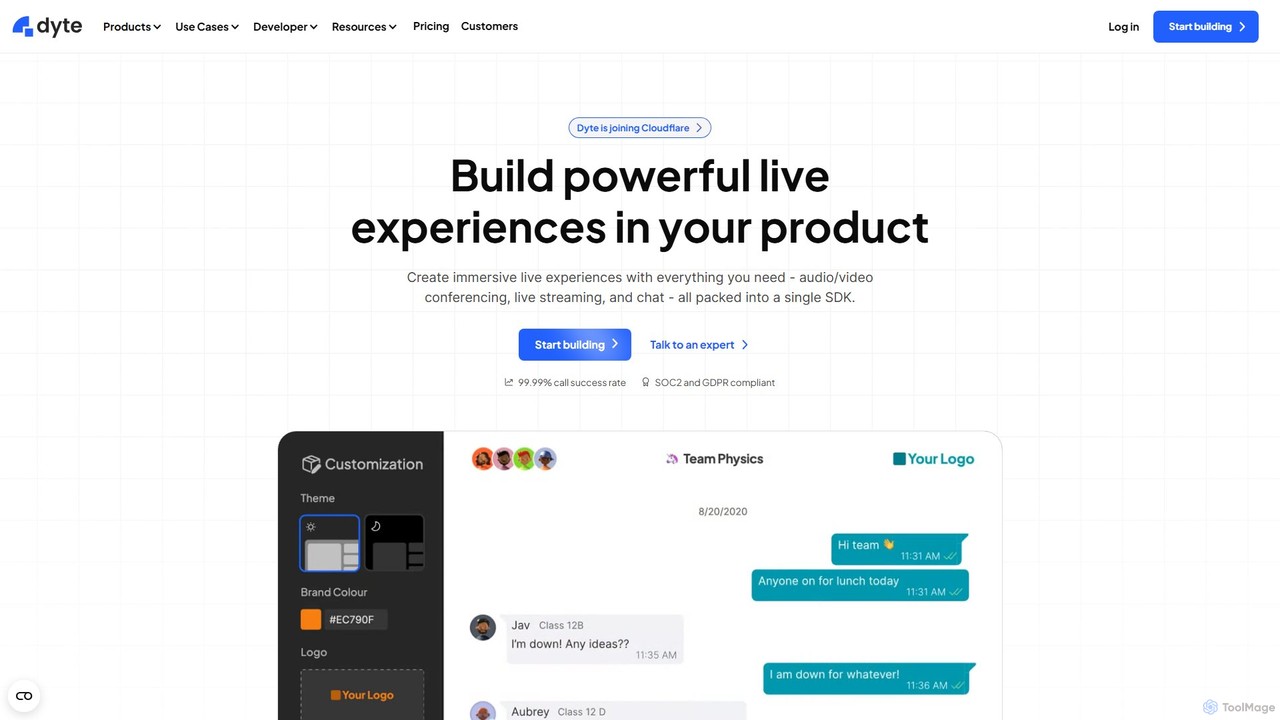
Dyte is a developer-focused SDK platform for easily embedding high-quality, customizable, and secure live video and audio experiences …
Dyte is a developer-focused SDK platform for easily embedding high-quality, customizable, and secure live video and audio experiences into any application. It provides pre-built UI components, powerful plugins, and a robust backend, enabling developers to build interactive communication features for industries like telehealth, ed-tech, and virtual events with minimal effort, all while prioritizing security with SOC2 and HIPAA compliance.
About Communication Sdk
A Communication SDK is a pre-built software development kit that enables developers to integrate real-time communication features directly into their applications. These SDKs provide APIs and libraries for functionalities like chat, voice, and video calls, handling the complex backend infrastructure and network traversal. This allows development teams to add robust interactive features without building them from scratch, significantly accelerating time-to-market. As a specialized category of Developer Tools, they focus specifically on facilitating human-to-human interaction within an app's ecosystem.
Core Features
- Real-Time Messaging: Enables one-on-one and group chat with features like message history, typing indicators, and read receipts.
- Voice & Video Calling: Provides high-quality, low-latency audio and video call functionality, often built on WebRTC technology.
- Push Notifications: Delivers alerts to users even when the application is not active, crucial for engagement in messaging apps.
- Cross-Platform Support: Offers libraries for various platforms, including iOS, Android, and Web, ensuring a consistent user experience.
- Presence Indication: Shows the online, offline, or away status of users, which is fundamental for real-time interaction.
Use Cases
Communication SDKs are widely used in social networking apps for direct messaging, telehealth platforms for doctor-patient video consultations, and online education tools for live-streamed classes with interactive chat. They are also integral to collaborative work platforms for team communication and customer support systems for implementing live chat widgets.
How to Choose
When selecting a Communication SDK, evaluate its scalability to handle your projected user growth. Assess the richness of its feature set against your product requirements. Verify its platform compatibility (iOS, Android, Web) and the quality of its documentation and developer support. Finally, analyze the pricing model—whether it's based on monthly active users (MAU), concurrent connections, or feature usage—to ensure it aligns with your business model.
Communication SdkUse Cases
Integrating In-App Chat for Social Platforms
A mobile app developer building a new social networking application needs to implement a reliable direct messaging and group chat feature. Instead of spending months developing the complex real-time infrastructure, they integrate a Communication SDK. By using the SDK's pre-built UI components and robust backend APIs, they can launch a full-featured chat system in weeks. This includes functionalities like typing indicators, read receipts, and media sharing, significantly reducing development costs and allowing the team to focus on core social features.
Building a Telehealth Video Consultation Feature
A healthcare technology company aims to add secure video consultations to its patient portal. Building a HIPAA-compliant video solution from scratch is complex and time-consuming. They choose a Communication SDK that specializes in healthcare, offering end-to-end encryption and features for secure sessions. Developers can quickly embed the video call functionality into their existing web and mobile apps, enabling patients to connect with doctors face-to-face remotely. This accelerates the delivery of a critical feature, enhances patient care, and ensures compliance with privacy regulations.
Powering Live Streaming for Online Education
An e-learning platform wants to offer live, interactive classes to thousands of concurrent students. They need a solution that can handle large-scale video broadcasting with minimal latency and also include interactive elements like a real-time chat for Q&A. A Communication SDK with live streaming capabilities is the ideal choice. It provides the necessary infrastructure to stream high-quality video to a large audience while also offering a chat API to build an engagement layer. This allows the platform to create a dynamic and engaging virtual classroom experience without managing complex streaming servers.
Enabling Voice Chat in Online Gaming
A game development studio is creating a multiplayer team-based game where clear, low-latency communication is critical for strategy and player experience. Building a global, low-latency voice infrastructure is a massive undertaking. By integrating a Communication SDK optimized for gaming, they gain access to a managed network that ensures minimal lag for voice chat. The SDK handles complex audio processing like echo cancellation and noise suppression, providing crystal-clear audio. This allows players to coordinate tactics seamlessly, significantly enhancing gameplay and team cohesion without the studio needing to become experts in global network infrastructure.
Implementing Live Chat for Customer Support
An e-commerce company wants to improve customer satisfaction by offering instant support on their website. They decide to implement a live chat feature. Using a Communication SDK, their web developers can easily embed a customizable chat widget into the site. The SDK provides the core messaging functionality, agent dashboards, and APIs to integrate with their existing CRM system. This allows support agents to view customer history while chatting, leading to faster and more personalized service. The result is a significant reduction in customer wait times and an increase in conversion rates, achieved without a lengthy development cycle.
Creating Collaborative Whiteboards for Remote Teams
A SaaS company is developing a remote collaboration tool that includes a shared digital whiteboard. A key requirement is that all user actions—like drawing, adding text, or moving objects—must be synchronized in real-time across all participants' screens. They use a Communication SDK's real-time data messaging channel. This channel is designed for low-latency, high-reliability data synchronization. Instead of building a complex WebSocket server and synchronization logic, developers can use the SDK's API to broadcast user actions to all session participants, ensuring everyone sees the same state of the whiteboard instantly.