CodeHS
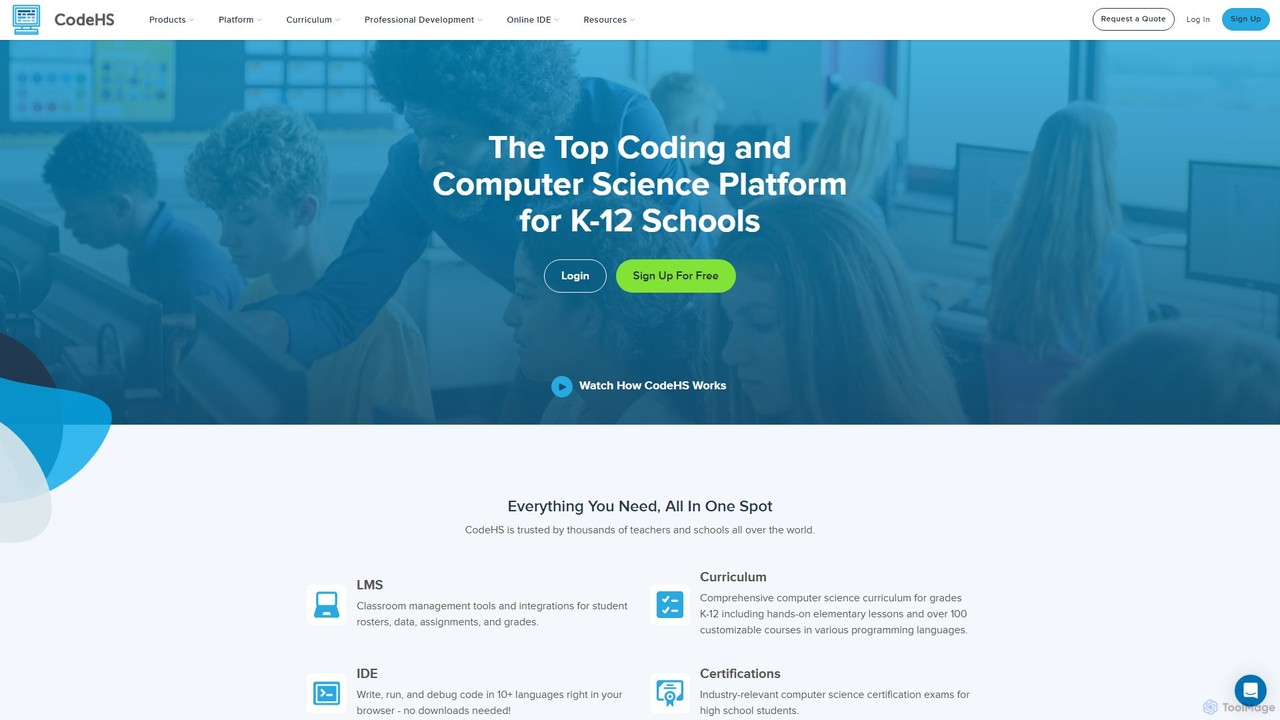
CodeHS is a comprehensive web-based platform for teaching computer science in K-12 schools. It provides an all-in-one solution …
CodeHS is a comprehensive web-based platform for teaching computer science in K-12 schools. It provides an all-in-one solution with curriculum, an online IDE, classroom management tools, and professional development for teachers. It supports over 10 programming languages and includes modern topics like AI and cybersecurity.
JDoodle
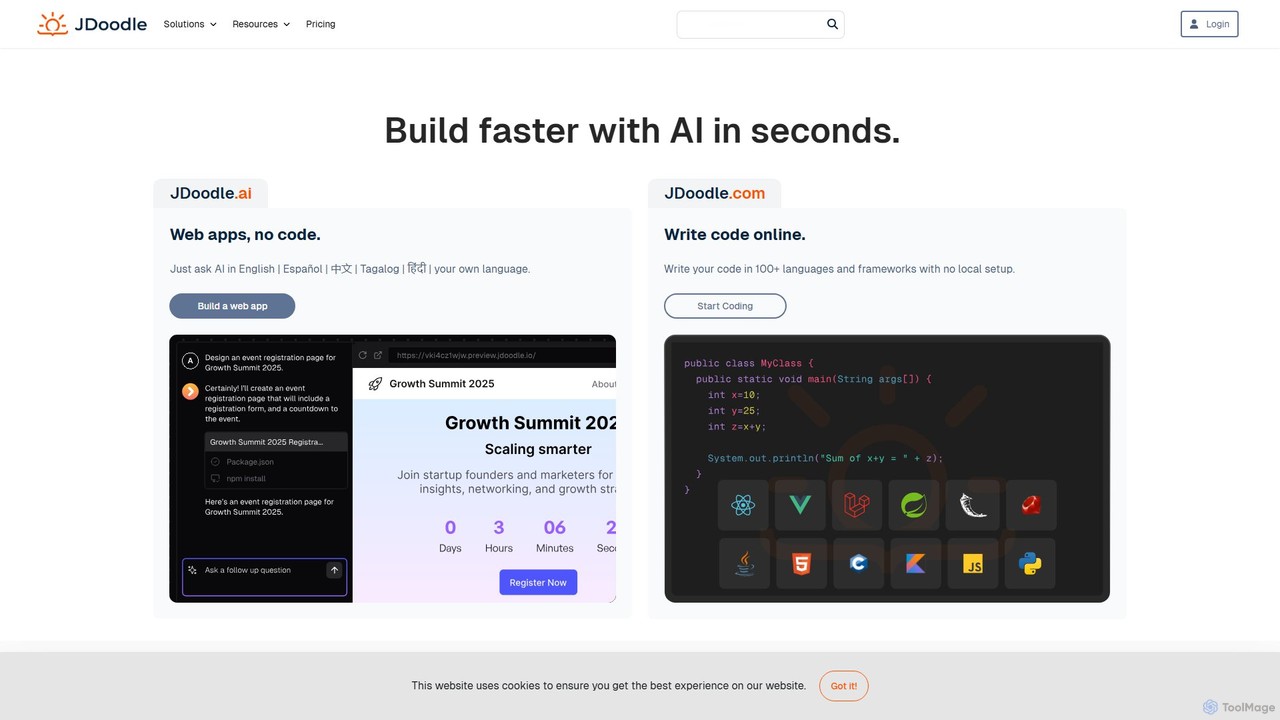
JDoodle is an AI-powered online coding platform and IDE that supports over 96 programming languages and frameworks. It …
JDoodle is an AI-powered online coding platform and IDE that supports over 96 programming languages and frameworks. It allows developers, students, and educators to write, compile, and execute code directly in the browser with zero setup. Featuring AI assistance, real-time collaboration, and powerful integration APIs, JDoodle is designed to enhance coding productivity and streamline programming education.
Cliprun
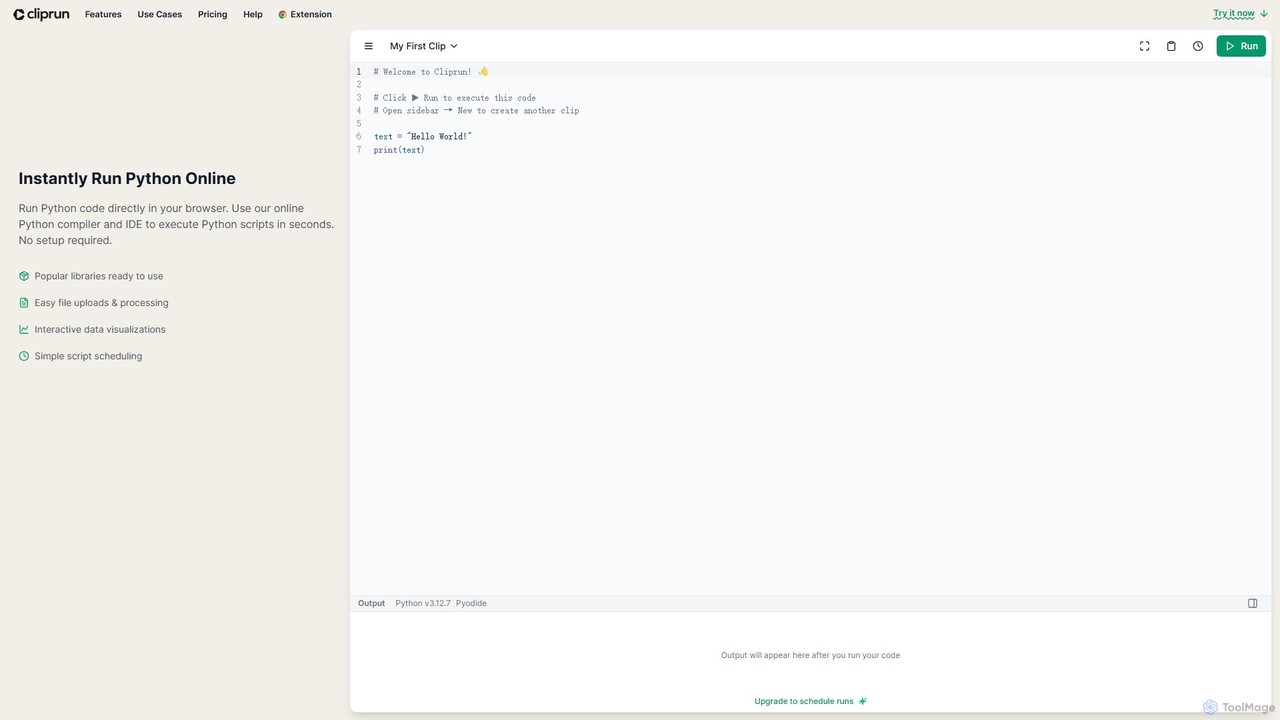
Cliprun is a powerful online Python compiler, IDE, and playground that allows you to run Python code directly …
Cliprun is a powerful online Python compiler, IDE, and playground that allows you to run Python code directly in your browser. It requires no setup and comes with popular libraries like pandas and NumPy pre-installed. Ideal for quick experiments, data analysis, web scraping, and learning Python.
PAS Code
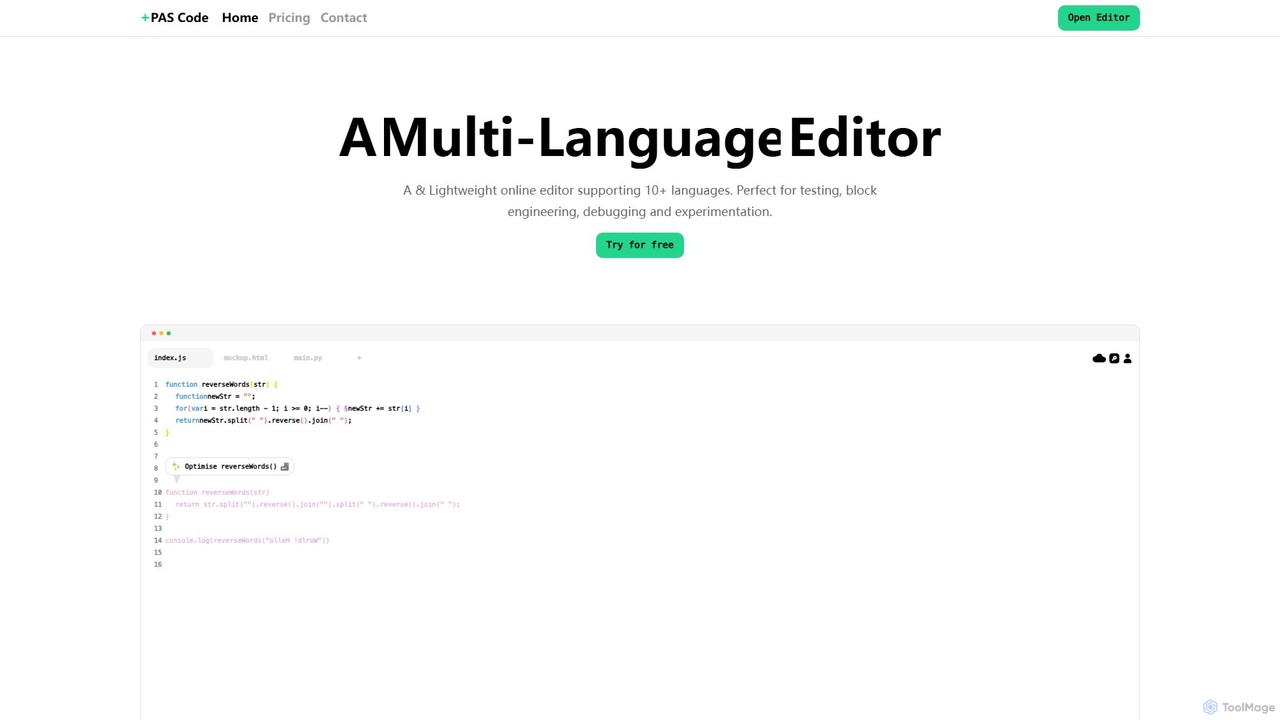
PAS Code is a lightweight, customizable online code editor designed for developers. It supports over 10 languages and …
PAS Code is a lightweight, customizable online code editor designed for developers. It supports over 10 languages and features AI-powered autofill, smart prompts, and seamless cloud syncing. With features like a block editor for notes, live HTML previews, and secure compilation, it's perfect for testing, debugging, and rapid prototyping. It offers a free tier to get started.
About Online Ide
Online IDEs are cloud-based development environments that allow developers to write, run, and debug code directly within a web browser. These platforms integrate a code editor, compiler, debugger, and terminal into a single, cohesive workspace, eliminating the need for complex local machine setup. Their primary value lies in providing consistent, reproducible environments for individuals and teams, significantly streamlining the development workflow. Many modern Online IDEs also incorporate AI-powered features like intelligent code completion and automated debugging to further enhance productivity.
Core Features
- Cloud-Based Workspace: Access a full development environment from any device with a browser, with no local installation required.
- Real-Time Collaboration: Enables multiple developers to code, debug, and review in the same environment simultaneously.
- Integrated Toolchain: Combines a code editor, terminal, debugger, and version control (like Git) in one interface.
- Pre-configured Environments: Provides ready-to-use templates for various languages and frameworks, allowing for instant project startup.
- AI-Powered Assistance: Offers features such as smart code suggestions, error analysis, and automated code generation to accelerate development.
Use Cases
Online IDEs are widely used by remote development teams to maintain consistent environments and facilitate collaboration. They are also invaluable in educational settings, such as coding bootcamps and universities, for providing students with a uniform, zero-setup platform. Additionally, they are ideal for rapid prototyping, open-source contributions, and enterprises aiming to standardize their development toolchain across the organization.
How to Choose
When selecting an Online IDE, consider the supported programming languages and frameworks to ensure compatibility with your tech stack. Evaluate the performance and resource allocation (CPU, RAM) for your project's needs. Assess the quality of collaboration features, such as co-editing and shared terminals. Finally, check for seamless integration with version control systems like GitHub or GitLab and consider the pricing model, whether it's based on usage, users, or a flat fee.
Online IdeUse Cases
Collaborative Development for Remote Teams
A distributed software team is building a new web application using React. By using an Online IDE, all developers, regardless of their local operating system, can work in an identical, containerized environment. They can engage in pair programming sessions by sharing a workspace link, co-editing code in real-time, and using a shared terminal to run commands. This eliminates 'it works on my machine' issues and ensures that every team member is building and testing against the same dependency versions, significantly improving collaboration efficiency.
Standardized Coding Education and Workshops
A university professor is teaching an introductory Python course to 100 students. Instead of having each student install Python and specific libraries, which can lead to version conflicts and setup issues, the professor provides a single link to a pre-configured Online IDE workspace. All students instantly access the exact same environment with all necessary files and packages ready to go. This allows the instructor to focus on teaching concepts rather than troubleshooting installations, and ensures a fair and consistent learning experience for everyone.
Rapid Prototyping and API Testing
A backend developer needs to quickly build and test a new microservice endpoint. Using an Online IDE, they can spin up a Node.js environment from a template in seconds. They write the API logic, use the integrated terminal to install dependencies like Express, and run the server. They can then immediately test the endpoint using tools like cURL within the same terminal or by accessing a public URL provided by the IDE. This entire workflow happens in the browser, avoiding the overhead of setting up a local server, managing ports, and configuring a database connection.
Seamless Open-Source Contribution
A developer wants to contribute a bug fix to a public repository on GitHub. Instead of cloning the large repository to their local machine, setting up the development environment, and installing dependencies, they can open the repository directly in an Online IDE with a single click. The IDE automatically forks the repository, creates a new branch, and provisions a ready-to-code environment. After making the changes and running tests, they can commit the code and create a pull request directly from the IDE's interface, streamlining the entire contribution process from hours to minutes.
AI-Assisted Code Refactoring and Optimization
A software engineer is tasked with modernizing a legacy Java application. They load the project into an AI-powered Online IDE. The AI assistant analyzes the codebase, identifies complex or inefficient methods, and suggests specific refactoring options, such as breaking down large functions or converting loops to streams. The engineer can review these suggestions, ask the AI to explain the rationale, and apply the changes with a single click. This accelerates the refactoring process, improves code quality, and helps the engineer learn modern best practices without extensive manual research.
Cross-Platform Mobile App Development
A mobile developer is building an application for both iOS and Android using a framework like React Native or Flutter. An Online IDE provides a unified environment where they can write code once and preview the app's appearance on different virtual devices directly in the browser. This eliminates the need to maintain separate development setups on macOS for iOS and Windows/Linux for Android. The cloud-based build process also offloads heavy compilation tasks from the developer's local machine, leading to faster build times and a smoother development experience.