Greta
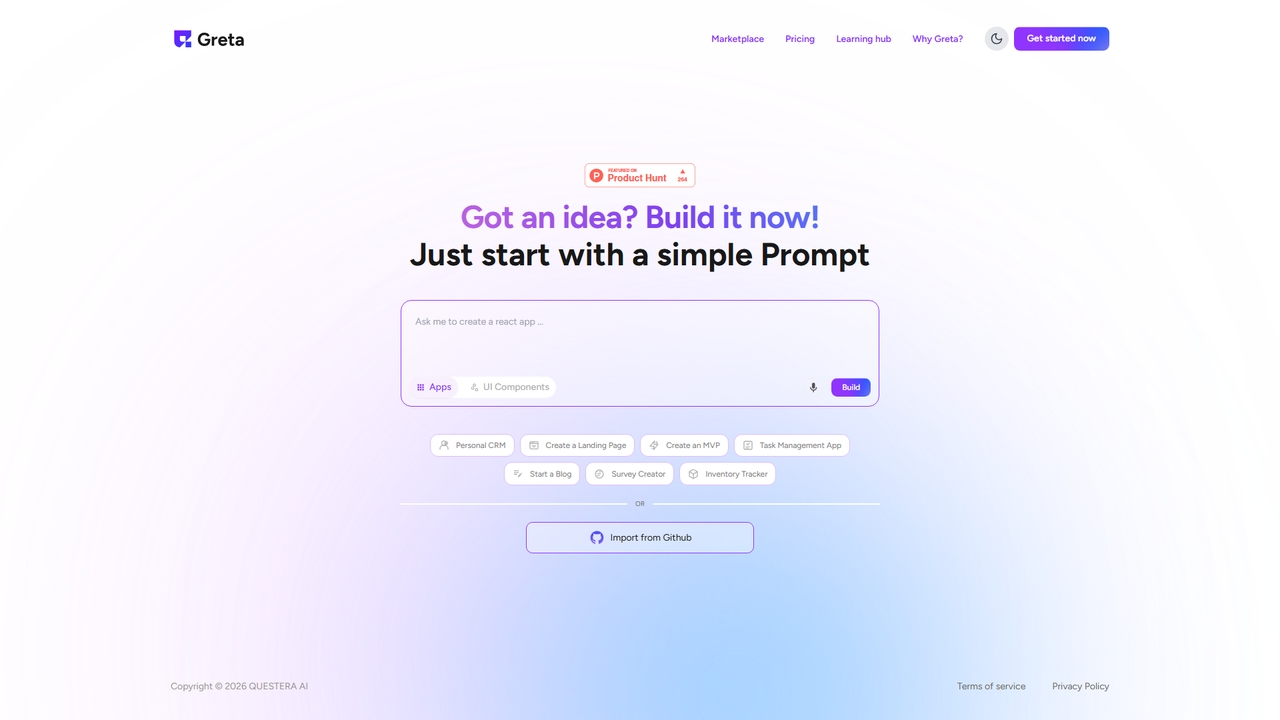
Greta is an innovative AI-powered platform designed to empower users to build custom applications and UI components using …
Greta is an innovative AI-powered platform designed to empower users to build custom applications and UI components using simple text prompts. It accelerates the development process, allowing anyone from developers to entrepreneurs to bring their ideas to life quickly and efficiently, even without extensive coding knowledge.
Lovable Prompts
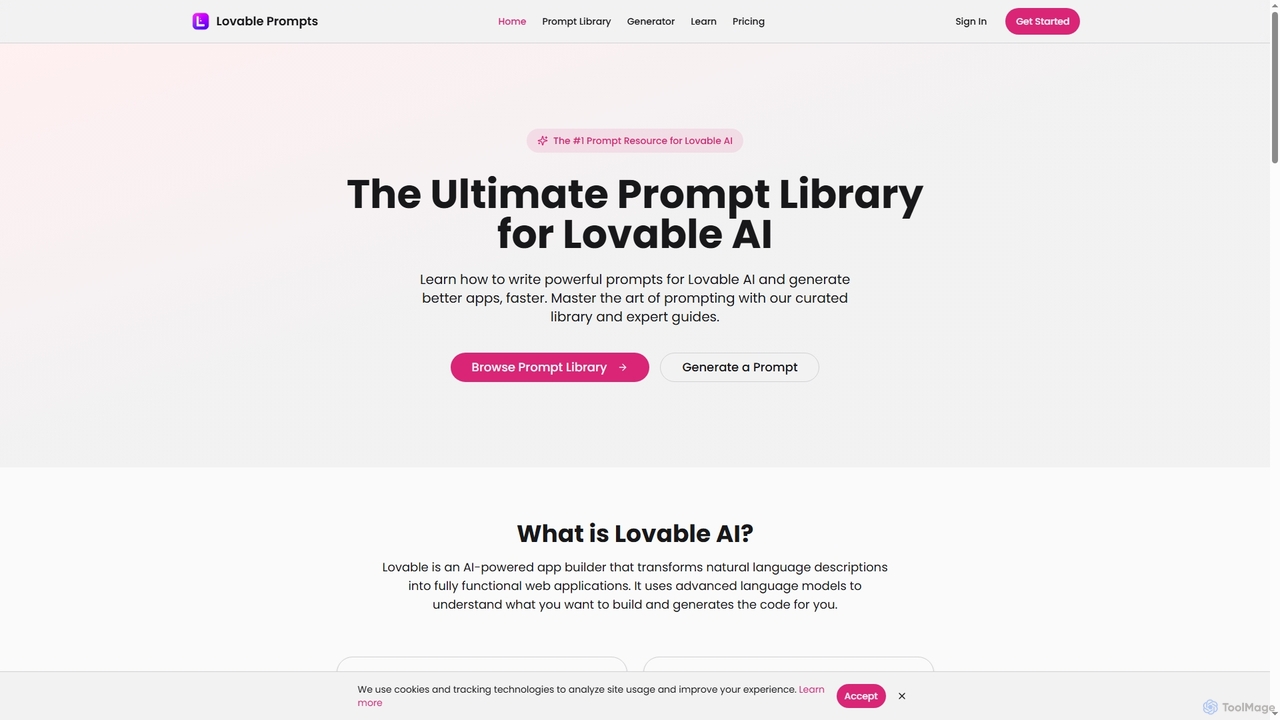
Lovable Prompts is the premier resource for crafting effective prompts for Lovable AI, an advanced AI app builder. …
Lovable Prompts is the premier resource for crafting effective prompts for Lovable AI, an advanced AI app builder. It offers a comprehensive library of curated prompts and an AI-powered generator to help users quickly create functional web applications in React, TypeScript, and Tailwind CSS. Master prompt engineering to accelerate app development and achieve superior results.
SteerCode
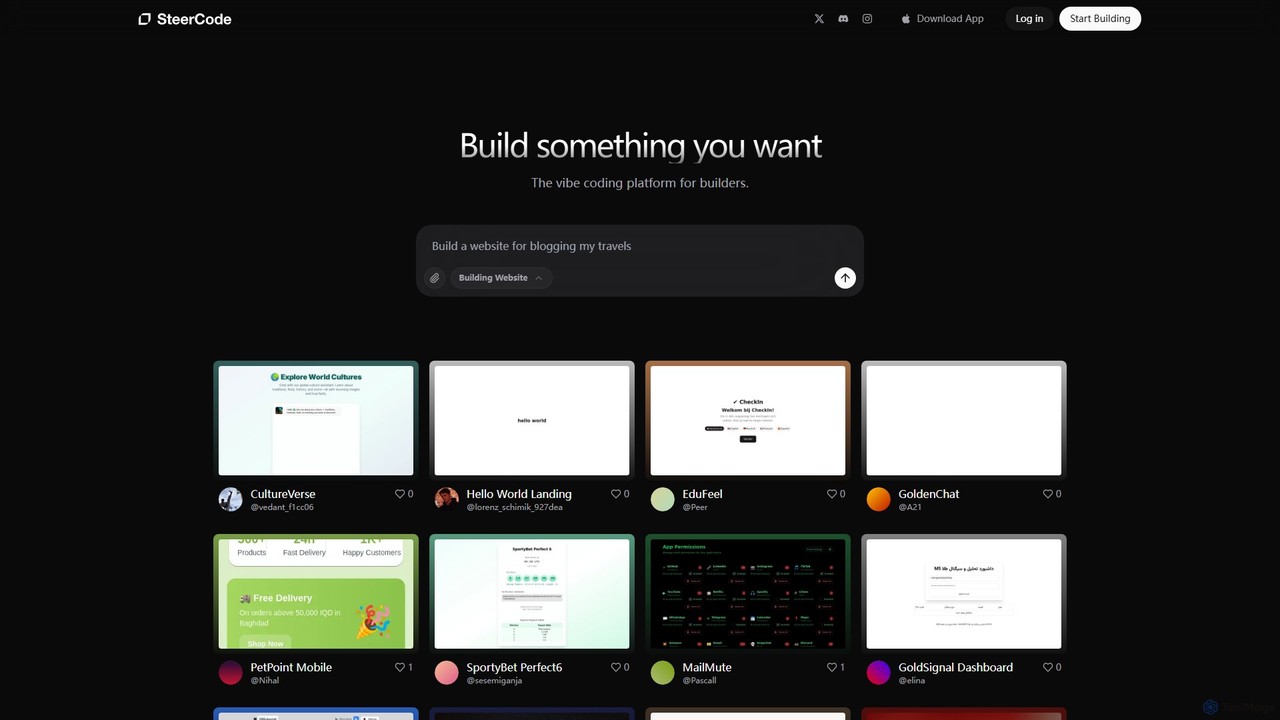
SteerCode is an AI-powered development platform that transforms your ideas into functional websites, apps, and games using simple …
SteerCode is an AI-powered development platform that transforms your ideas into functional websites, apps, and games using simple text prompts. Designed for builders of all skill levels, it eliminates the need for traditional coding. Just describe what you want to create, and watch the AI build it in real-time, right from your browser, even on your phone.
Brancher.ai
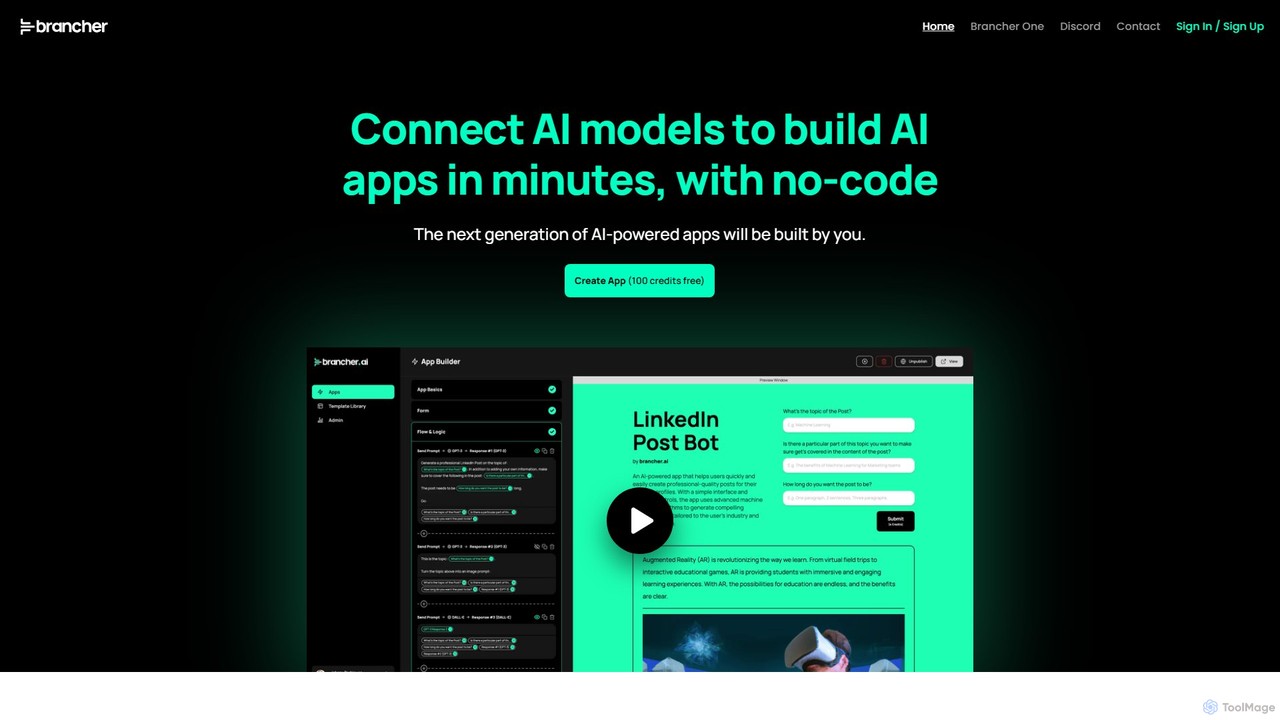
Brancher.ai is a powerful no-code platform that allows users to connect various AI models to build and launch …
Brancher.ai is a powerful no-code platform that allows users to connect various AI models to build and launch custom AI-powered applications in minutes. It's designed for both individuals and organizations, offering a suite of tools for app creation, workflow automation, AI-powered research, and more, without requiring any coding knowledge.
About App Builder
AI App Builders are tools that enable the creation of functional web and mobile applications with minimal to no coding. They leverage visual drag-and-drop interfaces, pre-built components, and artificial intelligence to interpret natural language prompts or designs and generate the underlying code. This approach dramatically accelerates the development process, making it accessible to entrepreneurs, designers, and business professionals without a deep technical background. As a specialized category within development, these builders focus on speed and accessibility, transforming ideas into interactive products efficiently.
Core Features
- Visual Drag-and-Drop Interface: Assemble application UIs by arranging pre-made components on a canvas, requiring no code.
- AI-Powered Logic & Code Generation: Describe functionality in plain English, and the AI generates the necessary frontend and backend code.
- Pre-built Templates and Components: Start with functional templates for common app types like e-commerce, booking systems, or internal dashboards.
- Automated Backend & Database Setup: Automatically configure databases, user authentication, and server-side logic without manual setup.
- One-Click Deployment: Publish the finished application to the web or app stores through a simplified, integrated process.
Use Cases
AI App Builders are widely used by startups to rapidly create Minimum Viable Products (MVPs) for market validation. They are also ideal for small to medium-sized businesses developing custom internal tools, such as inventory management or CRM systems. Product managers and UI/UX designers use them to build high-fidelity, interactive prototypes for user testing and stakeholder presentations.
How to Choose
When selecting an AI App Builder, first consider the distinction between no-code (for non-technical users) and low-code (for users who can add custom scripts). Evaluate the target platforms, whether you need a web app, native iOS/Android apps, or both. Assess the platform's scalability and whether you can export the code if your needs grow. Finally, check its integration capabilities with third-party services like payment gateways or analytics tools, and compare pricing models based on your project's scope.
App BuilderUse Cases
Rapid MVP Development for Startups
A non-technical founder of a startup needs to validate a new business idea quickly without a large budget. Using an AI App Builder, they describe the core features like user registration, profile creation, and a simple dashboard in plain English. The tool generates a functional web application in a matter of days. This allows the founder to launch a Minimum Viable Product (MVP), gather crucial feedback from early users, and present a working prototype to potential investors, significantly reducing time-to-market and initial development costs.
Automating Internal Workflows with Custom Apps
An operations manager at a manufacturing company identifies a bottleneck in tracking maintenance requests, which are currently handled via email and spreadsheets. Using a no-code app builder, the manager designs and builds a custom internal tool. The app allows technicians to submit maintenance requests with photos from their mobile devices, and managers can track the status of each request on a centralized dashboard. This custom app, built without IT department resources, streamlines the workflow, reduces response times, and provides valuable data on equipment issues.
Launching a Mobile App for an E-commerce Store
A small online retailer wants to increase customer loyalty and provide a better mobile shopping experience. They use an AI App Builder with dedicated e-commerce templates. By connecting their existing product catalog (e.g., from Shopify), they quickly create a branded mobile app for both iOS and Android. The app includes features like product browsing, a secure checkout process via Stripe integration, and push notifications for promotions. This allows the retailer to engage directly with customers on their phones, boosting repeat purchases without the high cost of hiring a mobile development agency.
Creating Interactive Prototypes for User Testing
A UI/UX designer is working on a new mobile banking app and needs to validate the user flow before handing it off to the development team. Instead of creating static mockups in a design tool, they use an app builder to create a high-fidelity, interactive prototype. They can easily link screens, add real input fields, and simulate API calls to display dynamic data. This functional prototype is then used for realistic user testing sessions, allowing the team to gather more accurate feedback on usability and identify potential issues early in the design process, saving significant rework later.
Developing a Secure Client Portal
A financial advisory firm needs a secure web portal for clients to upload sensitive documents and view their investment portfolios. Building this from scratch would be costly and time-consuming. By using a low-code app builder, their in-house analyst with some technical skills can create the portal. The builder provides pre-built components for secure user authentication, file uploads, and data visualization. They integrate with their existing database to display real-time portfolio data. The result is a professional, secure client portal launched in weeks, improving client service and data security.
Building an App with Integrated AI Features
A marketing team wants to create a simple tool that generates social media post ideas. Using an AI App Builder that integrates with large language models (LLMs), they can build this without writing complex API calls. They design a simple interface with a text input for a topic and a button. They then instruct the builder in natural language: 'When the button is clicked, take the text from the input, send it to the AI model with the prompt "Generate 5 social media post ideas about this topic", and display the results in a list'. The builder handles the API connection and data flow, creating a useful AI-powered tool in under an hour.