ToolMage
Sign in

Best 2 Low Code Development AI tools for Development

Popular Low Code Development AI tools in Development include Greta and Gabber, helping you work more efficiently.

Greta

Greta

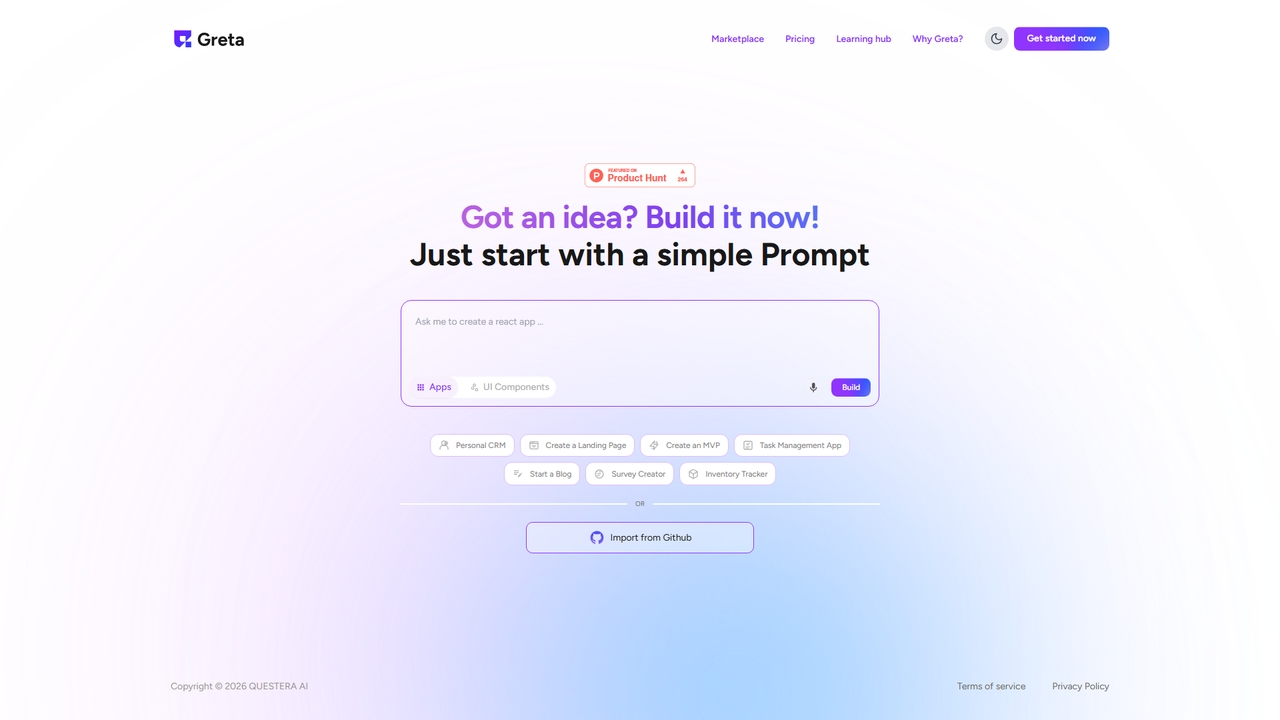
Greta is an innovative AI-powered platform designed to empower users to build custom applications and UI components using simple text prompts. It accelerates the development process, allowing anyone from developers to entrepreneurs to bring their ideas to life quickly and efficiently, even without extensive coding knowledge.

App Builder
Visits 34.1KFavorites 38Likes 44
Gabber
Paid

Gabber

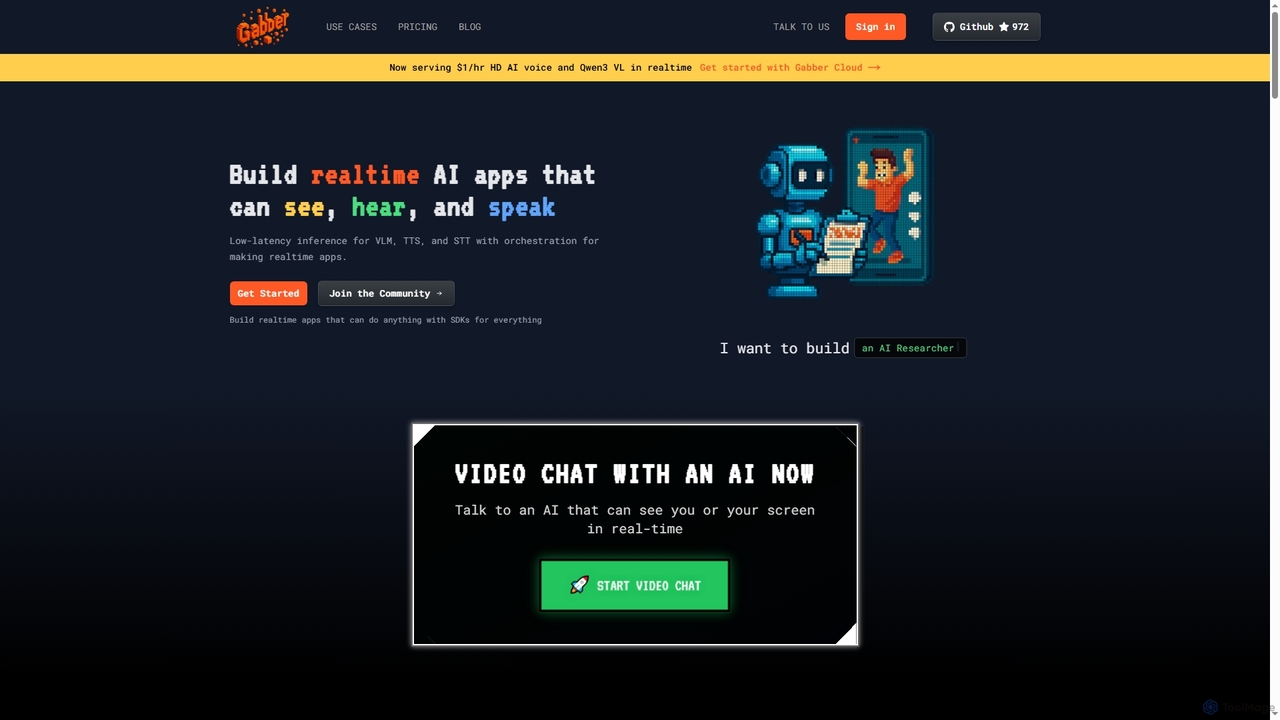
Gabber is a powerful platform for building real-time, multimodal AI applications that can see, hear, and speak. It offers low-latency inference for Vision Language Models (VLM), Text-to-Speech (TTS), and Speech-to-Text (STT), coupled with a graph-based orchestration system for rapid development and deployment.

Conversational Ai
Visits 9.1KFavorites 153Likes 160

About Low Code Development

Low-Code Development platforms are tools that enable the creation of applications through graphical user interfaces and configuration instead of traditional hand-coding. They utilize visual modeling, drag-and-drop components, and automated processes to significantly accelerate the development lifecycle. This approach empowers both professional developers and business users (citizen developers) to build, deploy, and manage applications for web and mobile with minimal coding knowledge. Low-code serves as a powerful bridge between no-code simplicity and the flexibility of custom programming.

Core Features

  • Visual UI Builder: Design application interfaces using a drag-and-drop editor with pre-built widgets and layouts.
  • Pre-built Components & Templates: Accelerate development with a library of ready-to-use modules, business logic, and entire application templates.
  • Data Integration Connectors: Seamlessly connect to various databases, APIs, and third-party services with pre-configured connectors.
  • Workflow Automation: Visually design and automate complex business processes, rules, and logic without writing extensive code.
  • One-Click Deployment: Deploy applications to different environments (development, testing, production) with a single click, managing the entire lifecycle.

Use Cases

Low-code platforms are widely used across industries to build internal tools, automate departmental workflows, and create customer-facing portals. Business analysts use them to create data dashboards and reporting tools, while IT departments leverage them to rapidly develop solutions for specific business needs, reducing backlogs and modernizing legacy systems.

How to Choose

When selecting a Low-Code Development tool, evaluate its scalability and performance capabilities for future growth. Assess the extent of customization possible through code extensibility for complex requirements. Examine the breadth of its integration ecosystem to ensure it connects with your existing software stack. Also, consider the pricing model (per user, per application) and the platform's security and compliance certifications.

Low Code Development use cases

1

Build Custom Internal Business Applications

An operations manager in a mid-sized company needs a custom application to manage inventory and track shipments, but the IT department has a six-month backlog. Using a low-code platform, the manager can use a visual drag-and-drop interface to design the application's forms, data tables, and user dashboard. They connect it to the company's existing database using a pre-built connector. The entire process, from design to a functional internal tool, is completed in under two weeks, empowering the operations team without extensive reliance on IT resources.

2

Automate Complex Departmental Workflows

A human resources team spends hours manually processing employee leave requests through emails and spreadsheets, leading to delays and errors. With a low-code tool, an HR specialist designs an automated workflow. Employees submit requests via a simple form, which then automatically routes to their manager for approval. Once approved, the system updates the employee's leave balance in the HR database and sends a confirmation email. This automation reduces processing time by over 80% and provides a clear, auditable trail for every request.

3

Develop Prototypes and MVPs Rapidly

A startup founder needs to create a Minimum Viable Product (MVP) to demonstrate their business idea to potential investors and gather early user feedback. Traditional development would be too slow and costly. By leveraging a low-code platform, the founder can quickly assemble the core features, including user registration, data display, and basic interaction logic. This allows them to launch a functional prototype in a matter of days, enabling them to validate their concept and iterate based on real-world feedback much faster than with conventional coding methods.

4

Create Customer-Facing Portals

A B2B company wants to provide its clients with a self-service portal to track orders, view invoices, and submit support tickets. Instead of commissioning a lengthy custom development project, the IT team uses a low-code platform. They design a secure, branded portal with user authentication and connect it to their backend ERP and CRM systems via APIs. The platform's pre-built UI components ensure a professional look and feel, and the portal is deployed in a fraction of the time, improving customer satisfaction and reducing the support team's workload.

5

Modernize Legacy Enterprise Systems

An enterprise relies on a critical but outdated database system with a command-line interface, making it difficult for new employees to use. The IT department uses a low-code platform to build a modern, user-friendly web interface on top of the legacy system. Using API connectors, the new application can read from and write to the old database without altering its core logic. This approach extends the life of the valuable legacy system while dramatically improving user experience and productivity, avoiding a costly and risky full system replacement.

6

Build Real-Time Data Dashboards

A marketing team needs a unified dashboard to monitor key performance indicators (KPIs) from various sources like Google Analytics, social media platforms, and their CRM. A marketing analyst uses a low-code platform to build a custom dashboard. They use built-in connectors to pull data from each service's API in real-time. Using visual tools, they create charts, graphs, and tables to display metrics like website traffic, conversion rates, and campaign ROI. The team now has a single source of truth to make data-driven decisions without waiting for manual reports.

Low Code Development FAQ

What is Low-Code Development?

Low-Code Development is an approach to software development that allows users to create applications with minimal hand-coding, primarily using visual interfaces. Instead of writing thousands of lines of complex code, developers use drag-and-drop components, pre-built templates, and visual modeling to assemble and configure applications. This significantly accelerates the development process and makes it accessible to a wider range of users, including business analysts and other non-traditional developers, often referred to as citizen developers.

What is the difference between Low-Code and No-Code?

The primary difference lies in the target user and the degree of customization. No-Code platforms are designed for business users with no programming knowledge, offering purely visual, template-driven development for specific use cases like building simple websites or automating tasks. Low-Code platforms, while also highly visual, are aimed at both business users and professional developers. They provide an 'escape hatch' allowing developers to add custom code (like JavaScript or SQL) for more complex logic, integrations, or UI elements, offering greater flexibility and scalability than no-code solutions.

Who should use Low-Code platforms?

Low-Code platforms are suitable for a wide range of users. Professional developers use them to accelerate development, reduce repetitive coding tasks, and rapidly build prototypes or departmental applications, freeing them to focus on more complex, mission-critical systems. Business users and 'citizen developers' (like business analysts or project managers) use them to build solutions for their own departmental needs, such as automating workflows or creating simple data management tools, without having to join the IT department's queue.

What are the main limitations of Low-Code Development?

While powerful, low-code platforms have limitations. They can sometimes lead to vendor lock-in, making it difficult to migrate an application to another platform or hosting environment. For highly specialized or performance-intensive applications, the abstractions of a low-code platform might not offer the granular control of traditional coding. There can also be concerns about scalability for massive, enterprise-wide systems, and the pricing models can become expensive as the number of users or applications grows.

How do I choose the right Low-Code platform?

To choose the right platform, first, define your primary use case: is it for internal tools, customer-facing apps, or mobile development? Next, evaluate its integration capabilities to ensure it can connect with your existing systems (e.g., CRM, ERP, databases). Assess its scalability and performance to meet future demands. Consider the level of customization and whether it allows for custom code if needed. Finally, compare pricing models (per-user vs. per-application) and review the platform's security features and compliance certifications to ensure they meet your organization's standards.