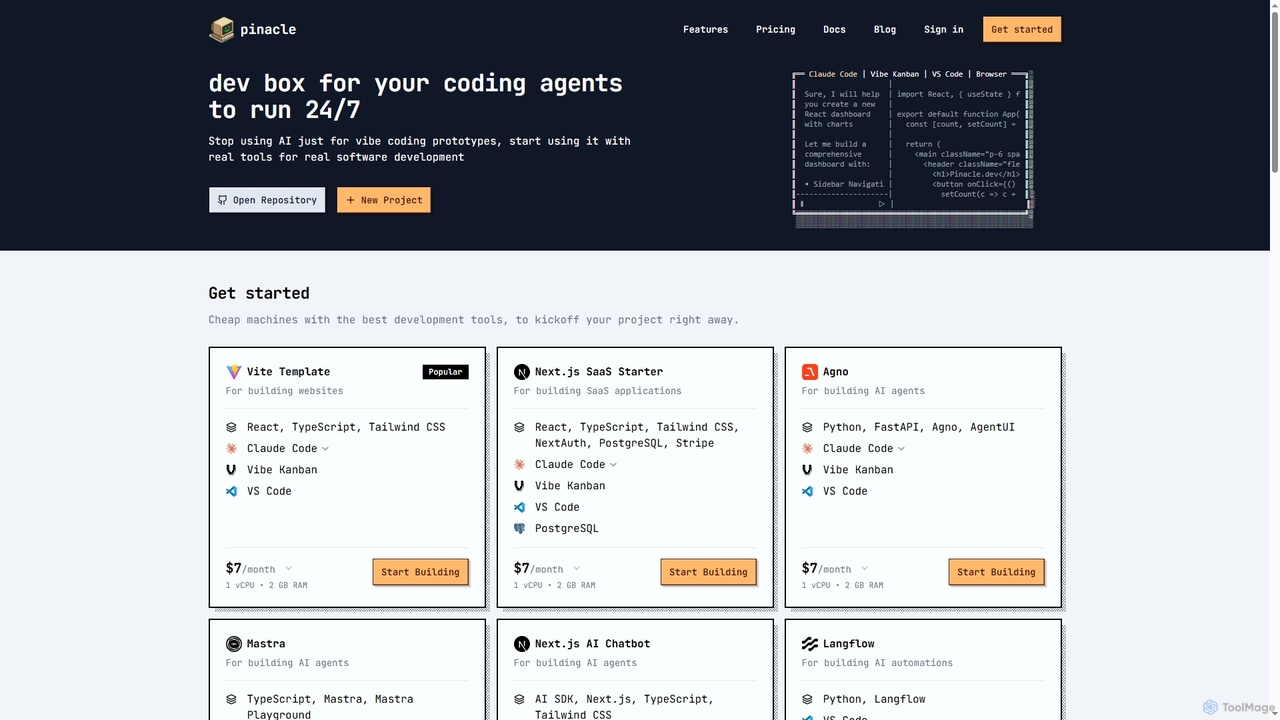
Pinacle
Pinacle provides instant, browser-based cloud development environments (VMs) designed for real software development and 24/7 AI agent operations. …
Pinacle provides instant, browser-based cloud development environments (VMs) designed for real software development and 24/7 AI agent operations. It offers pre-configured stacks, root access, and integrates popular tools like VS Code, enabling developers to build, test, and deploy projects without local setup complexities.
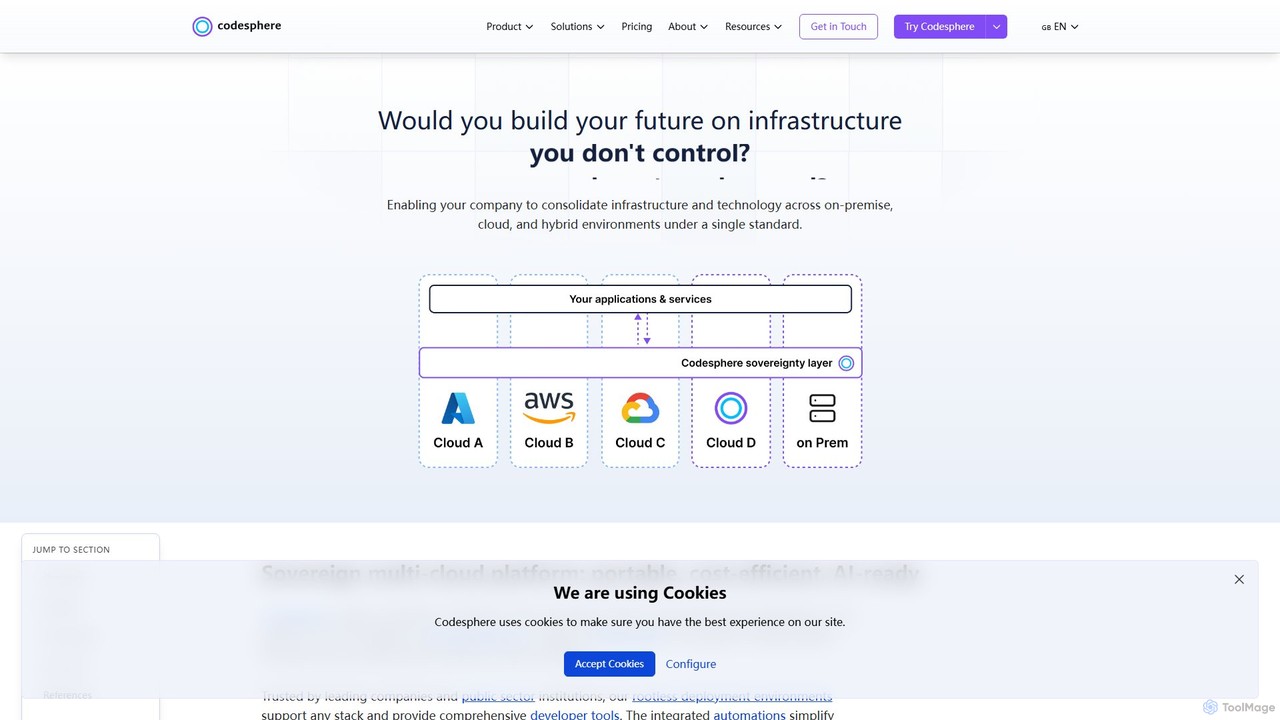
Codesphere
Codesphere is an all-in-one cloud IDE and DevOps platform that unifies development, deployment, and management. It offers a …
Codesphere is an all-in-one cloud IDE and DevOps platform that unifies development, deployment, and management. It offers a sovereign, multi-cloud solution designed to accelerate go-to-market, reduce costs, and simplify complex infrastructure without needing Kubernetes expertise. It's AI-ready and built for enterprise-grade security and scalability.
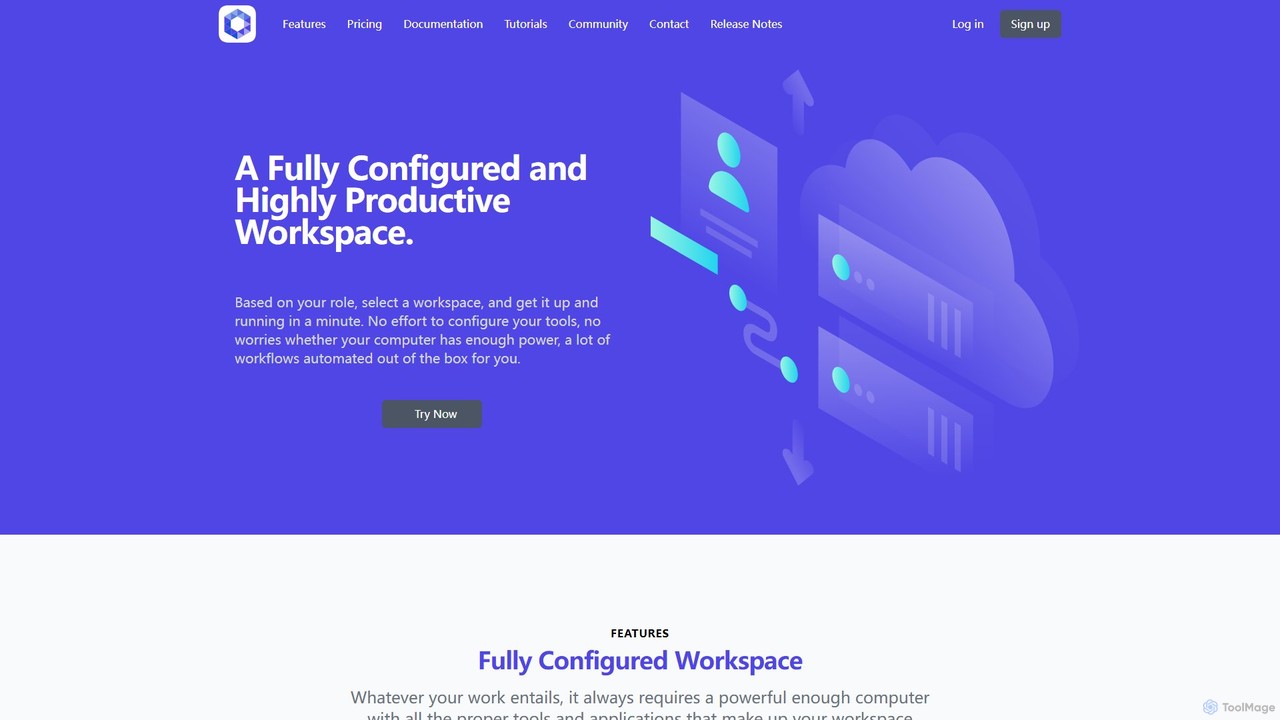
Office Kube
Office Kube is a cloud-native platform that provides fully configured, AI-powered workspaces accessible via a web browser. It …
Office Kube is a cloud-native platform that provides fully configured, AI-powered workspaces accessible via a web browser. It eliminates local setup and hardware constraints by offering role-based development environments with automated workflows. Ideal for developers and teams seeking to boost productivity, streamline collaboration, and leverage enterprise-grade tools on demand.
About Cloud Ide
A Cloud IDE is an integrated development environment that runs on a remote server and is accessed through a web browser. These tools centralize the entire development workflow, including code editors, compilers, and debuggers, into a single online platform. This approach eliminates complex local machine setups and ensures consistent, reproducible environments for every developer. Cloud IDEs are particularly valuable for remote teams and large projects, as they streamline collaboration and leverage powerful cloud computing resources.
Core Features
- Browser-Based Access: Code, build, and debug from any device with a web browser, without installing any software locally.
- Pre-configured Environments: Launch ready-to-code workspaces with all necessary dependencies and tools defined as code, ensuring consistency across teams.
- Real-time Collaboration: Enable multiple developers to work in the same environment simultaneously, sharing terminals, editing code, and debugging together.
- Scalable Cloud Resources: Utilize powerful remote servers for resource-intensive tasks like compiling large codebases or running complex tests.
Use Cases
Cloud IDEs are widely adopted by software development teams for remote and distributed work, onboarding new engineers, and managing complex microservices architectures. They are also popular in educational settings for teaching programming without setup hurdles. Any project that benefits from standardized environments and collaborative coding is a prime candidate.
How to Choose
When selecting a Cloud IDE, consider its support for your specific programming languages and frameworks. Evaluate the depth of its collaboration features, such as pair programming and shared previews. Assess the performance and customizability of the underlying compute resources. Finally, check its integration with version control systems like Git and CI/CD pipelines.
Cloud IdeUse Cases
Rapid Developer Onboarding
For a fast-growing tech company, a team lead uses a Cloud IDE to onboard new developers. They define a standard project environment in a configuration file. New hires simply open a URL in their browser and get a fully functional, pre-built workspace with all dependencies, extensions, and databases ready in minutes. This process reduces setup time from days to under five minutes, eliminating configuration errors and allowing new team members to contribute code on their first day.
Real-time Collaborative Pair Programming
Two developers, located in different time zones, need to debug a critical issue. They launch a shared Cloud IDE session. Both can see and edit the same code, run commands in the same terminal, and view application previews simultaneously. One developer can write a test while the other implements the fix, leading to a much faster resolution than screen sharing. This live, interactive environment improves communication and accelerates problem-solving for remote teams.
Developing on Low-Specification Hardware
A freelance developer uses a lightweight laptop for travel. To work on a data-intensive machine learning project, they use a Cloud IDE. All the heavy processing, model training, and data compilation occurs on a powerful remote server provided by the IDE. Their local machine only needs to run the web browser, allowing them to maintain high productivity and work on complex applications from anywhere without investing in expensive hardware.
Ensuring Consistent Development Environments
A large enterprise team struggles with "it works on my machine" bugs due to slight differences in local setups. They adopt a Cloud IDE where the development environment is defined as code and version-controlled. Every developer, from junior to senior, works within an identical, containerized environment. This standardization eliminates environment-related bugs, simplifies the CI/CD pipeline, and makes the development process more reliable and predictable.
Secure Corporate and Open-Source Development
A financial services company needs to ensure its proprietary code never leaves its secure network. They deploy a self-hosted Cloud IDE. Developers access the environment through a browser, but the code and all artifacts remain on the company's private servers, preventing accidental leaks from developer laptops. Similarly, open-source contributors can quickly start working on a project without complex local setup, lowering the barrier to entry.
Cloud-Native Application Development and Debugging
A DevOps engineer is building a Kubernetes-native application. They use a Cloud IDE that runs directly within their Kubernetes cluster. This allows them to code, build, and debug their application in an environment that perfectly mirrors production. They can test interactions between microservices and debug issues in a realistic context, significantly shortening the feedback loop between development and deployment.