

Office Kube Overview
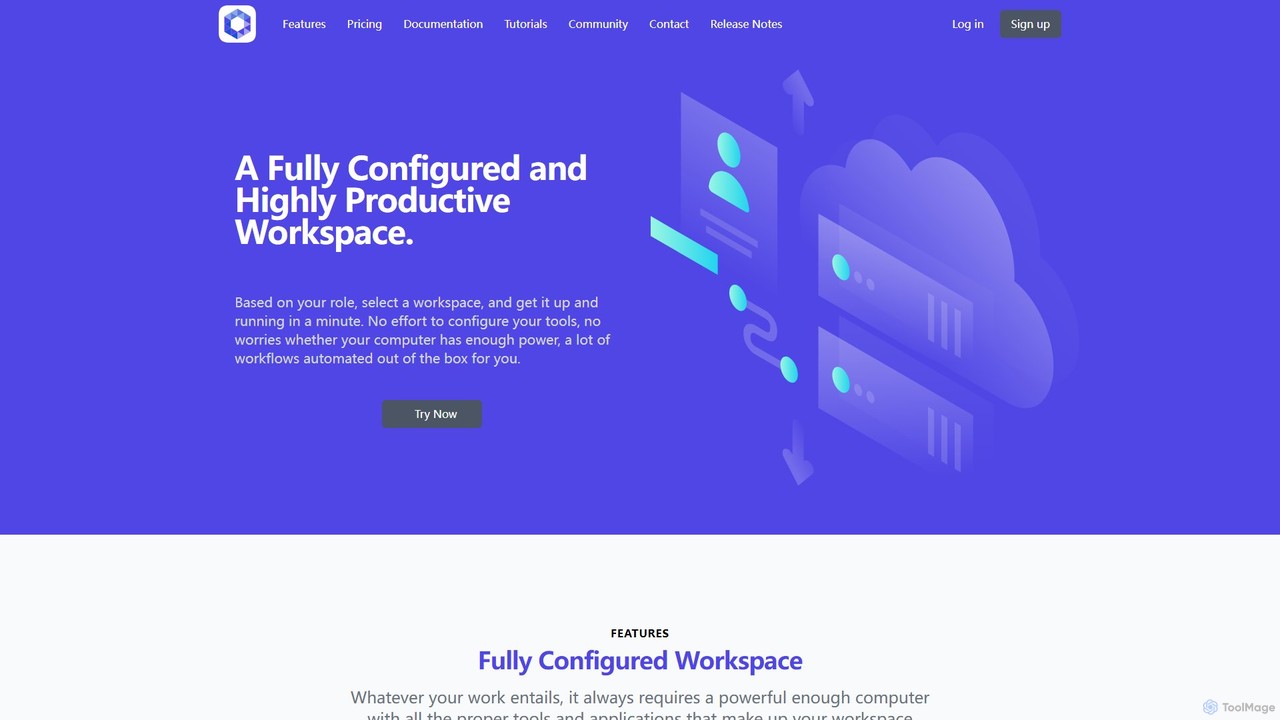
Office Kube is a revolutionary platform designed to provide a fully configured and highly productive workspace directly in your cloud environment. It operates as a 'Workspace-as-a-Service', eliminating the common frustrations of local machine setup, configuration management, and hardware limitations. By selecting a workspace based on your professional role, such as a Java, Python, or Node.js developer, you can have a powerful, ready-to-use environment up and running in minutes, accessible from any device with a web browser.
The platform is built on enterprise-grade technologies like Kubernetes, ensuring security, scalability, and resilience. It automates the provisioning and configuration of not just your primary workspace but also specialized 'Tool Workspaces' for components like databases (PostgreSQL, ElasticSearch), message queues (RabbitMQ), and code quality tools (SonarQube), which can be integrated into your projects with just a few clicks.
How to use Office Kube
Getting started with Office Kube is a straightforward process designed for maximum efficiency:
- Sign Up and Choose a Plan: Register using your email or GitHub account and select a plan that fits your needs, starting with a generous free tier.
- Select a Workspace Template: Browse the repository of pre-configured workspaces. Choose one based on your technology stack (e.g., Go, Python, Node.js) or a specific tool you need (e.g., SonarQube, etcd).
- Launch Your Workspace: The platform provisions your dedicated virtual computer in the cloud. This includes pre-installed applications like Visual Studio Code, terminals, and file browsers.
- Start Working Immediately: Access your complete development environment through your web browser. Your project files can be stored in a persistent `/work` directory, linked to a Git repository.
- Leverage Automation and AI: Use the built-in task repository to execute pre-made automation scripts. Utilize the integrated AI to generate code, create documentation, troubleshoot issues, and optimize your applications directly within the workspace.
- Develop and Extend: For advanced users, Office Kube provides a comprehensive Task Developer Guide to create, test, and publish your own custom automation workflows using the Robot Framework.
Core Features of Office Kube
- Fully Configured Workspaces: Instant access to role-specific environments with all necessary tools, runtimes (JDK, Node.js, Python), and IDEs pre-installed and configured.
- AI-Powered Productivity: Seamlessly integrated AI capabilities for artifact generation (code, documentation), troubleshooting, and optimization, using a sophisticated prompt engine without needing third-party services.
- Extensive Workflow Automation: A searchable repository of automated tasks for routine activities. Users can also build and share their own complex workflows.
- Tool Workspaces: On-demand, production-grade tools like databases, web servers, and CI/CD components that can be spun up and integrated into your main workspace.
- Workflow Extensibility: A powerful task development environment based on the Robot Framework, allowing users to create and automate custom tasks and workflows.
- Enterprise-Grade Architecture: Built on Kubernetes, the platform emphasizes security (Zero Trust), scalability, data protection, and automatic backup and recovery.
- Team Collaboration: Supports the creation and reuse of workflows that involve activities across multiple team members' workspaces, fostering consistency and efficiency.
Use Cases for Office Kube
Office Kube is versatile and caters to various professional needs:
- Software Development: A full-stack developer can launch a React front-end and a Node.js back-end workspace, connect it to a PostgreSQL tool workspace, and use the AI to generate API endpoints and unit tests.
- DevOps and SRE: An engineer can deploy a SonarQube workspace to run static code analysis on a project or use an etcd workspace for managing distributed application configurations.
- Prototyping and Learning: Quickly experiment with new technologies or frameworks without the hassle of local installation and configuration.
- Team-Based Projects: Ensure every team member is working with the exact same environment and toolset, eliminating the 'it works on my machine' problem and streamlining the development lifecycle.
Advantages of Office Kube
Using Office Kube provides a significant competitive edge:
- Radical Productivity Boost: Drastically reduces time spent on environment setup and repetitive tasks.
- Cost-Effective: The pay-as-you-go model for Pro plans allows you to use powerful cloud resources without a large upfront investment.
- Accessibility and Flexibility: Work from anywhere, on any computer, without sacrificing performance.
- Scalability and Reliability: Leverages the power of the cloud and Kubernetes for a stable and scalable experience.
- Standardization and Consistency: Ensures that individual developers and teams work in synchronized, predictable environments.
Pricing and Plans
Office Kube offers a flexible pricing structure to suit different needs:
- Free Plan: $0. Includes 40 hours of lifetime availability, fully configured workspaces, access to the task and app repositories, and task development capabilities.
- Pro Plan: Starts at $0.32 per workspace per hour. Includes all Free features plus dedicated workspaces, access to Tool Workspaces, AI-powered productivity features, and the premium task repository.
- Team Plan: Custom pricing (Contact Sales). Includes all Pro features with unlimited availability, team-specific workflows, and support for multiple environments.
Note that premium services like the AI features are charged separately based on usage (e.g., $0.0052 per token), providing granular control over costs.
Office Kube Alternatives
roost
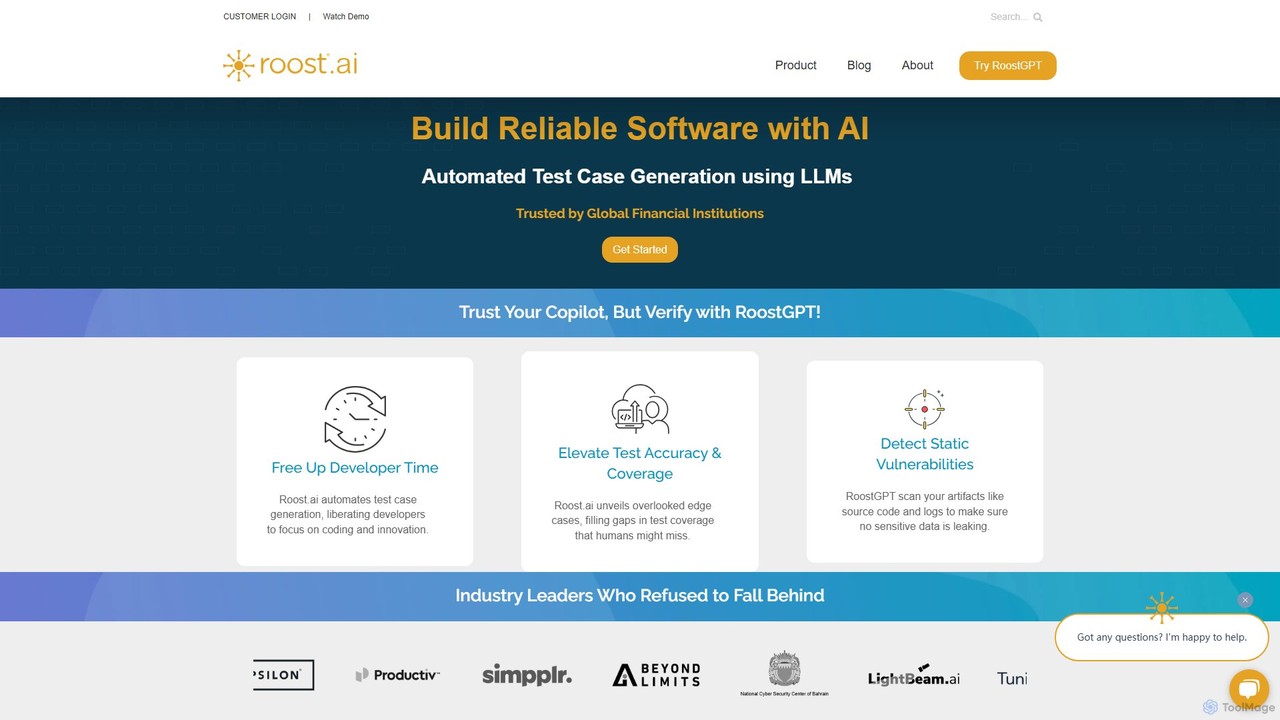
roost is an AI-powered testing copilot that leverages Large Language Models (LLMs) to automate the generation of unit and API test cases. It helps development teams achieve 100% test coverage, detect static vulnerabilities, and accelerate release cycles by integrating seamlessly into existing DevOps workflows.
Code Assistant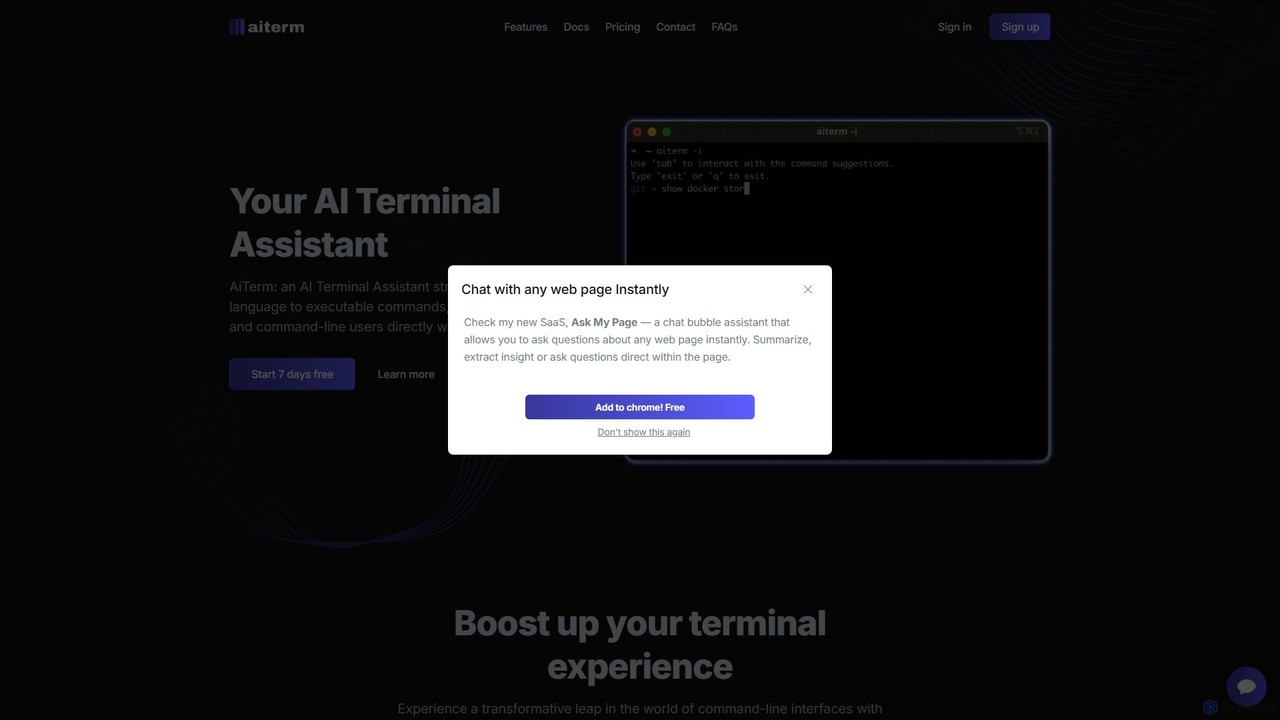
AiTerm
AiTerm is an AI-powered terminal assistant that translates natural language into executable shell commands. It streamlines workflows for developers and command-line users with features like IDE-style autocompletion, command suggestions, and workflow management, all directly within the terminal.
Code Assistant
Qabuddy
Qabuddy is an AI-powered assistant for software quality assurance. It automates tedious testing tasks like test case generation, script writing, and bug reporting. It helps QA teams, developers, and product managers accelerate their testing cycles, improve test coverage, and release higher-quality software faster. By leveraging AI, Qabuddy acts as an intelligent partner in the development lifecycle.
Code Assistant
Rebolt
Rebolt is an AI-powered platform designed to automate the entire software development lifecycle. It helps developer and DevOps teams build, test, and deploy applications faster and more reliably by leveraging AI for CI/CD pipeline optimization, code generation, and intelligent monitoring.
Code Assistant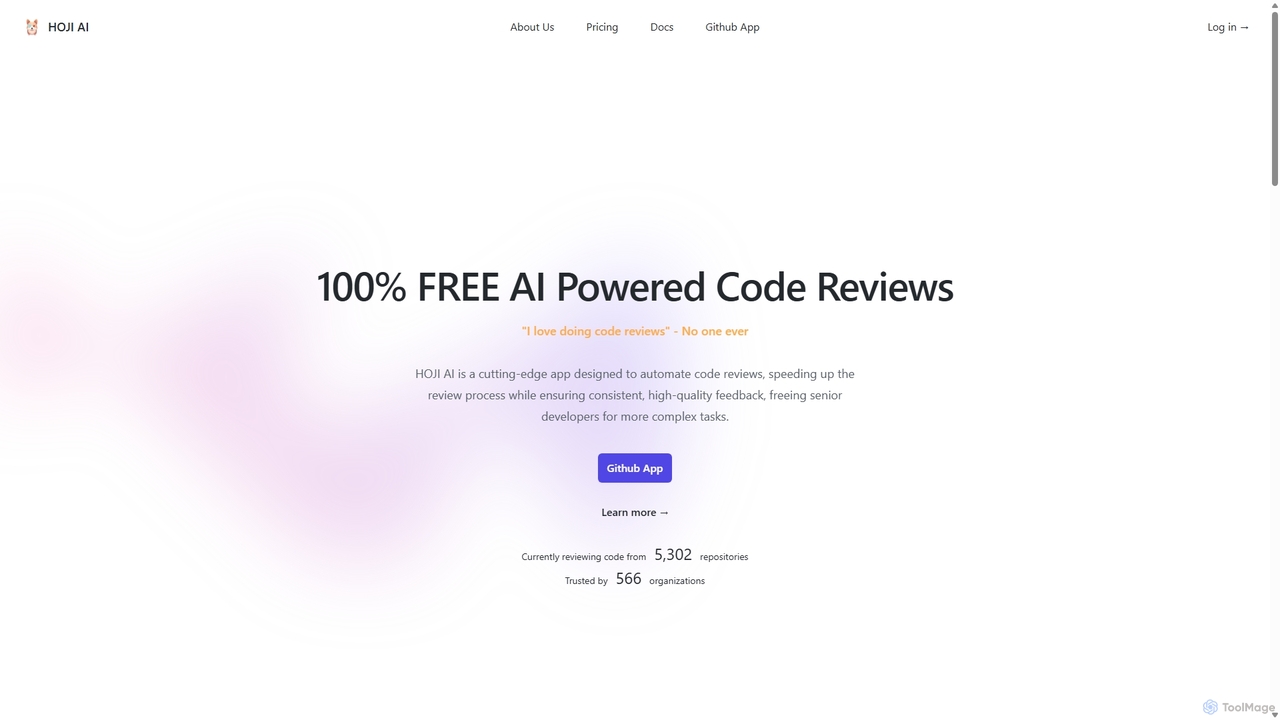
HOJI AI
HOJI AI is a free, AI-powered tool that automates code reviews directly within GitHub. It provides instant, consistent, and high-quality feedback on pull requests, helping development teams increase productivity, improve code quality, and accelerate their development cycles by freeing up senior engineers.
Code AssistantOffice Kube Categories
Office Kube Embed Widget
Copy this embed code to place the badge on your blog, article, or product site and send readers directly to this ToolMage detail page.

Related AI tools
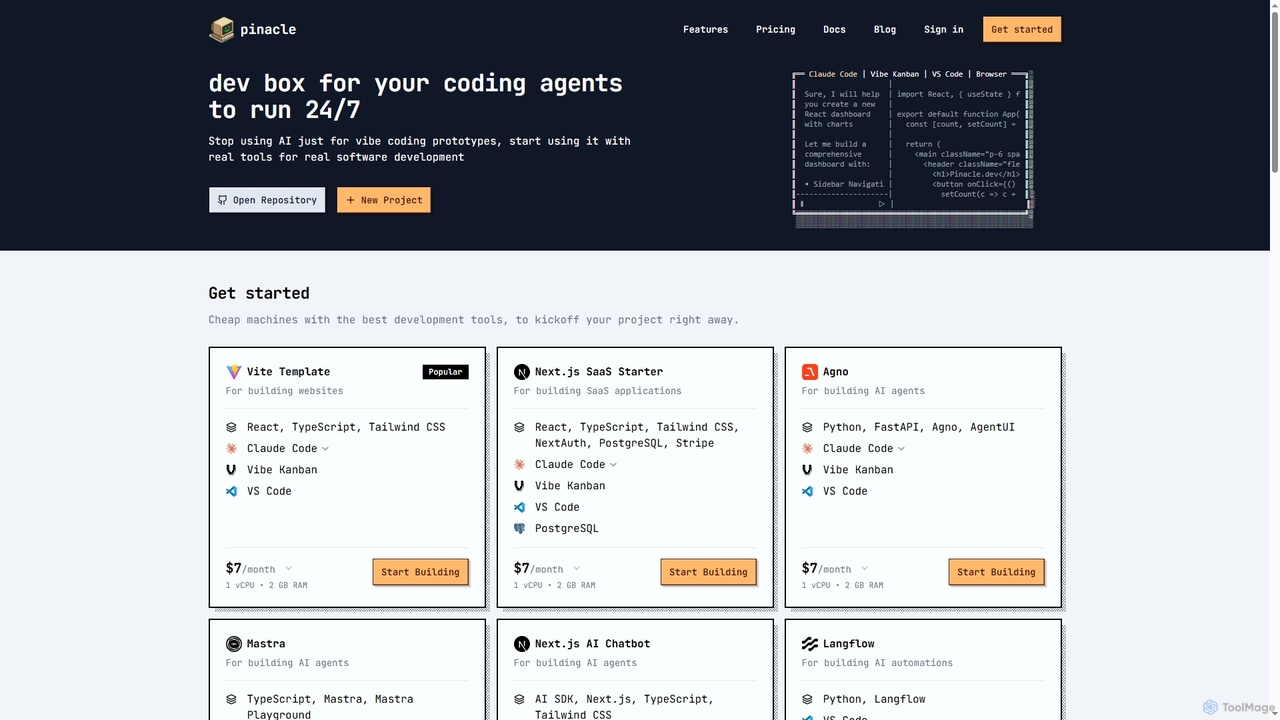
Pinacle
Pinacle provides instant, browser-based cloud development environments (VMs) designed for real software development and 24/7 AI agent operations. It offers pre-configured stacks, root access, and integrates popular tools like VS Code, enabling developers to build, test, and deploy projects without local setup complexities.
Code Collaboration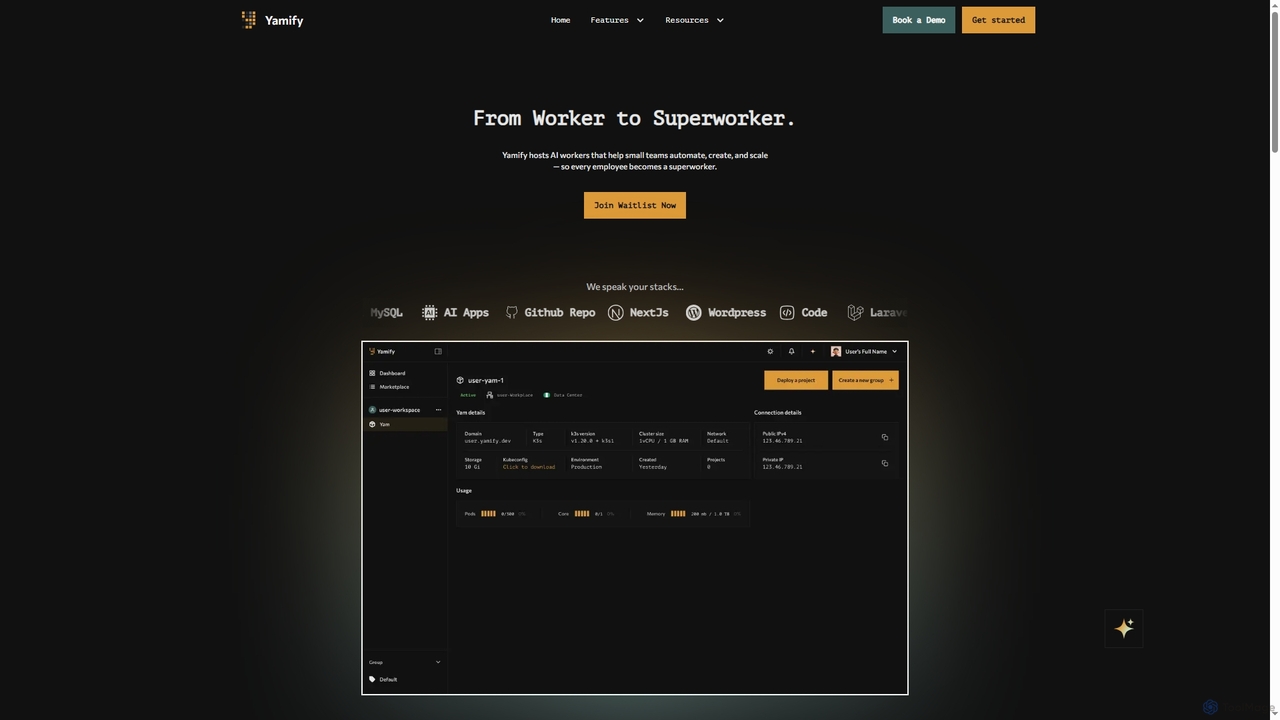
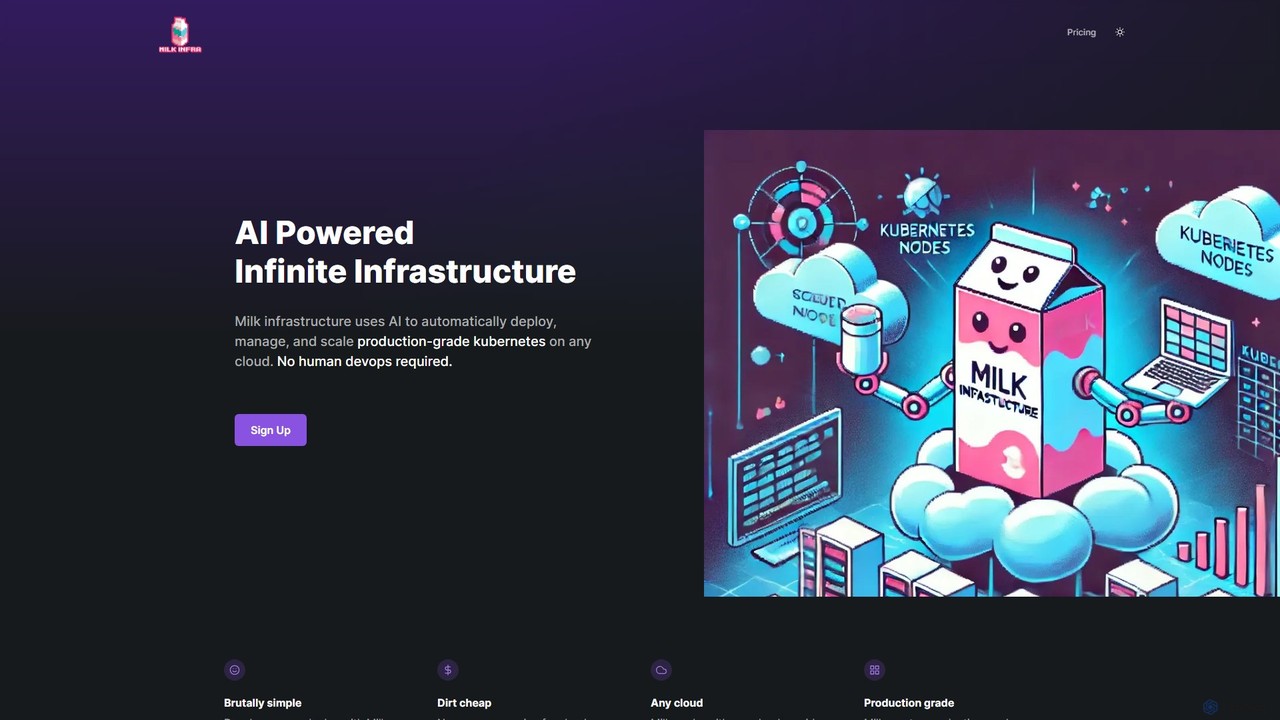
Milk Infrastructure
Milk Infrastructure is an AI-powered platform that automates the deployment, management, and scaling of production-grade Kubernetes clusters on any cloud. It eliminates the need for human DevOps, allowing developers to deploy applications effortlessly via GitHub. With features like dynamic scaling, built-in CI/CD, and an Infrastructure as Code approach, it offers a cost-effective and simple solution for modern application hosting.
Infrastructure Management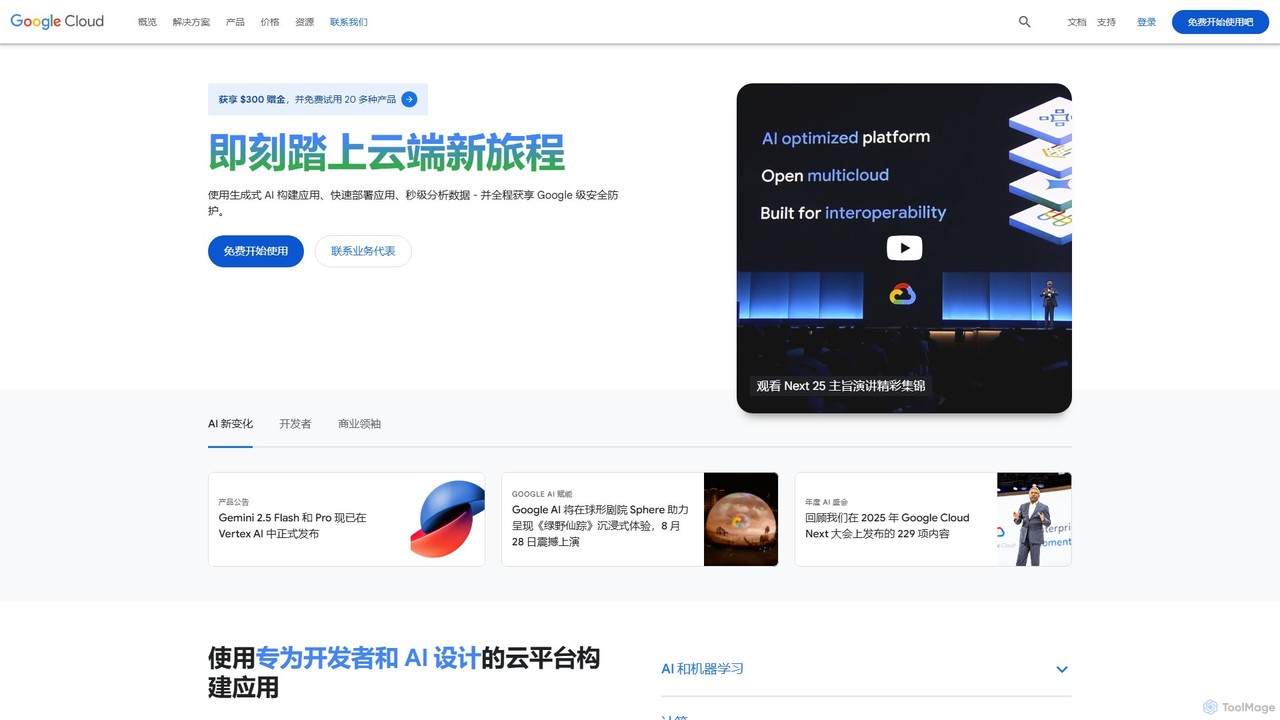
Google Cloud
Google Cloud is a comprehensive suite of cloud computing services that provides infrastructure, platform, and serverless environments. It excels in AI/ML with Vertex AI and Gemini, data analytics with BigQuery, and offers scalable, secure infrastructure for businesses of all sizes, from startups to global enterprises.
Machine Learning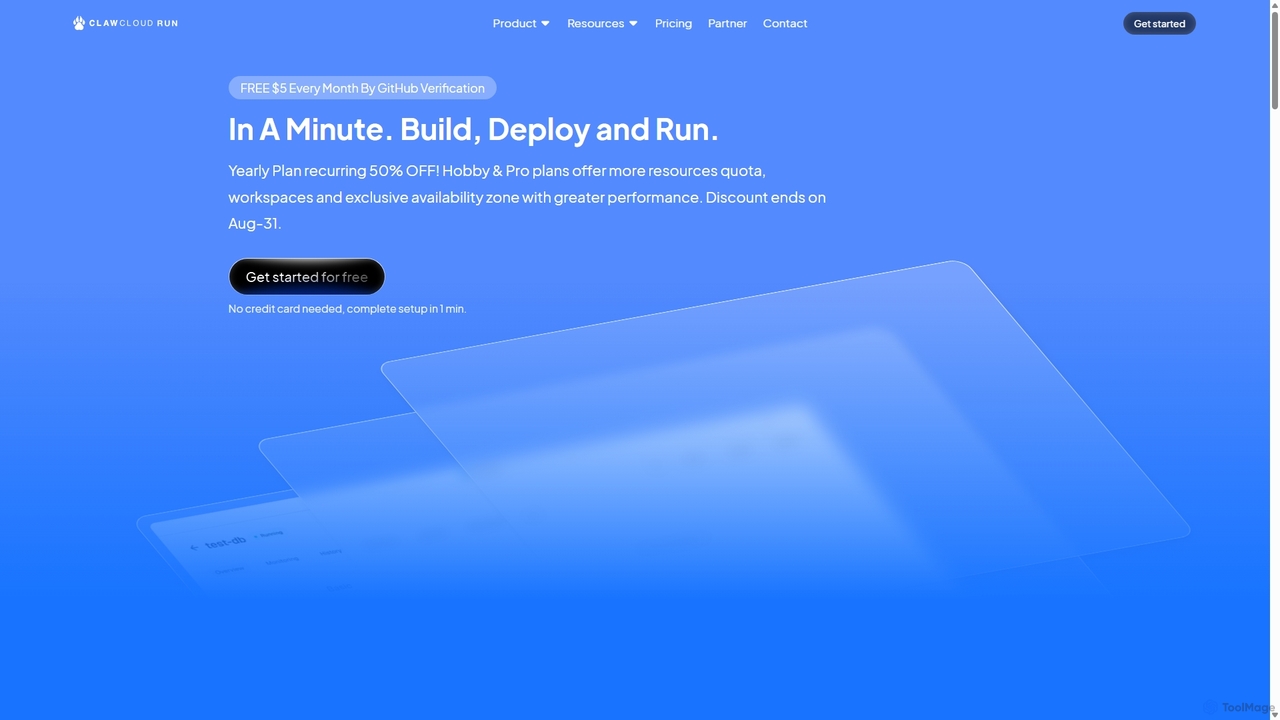
ClawCloud Run
ClawCloud Run is a cloud-native development platform designed to simplify the application lifecycle. It enables developers to build, deploy, manage, and run applications in a unified cloud environment without writing complex YAML files. Featuring a visual canvas, one-click templates, and integrated database management, it accelerates the go-to-market process.
Platform As A Service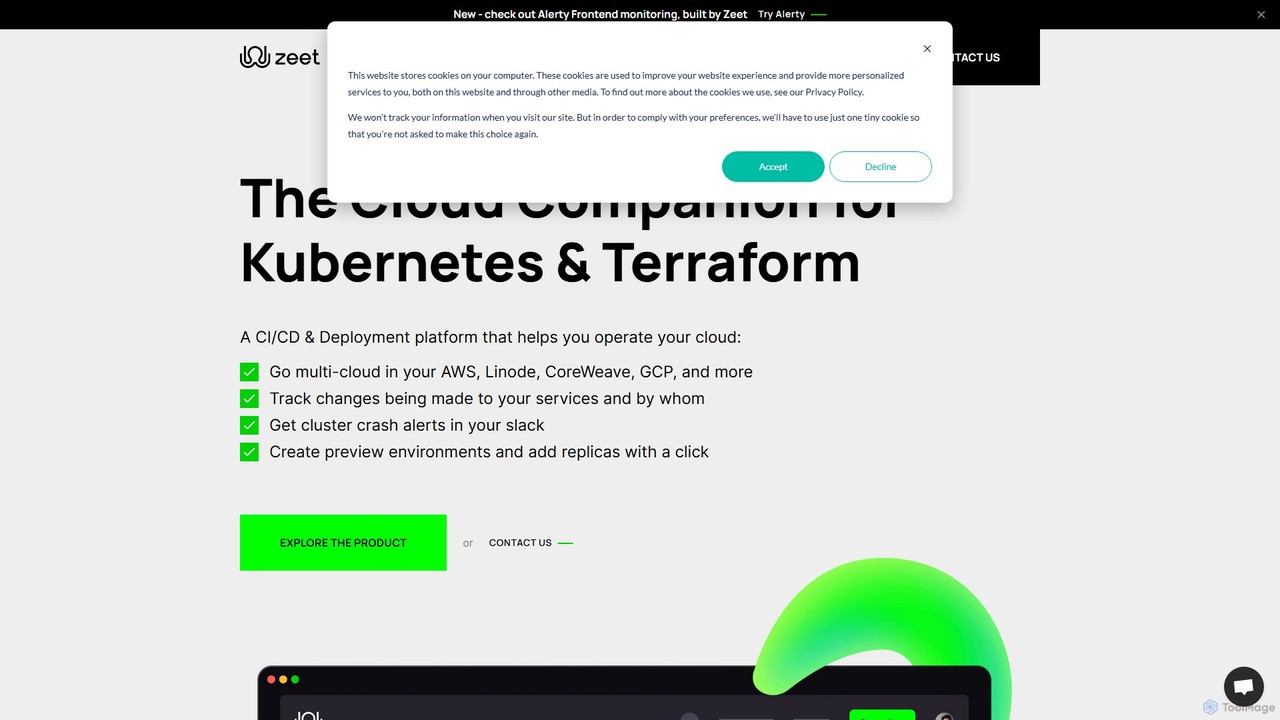
Zeet
Zeet is a comprehensive DevOps and cloud operations platform designed to simplify the deployment and management of cloud services and infrastructure. It empowers developers, SREs, and DevOps teams by automating CI/CD, Kubernetes management, and multi-cloud operations, allowing them to focus on building applications rather than managing complex infrastructure.
Deployment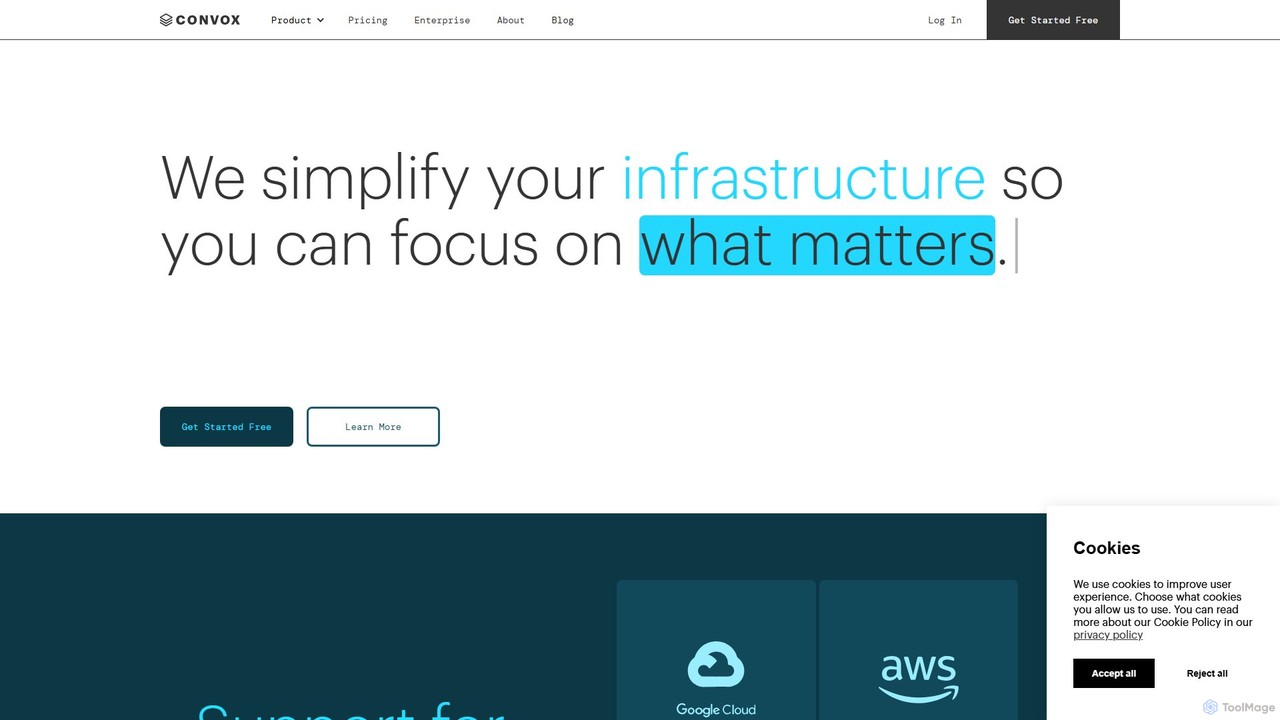
Convox
Convox is a Platform as a Service (PaaS) that automates cloud infrastructure management. It simplifies application deployment, scaling, monitoring, and CI/CD on major cloud providers like AWS and GCP, allowing development teams to focus on writing code instead of managing complex operations.
Paas
stackspaces
stackspaces is an AI-powered collaborative platform that provides instant, cloud-based development environments. It streamlines the entire software lifecycle for teams by automating setup, offering an integrated AI code assistant, and simplifying project management, boosting productivity and code quality.
Cloud Environment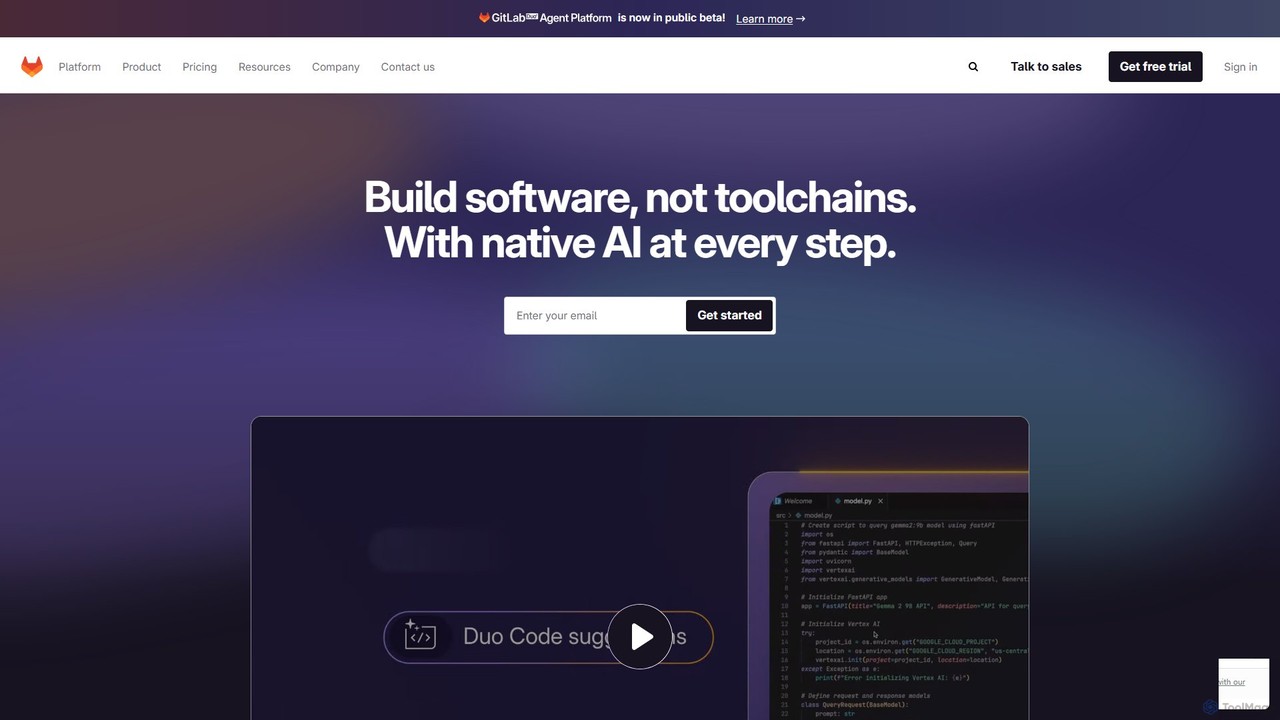
GitLab
GitLab is a comprehensive, AI-powered DevSecOps platform that unifies the entire software development lifecycle into a single application. It provides source code management, CI/CD, security scanning, and project management, enhanced by GitLab Duo, its suite of AI capabilities, to accelerate software delivery and improve developer productivity.
Code Assistant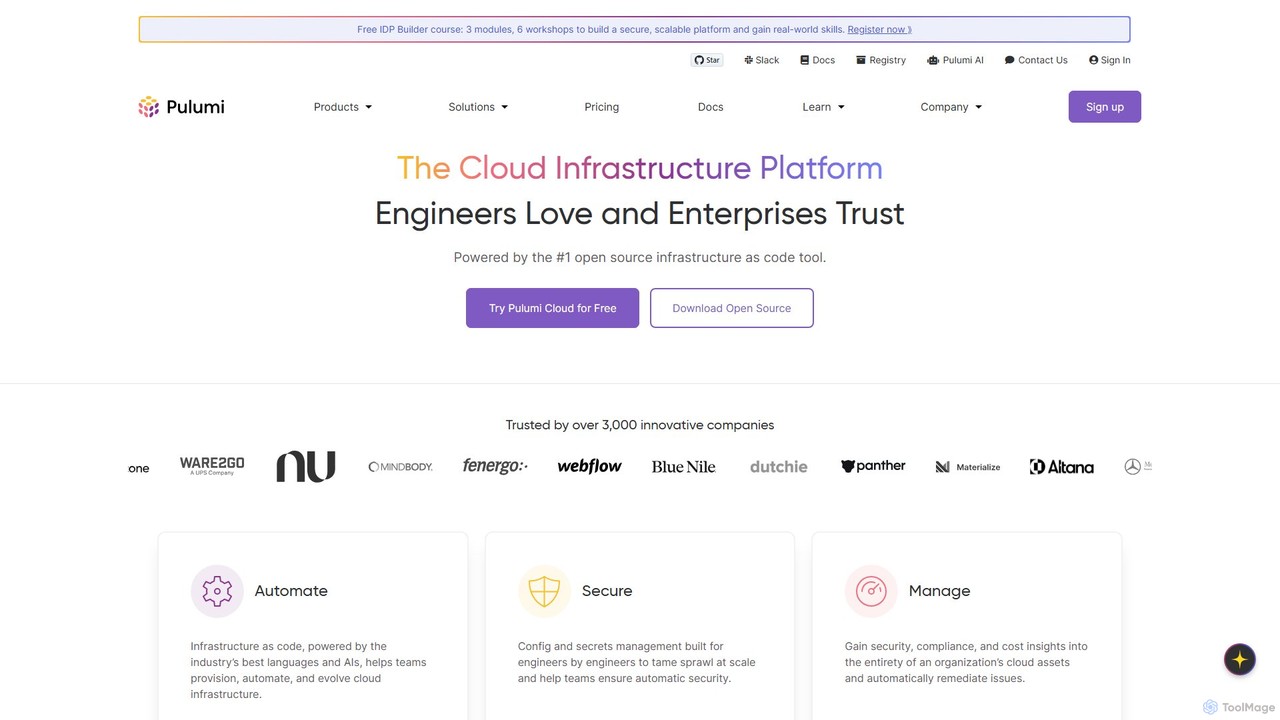
Pulumi
Pulumi is a universal Infrastructure as Code (IaC) platform that allows developers and infrastructure teams to build, deploy, and manage cloud infrastructure using familiar programming languages like Python, TypeScript, Go, and C#. It integrates AI to enhance security, compliance, and operational efficiency.
Management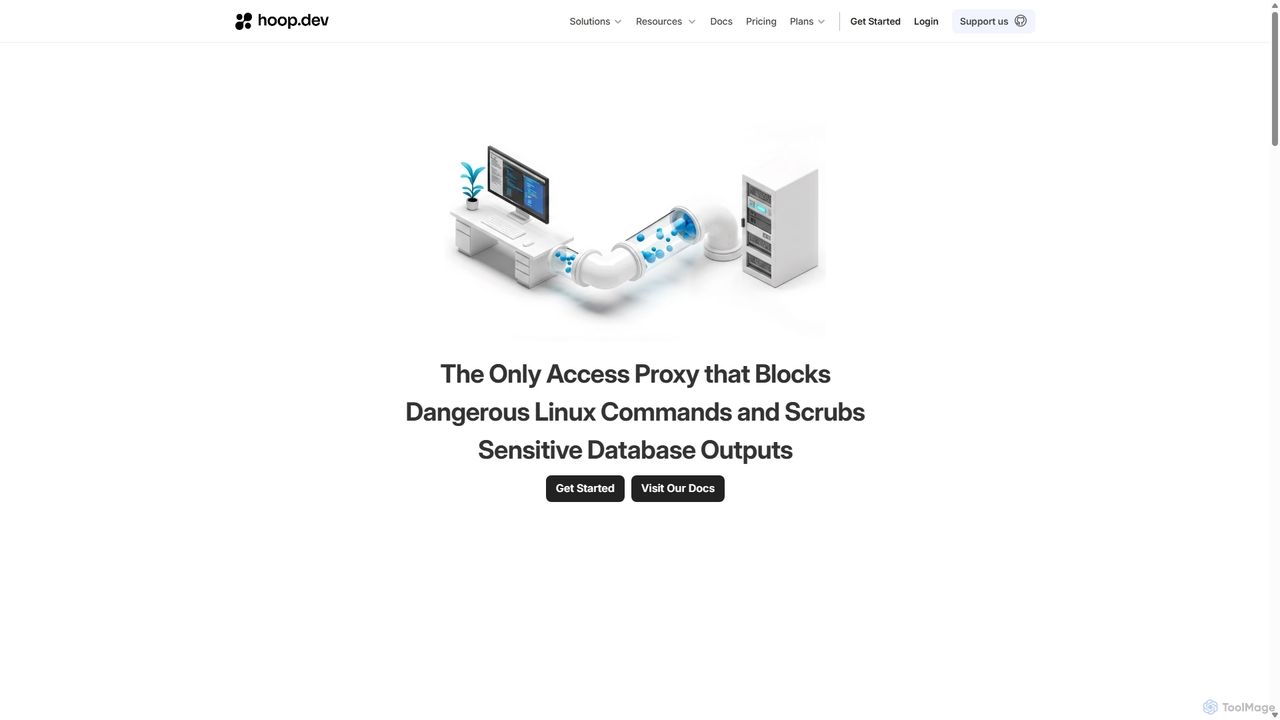
Hoop.dev
Hoop.dev is an AI-powered access gateway providing developers with invisible security and admins with command-line control. It offers secure, auditable access to databases and servers, featuring real-time AI data masking, session recording, and streamlined approval workflows to enhance security without disrupting productivity.
Security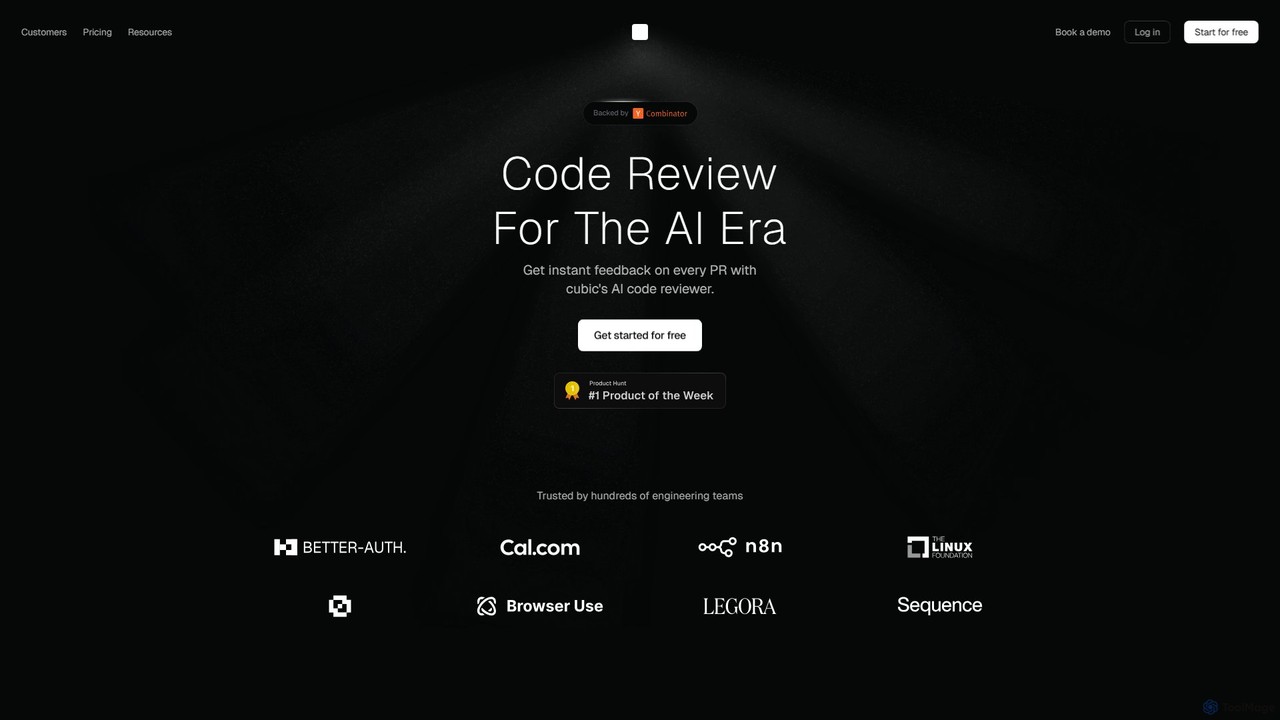
cubic
cubic is an AI-powered code review platform that helps software teams ship higher-quality code up to 3x faster. It automatically reviews pull requests in GitHub, catches bugs, enforces custom style guides, and provides one-click fixes, significantly reducing review bottlenecks and improving developer productivity.
Code Assistant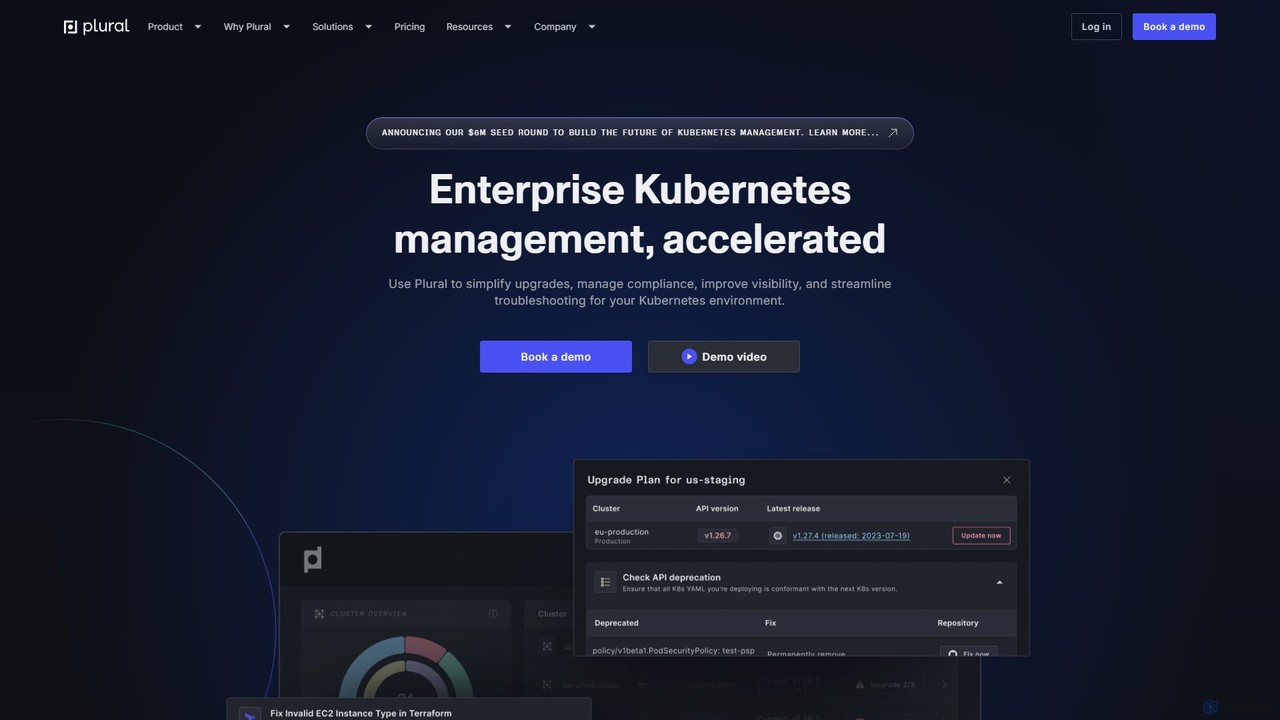
Plural
Plural is an AI-powered enterprise Kubernetes management platform designed to accelerate and simplify operations. It provides multi-cloud visibility, automates complex upgrades, offers AI-driven troubleshooting, and ensures robust security and compliance. Ideal for DevOps and platform engineering teams, Plural reduces operational costs and enhances developer velocity.
Multi Cloud Management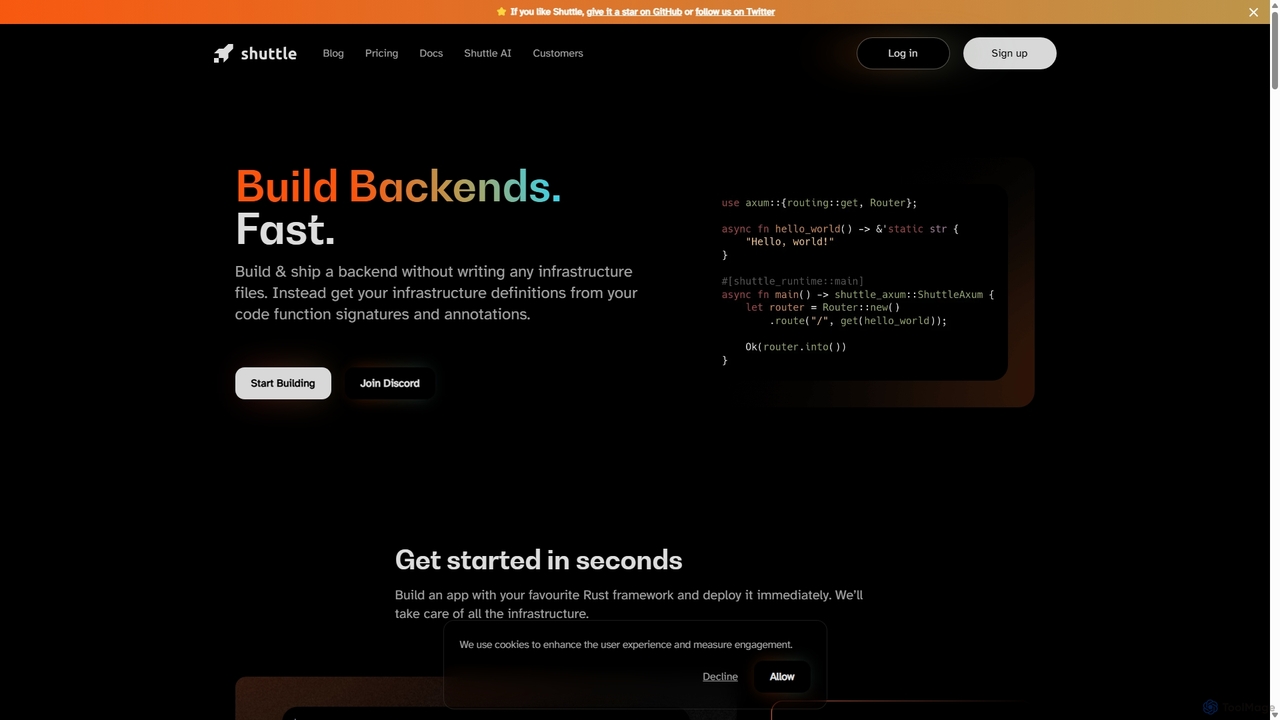
Shuttle
Shuttle is an open-source cloud platform designed to accelerate backend development in Rust. It eliminates infrastructure management by allowing developers to provision resources like databases and secrets directly within their code using simple annotations. Focus on building your application, and let Shuttle handle the deployment and scaling.
Backend Development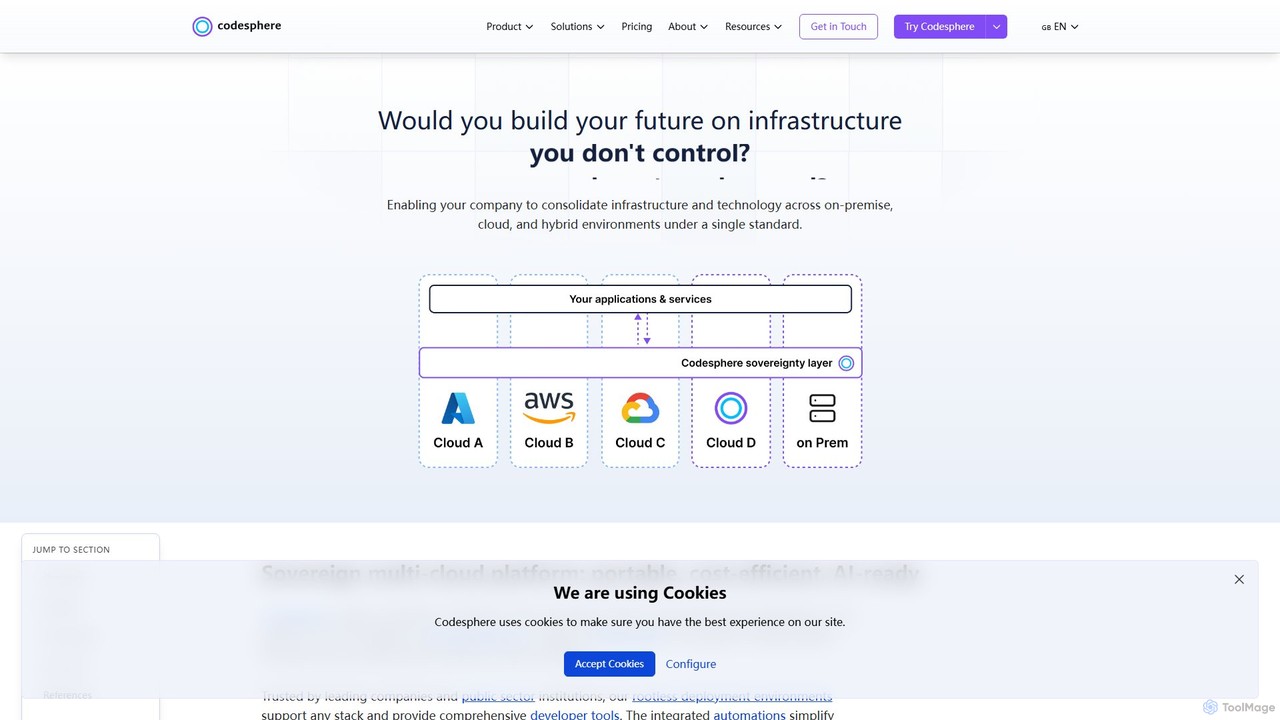
Codesphere
Codesphere is an all-in-one cloud IDE and DevOps platform that unifies development, deployment, and management. It offers a sovereign, multi-cloud solution designed to accelerate go-to-market, reduce costs, and simplify complex infrastructure without needing Kubernetes expertise. It's AI-ready and built for enterprise-grade security and scalability.
Cloud Ide
Office Kube Comments (0)
Sign in to comment.
Sign inNo comments yet.