ToolMage
Sign in

Best 3 Management AI tools for Cloud Computing

Popular Management AI tools in Cloud Computing include Pulumi, Qubinets, and cloudnein, helping you work more efficiently.

cloudnein
Freemium

cloudnein

cloudnein is an AI-powered cloud management platform designed to optimize costs, enhance security, and automate operations for AWS, GCP, and Azure. It provides intelligent recommendations and proactive insights to help businesses manage their cloud infrastructure efficiently and securely.

Management
Visits 6.3KFavorites 142Likes 172
Pulumi
Freemium

Pulumi

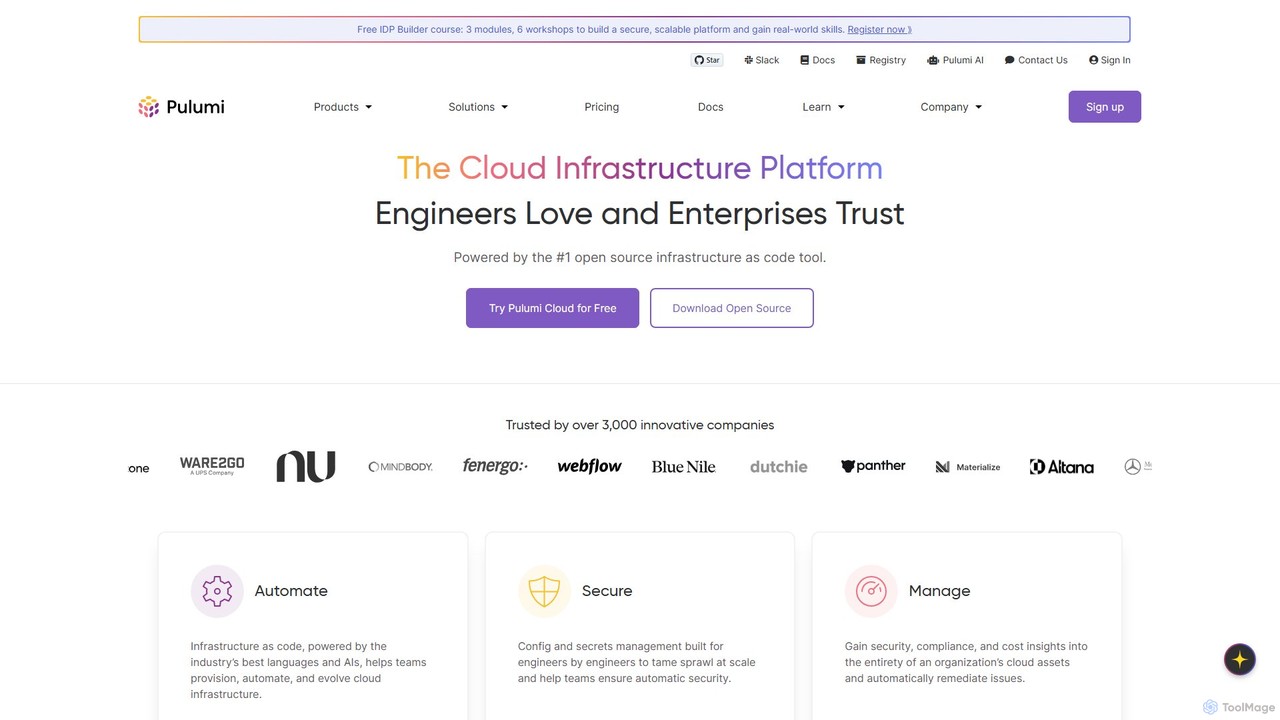
Pulumi is a universal Infrastructure as Code (IaC) platform that allows developers and infrastructure teams to build, deploy, and manage cloud infrastructure using familiar programming languages like Python, TypeScript, Go, and C#. It integrates AI to enhance security, compliance, and operational efficiency.

Management
Visits 188.3KFavorites 157Likes 145
Qubinets
Freemium

Qubinets

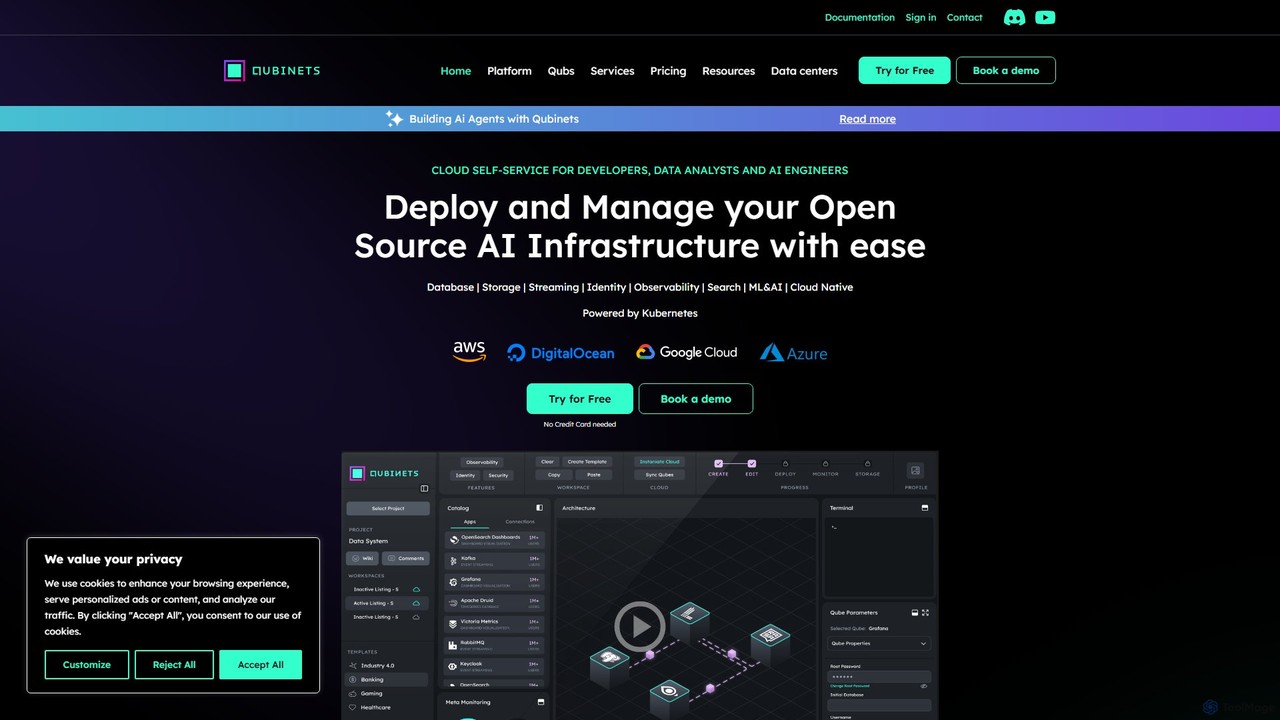
Qubinets is an AI-powered, self-service platform for developers, data analysts, and AI engineers. It simplifies and accelerates the deployment and management of open-source AI and data infrastructure on any cloud (AWS, Azure, GCP, DigitalOcean) using a Kubernetes-based, no-code UI. Focus on building applications, not on complex configurations.

Mlops
Visits 10.9KFavorites 133Likes 133

About Management

AI Cloud Management tools are platforms designed to automate and optimize the administration of cloud computing resources. Leveraging AI and machine learning, these tools analyze usage patterns, predict costs, and automate operational tasks across single or multi-cloud environments. Their primary value lies in enhancing efficiency, controlling spending, and strengthening security for complex cloud infrastructures. This makes them a critical component for any organization scaling its operations within the broader cloud computing ecosystem.

Core Features

  • Cost Optimization: Uses AI to identify idle resources, recommend rightsizing, and automate cost-saving actions like scheduling shutdowns.
  • Performance Monitoring: Provides unified dashboards to track application and infrastructure health, using anomaly detection to predict potential issues.
  • Security & Compliance Automation: Continuously scans for misconfigurations, enforces security policies, and automates compliance reporting against standards like GDPR or HIPAA.
  • Automated Provisioning: Simplifies the deployment and scaling of cloud resources based on predefined templates and policies, supporting Infrastructure as Code (IaC).

Use Cases

These tools are essential for organizations managing multi-cloud or hybrid cloud environments. They are widely used by DevOps teams to streamline CI/CD pipelines, FinOps specialists to enforce budget controls, and IT administrators to maintain governance and security across distributed cloud assets.

How to Choose

When selecting a tool, consider its multi-cloud support (AWS, Azure, GCP), the depth of its cost optimization features, its integration capabilities with existing DevOps tools (like Jenkins or Terraform), and the sophistication of its automation and policy enforcement engine. Also, evaluate the user interface for clarity and ease of use.

Management use cases

1

Automating Multi-Cloud Cost Optimization

A FinOps team manages infrastructure across AWS, Azure, and GCP. They use an AI Cloud Management tool to gain a unified view of all spending. The tool's AI engine continuously analyzes usage and identifies overprovisioned virtual machines and idle storage volumes. Based on these recommendations, the team configures automated policies to downsize resources during off-peak hours and terminate unutilized assets after a set period, resulting in a significant reduction in their monthly cloud bill without manual intervention.

2

Centralized Security Policy Enforcement

A security administrator for a financial services company needs to ensure all cloud storage buckets are encrypted and not publicly accessible. Instead of manually checking hundreds of accounts across different cloud providers, they use a management platform. They define a single policy: 'All storage buckets must have server-side encryption enabled and block public access'. The tool automatically scans all cloud environments, flags non-compliant resources, and can be configured to auto-remediate these issues, ensuring continuous compliance.

3

Streamlining DevOps CI/CD Workflows

A DevOps team uses a cloud management tool integrated with their CI/CD pipeline (e.g., Jenkins). When a developer commits new code, a webhook triggers the management tool to automatically provision a temporary, isolated testing environment in the cloud. The tool uses a predefined template to ensure consistency. After the automated tests are completed, the tool reports the results back to the pipeline and automatically decommissions the environment, optimizing resource usage and accelerating the development cycle.

4

Unified Performance Monitoring and Anomaly Detection

An IT operations manager oversees a critical e-commerce application deployed across multiple cloud services. They use a cloud management platform to get a single-pane-of-glass view of performance metrics like CPU utilization, latency, and error rates from all services. The platform's AI model, trained on historical data, detects an unusual spike in database latency that deviates from the normal pattern. It sends an alert to the team before it impacts users, allowing for proactive investigation and resolution.

5

Automated Compliance Reporting for Regulated Industries

A compliance officer in a healthcare organization must regularly prove adherence to HIPAA standards. Using a cloud management tool, they select a pre-built HIPAA compliance policy pack. The tool continuously monitors their cloud environment against hundreds of HIPAA controls. On a monthly basis, the officer generates a comprehensive, automated report that details the compliance status of every resource, highlights any violations, and provides an audit trail of all remediation actions taken, simplifying the audit process significantly.

6

Enforcing Resource Tagging and Governance at Scale

A cloud architect in a large enterprise needs to ensure all new cloud resources are tagged with 'Owner', 'Project', and 'CostCenter' for accurate cost allocation. They configure a governance policy in their cloud management tool that prevents the creation of any resource missing these tags. When a developer tries to launch an untagged virtual machine, the action is blocked, and they receive a notification explaining the tagging requirement. This proactive enforcement maintains a clean and well-governed cloud environment from the start.

Management FAQ

What are AI-powered Cloud Management tools?

AI-powered Cloud Management tools are platforms that use artificial intelligence and automation to simplify and optimize the administration of cloud infrastructure. They provide centralized control over resources across multiple cloud providers like AWS, Azure, and GCP. Key functions include automated cost optimization, performance monitoring with anomaly detection, security policy enforcement, and streamlined resource provisioning. They help organizations reduce cloud spending, improve operational efficiency, and maintain a secure and compliant environment.

How to choose the right Cloud Management platform?

Choosing the right platform depends on your specific needs. Consider these key factors:

  • Multi-Cloud Support: Ensure it supports all the cloud providers you use or plan to use.
  • Feature Depth: Evaluate the sophistication of its cost optimization, security, and automation features. Does it just report issues or can it automate remediation?
  • Integration Capabilities: Check if it integrates smoothly with your existing toolchain, such as CI/CD pipelines, monitoring tools, and ticketing systems.
  • Ease of Use: The platform should provide clear dashboards and an intuitive user interface to reduce the learning curve for your team.
  • Scalability and Pricing: Assess its ability to handle your growing cloud environment and understand its pricing model to ensure it aligns with your budget.
What's the difference between Cloud Management platforms and native cloud provider tools?

The primary difference is scope and abstraction. Native tools (like AWS CloudWatch or Azure Cost Management) are powerful but are specific to a single cloud provider. They often require deep expertise for that particular ecosystem.

Cloud Management platforms operate at a higher level. They provide a unified interface to manage resources across multiple clouds (multi-cloud). This simplifies operations, provides a consolidated view of costs and security, and allows for consistent policy enforcement regardless of the underlying cloud provider. They are ideal for organizations with a multi-cloud strategy or those looking to avoid vendor lock-in.

What are the key benefits of using a dedicated Cloud Management tool?

Using a dedicated Cloud Management tool offers several significant benefits:

  • Cost Reduction: AI-driven analysis helps identify and eliminate wasted spend on idle or oversized resources, often leading to substantial savings.
  • Increased Efficiency: Automating routine tasks like provisioning, scaling, and policy enforcement frees up IT and DevOps teams to focus on strategic initiatives.
  • Enhanced Security: Centralized policy management and continuous compliance monitoring reduce the risk of misconfigurations and security breaches across all cloud accounts.
  • Improved Visibility: A single dashboard for multi-cloud environments provides a holistic view of performance, costs, and security posture, enabling better decision-making.
Who typically uses Cloud Management tools?

Cloud Management tools are used by a variety of roles within an organization:

  • Cloud Administrators/Engineers: For day-to-day operations, monitoring, and managing the health of the cloud infrastructure.
  • DevOps Teams: To automate the provisioning of infrastructure for CI/CD pipelines and manage application environments.
  • FinOps Specialists: To monitor, analyze, and optimize cloud spending across the entire organization.
  • Security and Compliance Teams: To enforce security policies, continuously monitor for risks, and generate audit reports.
  • IT Managers and CIOs: To gain high-level visibility into cloud usage, costs, and overall ROI of their cloud strategy.