ExpoDeploy
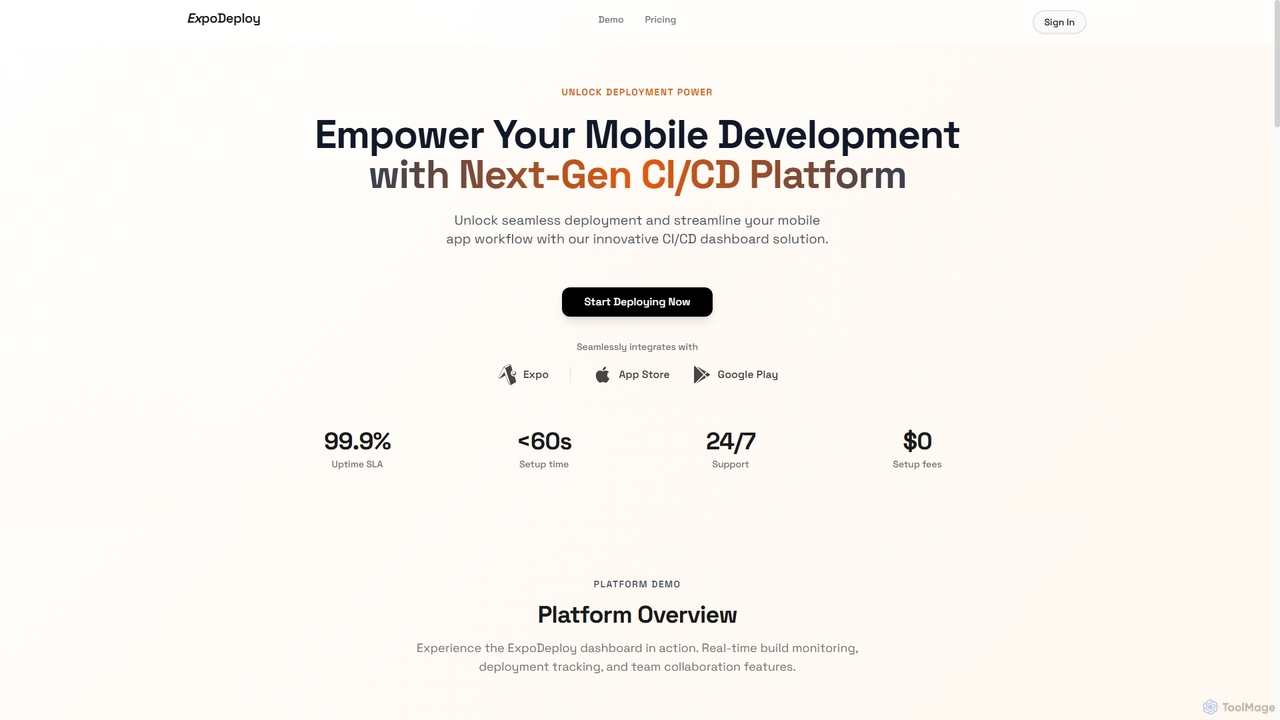
ExpoDeploy is a cutting-edge mobile CI/CD platform designed for Expo and React Native applications. It automates the entire …
ExpoDeploy is a cutting-edge mobile CI/CD platform designed for Expo and React Native applications. It automates the entire mobile app deployment workflow, from building and testing to unified submission to Apple App Store and Google Play, eliminating manual complexities like certificate management and separate console logins.
Devtron
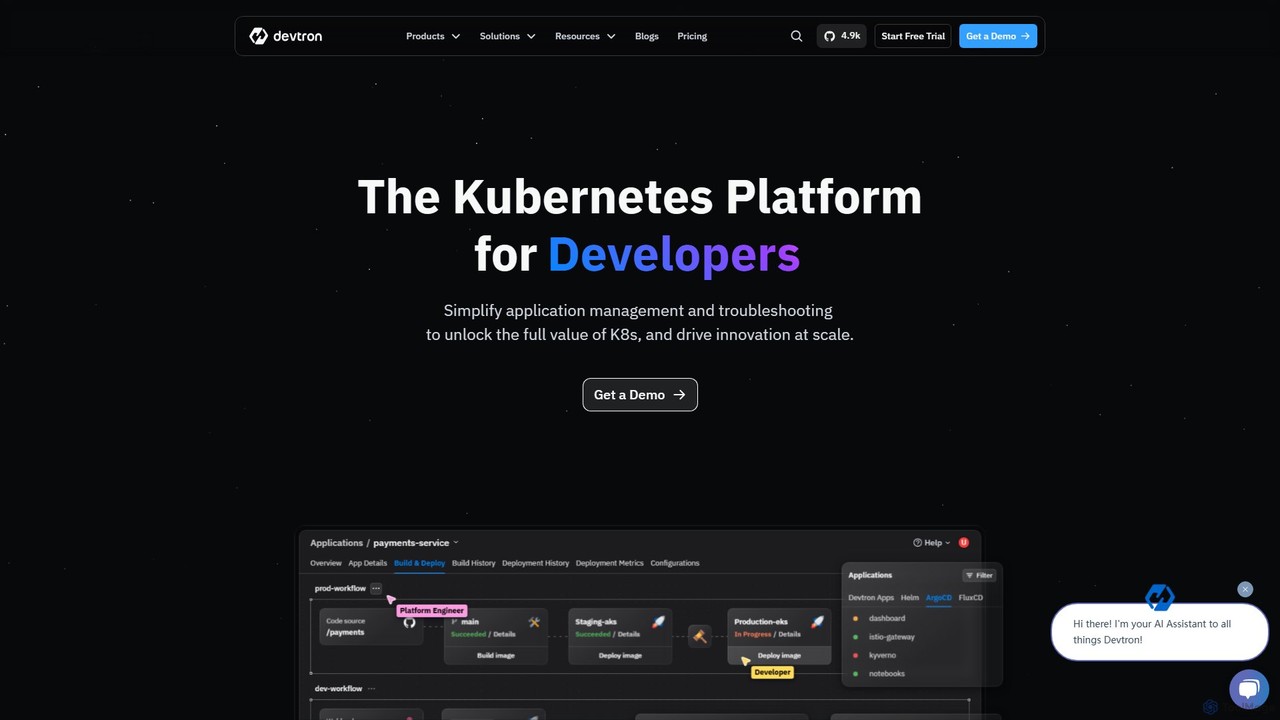
Devtron is an open-source, Kubernetes-native software delivery platform that simplifies application management. It integrates CI/CD, GitOps, security, and …
Devtron is an open-source, Kubernetes-native software delivery platform that simplifies application management. It integrates CI/CD, GitOps, security, and observability into a unified dashboard, empowering developers and DevOps teams to manage complex Kubernetes environments with ease, accelerate release cycles, and improve productivity without a steep learning curve.
About Deployment Automation
Deployment Automation tools are a class of software that automates the process of releasing applications from development to production environments. These tools orchestrate the build, test, and deployment stages within a Continuous Integration/Continuous Deployment (CI/CD) pipeline, ensuring consistency and speed. By codifying the release process, they significantly reduce manual errors, accelerate release cycles, and allow development teams to deliver value to users more frequently and reliably. Many tools integrate directly with version control systems and cloud infrastructure to create a seamless, end-to-end workflow.
Core Features
- Pipeline Orchestration: Define and manage multi-stage workflows for building, testing, and deploying applications.
- Environment Management: Automatically provision and configure different environments like staging, UAT, and production.
- Automated Rollbacks: Instantly revert to a previous stable version if a deployment fails, minimizing downtime.
- Secret Management: Securely store and inject sensitive information like API keys and database credentials during deployment.
- Integration Ecosystem: Connect with version control systems (e.g., Git), container platforms (e.g., Kubernetes), and cloud providers (e.g., AWS, Azure).
Use Cases
Deployment Automation is essential for DevOps engineers, software developers, and IT operations teams in any organization practicing agile development. It is critical for deploying web applications, releasing mobile apps, and managing complex microservices architectures where frequent and reliable updates are necessary. It's also foundational for implementing advanced deployment strategies like blue-green, canary, or rolling deployments.
How to Choose
When selecting a tool, consider its support for your technology stack (programming languages, frameworks), its integration capabilities with your existing tools (e.g., Jira, Slack), and its scalability. Evaluate whether a self-hosted solution or a cloud-based SaaS platform better fits your operational model. Also, assess the tool's support for different deployment strategies and the complexity of the pipelines it can manage.
Deployment AutomationUse Cases
Automating Web App Deployment to the Cloud
A web development team uses a deployment automation tool to create a CI/CD pipeline linked to their GitHub repository. Whenever a developer merges new code into the main branch, the tool automatically triggers a workflow. This workflow builds the application, runs a suite of automated tests in a staging environment, and upon success, deploys the new version to their production servers on AWS Elastic Beanstalk. This process eliminates manual deployment steps, reduces the risk of human error, and allows the team to release new features to users within minutes of code completion.
Managing Microservices with Canary Releases
A DevOps team for a large e-commerce platform manages dozens of microservices. Using a deployment automation tool, they implement a canary release strategy. When a new version of a service is ready, the tool deploys it to a small subset of production servers, initially routing only 1% of user traffic to it. The tool integrates with monitoring systems to watch for error spikes or performance degradation. If metrics remain healthy, it automatically increases traffic incrementally—to 10%, 50%, and finally 100%. If an issue is detected, it automatically rolls back, preventing widespread user impact.
Standardizing Development and Staging Environments
An enterprise IT team needs to eliminate the "it works on my machine" problem. They use a deployment automation tool that supports Infrastructure as Code (IaC), like Terraform or Pulumi. The tool defines the entire environment—including virtual machines, networking rules, and database configurations—in version-controlled configuration files. When a developer needs a new environment for a feature branch, the tool automatically provisions an exact replica of the production environment. This ensures consistency across all stages of the development lifecycle and guarantees that code tested in staging will behave identically in production.
Automating Database Schema Migrations
A backend development team frequently needs to update their database schema along with application code changes. They integrate their deployment automation pipeline with a database migration tool like Flyway. As part of the deployment workflow, after the new application code is built but before it's deployed, a specific job runs the migration scripts against the target database (e.g., staging or production). The automation tool manages the process, ensuring migrations are applied in the correct order and capturing logs. If a migration fails, the entire deployment is halted and rolled back, preventing inconsistencies between the application code and the database state.
Enabling Self-Service Deployments for Developers
A platform engineering team wants to empower application developers to deploy their own services without needing deep DevOps knowledge. They use a deployment automation tool to create standardized, reusable deployment templates for different service types (e.g., a Node.js API, a Python worker). A developer simply selects a template, provides a few parameters like the Docker image name and required resources, and clicks a button. The automation tool then handles the entire process of deploying the service to the company's Kubernetes cluster, including creating deployments, services, and ingresses. This improves developer autonomy and frees up the platform team from manual deployment requests.
Implementing a Secure Software Supply Chain
A security-conscious organization uses its deployment automation tool to enforce a secure software supply chain. The CI/CD pipeline is configured with mandatory security gates. Before any deployment, the tool automatically triggers a series of checks:
- Scanning the source code for vulnerabilities using a SAST tool.
- Scanning the built Docker image for known CVEs.
- Verifying that all code commits are cryptographically signed.