EasyCode
EasyCode is an agentic IDE specifically designed for building web applications with Next.js and Supabase, aiming to accelerate …
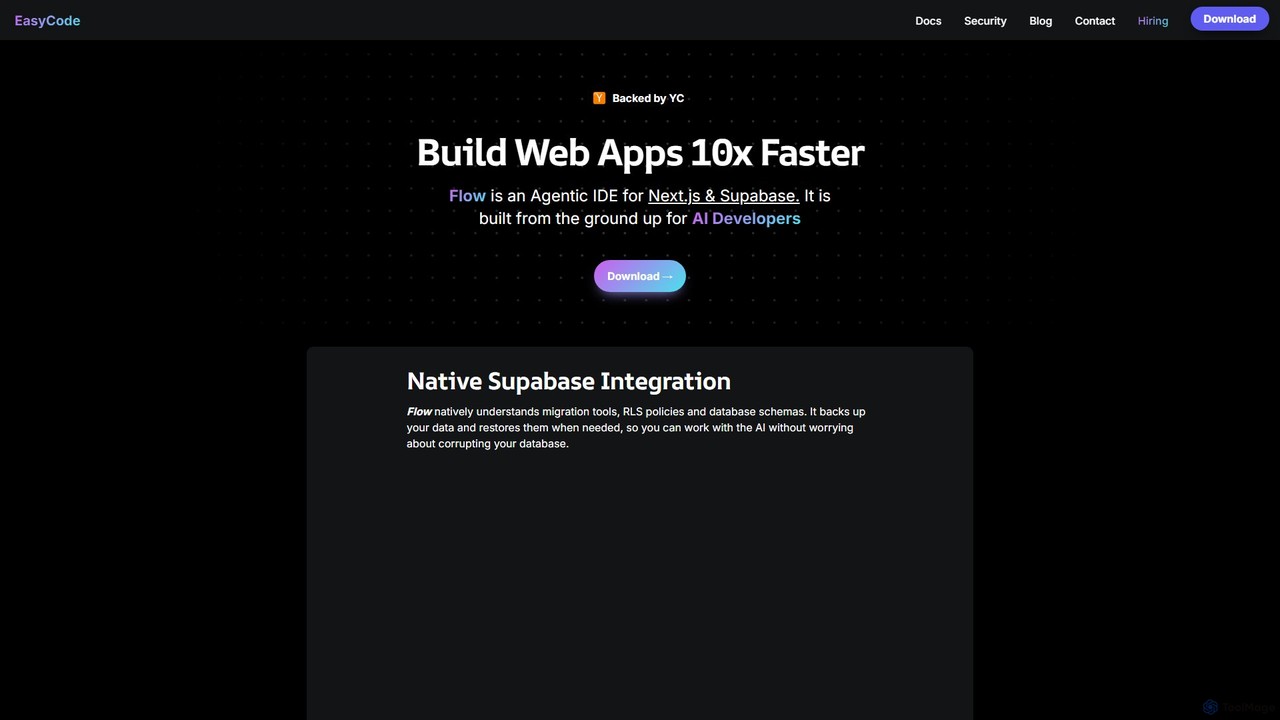
EasyCode is an agentic IDE specifically designed for building web applications with Next.js and Supabase, aiming to accelerate development by 10x. It features superior context management, visual debugging, and native Supabase integration to streamline the entire coding process, from prompting to deployment.
About Ide
An Ide (Integrated Development Environment) is a software application that provides comprehensive facilities to computer programmers for software development. It typically consists of a source code editor, build automation tools, and a debugger. IDEs streamline the entire development lifecycle by integrating various tools into a single graphical user interface, significantly enhancing developer productivity and code quality. Modern IDEs often incorporate AI-powered features to offer intelligent code completion, error detection, and automated refactoring, making complex coding tasks more efficient and less prone to errors.
Core Features
- Code Editor: Advanced text editor with syntax highlighting, auto-completion, and code formatting for various programming languages.
- Debugger: Tools to identify and fix bugs by stepping through code, inspecting variables, and setting breakpoints.
- Build Automation: Integrated compilers, interpreters, and build systems to automate the compilation, linking, and deployment of software.
- Version Control Integration: Seamless integration with systems like Git for collaborative development, branching, and merging.
- AI-Powered Assistance: Intelligent code suggestions, real-time error checking, security vulnerability detection, and automated code generation.
Applicable Scenarios
IDEs are indispensable across various development domains. Software engineers use them for building complex enterprise applications, leveraging integrated debugging and testing tools. Web developers utilize IDEs for front-end and back-end development, benefiting from framework-specific support and live preview features. Data scientists and machine learning engineers employ specialized IDEs or extensions for data analysis, model training, and visualization, often with integrated notebook environments.
How to Choose
Selecting the right Ide involves considering several factors. Evaluate its language and framework support to ensure compatibility with your tech stack. Look for robust AI-powered features that can genuinely boost your productivity, such as intelligent code completion or refactoring suggestions. Consider its extensibility through plugins and integrations with other development tools. Performance, community support, and pricing models (for commercial IDEs) are also crucial for a productive and sustainable development workflow.
IdeUse Cases
Accelerating Web Application Development
Web developers leverage IDEs to rapidly build and deploy web applications. With integrated frameworks, intelligent code completion (often AI-enhanced), and live preview capabilities, an IDE allows developers to efficiently write HTML, CSS, JavaScript, and server-side code. This streamlines the process from initial design to testing, reducing manual errors and significantly speeding up the development cycle for both front-end and back-end components.
Streamlining Machine Learning Model Training
Data scientists and ML engineers utilize specialized IDEs or extensions that integrate with data science libraries (like TensorFlow, PyTorch) and notebook environments (Jupyter). These IDEs provide tools for data exploration, model training, and visualization, often with AI-powered suggestions for hyperparameter tuning or feature engineering. This integration simplifies complex workflows, enabling faster iteration and experimentation with machine learning models.
Debugging Complex Enterprise Software
For large-scale enterprise applications, identifying and resolving bugs can be a daunting task. IDEs offer powerful debugging tools, including step-through execution, variable inspection, and call stack analysis. Modern IDEs may also incorporate AI to predict potential error sources or suggest fixes, allowing developers to quickly pinpoint and rectify issues in intricate codebases, thereby improving software reliability and reducing downtime.
Collaborative Code Development with Version Control
Development teams rely on IDEs for seamless collaboration. Integrated version control systems (like Git) within the IDE allow multiple developers to work on the same codebase simultaneously, manage branches, and merge changes efficiently. AI-assisted tools can further help in resolving merge conflicts or suggesting optimal code integration strategies, ensuring a smooth and coordinated development process across the team.
Automated Code Refactoring and Optimization
Maintaining clean, efficient, and readable code is crucial. IDEs provide automated refactoring tools that can rename variables, extract methods, or reorganize code structure with minimal effort. AI-powered refactoring goes a step further by suggesting optimizations for performance or security, identifying code smells, and even automatically applying best practices, significantly enhancing code quality and maintainability over time.
Rapid Prototyping and API Development
Engineers often need to quickly prototype new features or develop APIs. IDEs facilitate this with features like boilerplate code generation (sometimes AI-driven), integrated testing frameworks, and tools for interacting with databases or external services. This allows for rapid iteration, enabling developers to quickly build, test, and validate new functionalities or API endpoints without switching between multiple tools, accelerating innovation.