Neura
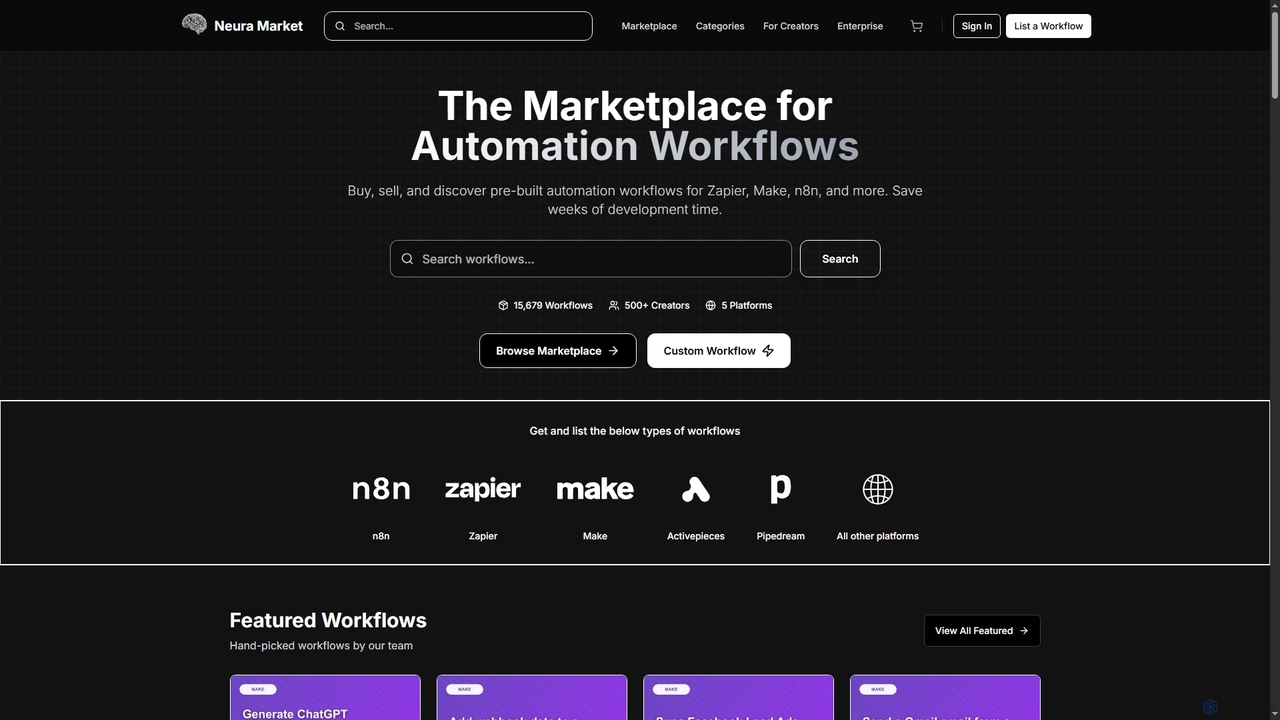
Neura is the leading marketplace for discovering, buying, and selling pre-built automation workflows. It empowers individuals and enterprises …
Neura is the leading marketplace for discovering, buying, and selling pre-built automation workflows. It empowers individuals and enterprises to streamline operations, integrate AI tools like ChatGPT, and save significant development time across platforms such as Zapier, Make, and n8n. With a vast library of workflows and a robust creator ecosystem, Neura simplifies complex automation tasks for various business needs.
About Api Integration
API Integration tools are platforms designed to connect different software applications, AI models, and data sources, enabling them to communicate and exchange data seamlessly. These tools provide visual workflow builders and pre-built connectors, abstracting the technical complexity of writing custom code for each connection. This allows developers and businesses to automate processes, synchronize data across systems, and embed AI capabilities into existing applications with greater speed and efficiency. They act as the essential plumbing for creating sophisticated, interconnected digital ecosystems.
Core Features
- Pre-built Connectors: Ready-to-use integrations for hundreds of popular SaaS applications, databases, and AI services.
- Visual Workflow Builder: Drag-and-drop interfaces to design, test, and deploy multi-step automation workflows without extensive coding.
- Data Mapping & Transformation: Tools to modify and reformat data so it is compatible between different application APIs.
- Authentication Management: Securely handles API keys, OAuth, and other authentication methods for various services.
- Execution Monitoring & Logging: Dashboards for tracking workflow performance, identifying errors, and debugging integrations.
Use Cases
These tools are widely used in IT, marketing, sales, and operations departments. For example, a marketing team can automate a workflow that sends new leads from a web form to a CRM, enriches the lead data using an AI service, and then adds them to a specific email campaign. Developers also use them to rapidly prototype and build AI-powered features by connecting various microservices and AI model APIs.
How to Choose
When selecting an API Integration tool, consider the library of available connectors to ensure it supports your existing software stack. Evaluate the complexity of workflows it can handle and its ease of use for your team's technical skill level. Also, assess its scalability, reliability, security features, and pricing model, which can be based on the number of tasks, users, or connected applications.
Api IntegrationUse Cases
Automate Customer Support with AI-Generated Replies
A customer support team lead connects their helpdesk software (e.g., Zendesk) to a large language model like OpenAI's GPT-4 using an API integration platform. They build a workflow where, upon the creation of a new support ticket, the ticket's content is automatically sent to the AI. The AI analyzes the query and generates a relevant, context-aware draft response. This draft is then posted as an internal note in the Zendesk ticket, allowing the support agent to quickly review, edit if necessary, and send it to the customer. This process significantly reduces first-response times and allows agents to handle a higher volume of inquiries.
Enrich CRM Leads with Market Intelligence Data
A sales operations manager sets up an automation to enrich new leads in their CRM (e.g., Salesforce). Using an API integration tool, they create a trigger for when a new lead is created. The tool then takes the lead's company name and website and sends it to a market intelligence AI API (like Clearbit or ZoomInfo). The AI service returns detailed company information, such as industry, employee count, funding, and key technologies used. The integration tool maps this data and automatically updates the corresponding fields in the Salesforce lead record, providing the sales team with rich, actionable context before their first outreach.
Build an AI-Powered Content Creation Pipeline
A content marketing team uses an API integration platform to streamline their blog post creation process. The workflow starts when a new topic idea is added as a row in a Google Sheet. This triggers the integration tool to send the topic to an AI writing assistant's API (e.g., Jasper or Copy.ai) to generate a first draft. Once the draft is generated, the tool automatically creates a new document in Google Docs with the content, saves it to a specific folder, and sends a notification with the document link to a designated Slack channel for the editor to review. This automates the entire handoff process from ideation to drafting.
Sync E-commerce Orders with a Logistics AI
An e-commerce business owner connects their Shopify store to a third-party logistics (3PL) provider and a route optimization AI using an API integration platform. When a new order is placed in Shopify, the platform instantly sends the order details (product, quantity, shipping address) to the 3PL's system. Simultaneously, it sends the delivery address to the route optimization AI. The AI calculates the most efficient delivery route for the day's shipments and sends it back to the 3PL's dispatch system. This ensures orders are processed immediately and delivered via the most cost-effective and fastest route without manual intervention.
Automate Social Media Monitoring and Sentiment Analysis
A social media manager uses an API integration tool to monitor brand mentions across platforms like Twitter and Reddit. They set up a workflow that listens for new mentions of their brand name. Each mention is then sent to a sentiment analysis AI API. Based on the AI's output (positive, neutral, or negative), the workflow takes a different action. Positive mentions are logged in a spreadsheet for testimonials, neutral ones are ignored, and negative mentions instantly create a high-priority task in a project management tool (like Asana) and send an alert to a dedicated Slack channel for the PR team to address immediately.
Build a Custom AI Chatbot Backend
A developer is tasked with creating a custom chatbot for a company's website. Instead of building a backend from scratch, they use an API integration platform. The platform provides a webhook URL that serves as the chatbot's endpoint. When a user sends a message, it hits the webhook. The platform then orchestrates a series of API calls: first, to a language model API to understand the user's intent; second, if the user asks about order status, it calls the company's internal order database API; third, it formats the retrieved information into a user-friendly response and sends it back to the chatbot front-end. This approach allows for rapid development and easy modification of the chatbot's logic.