ToolMage
Sign in

Best 1 Monitoring AI tools for Devops

Popular Monitoring AI tools in Devops include allquiet, helping you work more efficiently.

allquiet
Freemium

allquiet

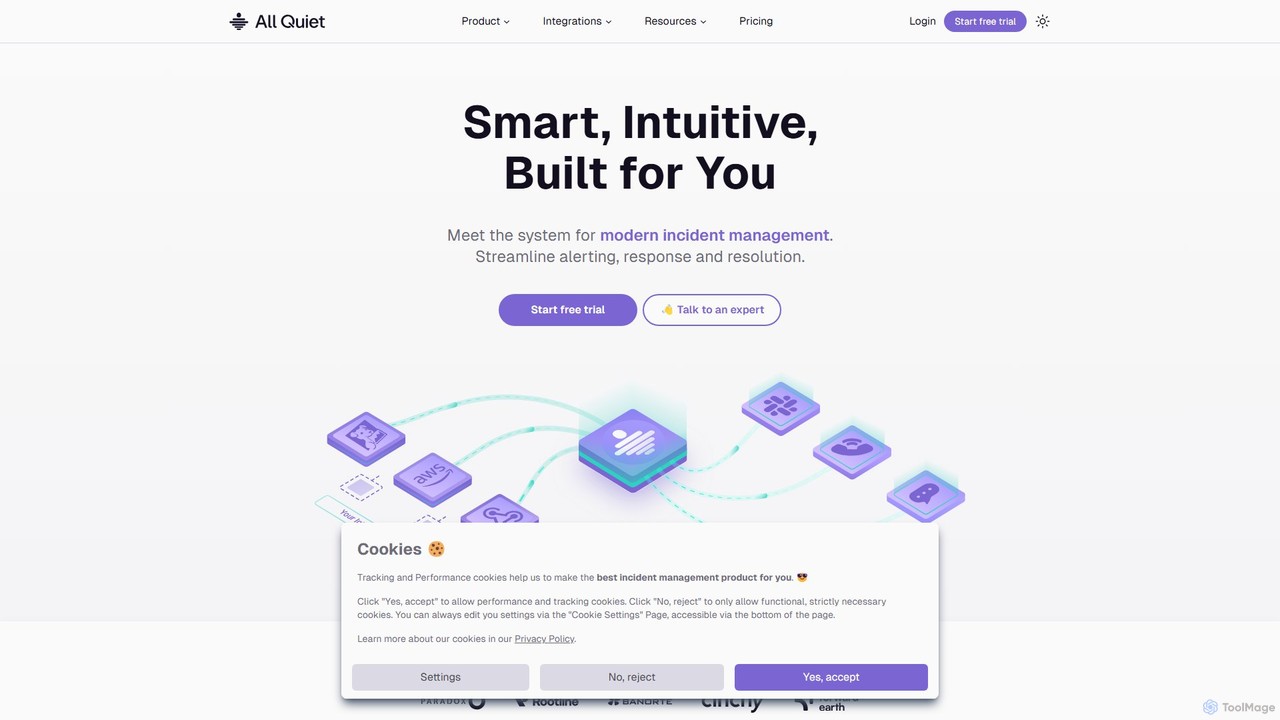
allquiet is a modern IT incident management and on-call scheduling platform for tech teams. It streamlines alerting, response, and resolution with over 35 integrations, multi-channel notifications, and developer-friendly tools like Terraform. It focuses on maximizing team productivity and system uptime with transparent, value-driven pricing.

Monitoring
Visits 12.4KFavorites 124Likes 127

About Monitoring

AI Monitoring tools are a class of software within the DevOps lifecycle that automatically track, analyze, and report on the health and performance of applications and infrastructure. Leveraging machine learning, these tools learn normal system behavior to detect anomalies, predict potential failures, and reduce alert fatigue. They provide real-time visibility into complex environments, enabling teams to move from reactive problem-solving to proactive issue prevention. This is crucial for maintaining service reliability and optimizing user experience in dynamic, large-scale systems.

Core Features

  • Anomaly Detection: Automatically identifies unusual patterns and deviations from normal performance baselines using machine learning.
  • Predictive Analytics: Forecasts future trends, potential capacity bottlenecks, and system failures based on historical data.
  • Automated Root Cause Analysis (RCA): Correlates disparate events and metrics to pinpoint the likely source of a problem, reducing investigation time.
  • Dynamic Alerting: Generates intelligent alerts that adapt to changing system conditions, minimizing false positives.

Use Cases

Primarily used by Site Reliability Engineers (SREs), DevOps teams, and IT Operations (ITOps) professionals. Common applications include monitoring microservices architectures, cloud-native applications on platforms like Kubernetes, and ensuring the stability of CI/CD pipelines by tracking performance post-deployment.

How to Choose

When selecting an AI Monitoring tool, consider its integration capabilities with your existing tech stack (e.g., cloud providers, CI/CD tools), the sophistication of its machine learning models, its scalability to handle your data volume, and the clarity of its dashboards for quick diagnostics. Also, evaluate the balance between automation and user control.

Monitoring use cases

1

Real-time Application Performance Monitoring (APM)

A DevOps team for a SaaS application uses an AI monitoring tool to track user experience in real-time. The tool automatically analyzes transaction traces, database queries, and API response times. When it detects a gradual increase in latency for a specific API endpoint affecting only users in a certain region, it raises a predictive alert. This allows the team to investigate and resolve a network routing issue before it escalates into a major outage, preserving the service level agreement (SLA) and customer satisfaction.

2

Proactive Infrastructure Health Monitoring

An IT operations team manages a large-scale hybrid cloud environment. An AI monitoring tool continuously analyzes metrics from servers, virtual machines, and network devices. It learns the normal patterns of resource utilization, such as daily CPU spikes during batch processing. The tool identifies a subtle memory leak in a cluster of servers that would be missed by static threshold alerts. It predicts that the servers will run out of memory in 48 hours and alerts the team, providing enough time for a scheduled, non-disruptive fix.

3

Automated Root Cause Analysis in Microservices

A Site Reliability Engineer (SRE) receives an alert for slow performance in a checkout service. Instead of manually checking logs and metrics from dozens of interdependent microservices, the AI monitoring tool automatically presents a root cause analysis. It correlates the checkout slowdown with a recent deployment in a downstream payment processing service and high latency from a third-party shipping API. This allows the SRE to immediately focus on the correct services, reducing the Mean Time to Resolution (MTTR) from hours to minutes.

4

Business KPI and Performance Correlation

For an online media company, a monitoring tool is configured to track not only technical metrics like server load but also business Key Performance Indicators (KPIs) such as user sign-ups and ad clicks. The AI model detects a sharp drop in user sign-ups that coincides with a minor increase in page load time after a new feature release. It flags this correlation, which might otherwise go unnoticed. The product team is alerted, allowing them to quickly optimize the new feature's performance and restore the conversion rate.

5

Capacity Planning and Forecasting

A cloud infrastructure team needs to plan for future resource needs to avoid performance degradation and control costs. The AI monitoring tool analyzes historical usage data for compute, storage, and network resources. It uses predictive analytics to forecast demand for the upcoming holiday season, projecting a 40% increase in traffic. Based on this forecast, the team can proactively scale up resources in advance, ensuring smooth performance during the peak period while avoiding the cost of over-provisioning year-round.

6

Reducing Alert Fatigue for On-call Engineers

An on-call engineer is frequently woken up by non-critical alerts, leading to burnout. The organization implements an AI monitoring tool that uses adaptive thresholding and anomaly detection. Instead of alerting for every minor CPU spike, the tool learns the system's normal rhythm and only flags significant deviations. It also groups related alerts into a single, context-rich incident. This reduces the total number of alerts by over 80%, ensuring that the engineer is only notified for genuine, actionable issues, improving both response time and well-being.

Monitoring FAQ

What are AI Monitoring tools?

AI Monitoring tools are advanced software solutions that use machine learning and artificial intelligence to automate the oversight of IT systems. Unlike traditional tools that rely on static, manually-set thresholds, AI monitoring tools learn the normal operational baseline of an application or infrastructure and automatically detect any anomalous behavior. Their primary goal is to predict issues, accelerate root cause analysis, and reduce manual intervention in complex IT environments.

How does AI Monitoring differ from traditional monitoring?

The key difference lies in intelligence and automation. Traditional monitoring uses static rules and thresholds (e.g., 'alert if CPU > 90%'). This approach generates noise and can miss complex issues. AI Monitoring uses machine learning to understand context and normal patterns. It can detect 'unknown unknowns'—problems you didn't know to set an alert for. It also reduces alert fatigue by correlating events and only notifying on significant, actionable incidents rather than isolated metric breaches.

Who should use AI Monitoring tools?

AI Monitoring tools are most beneficial for organizations with complex, dynamic, and large-scale IT environments. Key users include:

  • DevOps Teams: To ensure the stability of CI/CD pipelines and monitor applications in production.
  • Site Reliability Engineers (SREs): To maintain service level objectives (SLOs) and automate operational tasks.
  • IT Operations (ITOps): To manage the health of hybrid cloud infrastructure and predict capacity needs.
  • Developers: To gain performance insights into their code before and after deployment.
What is the relationship between Monitoring, Logging, and Tracing in DevOps?

Monitoring, Logging, and Tracing are often called the 'three pillars of observability.' They work together to provide a complete picture of system health. Monitoring provides a high-level overview of system health over time (e.g., CPU usage, latency). Logging provides detailed, timestamped records of specific events (e.g., an error message). Tracing follows a single request as it travels through all the different services in a distributed system. AI Monitoring tools often ingest data from logs and traces to provide more intelligent analysis and correlations.

How do I choose the right AI Monitoring tool?

Choosing the right tool depends on your specific needs. Consider the following factors:

  • Integration: Does it seamlessly connect with your existing technology stack (cloud providers, CI/CD tools, communication platforms)?
  • Scalability: Can it handle the volume of data your systems generate now and in the future?
  • Ease of Use: How intuitive are the dashboards and alert configurations? Is the learning curve steep for your team?
  • AI Capabilities: Evaluate the sophistication of its anomaly detection, root cause analysis, and predictive features.
  • Cost: Understand the pricing model. Is it based on hosts, data volume, or users? Ensure it aligns with your budget.