
allquiet Overview
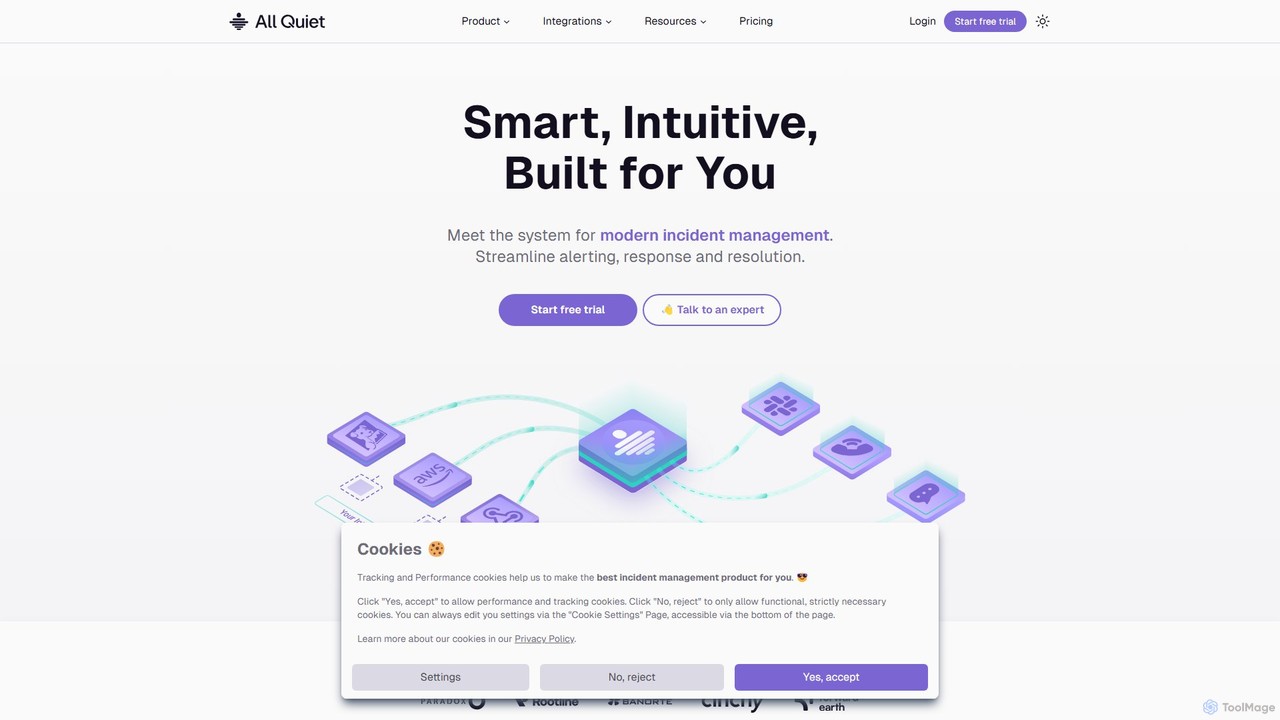
allquiet is a smart, intuitive incident management system designed for modern technology teams, from emerging startups to established enterprises. It provides a comprehensive solution to streamline alerting, on-call scheduling, incident response, and resolution, ensuring system reliability and minimizing downtime. Built with a focus on value and efficiency, allquiet offers a lean, powerful alternative to more complex and expensive platforms.
How to use allquiet
Getting started with allquiet is designed to be a quick and straightforward process, often taking less than 10 minutes:
- Select Your Integrations: Begin by connecting your existing monitoring and communication tools. allquiet offers over 35 built-in integrations, including popular services like AWS CloudWatch, Datadog, Google Cloud Monitoring, Grafana, Jira, Slack, and Prometheus. You can also use webhooks for custom integrations.
- Set up On-Call Schedules: Create flexible on-call schedules that fit your team's workflow. Options range from simple weekly rotations and weekday-weekend splits to complex follow-the-sun or day-and-night shift schedules. Escalation policies ensure that if the primary on-call person doesn't respond, the alert is automatically passed to the next tier.
- Configure Alerting Channels: Choose how your team gets notified. allquiet supports multiple channels, including push notifications to its iOS and Android mobile apps, SMS messages, emails, and direct phone calls. Critical alerts can even override 'Do Not Disturb' settings to ensure they are never missed.
- Collaborate and Resolve: When an incident occurs, use outbound integrations like Slack or Microsoft Teams to create dedicated channels for collaboration. Team members can acknowledge, investigate, and resolve incidents directly from the app or integrated tools.
- Manage as Code (Optional): For developer-centric teams, allquiet resources can be configured and managed using Terraform, allowing for an Infrastructure as Code (IaC) approach to your incident management setup.
Core Features of allquiet
- Intelligent Alerting & Routing: Centralize alerts from all your monitoring tools. Use advanced routing rules to filter out noise, group related alerts, and direct critical issues to the right on-call engineer.
- Flexible On-Call Management: Design unlimited on-call schedules and escalation policies. Features include schedule overrides for vacations or sick leave and maintenance windows to pause alerts during planned work.
- Multi-Channel Notifications: Guarantees alert delivery through push, SMS, email, and phone calls, with critical alert overrides for iOS and Android.
- Developer-First Approach: Offers a public REST API and a Terraform provider, enabling automation and integration into existing DevOps workflows.
- Integrated Status Pages: Keep your customers and stakeholders informed during downtime with easy-to-create public status pages, included in the Pro plan at no extra cost.
- Comprehensive Monitoring: Beyond integrations, allquiet provides built-in website, API, heartbeat, and cron job monitoring to proactively detect issues.
- Cross-Team Collaboration: Facilitates communication and coordination between different teams during complex incidents.
- Security & Compliance: Supports Single Sign-On (SSO), OIDC, and SCIM for secure user management and provides features that help teams achieve ISO 27001 compliance.
Use Cases for allquiet
allquiet is versatile enough to support various teams and scenarios:
- Startups and Small Teams: Quickly establish a professional incident management process with an affordable, easy-to-use tool that scales as the team grows.
- Large Organizations: Manage complex on-call rotations across multiple teams, enforce security with SSO, and gain insights with advanced reporting.
- DevOps and SRE Teams: Automate incident response workflows, manage configurations as code with Terraform, and integrate seamlessly with their existing toolchain.
- Remote-First Companies: Ensure reliable incident handling across different time zones with follow-the-sun schedules and dependable multi-channel alerting.
Advantages of allquiet
allquiet stands out by focusing on core user needs:
- Value for Money: Transparent, per-user pricing that is significantly more affordable than competitors like PagerDuty and Opsgenie, without artificial limits on users, teams, or integrations.
- Simplicity and Speed: An intuitive interface and a streamlined setup process save valuable engineering time and reduce the learning curve.
- Productivity-Oriented: By reducing alert fatigue and simplifying workflows, it allows developers to focus on building features rather than managing incidents.
- High Reliability: A 99.9% SLA guarantees that the platform is available and dependable when you need it most.
Pricing and Plans
allquiet offers transparent, value-driven pricing with a 30-day free trial (no credit card required).
- STANDARD Plan ($4.99/user/month): Ideal for startups. Includes unlimited users, teams, integrations, incidents, and all notification types (SMS, phone calls, push, email). Also includes unlimited website, API, heartbeat, and cron job monitors.
- PRO Plan ($9.99/user/month): For larger or growing organizations. Includes everything in Standard, plus Status Pages, Cross-Team Collaboration, On-Call-Time Reporting, Advanced Routing, OIDC + SCIM, Terraform Provider, and a Public REST API.
- ENTERPRISE Plan (Custom Pricing): Tailored for advanced needs. Includes all Pro features, plus whiteglove onboarding, a dedicated Slack support channel, custom billing, and advanced auditing.
Traffic
Latest traffic
Status
Monthly traffic trend
- 2025-9: 3.1K
- 2026-1: 12.3K
- 2026-2: 7.6K
- 2026-3: 9.4K
- 2026-4: 9.7K
- 2026-5: 6.9K
Geography
Top 5 countries / regions
- 🇺🇸United States32.5%
- 🇮🇳India20.6%
- 🇩🇪Germany20.3%
- 🇧🇷Brazil20.0%
- 🇫🇷France6.6%
Top keywords
| Keyword | Cost per click |
|---|---|
| allquiet reset password | $0.00 |
| allquiet swagger docs | $0.00 |
| like incident io but located in eu | $0.00 |
| pager duty | $15.51 |
| pagerduty | $10.77 |
allquiet Alternatives

PagerDuty
PagerDuty is an AI-first operations platform designed for real-time incident management and automation. It empowers DevOps, IT, and security teams to detect, triage, and resolve critical incidents faster. By leveraging AIOps and automation, PagerDuty helps reduce downtime, increase team productivity, and protect customer experiences, acting as a central hub for modern digital operations.
Incident Management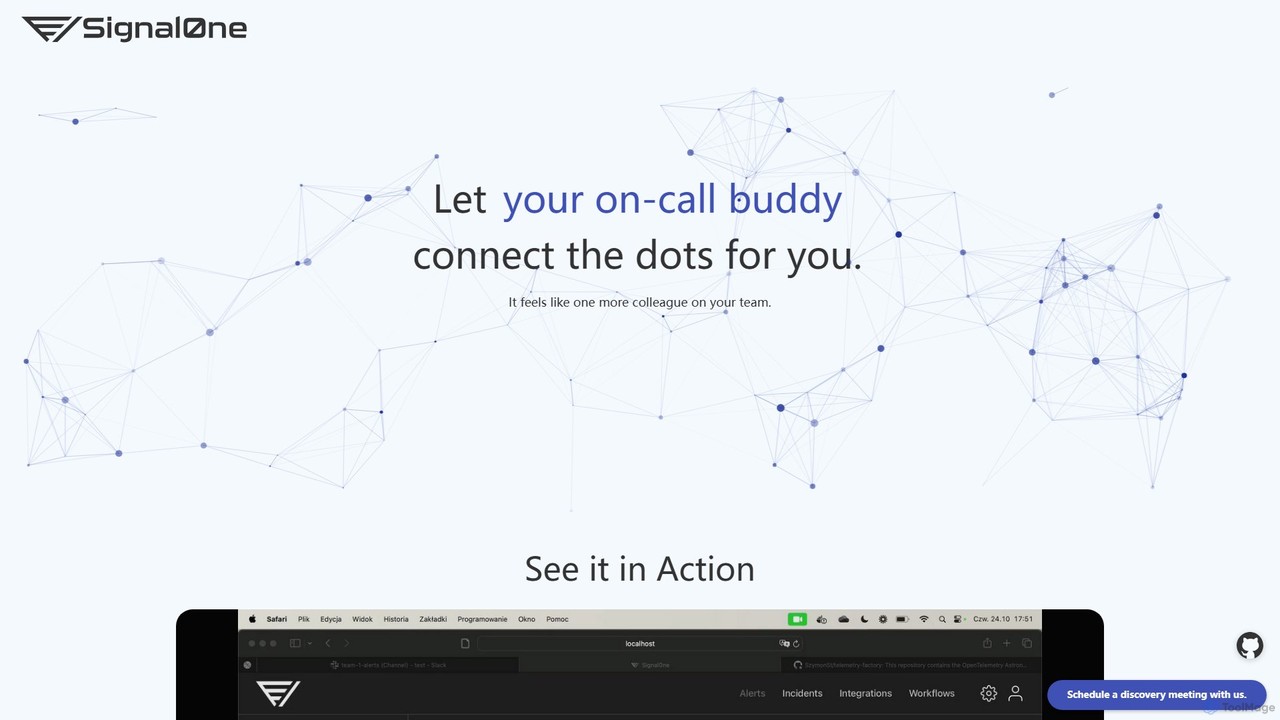
Signal0ne
Signal0ne is an AI-powered AIOps platform that acts as an on-call assistant for DevOps and SRE teams. It automates root cause analysis by correlating signals from your existing observability stack, enriching alerts with crucial context, and suggesting mitigation steps. This helps teams reduce alert fatigue and significantly decrease Mean Time To Resolution (MTTR).
Observability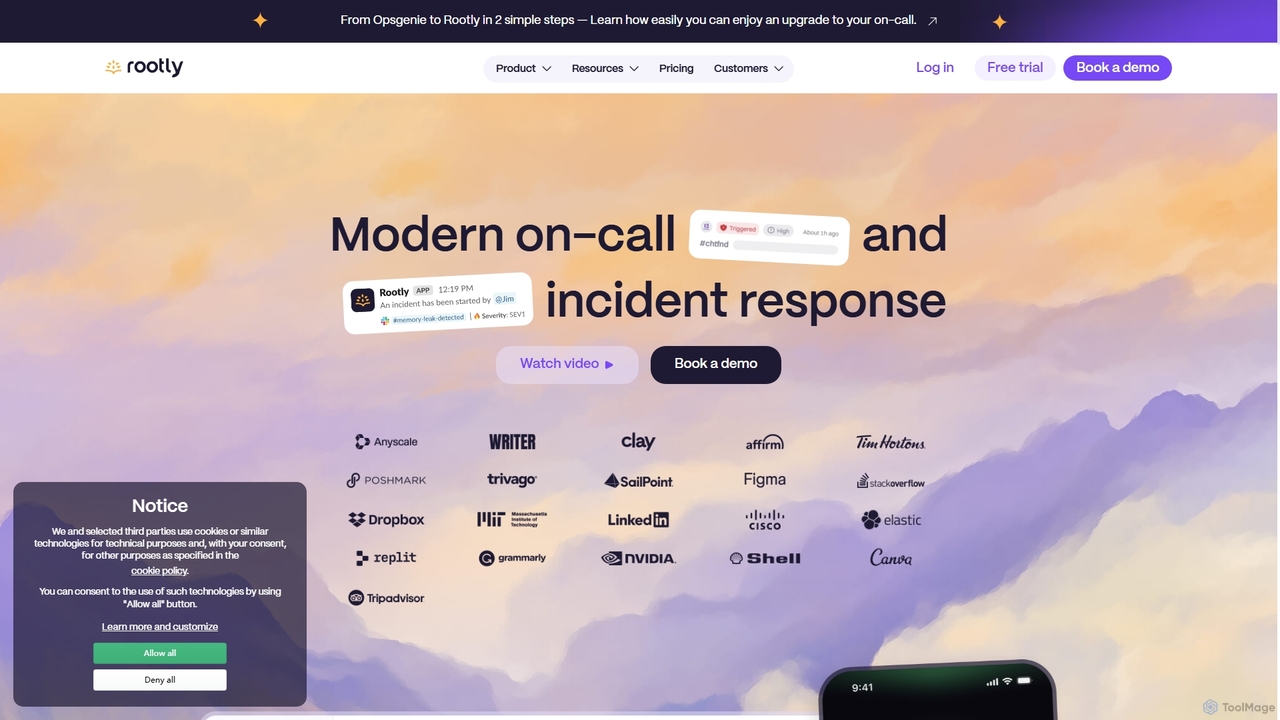
Rootly
Rootly is an AI-powered, end-to-end incident management platform designed for engineering and SRE teams. It automates the entire incident lifecycle, from on-call scheduling and alert response to resolution and post-incident analysis. By integrating seamlessly with tools like Slack, Jira, and Datadog, Rootly streamlines workflows, reduces manual tasks, and helps teams resolve issues faster, ultimately improving system reliability and operational efficiency.
Incident Management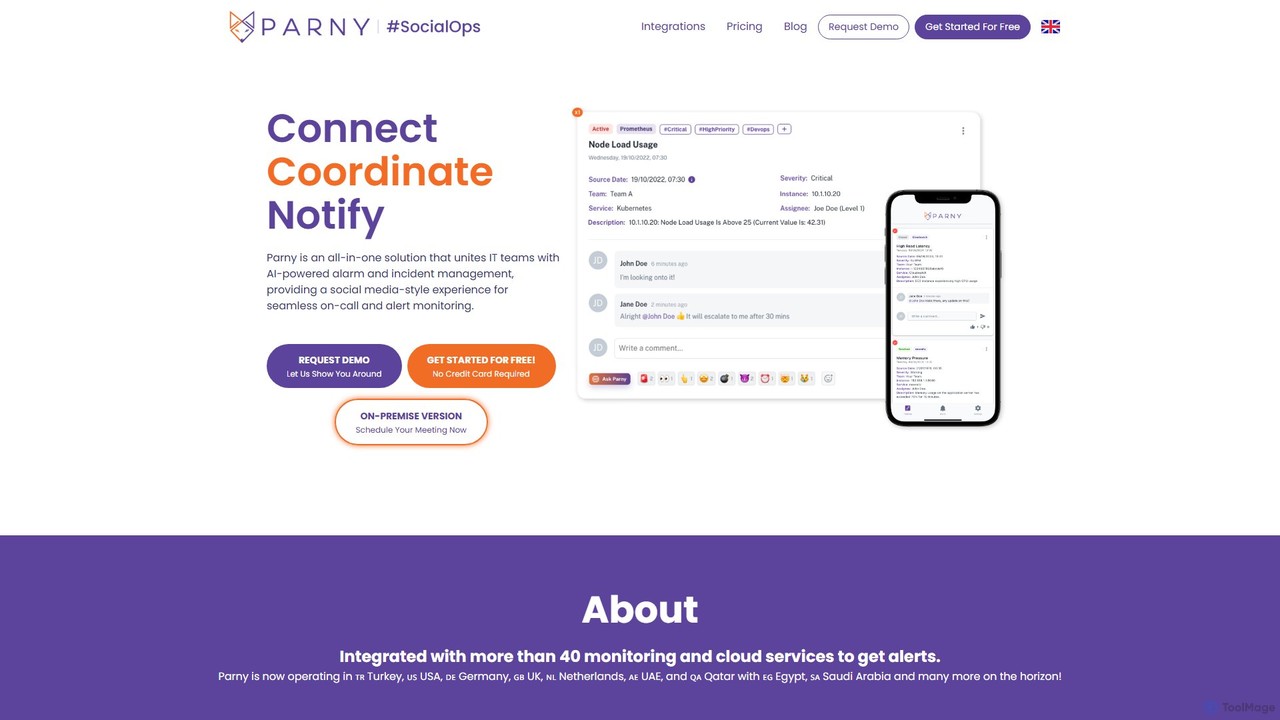
Parny
Parny is an all-in-one, AI-powered incident and on-call management platform. It unifies IT teams with a social media-style experience for seamless alert monitoring, smart scheduling, and insightful analytics, including DORA metrics. Parny serves as a powerful alternative to Opsgenie, offering advanced features like AI-driven recommendations and infrastructure mapping.
Incident Management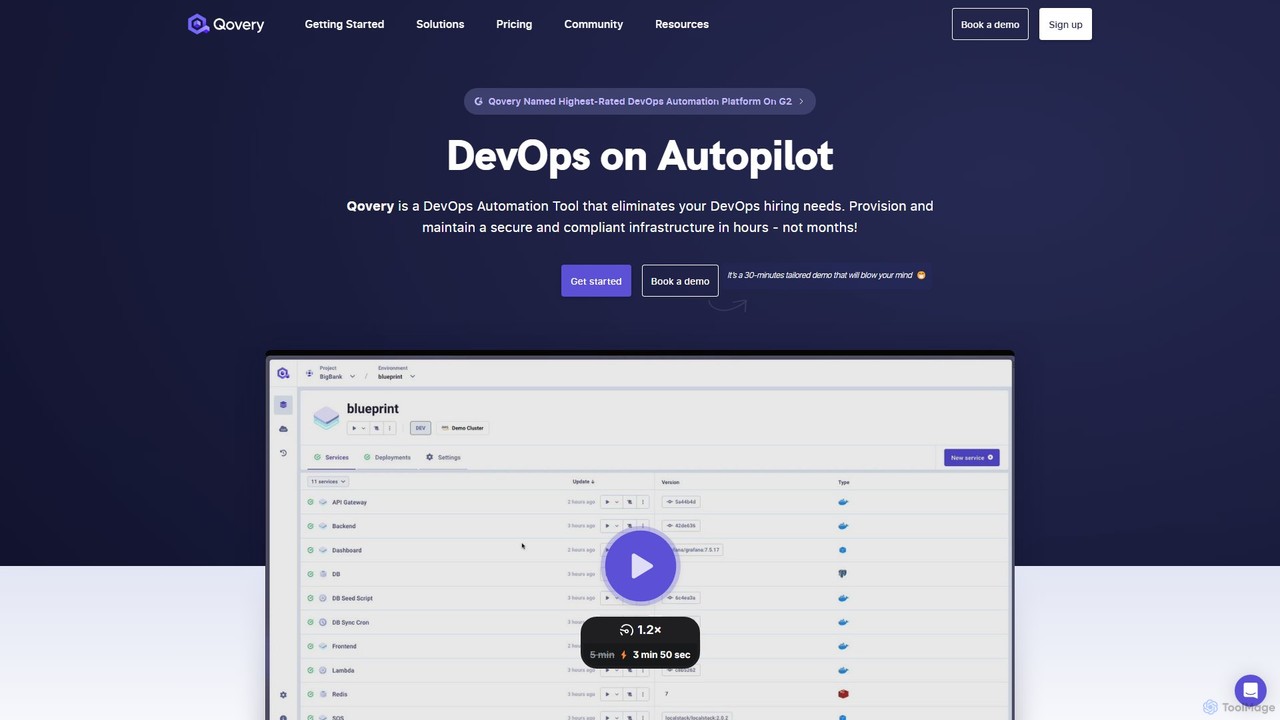
Qovery
Qovery is a DevOps Automation Platform that provides self-service infrastructure for developers. It automates environment provisioning, accelerates deployment cycles, and optimizes cloud costs on AWS, Azure, and GCP, eliminating the need for extensive DevOps hiring.
Infrastructure As Codeallquiet Categories
allquiet Embed Widget
Copy this embed code to place the badge on your blog, article, or product site and send readers directly to this ToolMage detail page.

Related AI tools
PagerDuty
PagerDuty is an AI-first operations platform designed for real-time incident management and automation. It empowers DevOps, IT, and security teams to detect, triage, and resolve critical incidents faster. By leveraging AIOps and automation, PagerDuty helps reduce downtime, increase team productivity, and protect customer experiences, acting as a central hub for modern digital operations.
Incident ManagementRootly
Rootly is an AI-powered, end-to-end incident management platform designed for engineering and SRE teams. It automates the entire incident lifecycle, from on-call scheduling and alert response to resolution and post-incident analysis. By integrating seamlessly with tools like Slack, Jira, and Datadog, Rootly streamlines workflows, reduces manual tasks, and helps teams resolve issues faster, ultimately improving system reliability and operational efficiency.
Incident ManagementParny
Parny is an all-in-one, AI-powered incident and on-call management platform. It unifies IT teams with a social media-style experience for seamless alert monitoring, smart scheduling, and insightful analytics, including DORA metrics. Parny serves as a powerful alternative to Opsgenie, offering advanced features like AI-driven recommendations and infrastructure mapping.
Incident ManagementSignal0ne
Signal0ne is an AI-powered AIOps platform that acts as an on-call assistant for DevOps and SRE teams. It automates root cause analysis by correlating signals from your existing observability stack, enriching alerts with crucial context, and suggesting mitigation steps. This helps teams reduce alert fatigue and significantly decrease Mean Time To Resolution (MTTR).
Observability
Jyek
Jyek is an AI agent platform that understands objectives, creates execution plans, uses tools, and delivers verifiable results for complex, multi-step tasks.
Automation
Spectate
Spectate is an all-in-one platform for full-stack monitoring, AI-powered incident management, and beautiful status pages. It helps businesses and developers ensure website and server uptime, resolve downtime faster, and communicate transparently with users.
Customer Support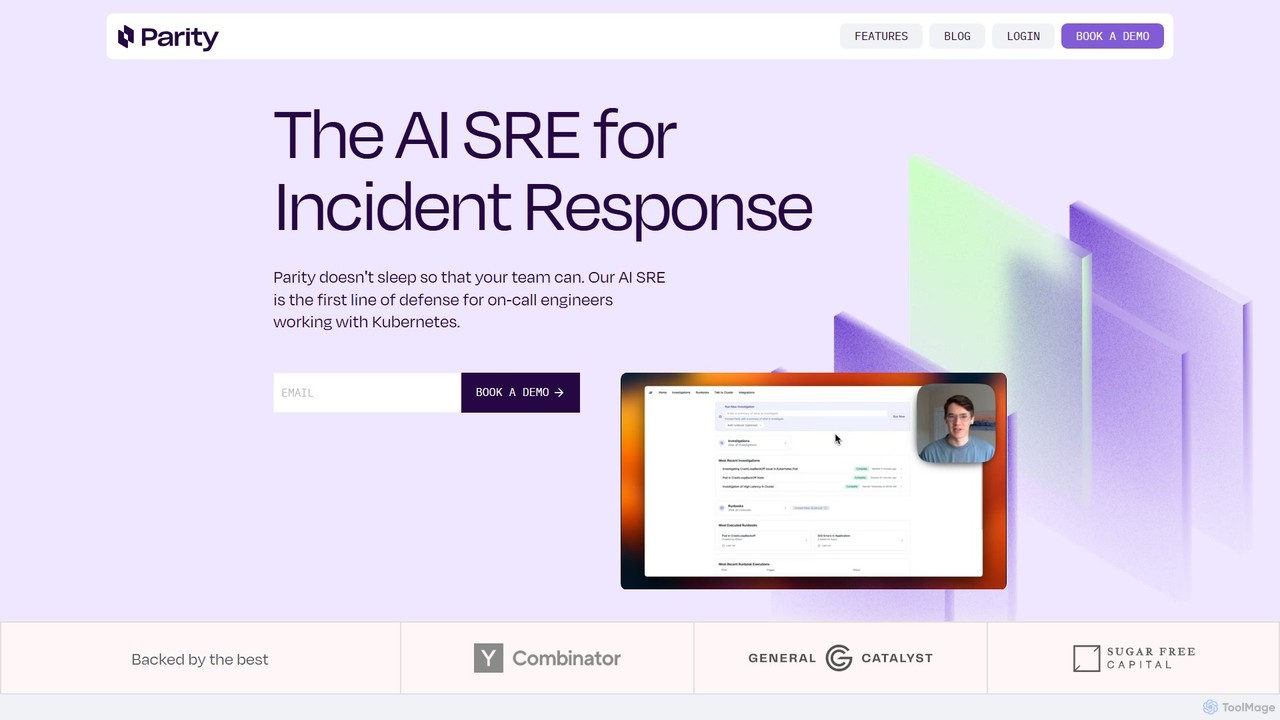
Parity
Parity is an AI-powered Site Reliability Engineer (SRE) designed for incident response in Kubernetes environments. It automates investigations, performs rapid root cause analysis, and executes runbooks, allowing on-call teams to resolve issues faster and reduce operational workload.
Devops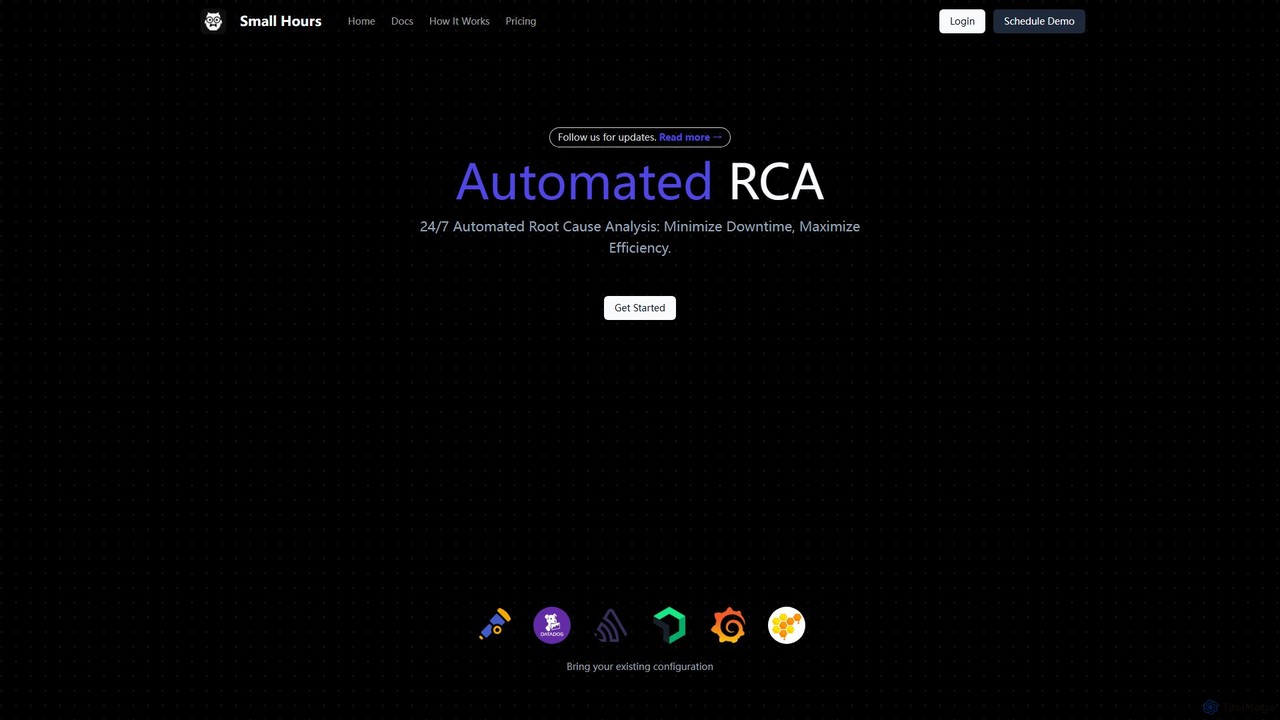
smallhours
smallhours is an AI-powered platform for developers that automates root cause analysis (RCA) 24/7. It integrates with your stack via OpenTelemetry to monitor systems, diagnose issues using your codebase and runbooks as context, and accelerates resolution time by 10x, minimizing downtime and streamlining on-call duties.
Debugging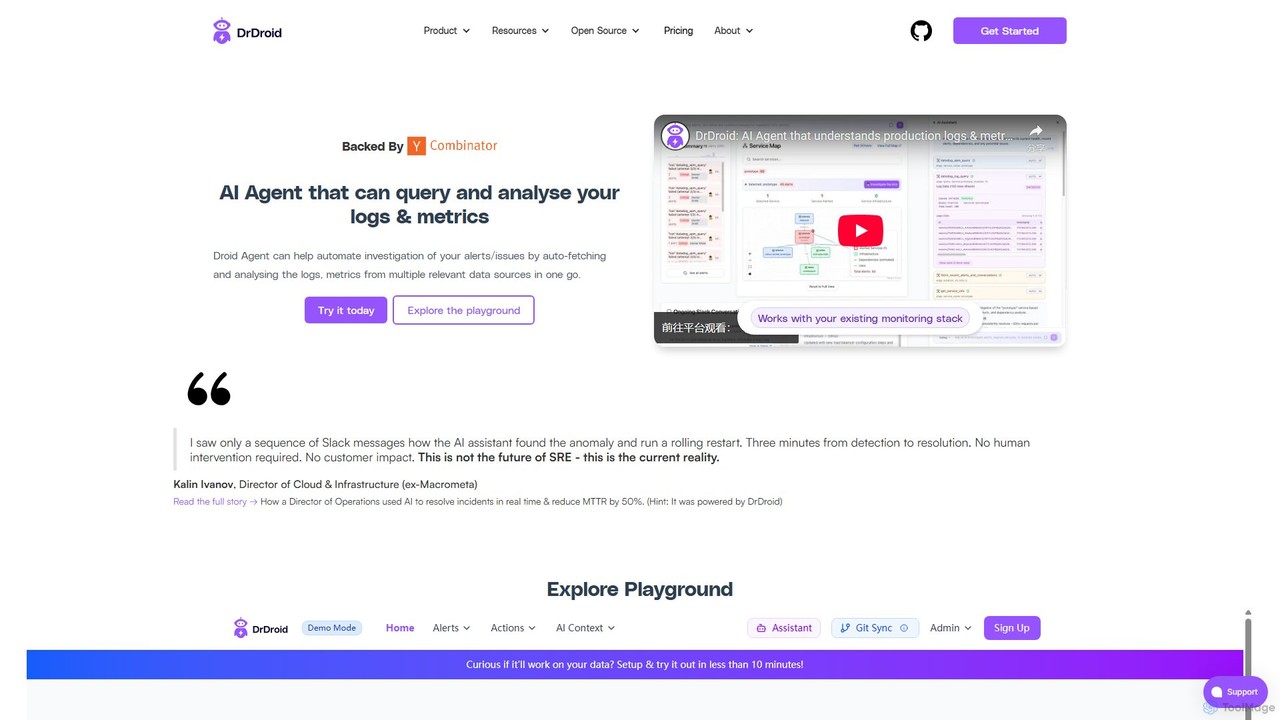
drdroid
drdroid is an AI-powered agent for observability and production monitoring, designed for SRE and DevOps teams. It automates incident investigation by querying and analyzing logs and metrics from multiple sources. By integrating with your existing stack via Slack, it helps reduce alert fatigue, slash MTTR (Mean Time to Resolution), and transform runbooks into self-healing systems, acting as a 24/7 AI SRE.
Monitoring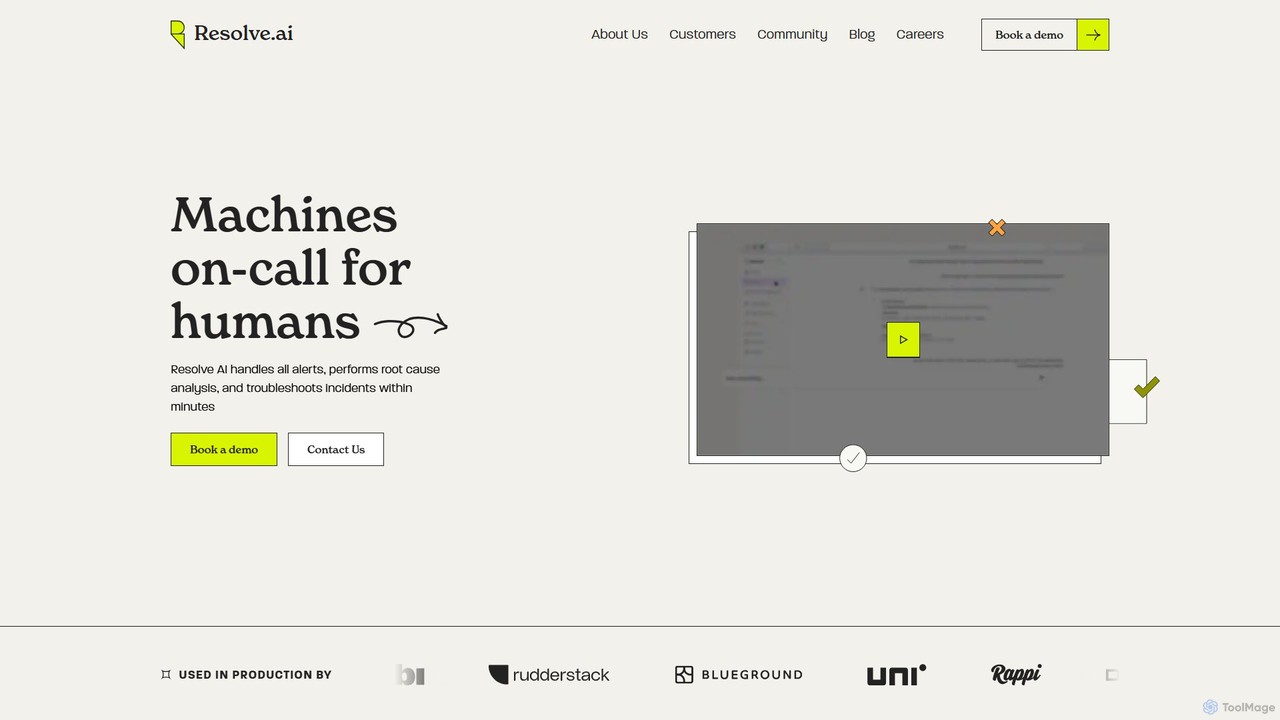
Resolve.ai
Resolve.ai is an Agentic AI SRE platform that automates incident response and root cause analysis. It acts as a virtual team member on-call, investigating alerts, testing hypotheses, and identifying issues in minutes to reduce MTTR, decrease engineer burnout, and increase system uptime.
Incident Management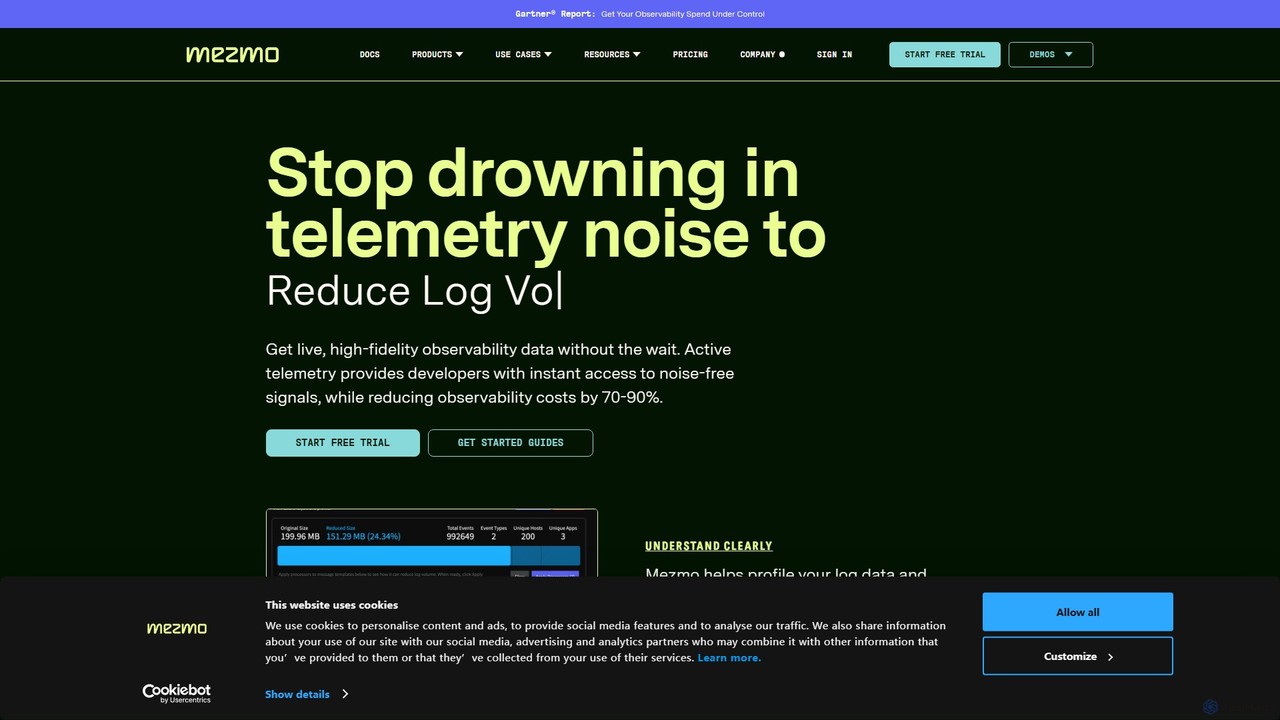
Mezmo
Mezmo is a comprehensive telemetry data pipeline platform designed for developers, DevOps, and SRE teams. It enables users to ingest, process, and analyze logs, metrics, and traces from any source. With a focus on control and cost-efficiency, Mezmo allows you to filter, transform, and route your observability data to any destination, optimizing performance and reducing expenses.
Analytics
Antimetal
Antimetal is an AI-powered infrastructure intelligence platform designed for DevOps and SRE teams. It proactively monitors your systems, automatically diagnoses issues, and provides actionable solutions to fix and prevent infrastructure problems, enhancing system reliability and reducing downtime.
Infrastructure & Devops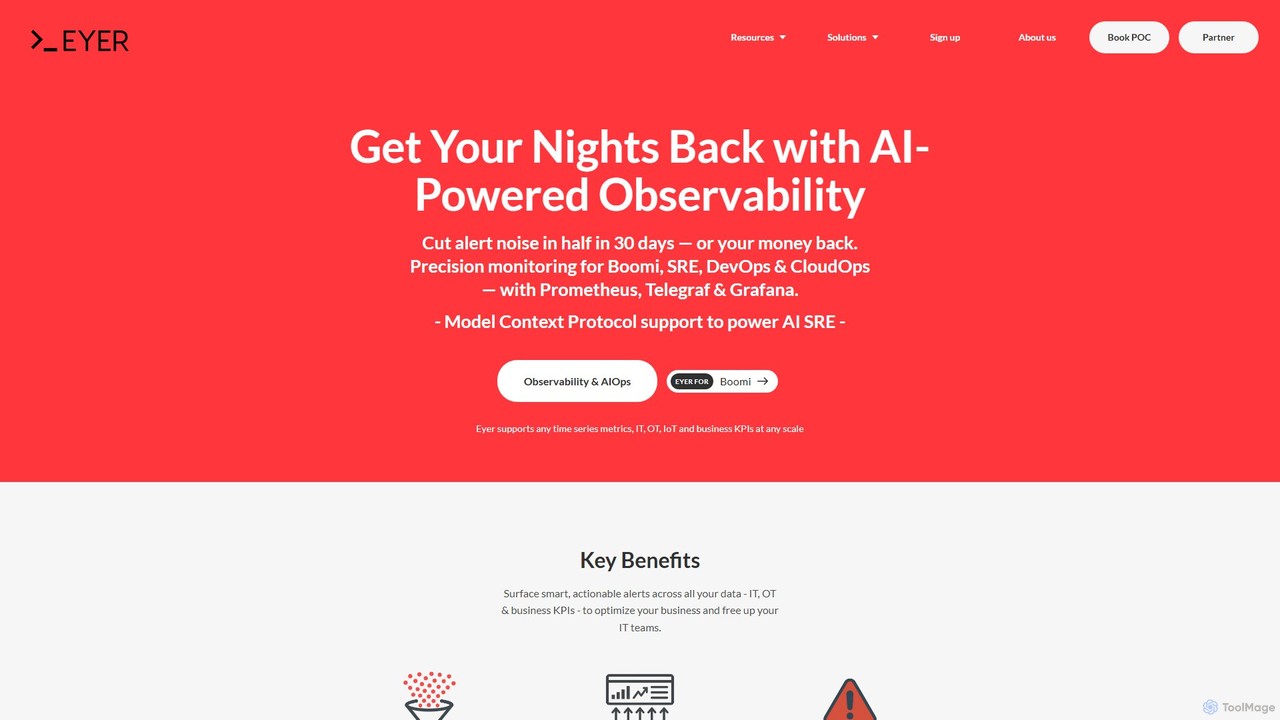
Eyer
Eyer is a headless AIOps and observability platform that uses AI to analyze time-series data from IT, OT, and business systems. It delivers smart, actionable alerts to reduce noise by up to 80%, enabling teams to proactively identify and resolve issues. It integrates seamlessly with existing tools like Grafana and Boomi.
Aiops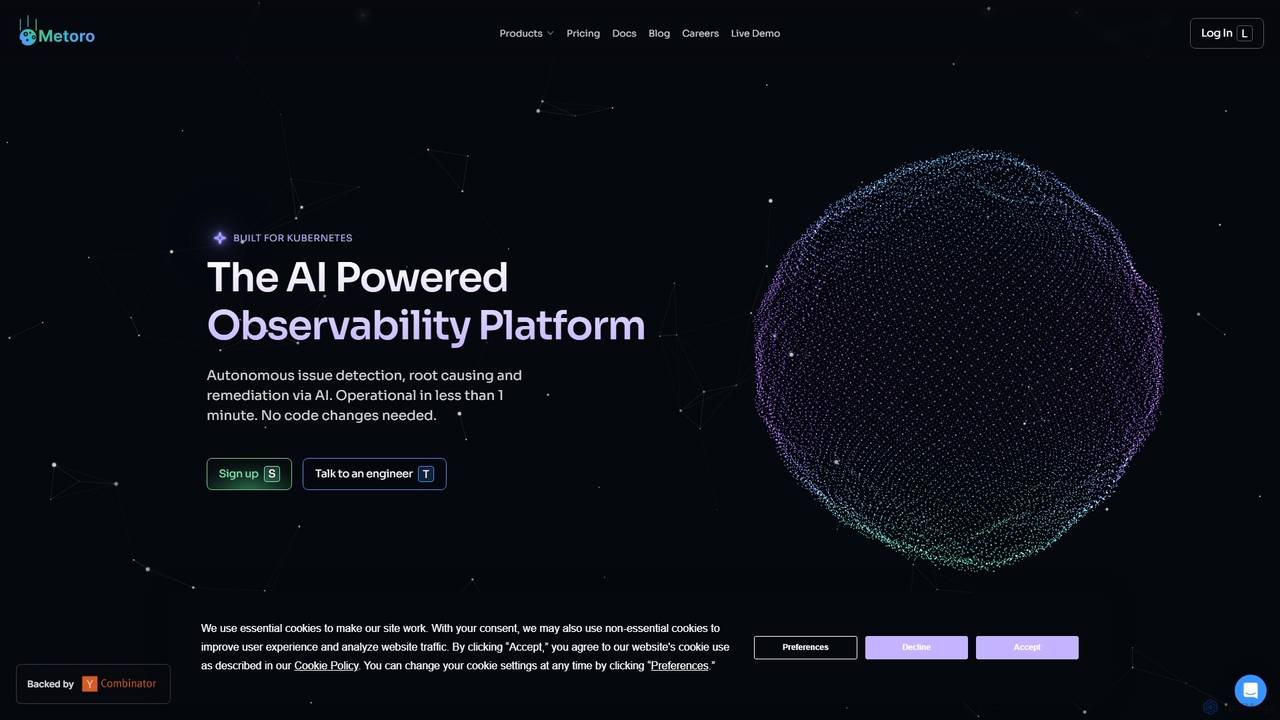
Metoro
Metoro is an AI-powered observability platform designed for Kubernetes. It uses eBPF technology for zero-instrumentation monitoring, enabling autonomous issue detection, root cause analysis, and automated code fixes via pull requests. Operational in under a minute, it offers a comprehensive and cost-effective alternative to traditional monitoring tools.
Observability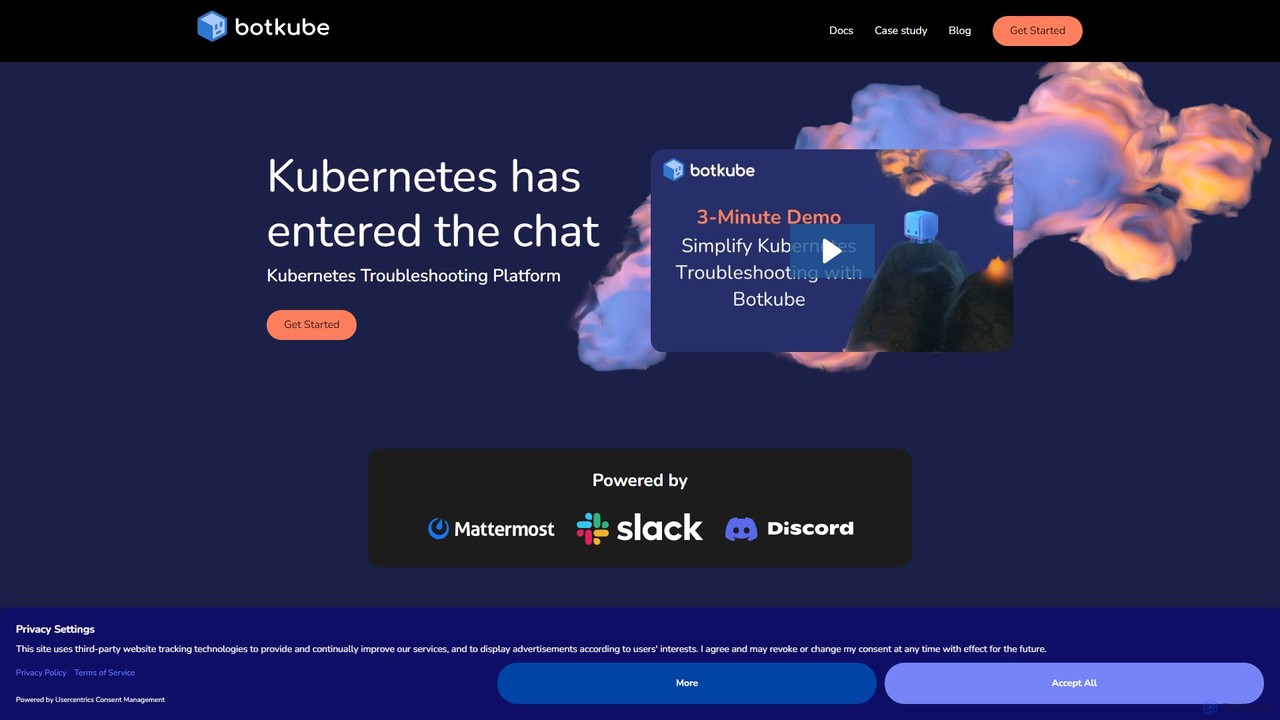
Botkube
Botkube is an open-source, collaborative AI assistant for Kubernetes. It integrates directly into your chat platforms like Slack and Microsoft Teams, centralizing real-time monitoring, alerting, and troubleshooting. It empowers developers to manage their applications independently and streamlines DevOps workflows by bringing K8s management into your daily communication tools.
Devops
allquiet Comments (0)
Sign in to comment.
Sign inNo comments yet.