ToolMage
Sign in

Best 5 Digital Art AI tools

Popular Digital Art AI tools include Magiq, Seedream 4.0, Ghibli AI, Ziina, and Throughwalls, helping you work more efficiently.

Magiq
Freemium

Magiq

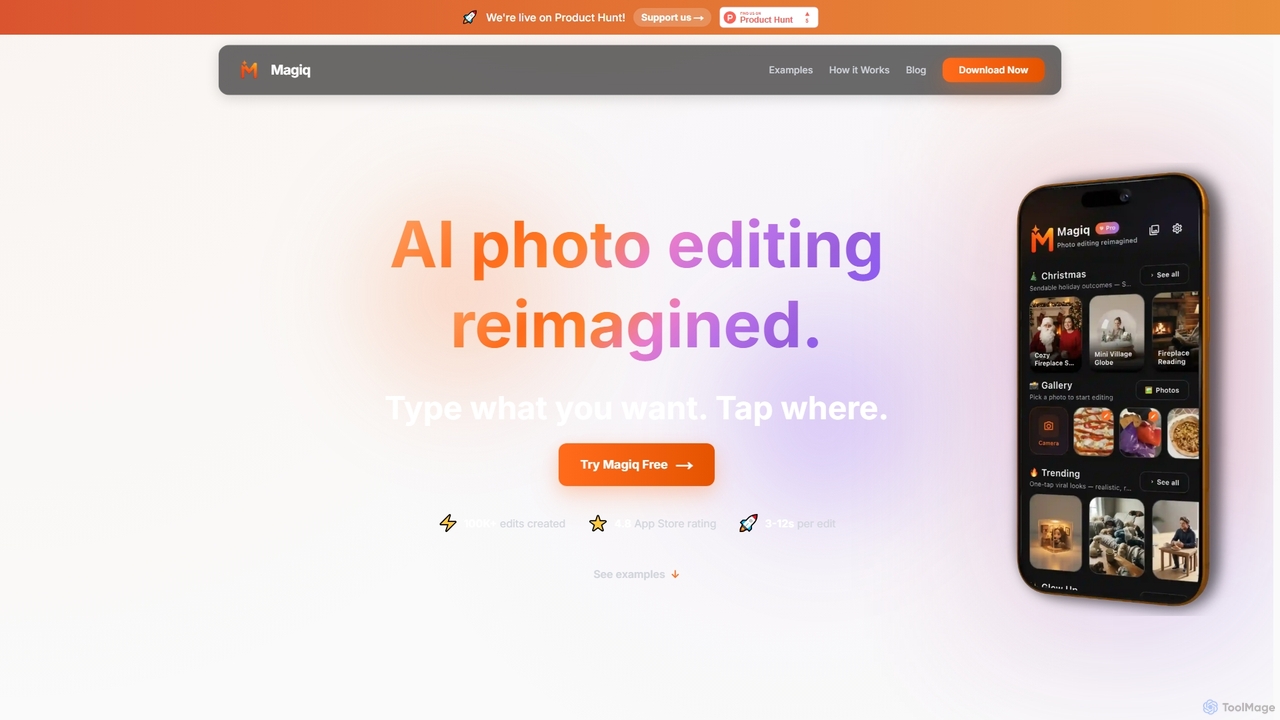
Magiq is an AI-powered photo editor for iOS and Android that redefines image transformation. With simple text instructions, users can perform complex edits like background removal, outfit changes, smart lighting adjustments, and professional portrait creation. It delivers realistic, high-quality results in seconds, making advanced photo editing accessible to everyone.

Generative Art
Visits 11.2KFavorites 75Likes 68
Ziina
Freemium

Ziina

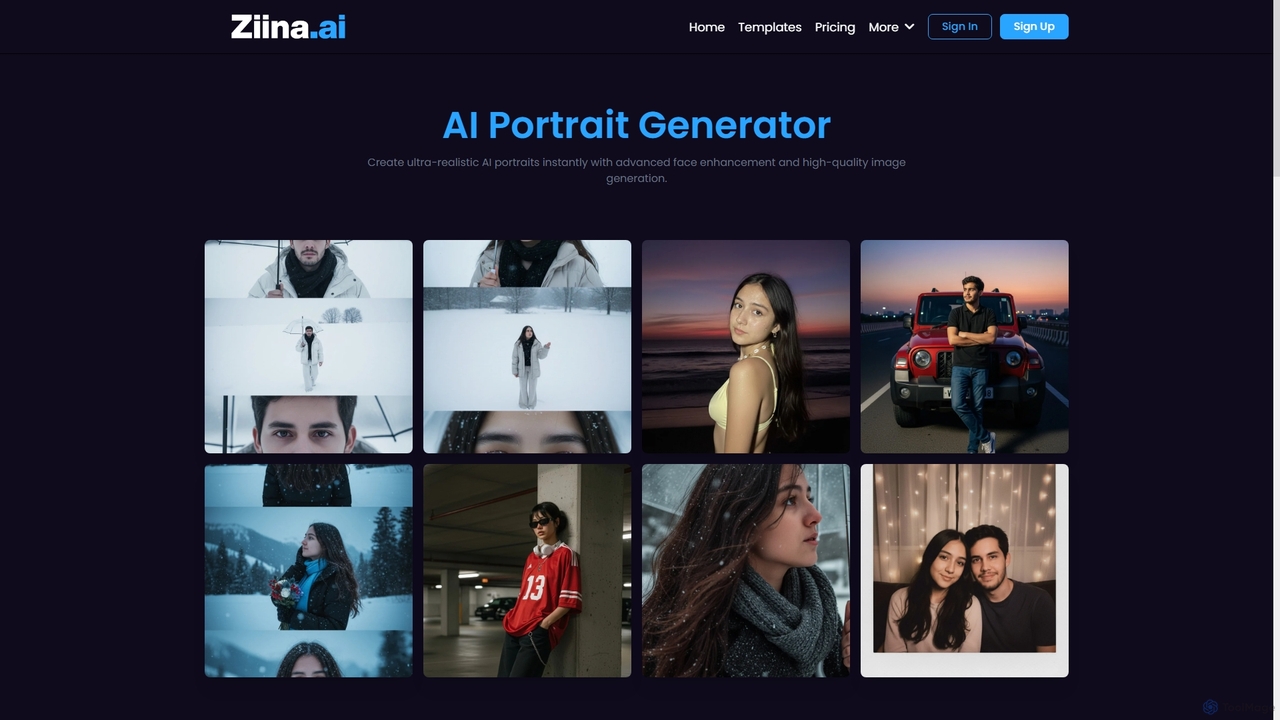
Ziina is an advanced AI tool designed to generate ultra-realistic, studio-grade portrait images with unmatched speed, quality, and simplicity. It offers intelligent face enhancement and multi-format export for various professional and personal uses.

Avatar Generation
Visits 7.3KFavorites 154Likes 160
Throughwalls

Throughwalls

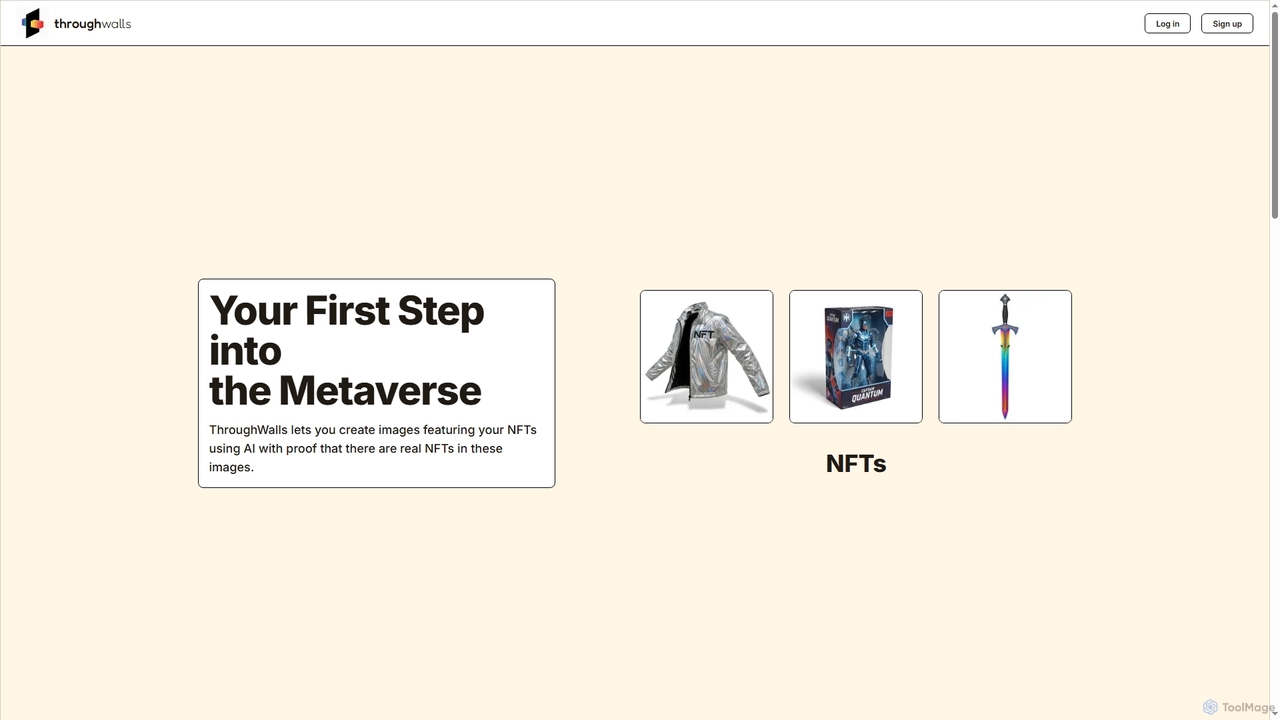
Throughwalls is an innovative AI tool that empowers users to create unique images by integrating their NFTs or generating entirely new visuals featuring verifiable digital collectibles. It bridges the gap between digital assets and creative expression within the metaverse.

Generative Art
Visits 7.2KFavorites 122Likes 151
Ghibli AI
Freemium

Ghibli AI

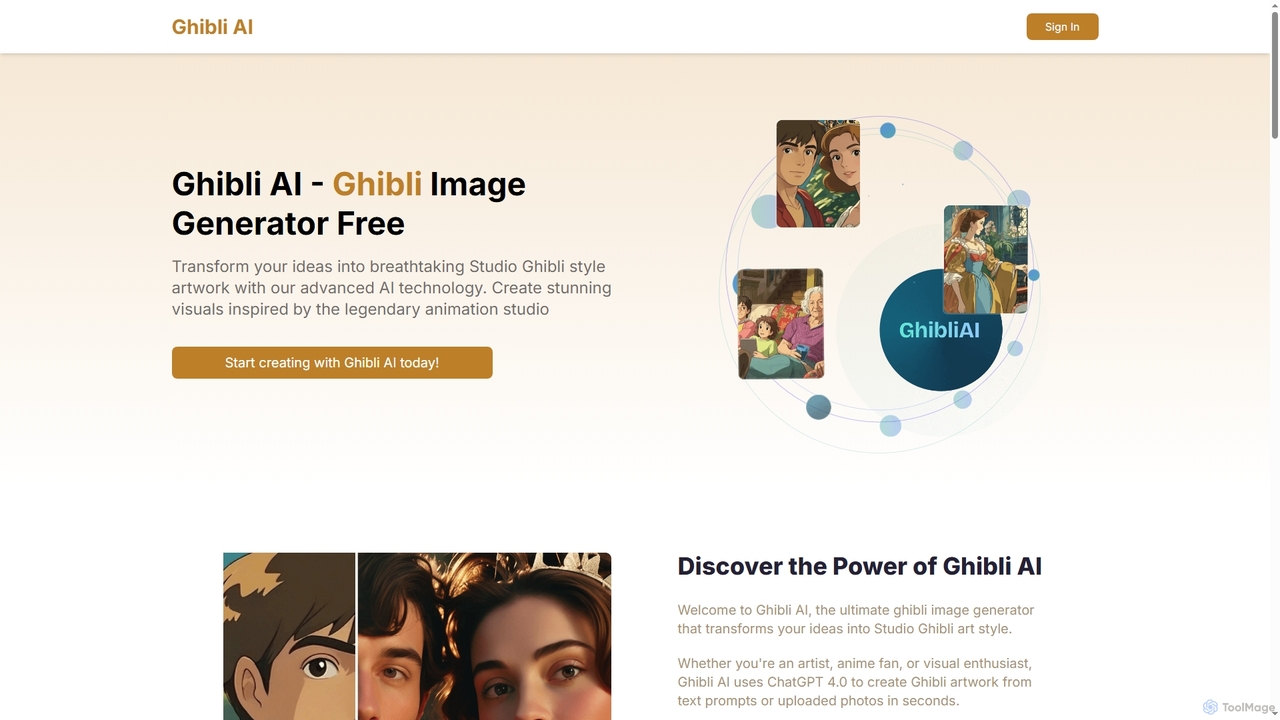
Ghibli AI is an advanced image generator that transforms your text prompts or uploaded photos into stunning Studio Ghibli-style artworks. Leveraging ChatGPT 4.0, it allows artists, fans, and professionals to effortlessly create enchanting visuals inspired by legendary animation, simplifying the process of crafting anime-style masterpieces in seconds.

Style Transfer
Visits 8.8KFavorites 127Likes 137
Seedream 4.0
Paid

Seedream 4.0

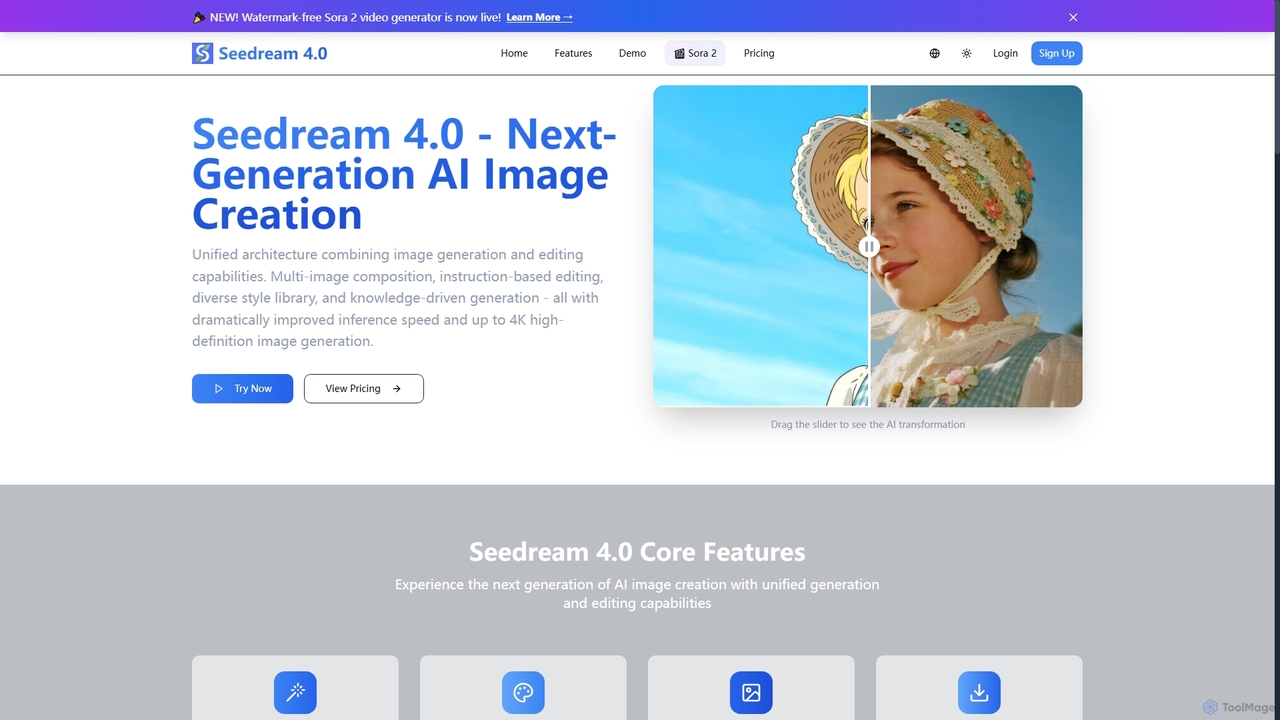
Seedream 4.0 is a next-generation AI image creation platform that unifies image generation and editing. It features multi-image composition, instruction-based editing, a diverse style library, and knowledge-driven generation. Users can create high-definition images up to 4K with dramatically improved inference speed, making complex visual tasks efficient and precise.

Creative Tools
Visits 8.9KFavorites 137Likes 169

About Digital Art

AI Digital Art tools are a class of software that leverages artificial intelligence to assist in or fully automate the creation, manipulation, and enhancement of visual artwork. These tools primarily use advanced models, such as Generative Adversarial Networks (GANs) and diffusion models, to interpret text prompts or analyze existing images to produce novel visual content. They empower artists, designers, and creators to rapidly prototype ideas, explore unique aesthetic styles, and generate complex graphics with remarkable efficiency. This technology lowers the barrier to artistic creation and opens up new possibilities for visual expression that are difficult to achieve through traditional methods alone.

Core Features

  • Text-to-Image Generation: Creates detailed images from simple or complex textual descriptions.
  • Image-to-Image Transformation: Modifies an existing image based on a text prompt or the style of another reference image.
  • Intelligent Editing & Retouching: Includes features like content-aware fill, object removal, inpainting (filling in parts of an image), and outpainting (extending an image's canvas).
  • Style Transfer: Applies the artistic style of one image (e.g., a famous painting) to the content of another.
  • AI Upscaling & Enhancement: Increases image resolution and sharpens details without significant quality loss.

Use Cases

AI Digital Art tools are widely used across creative industries. Concept artists in gaming and film use them to quickly generate character and environment ideas. Marketing teams create unique visuals for advertising campaigns and social media content. Additionally, architects and interior designers utilize these tools to produce realistic visualizations of their projects.

How to Choose

When selecting an AI Digital Art tool, consider your primary goal: are you focused on image generation, editing, or enhancement? Evaluate the tool's artistic style and the level of control it offers over the output, such as through detailed prompts or adjustable parameters. Also, consider the user interface's complexity versus your technical skill level and the platform's pricing model, which can range from free open-source options to subscription-based services.

Digital Art use cases

1

Concept Art for Game Development

A concept artist working on a new fantasy video game needs to visualize a variety of character designs quickly. Instead of spending days sketching manually, they use an AI digital art tool. By inputting detailed text prompts like 'elven warrior with glowing silver armor, intricate filigree, holding a crystal spear, cinematic lighting,' the artist can generate dozens of high-quality visual concepts in minutes. This allows the art director and team to review multiple options, select a direction, and iterate on the chosen design by feeding the generated image back into the AI with further instructions, accelerating the pre-production pipeline significantly.

2

Generating Marketing and Social Media Visuals

A social media manager for a small business needs unique, eye-catching images for daily posts across multiple platforms. Hiring a photographer or buying stock photos for every post is not feasible. Using an AI art generator, the manager can create custom visuals that align perfectly with their brand's aesthetic. For a coffee shop, they might use prompts like 'cozy cafe interior, latte art in a ceramic mug on a wooden table, soft morning light, photorealistic'. This provides an endless supply of on-brand, royalty-free images, saving significant time and budget while maintaining a high-quality, consistent visual identity online.

3

Architectural and Interior Design Visualization

An interior designer is presenting a new concept to a client for their living room. To help the client visualize the final result, the designer takes a photo of the current space and uses an AI image-to-image tool. They can apply different styles by providing reference images or text prompts like 'in the style of Scandinavian minimalist design' or 'with mid-century modern furniture and warm tones'. The AI tool re-renders the room with the new decor in seconds. This allows for real-time collaboration and feedback, enabling the designer to showcase multiple design variations instantly without needing to create complex 3D models for each one.

4

Restoring and Enhancing Old Photographs

A genealogist is working with a collection of faded, low-resolution family photos from the early 20th century. Many are scratched or have lost significant detail. Using an AI digital art tool specializing in photo restoration, they can process these images in batches. The AI automatically colorizes black-and-white photos, removes scratches and dust, and uses upscaling algorithms to enhance facial details and overall clarity. The result is a restored collection of vibrant, clear photographs that bring family history to life, a task that would have previously required hours of meticulous manual work by a professional photo editor for each image.

5

Creating Unique Patterns and Textures

A textile designer is tasked with creating a new line of fabrics with organic, non-repeating patterns. Manually designing such patterns can be time-consuming and repetitive. The designer turns to an AI tool capable of generating seamless textures. By using abstract prompts like 'bioluminescent fungi patterns, intricate glowing lines, dark background, seamless tile', the AI produces a variety of unique and complex patterns that can be tiled infinitely without visible seams. The designer can then select the best options, fine-tune colors, and send them directly to production, dramatically shortening the design cycle and introducing novel aesthetics to their collection.

6

Prototyping Product Designs and Mockups

An industrial designer is in the early stages of designing a new smart speaker. To explore different forms and materials, they use an AI art tool. They can generate realistic product mockups by prompting 'futuristic smart speaker, minimalist design, made of light oak and brushed aluminum, on a modern living room table'. The AI can produce dozens of variations in different settings and lighting conditions. This process allows the designer to quickly visualize and evaluate many design directions without the need for time-consuming 3D modeling or physical prototypes, facilitating faster iteration and more creative exploration at the beginning of the design process.

Digital Art FAQ

What are AI Digital Art tools?

AI Digital Art tools are software applications that use artificial intelligence, particularly machine learning models like diffusion and GANs, to generate or modify visual images. They can create entirely new artwork from text descriptions (text-to-image), alter existing photos based on prompts, transfer artistic styles, or enhance image quality. These tools act as a creative partner, enabling users to produce complex and unique visuals with speed and efficiency that is often unattainable through traditional digital art methods alone.

How do I choose the right AI Digital Art tool?

Choosing the right tool depends on your specific needs. Consider the following factors:

  • Primary Goal: Do you need to generate images from scratch, edit existing ones, or upscale low-resolution photos? Different tools specialize in different areas.
  • Artistic Style: Each model has a distinct aesthetic. Browse galleries of images created by different tools to see which one aligns with your desired style (e.g., photorealistic, anime, abstract).
  • Control and Customization: How much control do you need? Some tools offer simple interfaces, while others provide advanced parameters like negative prompts, seeds, and model weights for fine-tuning.
  • Ease of Use and Budget: Evaluate the user interface and your technical comfort level. Pricing models vary from free, open-source software to pay-per-image credits and monthly subscriptions.
What's the difference between AI image generators and traditional digital painting software?

The core difference lies in the creation process and control. Traditional digital painting software, like Adobe Photoshop or Procreate, provides direct, pixel-level control. The artist uses tools like brushes and layers to manually create every part of the image, similar to physical painting. In contrast, AI image generators work collaboratively. The user provides a high-level instruction (a text prompt), and the AI interprets it to create an image. The control is indirect—focused on refining the prompt rather than drawing lines or shapes. AI excels at rapid ideation and generating complex textures, while traditional software offers precision and complete artistic authority.

Can I use AI-generated art commercially?

The commercial use of AI-generated art is a complex and evolving area. It largely depends on the terms of service of the specific AI tool you use. Some services grant users full ownership and commercial rights to the images they create, while others may restrict commercial use or require a specific subscription plan. Additionally, copyright law regarding AI-generated works is not yet settled globally and can vary by jurisdiction. It is crucial to always read and understand the licensing agreement for any AI art tool before using its output for commercial purposes to ensure you are in compliance.

Who can benefit from using AI Digital Art tools?

A wide range of individuals and professionals can benefit from these tools. This includes:

  • Professional Artists and Designers: For brainstorming, rapid prototyping, and creating unique textures or elements for their work.
  • Marketers and Content Creators: To generate custom, on-brand visuals for social media, blogs, and advertisements without high costs.
  • Game Developers and Filmmakers: For creating concept art, storyboards, and environmental assets quickly.
  • Writers and Authors: To visualize characters, settings, or create unique book covers.
  • Hobbyists and Enthusiasts: For exploring creativity and making art without needing years of technical drawing skills.