PDFgen
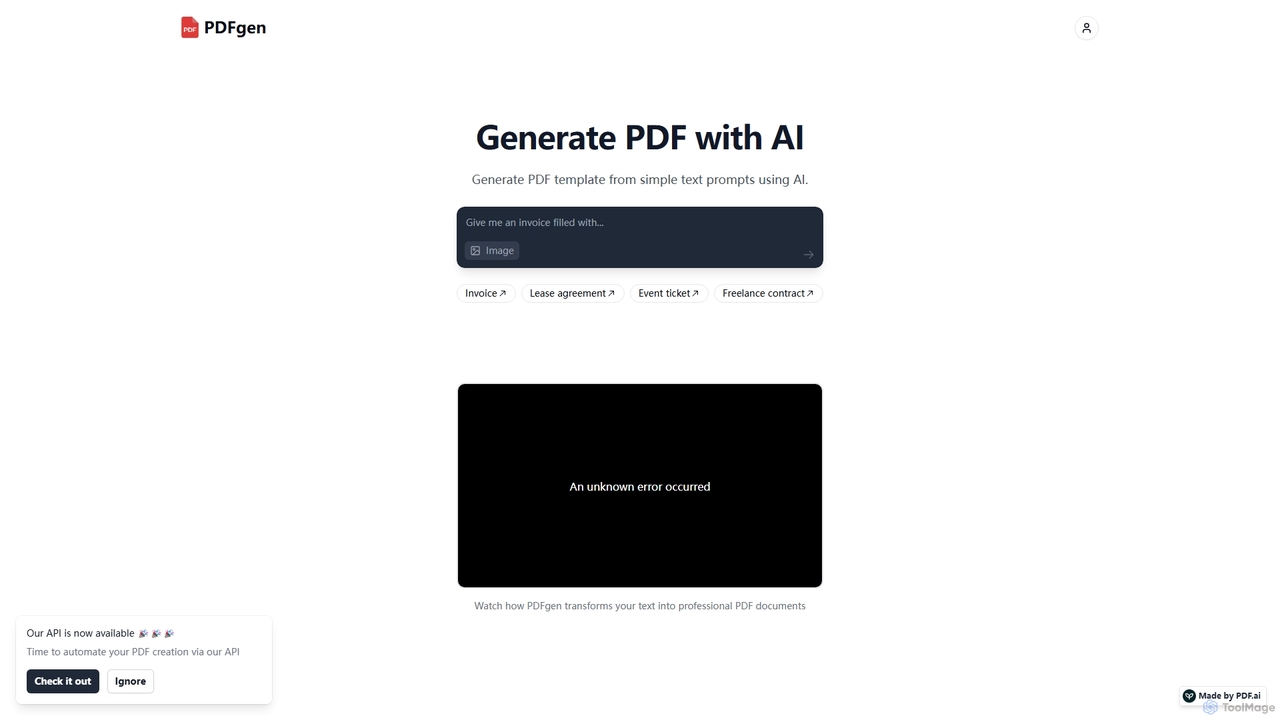
PDFgen is an AI-powered tool that generates professional PDF documents from simple text prompts. It allows users to …
PDFgen is an AI-powered tool that generates professional PDF documents from simple text prompts. It allows users to create various templates like invoices, contracts, and tickets instantly. With a powerful API, it enables developers and businesses to automate their document creation workflows, saving time and effort.
About Pdf
AI PDF tools are specialized applications that use artificial intelligence to interact with, analyze, and extract information from PDF documents. Leveraging Natural Language Processing (NLP) and Optical Character Recognition (OCR), these tools can understand the content and context within a PDF file. This allows users to chat with their documents, get instant summaries of long reports, and pinpoint specific data without manual reading. They transform static PDFs into interactive knowledge bases, significantly improving research and data analysis efficiency.
Core Features
- Interactive Chat (Chat with PDF): Ask questions directly to your PDF and receive context-aware answers based on its content.
- AI-Powered Summarization: Automatically generate concise summaries of lengthy documents, reports, or academic papers.
- Intelligent Data Extraction: Accurately pull specific information like names, dates, figures, or tables from unstructured text.
- Cross-Document Analysis: Ask questions and synthesize information across multiple PDF files simultaneously.
Use Cases
These tools are invaluable for researchers, students, legal professionals, and financial analysts who regularly handle dense, text-heavy documents. For instance, a lawyer can quickly find all clauses related to a specific term in a 200-page contract, or a student can summarize multiple research papers for a literature review in minutes.
How to Choose
When selecting an AI PDF tool, consider the accuracy of its text recognition and summarization. Evaluate its ability to handle large or complex files, including those with tables and images. Also, check the security and privacy policies, especially for sensitive documents, and consider its integration capabilities with cloud storage or reference management software.
PdfUse Cases
Accelerate Academic Research and Literature Reviews
A postgraduate researcher is tasked with writing a literature review on a complex scientific topic, requiring them to analyze over 50 academic papers. Instead of spending weeks reading each one, they upload all the PDFs to an AI PDF tool. Using the cross-document analysis feature, they ask questions like 'What are the common methodologies used?' and 'Summarize the key findings related to protein synthesis.' The tool synthesizes answers from all papers, providing a comprehensive overview in minutes. This allows the researcher to quickly identify core themes, contradictions, and gaps in the literature, reducing research time by over 70%.
Streamline Legal Contract Review and Analysis
A paralegal at a law firm needs to review a 150-page service agreement to identify potential risks and non-standard clauses. They upload the PDF contract to an AI tool and ask specific questions like, 'Identify all indemnification clauses,' 'What are the termination conditions?' and 'Are there any limitations of liability?' The AI instantly highlights the relevant sections and provides concise summaries for each query. This process transforms a task that would typically take half a day into a 15-minute verification exercise, ensuring no critical details are missed and improving the firm's response time to clients.
Extract Key Data from Financial Reports
A financial analyst needs to compare the quarterly performance of several competitor companies. They have downloaded each company's 80-page quarterly earnings report as a PDF. Instead of manually searching for specific figures, they use an AI PDF tool to extract key metrics. They issue commands like 'Extract the net revenue for Q2 2023,' 'Find the CEO's comments on future outlook,' and 'List all figures related to R&D spending.' The tool accurately pulls this data from each report and presents it in a structured format, enabling the analyst to build their comparison model in under an hour, a task that previously took a full day.
Create Study Guides from Textbooks and Lecture Notes
A university student is preparing for final exams and has multiple textbook chapters and lecture slides saved as PDFs. To study efficiently, they upload all relevant files into an AI PDF tool. They then ask the tool to 'Summarize the main concepts from Chapter 5,' 'Generate a list of key definitions from all lecture slides,' and 'Explain the theory of relativity in simple terms.' The AI provides organized summaries, definition lists, and simplified explanations. The student uses this output to create a comprehensive study guide, saving dozens of hours of manual note-taking and consolidation.
Quickly Understand Technical Manuals and Documentation
An IT support specialist receives a ticket about a complex server issue. They need to consult a 500-page technical manual in PDF format to find the solution. Instead of searching keyword by keyword, they upload the manual to an AI tool. They ask a direct question: 'What are the steps to troubleshoot error code 0x80070057 on a Series 4000 server?' The AI navigates the dense document and provides a precise, step-by-step guide extracted from the relevant section. This allows the specialist to resolve the issue in under 30 minutes, significantly improving first-call resolution rates and customer satisfaction.
Synthesize Market Research and Competitor Analysis
A product manager is developing a new feature and needs to understand the market landscape. They gather a dozen PDF reports from market research firms and competitor whitepapers. They upload all documents to an AI PDF tool and use its synthesis capabilities. They ask, 'What are the top three customer pain points mentioned across these reports?' and 'How do competitors A, B, and C position their solutions for this problem?' The tool analyzes all documents and provides a consolidated report with direct quotes and references, giving the product manager a clear, data-driven understanding of the market in a fraction of the time it would take to read everything manually.