ToolMage
Sign in

Best 3 Assistant for Email

Popular Assistant in Email include MeetTing, Dule, and WriteNow AI, helping you work more efficiently.

MeetTing
Free

MeetTing

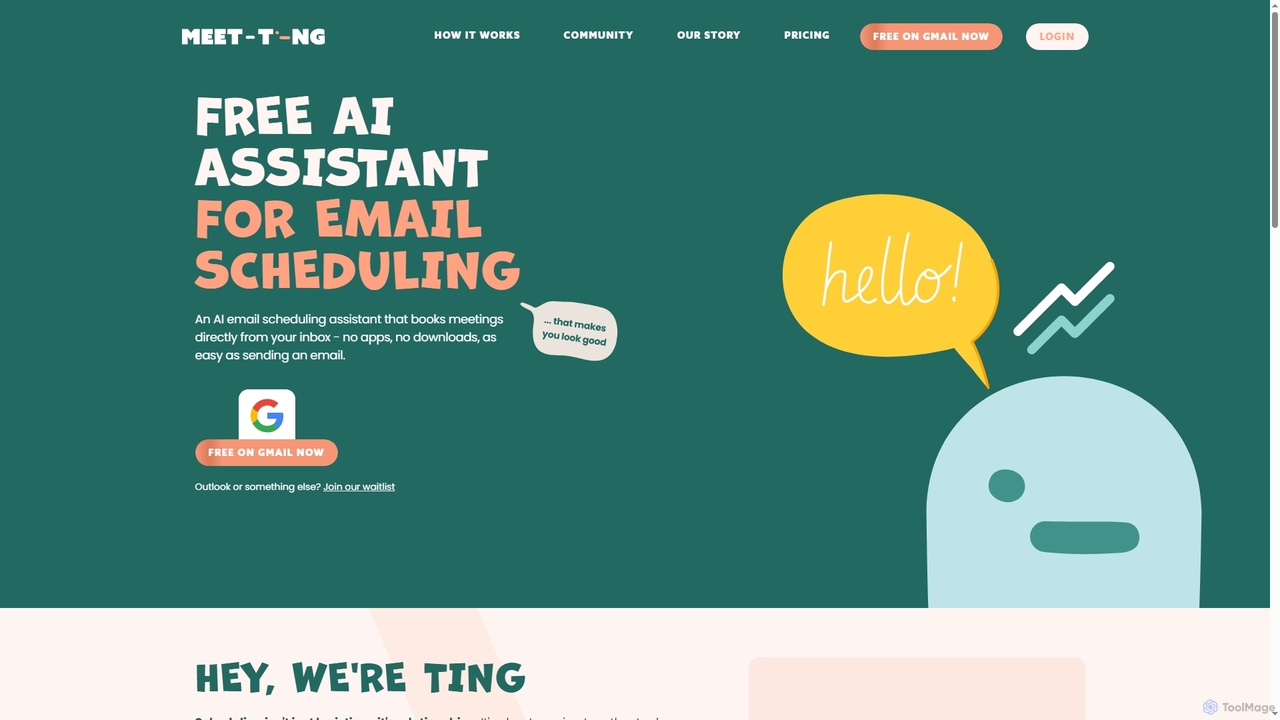
MeetTing is a free AI email scheduling assistant that streamlines meeting coordination directly from your inbox. It eliminates the need for back-and-forth emails, allowing you to book meetings as easily as sending an email, without any apps or downloads. Currently available for Gmail users, it quietly works in the background to ensure your meetings happen smoothly.

Automation
Visits 5.9KFavorites 66Likes 76
WriteNow AI
Freemium

WriteNow AI

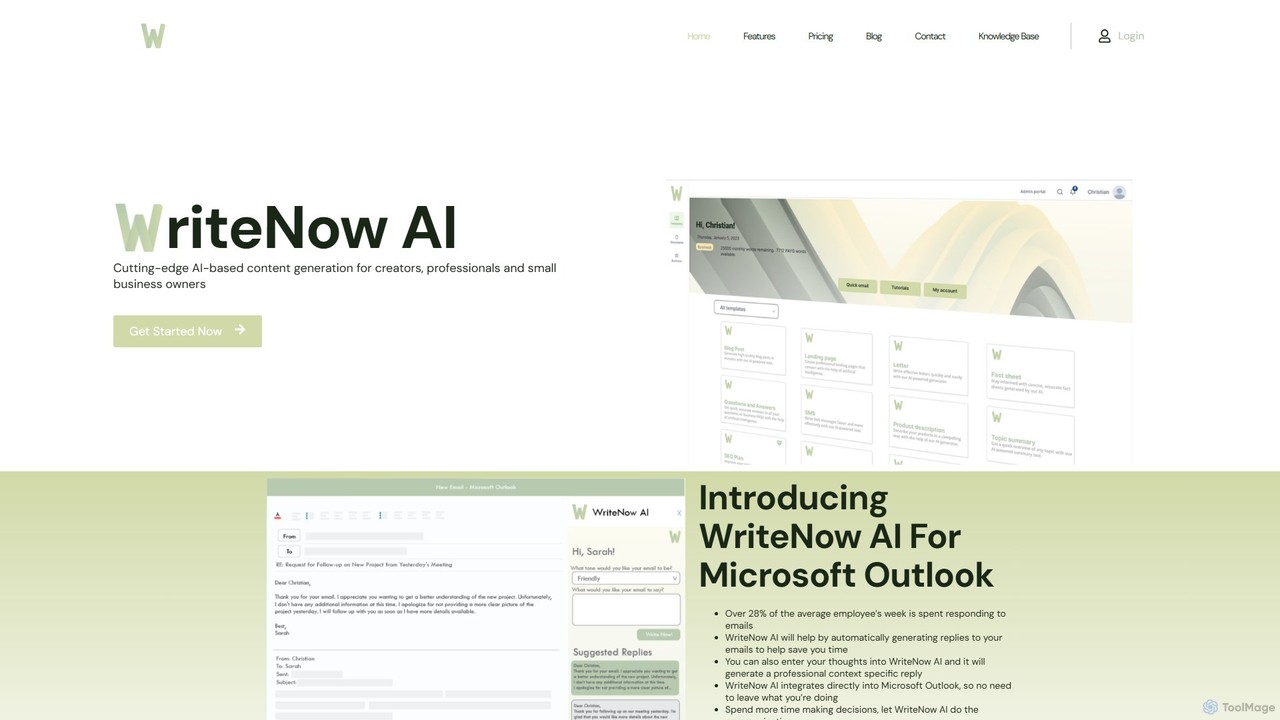
WriteNow AI is an advanced content generation platform designed for creators, professionals, and small businesses. It features over 30 templates for various content types and a unique Microsoft Outlook integration that automatically generates professional email replies, saving significant time. Powered by GPT-3, it helps users create high-quality content, from blog posts to business analyses, efficiently.

Assistant
Visits 3.6KFavorites 120Likes 138
Dule
Freemium

Dule

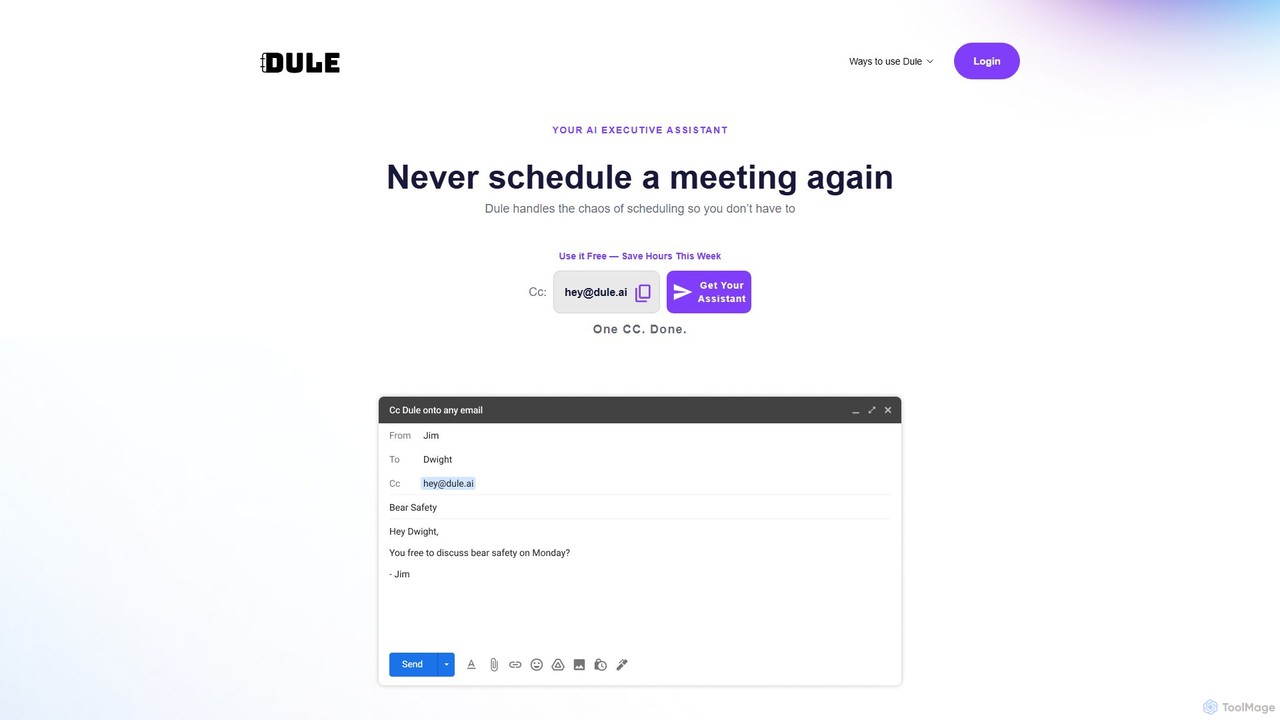
Dule is an AI scheduling assistant that works directly in your email. Simply CC Dule, and it handles meeting coordination, proposes times, sends invites, and follows up automatically. It eliminates booking links and apps, providing a seamless, human-like scheduling experience for you and your guests.

Task Management
Visits 5.8KFavorites 106Likes 98

About Assistant

Assistant tools, specifically AI Email Assistants, are intelligent software designed to streamline and enhance email communication and management. Leveraging advanced natural language processing (NLP) and machine learning, these tools can automate various email-related tasks, from drafting personalized responses and summarizing lengthy threads to organizing your inbox. They significantly boost productivity, improve communication quality, and help users manage their inboxes more effectively, transforming the daily email experience for individuals, sales teams, and customer support alike.

Core Features

  • AI Email Drafting: Automatically generates email content based on user prompts, context, and desired tone, saving significant time in composition.
  • Email Summarization: Condenses long email chains or individual messages into concise, actionable summaries, allowing for quick comprehension.
  • Smart Reply Suggestions: Provides context-aware response options and full draft replies to expedite email communication and ensure consistency.
  • Inbox Prioritization: Intelligently identifies and highlights critical emails, helping users focus on urgent communications and reduce inbox overwhelm.
  • Automated Follow-ups: Schedules and sends reminder emails or follow-up messages based on predefined conditions, ensuring no important communication is missed.

Applicable Scenarios

Email Assistants are invaluable for professionals across various sectors seeking to optimize their communication workflows. Sales teams utilize them to personalize outreach and follow-up emails at scale, improving engagement rates and saving hours of manual drafting. Customer support agents leverage these tools to draft quick, consistent, and accurate responses to common inquiries, enhancing service efficiency. Furthermore, busy executives and project managers benefit immensely from automated summaries of long discussion threads, enabling faster decision-making and efficient information digestion without reading every single email.

How to Choose

When selecting an AI Email Assistant, consider its seamless integration capabilities with your existing email client (e.g., Gmail, Outlook, Apple Mail) and other productivity tools you frequently use. Evaluate the accuracy, naturalness, and contextual relevance of its AI-generated content, along with its customization options for tone, style, and brand voice. Security and data privacy features are paramount; ensure the tool employs robust encryption and adheres to strict privacy policies. Finally, assess the pricing model, scalability, and the level of customer support offered to ensure it aligns with your team's size, budget, and evolving communication needs.

Featured tool rankings

Assistant use cases

1

Drafting Personalized Sales Outreach

Sales professionals use AI Email Assistants to quickly generate unique, personalized cold emails for prospects, incorporating specific details from their CRM. This saves hours of manual writing, increases outreach volume, and improves response rates by ensuring each email is highly relevant and engaging, tailored to the recipient's profile and needs.

2

Summarizing Complex Project Threads

Project managers and team leads leverage AI to condense lengthy email discussions about project updates, issues, or decisions into brief, actionable summaries. This allows them to grasp the core information rapidly, identify key takeaways, and make informed decisions without having to read through hundreds of emails, significantly improving efficiency.

3

Automating Customer Support Responses

Customer service teams deploy AI Email Assistants to draft rapid, consistent, and accurate replies to frequently asked questions or common customer inquiries. By integrating with knowledge bases, the AI can suggest or compose full responses, reducing agent workload, speeding up resolution times, and ensuring a uniform brand voice across all communications.

4

Personalizing Marketing Campaign Emails

Marketing specialists utilize AI Email Assistants to generate diverse and highly personalized email content for various segments of their audience. This enables A/B testing of different subject lines, body copy, and calls to action, leading to higher open rates, click-through rates, and overall campaign effectiveness, without the need for extensive manual content creation.

5

Prioritizing Urgent Executive Communications

Busy executives and senior leaders use AI Email Assistants to intelligently scan their incoming mail, identifying and highlighting emails that require immediate attention or contain critical information. This helps them cut through inbox noise, focus on high-priority communications, and respond promptly to urgent matters, ensuring critical tasks are never overlooked.

6

Streamlining Meeting Scheduling and Follow-ups

Professionals can use AI Email Assistants to automate the tedious process of coordinating meeting times, sending invitations, and dispatching post-meeting summaries or follow-up actions. The AI handles the back-and-forth, suggesting optimal times, drafting polite reminders, and ensuring all participants are kept informed, freeing up valuable administrative time.

Assistant FAQ

What are AI Email Assistants?

AI Email Assistants are intelligent software tools that utilize artificial intelligence, primarily natural language processing (NLP) and machine learning, to automate and enhance various aspects of email communication. They are designed to help users manage their inboxes more efficiently, improve the quality of their written communication, and save significant time on repetitive tasks. Core functions often include drafting emails, summarizing threads, suggesting replies, and prioritizing important messages.

How do AI Email Assistants work?

AI Email Assistants work by analyzing the content and context of your emails using advanced NLP algorithms. When drafting, they process your prompts and existing email threads to generate relevant text. For summarization, they identify key information and condense it. For reply suggestions, they understand the intent of incoming messages and propose appropriate responses. Machine learning models continuously learn from your interactions and preferences to improve accuracy and personalization over time, making their assistance more effective.

What are the key benefits of using an AI Email Assistant?

The primary benefits of using an AI Email Assistant include significant time savings by automating drafting and summarization tasks, leading to increased productivity. They also enhance communication quality by suggesting grammatically correct, contextually appropriate, and tone-consistent responses. Users experience reduced inbox overwhelm through intelligent prioritization and organization. Furthermore, these tools can help maintain a consistent brand voice in professional communications and ensure timely follow-ups, ultimately streamlining workflows and reducing stress.

How do I choose the best AI Email Assistant for my needs?

To choose the best AI Email Assistant, first assess its compatibility and integration with your current email client (e.g., Gmail, Outlook) and other productivity tools. Evaluate the quality and accuracy of its AI-generated content, including its ability to adapt to your specific writing style and tone. Consider the range of features offered, such as drafting, summarization, and scheduling. Data security and privacy policies are crucial; ensure the tool protects your sensitive information. Finally, compare pricing models, user reviews, and customer support to find a solution that aligns with your budget and requirements.

Are AI Email Assistants secure and private?

The security and privacy of AI Email Assistants are critical considerations. Reputable tools employ robust encryption for data in transit and at rest, and adhere to strict data privacy regulations like GDPR or CCPA. They typically process data on secure servers and often offer options for users to control how their data is used or stored. While no system is entirely immune, choosing well-established providers with transparent privacy policies and strong security measures can significantly mitigate risks, ensuring your email communications remain confidential and protected.