Film & Tv Best in category 2 results Visual Effects AI Tool

Popular AI tools in the Visual Effects field of Film & Tv include Move AI、Kling 2.6, etc., helping you quickly improve efficiency.

Kling 2.6

Kling 2.6

Kling 2.6 is an advanced AI-powered video generation platform that transforms text and images into stunning, high-quality videos …

10.0K
Move AI

Move AI

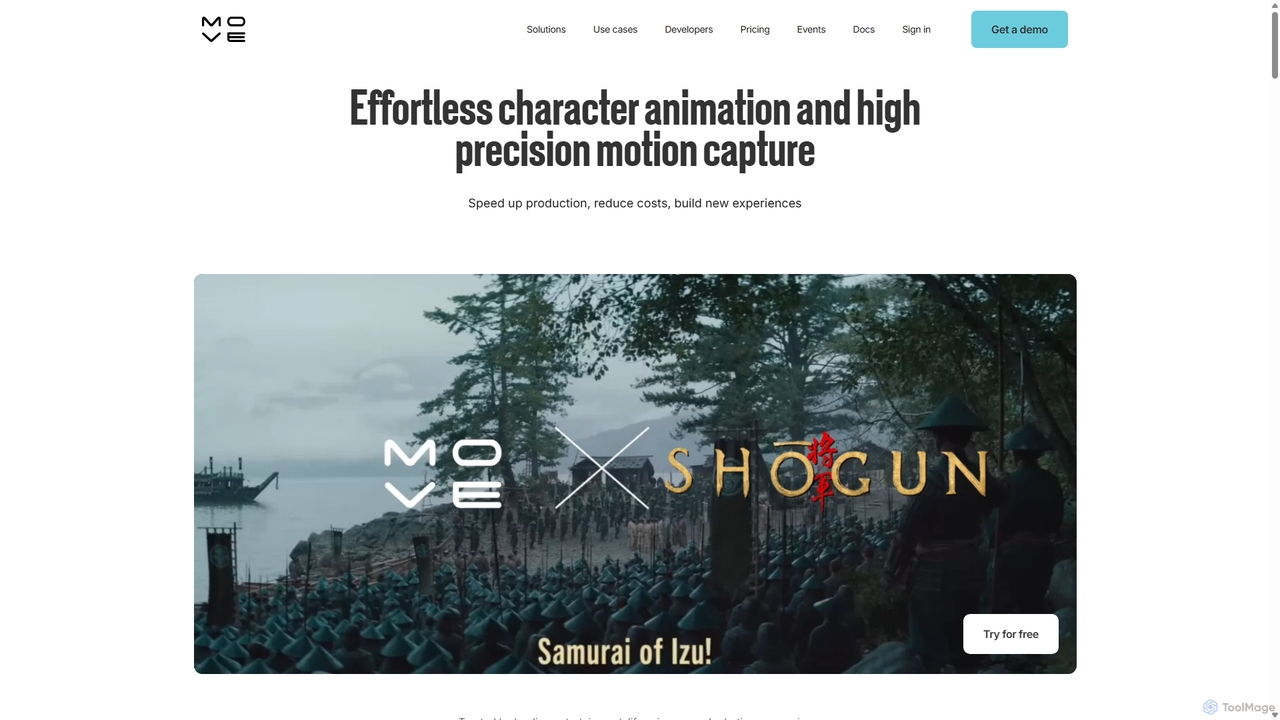
Move AI is an advanced markerless motion capture platform that uses AI to transform video from any camera, …

112.1K

About Visual Effects

AI Visual Effects (VFX) tools are a class of software that leverage artificial intelligence to create, enhance, or automate digital effects for film, television, and video. These tools utilize machine learning models to perform complex tasks like rotoscoping, object removal, and scene generation with remarkable speed and precision. Their primary value lies in significantly reducing the manual labor and time required for traditional VFX workflows, allowing artists to focus more on creativity. Many of these tools also introduce novel capabilities, such as generating realistic environments from text prompts, which were previously difficult to achieve.

Core Features

  • AI Rotoscoping & Masking: Automatically isolates subjects and objects from backgrounds with high accuracy, frame by frame.
  • Generative Scene Creation: Creates realistic or stylized environments, skies, and matte paintings from text or image inputs.
  • Intelligent Object Removal: Seamlessly removes unwanted elements like wires, crew, or props from live-action footage.
  • AI-Powered Simulation: Generates complex dynamic effects such as smoke, fire, water, and particles with realistic physics.
  • Neural Style Transfer & De-aging: Applies artistic styles to footage or realistically alters an actor's apparent age.

Applicable Scenarios

These tools are integral to modern post-production pipelines in the film and television industry. They are also increasingly used by independent filmmakers, advertising agencies for creating compelling commercials, and content creators for elevating the production value of online videos. From blockbuster movies to YouTube content, AI VFX tools are democratizing access to high-quality visual effects.

Selection Criteria

When choosing an AI VFX tool, consider its specific function (e.g., rotoscoping vs. simulation). Evaluate its integration capabilities with your existing software like Adobe After Effects or Nuke. Assess performance requirements, such as whether it relies on cloud processing or a powerful local GPU. Finally, examine the pricing model—whether it's a subscription, a one-time purchase, or a pay-per-use system.

Visual EffectsUse Cases

1

Automating Rotoscoping for VFX Studios

A visual effects studio is tasked with isolating a fast-moving character across 500 frames for a superhero film. Manually tracing the character frame-by-frame would take an artist days. By using an AI rotoscoping tool, they can generate a precise matte for the character in a matter of hours. The AI model analyzes motion flow and edge details, producing a mask that is 95% accurate. Artists then only need to perform minor clean-up on a few complex frames, reducing total labor time by over 80% and allowing the studio to meet tight deadlines.

2

Removing Unwanted Objects for Indie Filmmakers

An independent filmmaker shoots a scene for a period drama but a modern drone accidentally flies through the background. Reshooting is not an option due to budget constraints. They use an AI object removal tool to simply paint over the drone in the footage. The AI analyzes the surrounding frames and intelligently fills in the background with matching textures, lighting, and motion, completely erasing the drone. This saves the shot and avoids the high cost of hiring a specialist VFX artist for manual removal.

3

Generative Sky Replacement for Content Creators

A travel vlogger has great footage of a landmark, but it was shot on an overcast, boring day. To make the video more engaging, they use an AI sky replacement tool. Instead of just pasting a static image, the AI analyzes the scene's lighting and perspective. It generates a dynamic, realistic sky with moving clouds and automatically adjusts the color grading and reflections on the entire foreground to match the new sky's lighting. The result is a professional-looking, vibrant shot created in minutes, not hours.

4

AI-Powered Particle Simulations for Advertising

An advertising agency wants to create a commercial for a new perfume, featuring magical, glittering particles swirling around the bottle. Traditionally, this would require a specialist in complex fluid and particle simulation software. Instead, they use an AI VFX tool where they can define the behavior of the particles with simple parameters (e.g., 'swirl gently,' 'sparkle'). The AI engine then generates a physically realistic and aesthetically pleasing simulation that interacts with the lighting of the scene, delivering a high-end result at a fraction of the time and cost.

5

AI-Assisted De-aging for Flashback Scenes

In a television series, a key character has a flashback to 20 years earlier. To make the actor appear convincingly younger, the post-production team uses an AI de-aging tool. Instead of manually painting out wrinkles frame by frame, the tool analyzes the actor's facial structure and applies subtle, consistent changes to skin texture, jawline, and hair. The AI preserves the actor's unique expressions and performance, creating a natural-looking result that is far more believable and less time-consuming than traditional digital makeup techniques.

6

Generating Matte Paintings for Game Environments

A game development studio needs to create vast, detailed background environments for a new fantasy RPG. Creating these matte paintings manually is a highly skilled and time-consuming process. The environment artists use a generative AI tool, providing it with concept art and text prompts like 'misty mountains with ancient ruins at sunset.' The AI generates multiple high-resolution, stylistically consistent background options. The artists can then select the best ones and perform final touch-ups, accelerating the world-building process significantly.

Visual EffectsFrequently Asked Questions