Cloudchipr
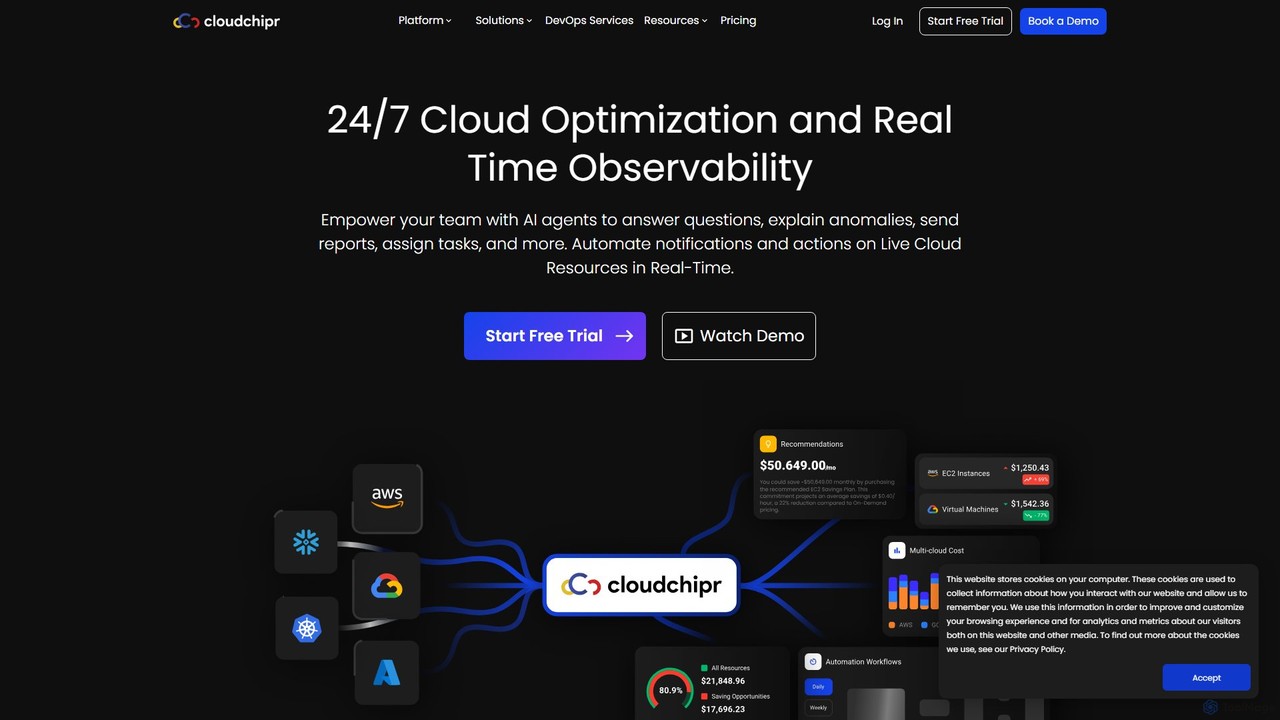
Cloudchipr is a comprehensive cloud optimization platform designed for FinOps, engineers, and leadership. It provides a unified solution …
Cloudchipr is a comprehensive cloud optimization platform designed for FinOps, engineers, and leadership. It provides a unified solution for multi-cloud cost visibility, automated savings, and team collaboration across AWS, GCP, and Azure. The platform helps organizations reduce cloud waste, save engineering hours, and gain complete control over their cloud expenditure through real-time insights and actionable recommendations.
About Finops
FinOps tools are AI-driven platforms designed to manage and optimize cloud financial operations. They utilize machine learning algorithms to analyze cloud spending in real-time, forecast future costs, and identify savings opportunities. This enables organizations to achieve financial accountability and control over their variable cloud expenditure. By automating complex tasks like anomaly detection and resource rightsizing, these tools bridge the gap between finance, engineering, and business teams, fostering a culture of cost-consciousness.
Core Features
- Cost Monitoring & Allocation: Provides granular visibility into cloud spending and allocates costs to specific teams, projects, or products.
- AI-Powered Anomaly Detection: Automatically identifies unusual spending patterns or budget overruns in real-time to prevent cost escalations.
- Optimization Recommendations: Generates actionable suggestions for cost reduction, such as rightsizing instances, deleting idle resources, or purchasing savings plans.
- Predictive Forecasting: Uses historical data and machine learning to create accurate forecasts of future cloud expenditure.
- Governance & Policy Automation: Enforces budget policies, tagging compliance, and automated actions to maintain cost control.
Use Cases
FinOps tools are essential for technology companies, large enterprises, and SaaS providers with significant cloud infrastructure. They are used by DevOps engineers, cloud architects, finance managers, and CTOs to manage budget cycles, plan for cloud migrations, and conduct daily cost oversight. The goal is to make data-driven decisions that balance cloud performance with financial efficiency.
How to Choose
When selecting a FinOps tool, consider its multi-cloud support (AWS, Azure, GCP). Evaluate its integration capabilities with your existing systems like BI tools, CI/CD pipelines, and ticketing platforms. Assess the level of automation for recommendations and policy enforcement. Finally, examine the granularity of its reporting and cost allocation features to ensure it meets your business's accountability requirements.
FinopsUse Cases
Detecting Cloud Cost Anomalies
A DevOps team is responsible for maintaining a stable and cost-effective cloud environment. Using a FinOps tool, they set up automated alerts for spending spikes. One morning, the tool flags a 300% increase in data transfer costs from a specific service. The alert provides detailed information, pinpointing a misconfigured data pipeline that was continuously syncing large files. The team quickly resolves the issue, preventing what could have been tens of thousands of dollars in unexpected charges by the end of the month.
Optimizing Compute Resource Costs
A financial analyst for a SaaS company uses a FinOps platform to review monthly cloud spending. The tool's AI engine analyzes usage patterns and recommends rightsizing a fleet of 50 virtual machine instances that are consistently underutilized. The recommendation includes the specific instance type to switch to for optimal performance-to-cost ratio. By applying this single recommendation, the company reduces its monthly compute costs by 28% for that workload without any negative impact on application performance, freeing up budget for new development.
Accurate Budget Forecasting for New Projects
A product manager is planning the launch of a new application feature expected to significantly increase user traffic. To secure budget approval, they need a realistic cost forecast. Using a FinOps tool's predictive forecasting feature, they model the expected increase in compute, storage, and database usage. The tool generates a detailed 6-month cost projection with a high degree of accuracy, allowing the manager to present a data-backed budget request to leadership, ensuring the project is adequately funded from the start.
Enforcing Cost Governance with Automated Policies
An IT manager notices that development teams frequently leave test instances running over weekends, leading to unnecessary costs. Instead of manual checks, they use a FinOps tool to create an automated policy. This policy automatically identifies any resource tagged as 'dev' or 'test' that has been idle for more than four hours and terminates it. This simple automation enforces cost-saving behavior without manual intervention, reducing wasted spend on non-production environments by over 40%.
Departmental Cost Allocation (Showback/Chargeback)
The central finance department of a large enterprise struggles to understand which business units are driving cloud costs. By implementing a FinOps tool, they can now accurately allocate 100% of cloud spend to specific departments based on resource tags. They generate monthly 'showback' reports for each department head, detailing their team's consumption. This visibility fosters accountability, as department heads become aware of their financial impact and are incentivized to work with their teams to optimize usage.
Strategic Reserved Instance/Savings Plan Purchasing
A cloud center of excellence (CCoE) team wants to maximize long-term savings by committing to usage plans. A FinOps tool analyzes the company's historical usage across all accounts and services. It then provides a detailed recommendation for a portfolio of Reserved Instances (RIs) and Savings Plans, modeling the potential savings against the commitment risk. The recommendation specifies the exact instance types, regions, and terms to purchase, enabling the team to make a confident, data-driven decision that locks in over $1 million in annual savings.