Samtts
A free online text-to-speech tool that perfectly recreates the nostalgic Microsoft SAM voice from Windows XP. It offers …
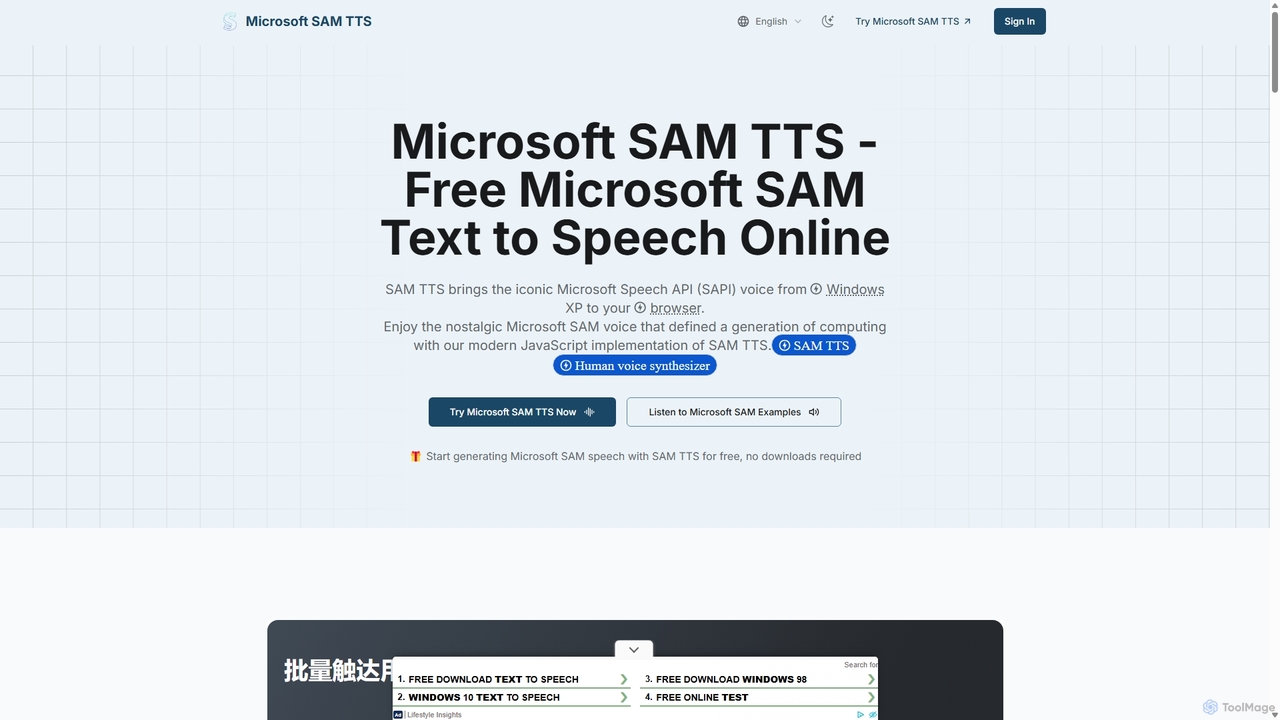
A free online text-to-speech tool that perfectly recreates the nostalgic Microsoft SAM voice from Windows XP. It offers extensive voice customization, various retro presets including BonziBUDDY, and a modern, open-weight TTS model called Kokoro. Generate and download WAV audio directly in your browser without any installation or sign-up.
About Voice Generator
A Voice Generator is an AI-powered tool that converts written text into natural-sounding human speech, a technology also known as Text-to-Speech (TTS). These tools leverage deep learning models trained on vast datasets of voice recordings to synthesize audio with realistic intonation, emotion, and pacing. This enables creators, developers, and businesses to produce high-quality voiceovers, audio content, and accessibility features without needing professional voice actors or recording studios. Modern voice generators offer a diverse library of voices, languages, and emotional styles, providing significant customization for various projects.
Core Features
- Text-to-Speech (TTS) Conversion: The fundamental ability to transform text input into spoken audio.
- Voice Cloning: Creates a digital replica of a specific voice from a short audio sample.
- Multi-Language & Accent Support: Provides a wide range of voices across different languages, dialects, and accents.
- Emotional & Stylistic Control: Allows users to adjust the audio output's emotional tone (e.g., happy, sad, angry) and delivery style (e.g., newscaster, conversational).
- Speech-to-Speech (STS): Transforms the characteristics of one voice into another while preserving the original speech's cadence and intonation.
Use Cases
Voice Generators are widely used by content creators for YouTube videos and podcasts, instructional designers for e-learning modules, and developers for prototyping voice assistants and in-app narration. Businesses also use them for corporate training videos, IVR systems, and creating accessible versions of written content for visually impaired users.
How to Choose
When selecting a Voice Generator, evaluate the naturalness and quality of the synthesized voices. Consider the breadth of the voice and language library to ensure it meets your project's needs. Assess the level of customization available, such as control over speed, pitch, and emotional expression. For developers, API access is crucial, while for commercial projects, understanding the licensing terms is essential.

Voice GeneratorUse Cases
Creating Voiceovers for Video Content
Content creators, such as YouTubers or marketing teams, often need high-quality narration for their videos. Instead of hiring expensive voice actors or using their own voice, they can use a Voice Generator. By simply pasting their script into the tool, they can generate a clean, professional-sounding voiceover in minutes. They can select from various voices to match the video's tone, adjust the pacing for dramatic effect, and easily re-generate lines if the script changes. This process significantly reduces production time and costs, allowing for faster content creation and iteration.
Developing E-Learning and Training Materials
Instructional designers and corporate trainers use Voice Generators to produce clear and consistent audio for e-learning courses. This ensures that all learners receive the same high-quality instruction, regardless of the instructor. It is particularly useful for creating multilingual training programs, as a single script can be converted into many languages with consistent voice quality. If a course needs updating, only the relevant text segment needs to be changed and re-generated, making maintenance far more efficient than re-recording with a human actor.
Prototyping Voice User Interfaces (VUI)
Developers and UX designers building applications with voice commands, like voice assistants or IVR systems, use Voice Generators for rapid prototyping. Instead of recording placeholder audio for every menu option and response, they can generate it instantly from text. This allows them to test conversational flows, user prompts, and system responses quickly. Different voices and tones can be tested to find the best fit for the brand's persona, leading to a better user experience without the logistical overhead of constant re-recording during the design phase.
Creating Accessible Content for All Users
Organizations and publishers use Voice Generators to make their written content accessible to individuals with visual impairments or reading disabilities. By converting articles, reports, and website text into audio, they provide an alternative way to consume information. This is a key part of complying with accessibility standards like WCAG. Using an AI voice generator automates this process, ensuring that all new content can be quickly offered in an audio format, thereby promoting inclusivity and reaching a broader audience without significant manual effort.
Generating Audio for Podcasts from Text
Bloggers and publishers can repurpose their written articles into podcasts using a Voice Generator. This allows them to reach a new audience that prefers consuming content via audio during commutes or workouts. A writer can take a popular blog post, choose a suitable conversational voice, and generate an entire podcast episode automatically. Some tools even allow for different voices for quotes or multiple speakers, adding more dynamic range to the audio. This strategy maximizes the value of existing content by distributing it across multiple platforms with minimal extra work.
Voice Cloning for Personalized Digital Avatars
Game developers and creators of virtual experiences use voice cloning features to create consistent and scalable dialogue for digital characters. An actor can record a small set of lines, and the AI can then generate new dialogue in that same voice as needed. This is invaluable for open-world games with vast amounts of dialogue or for virtual assistants that need a unique, branded voice. It saves enormous costs and logistical challenges associated with bringing actors back for additional recording sessions, allowing for more dynamic and expandable virtual worlds.