Gaming Best in category 3 results Game Development AI Tool

Popular AI tools in the Game Development field of Gaming include Rokoko、Cascadeur、Krotos Studio, etc., helping you quickly improve efficiency.

Rokoko

Rokoko

Rokoko offers a complete ecosystem of motion capture tools, including hardware suits and AI-powered software, designed to make …

270.9K
Krotos Studio

Krotos Studio

A revolutionary sound design platform that allows creators to generate and perform high-quality, royalty-free sound effects in real-time. …

91.5K
Cascadeur

Cascadeur

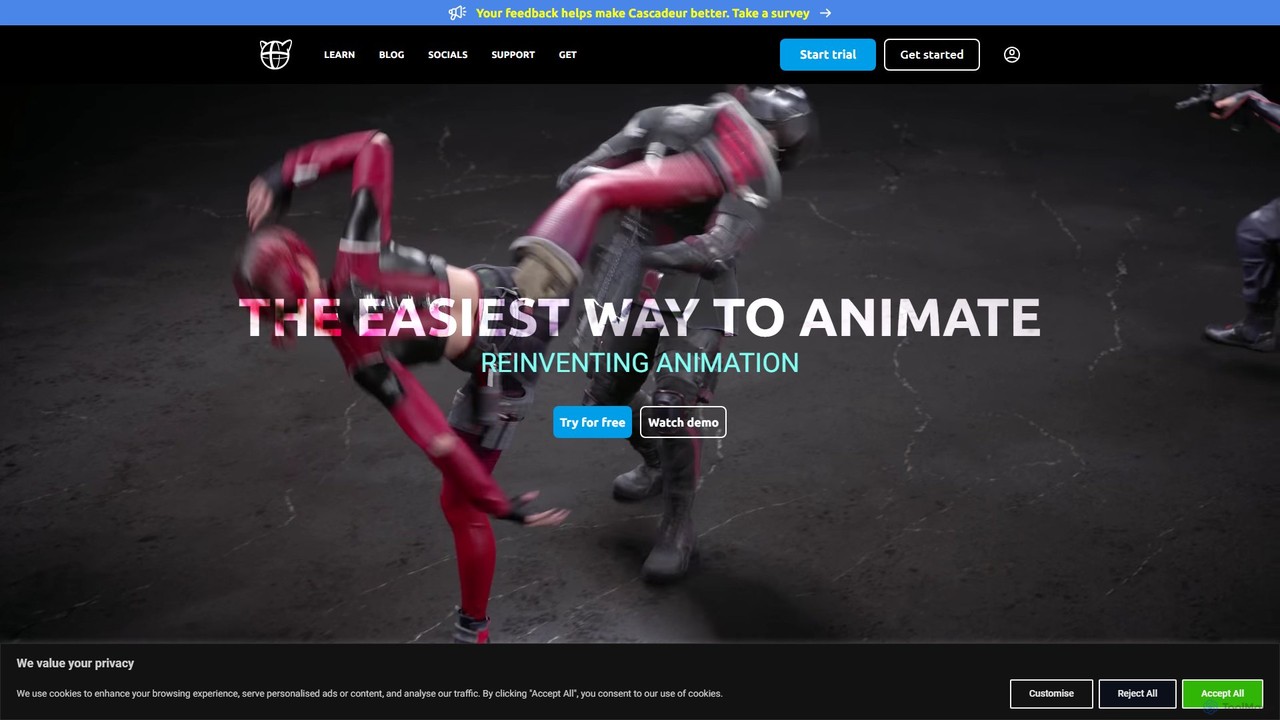
Cascadeur is an AI-assisted 3D animation software that leverages physics and deep learning tools to create realistic keyframe …

226.8K

About Game Development

AI Game Development tools are a class of software that leverages artificial intelligence to assist, automate, and enhance various stages of the game creation process. These tools utilize machine learning models, particularly generative AI and procedural generation algorithms, to create assets, code, and game logic. They empower developers to build more complex and dynamic worlds, accelerate production timelines, and reduce repetitive manual tasks. This allows teams of all sizes, from indie studios to AAA developers, to focus more on creativity and innovation.

Core Features

  • AI Asset Generation: Creates game-ready assets like textures, 3D models, character sprites, and sound effects from text or image prompts.
  • Procedural Content Generation (PCG): Automatically generates vast and unique game environments, levels, quests, and item distributions.
  • Intelligent NPC Behavior: Develops sophisticated and adaptive behaviors for non-player characters (NPCs), making them more realistic and challenging.
  • Code & Script Assistance: Generates boilerplate code, debugs scripts, and suggests optimizations for game logic in engines like Unity or Unreal.
  • Automated Playtesting: Deploys AI agents to test games, identify bugs, analyze gameplay balance, and discover exploits.

Use Cases

These tools are widely used by game designers, programmers, artists, and quality assurance (QA) teams. Indie developers use them to create ambitious projects with limited resources, while large studios employ them to scale content production for massive open-world games. They are integral for prototyping new game mechanics, populating virtual worlds with unique content, and ensuring game stability through automated testing.

How to Choose

When selecting an AI Game Development tool, consider its integration with your chosen game engine (e.g., Unity, Unreal Engine). Evaluate the quality and stylistic control offered for asset generation. Assess the tool's performance impact on your game and the complexity of its learning curve. Finally, review the pricing model, whether it's subscription-based, pay-per-use, or a one-time purchase, to ensure it aligns with your project's budget.


Game DevelopmentUse Cases

1

Rapid Prototyping of Game Worlds

An indie game developer working on a new open-world RPG needs to create a large, varied map quickly. Instead of manually sculpting terrain and placing every object, they use an AI Procedural Content Generation (PCG) tool. By setting parameters like biome type, elevation, and density of features, the tool generates multiple complete world layouts in minutes. This allows the developer to test different world designs, iterate on gameplay flow, and establish the game's scale and feel early in development, saving hundreds of hours of manual labor.

2

Generating Diverse In-Game Assets

A 3D artist for a fantasy game needs to create hundreds of unique item icons, textures, and character concept art. Using an AI asset generator, they can input text prompts like 'ornate elven sword icon, magical glow, detailed filigree' to produce dozens of variations instantly. This process is used for creating seamless textures for environments (e.g., 'mossy cobblestone path') and for brainstorming character designs. The AI acts as a creative partner, providing a vast library of visual ideas that the artist can then refine and integrate into the game engine, drastically speeding up the asset creation pipeline.

3

Creating Intelligent NPC Behaviors

A game designer wants to create enemies that feel smart and unpredictable, rather than following simple, repetitive paths. They use an AI behavior tool that allows them to define high-level goals for NPCs, such as 'patrol the area,' 'seek cover when under fire,' and 'flank the player.' The AI then generates a complex behavior tree that enables the NPC to make dynamic decisions based on the current game state. This results in more engaging combat encounters where enemies react realistically to the player's actions, improving the overall gameplay experience.

4

Automating Dialogue Generation for RPGs

A narrative designer for a large-scale RPG is tasked with writing dialogue for hundreds of background NPCs to make the world feel alive. Manually writing unique lines for every character is unfeasible. They use an AI dialogue generation tool, providing it with character personas (e.g., 'grumpy blacksmith,' 'cheerful baker') and context. The AI generates a large volume of appropriate, in-character dialogue lines. The writer then curates, edits, and refines the best outputs, populating the game's cities and towns with varied and believable conversations in a fraction of the time.

5

AI-Powered Game Testing and Balancing

A Quality Assurance (QA) team for a competitive multiplayer game needs to ensure the game is balanced and free of critical bugs before launch. They deploy an army of AI agents that can play the game 24/7. These agents explore every corner of the map, test all character abilities and weapon combinations, and report crashes and bugs automatically. By analyzing data from thousands of AI-played matches, the team can quickly identify overpowered strategies or weapons, fine-tune game balance, and fix exploits that human testers might take weeks to discover.

6

Generating Game-Ready Code Snippets

A programmer is building a new game in the Unity engine and needs to implement a standard inventory system. Instead of writing the entire system from scratch, they use an AI coding assistant integrated into their development environment. They provide a prompt like 'Create a Cscript for a grid-based inventory system in Unity with item stacking'. The AI generates a complete, well-commented script that handles adding, removing, and stacking items. The programmer can then review, customize, and integrate this code into their project, significantly reducing development time for common game features.

Game DevelopmentFrequently Asked Questions