AIDesigner
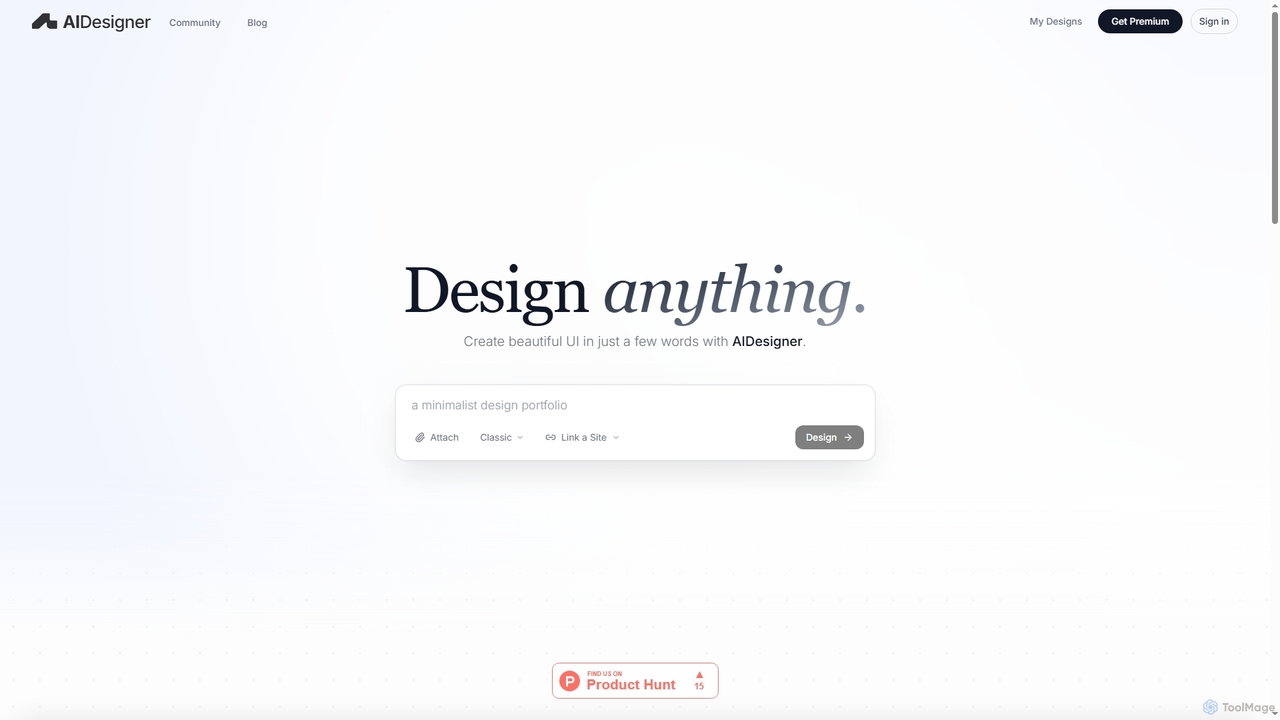
AIDesigner is an advanced AI-powered platform that transforms textual descriptions into stunning UX/UI designs. It offers a unique …
AIDesigner is an advanced AI-powered platform that transforms textual descriptions into stunning UX/UI designs. It offers a unique approach to design generation, enabling users to create beautiful websites, mobile apps, and portfolios without the generic 'AI look.' With a rich library of production-ready templates and powerful customization options, AIDesigner empowers creators to rapidly prototype and launch visually distinctive digital experiences.
LogoExpress
LogoExpress is an innovative AI-powered online tool designed for rapid and free logo creation. It enables users to …
LogoExpress is an innovative AI-powered online tool designed for rapid and free logo creation. It enables users to generate unique brand identities in under thirty seconds, making professional design accessible to everyone without cost or extensive design skills.
SVGs
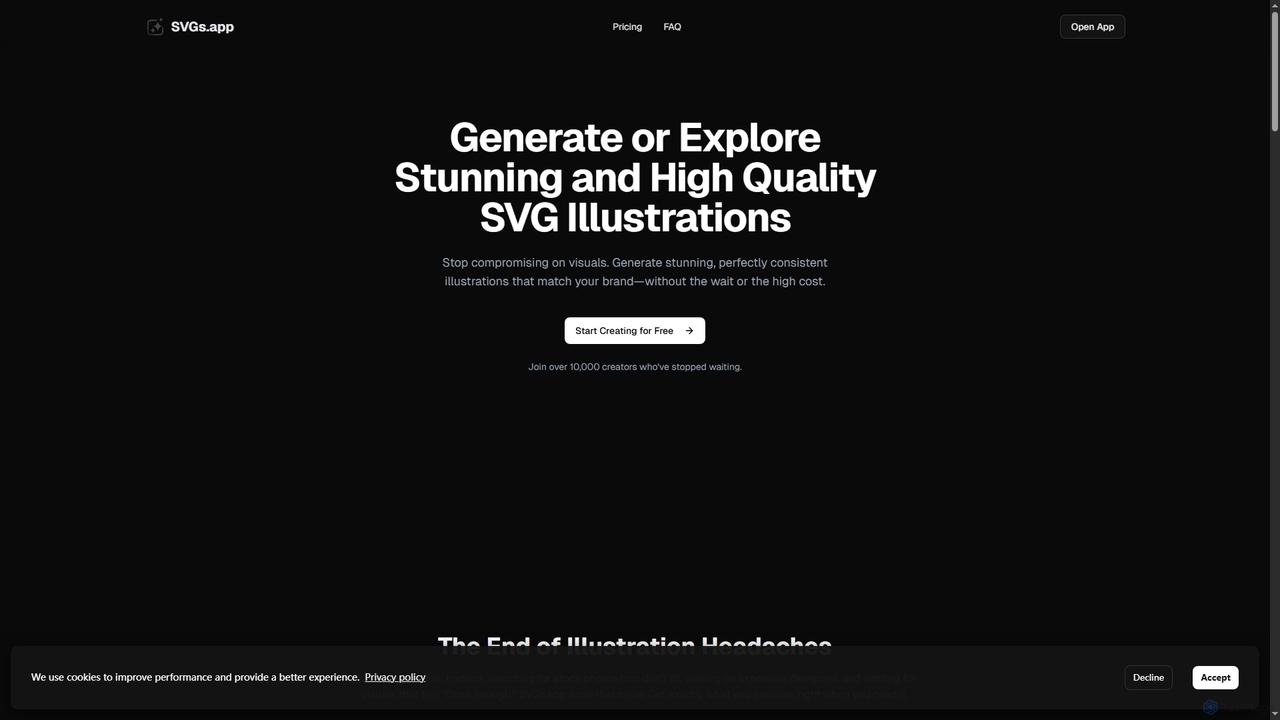
SVGs is an AI-powered platform designed to generate high-quality, consistent SVG illustrations rapidly. It empowers individuals and teams …
SVGs is an AI-powered platform designed to generate high-quality, consistent SVG illustrations rapidly. It empowers individuals and teams to create stunning, on-brand visuals for various applications, from websites and apps to marketing materials, without requiring extensive design expertise or significant time and cost investments.
About Graphics
AI Graphics tools are a class of software that leverage artificial intelligence to create, edit, and enhance a wide range of visual content. These tools utilize advanced models, such as diffusion and generative adversarial networks (GANs), to interpret text prompts or manipulate existing images in sophisticated ways. They empower users to generate unique images, automate complex editing tasks like object removal or upscaling, and produce design variations at scale. This technology significantly lowers the barrier to creating professional-quality visuals, accelerating workflows for designers, marketers, and content creators.
Core Features
- Text-to-Image Generation: Creates novel images from detailed textual descriptions.
- AI Image Editing: Intelligently removes objects, changes backgrounds, or applies complex style transfers.
- Image Upscaling & Enhancement: Increases image resolution and clarity while reducing noise and artifacts.
- Vector & 3D Generation: Produces scalable vector graphics (SVGs) or 3D models from text or 2D images.
- Automated Design Layout: Generates design templates and layouts for social media, ads, or presentations.
Use Cases
AI Graphics tools are widely used across marketing, e-commerce, entertainment, and product design. Marketers use them to create unique ad creatives and social media content. E-commerce businesses automate product photo editing, such as background removal. Game developers and filmmakers use them for concept art and asset generation, rapidly visualizing ideas.
How to Choose
When selecting an AI Graphics tool, first identify your primary need: generation, editing, or a specific function like upscaling. Evaluate the tool's output quality, style consistency, and the level of control it offers. Consider its integration capabilities with your existing software stack. Finally, examine the pricing model—whether it's subscription-based or uses a credit system—and carefully review the terms for commercial usage rights.
GraphicsUse Cases
Generate Marketing Campaign Visuals
A social media manager for a direct-to-consumer brand needs to create a dozen unique visuals for an upcoming product launch campaign. Instead of relying on costly stock photos or a lengthy design process, they use a text-to-image AI tool. By inputting detailed prompts describing the product in various lifestyle settings with a consistent brand color palette, they generate over 50 high-quality image options in under an hour. This allows them to A/B test different visual styles, increase engagement, and reduce content creation costs by over 70%.
Enhance E-commerce Product Photography
An online store owner has hundreds of new product photos taken with inconsistent backgrounds. To create a professional and uniform look for their website, they use an AI graphics tool with batch processing capabilities. They upload all the images at once, and the tool automatically removes the background from each photo with high precision. They then use the same tool to apply a clean, white background and add realistic shadows. This process, which would have taken days of manual work in traditional software, is completed in just a couple of hours, improving the store's visual appeal and consistency.
Accelerate Game Asset Concepting
An indie game developer is in the early stages of designing a new fantasy world. To quickly explore visual ideas for characters and environments, they use an AI image generator. By providing prompts like "elven warrior with glowing armor in a bioluminescent forest, concept art style," they can generate dozens of unique visual concepts in minutes. This allows the small team to iterate on art direction much faster than traditional sketching. They can then refine the most promising AI-generated concepts manually, saving hundreds of hours in the initial creative phase and establishing a strong visual identity early on.
Create Custom Blog Post Illustrations
A content writer for a tech blog wants to include unique, relevant illustrations in each article to improve reader engagement, but lacks design skills. They use an AI graphics tool to generate custom images that match the article's topic. For an article about cloud computing, they generate an abstract image of data flowing between stylized clouds. This not only makes the articles more visually appealing than using generic stock photos but also helps to visually explain complex concepts. The process takes only a few minutes per article, providing a scalable way to enhance content quality.
Prototype Logos and Brand Icons
A startup founder needs to develop a brand identity but has a limited budget for a design agency. They use an AI vector graphics generator to explore logo concepts. By inputting keywords related to their industry, brand values (e.g., 'innovation', 'security'), and desired style (e.g., 'minimalist'), the tool generates dozens of unique, editable SVG logo options. This allows them to quickly visualize different directions and gather feedback from their team. They select a promising concept and then hire a freelance designer for final polishing, saving significant time and money in the initial ideation phase.
Create Realistic Architectural Visualizations
An architect needs to present a new building design to a client. Instead of spending days creating a photorealistic render from a 3D model, they use an AI rendering tool. They upload their basic architectural model or even a detailed sketch, and the AI applies realistic materials, lighting, and environmental context based on simple text prompts like 'modern glass facade, sunny afternoon, urban setting'. The tool generates multiple high-fidelity visualizations in a fraction of the time. This enables faster client feedback cycles and allows the architect to explore more design variations within the project timeline.