ToolMage
Sign in

Best 3 User Interface AI tools for Design

Popular User Interface AI tools in Design include AIDesigner, Inspired Monks, and CuePrompt, helping you work more efficiently.

AIDesigner
Freemium

AIDesigner

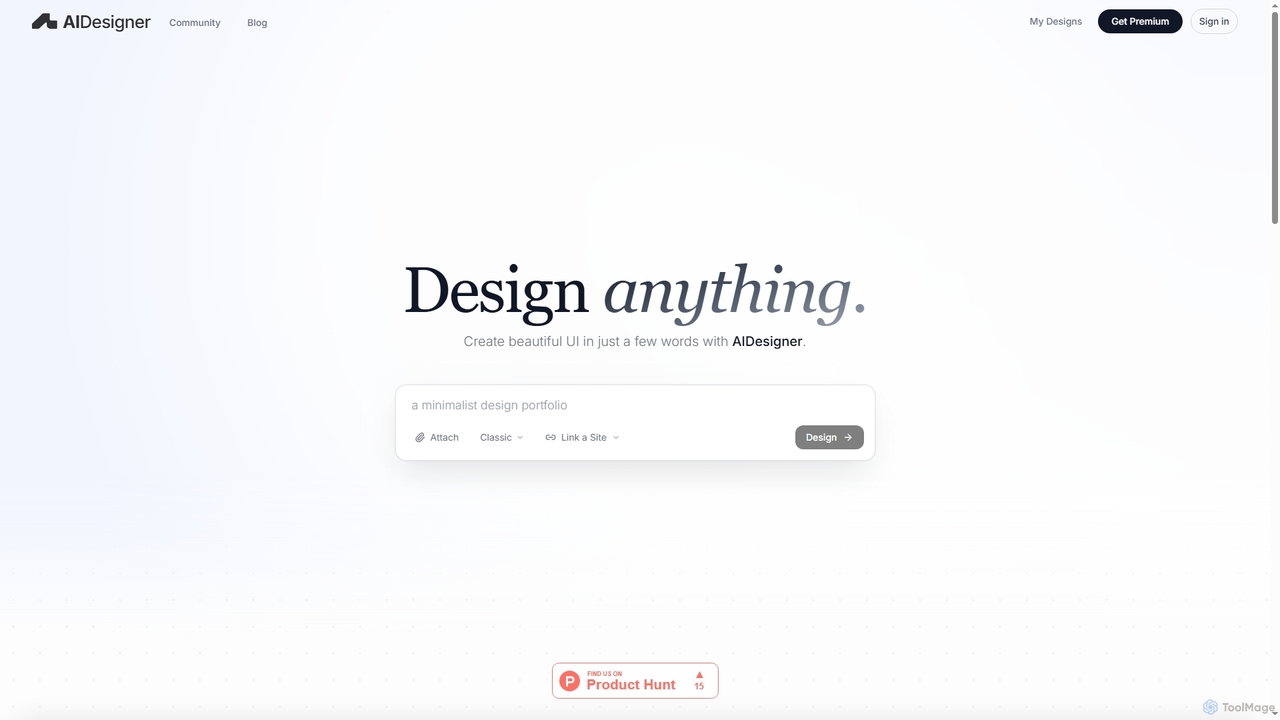
AIDesigner is an advanced AI-powered platform that transforms textual descriptions into stunning UX/UI designs. It offers a unique approach to design generation, enabling users to create beautiful websites, mobile apps, and portfolios without the generic 'AI look.' With a rich library of production-ready templates and powerful customization options, AIDesigner empowers creators to rapidly prototype and launch visually distinctive digital experiences.

User Experience
Visits 103.5KFavorites 17Likes 18
Inspired Monks

Inspired Monks

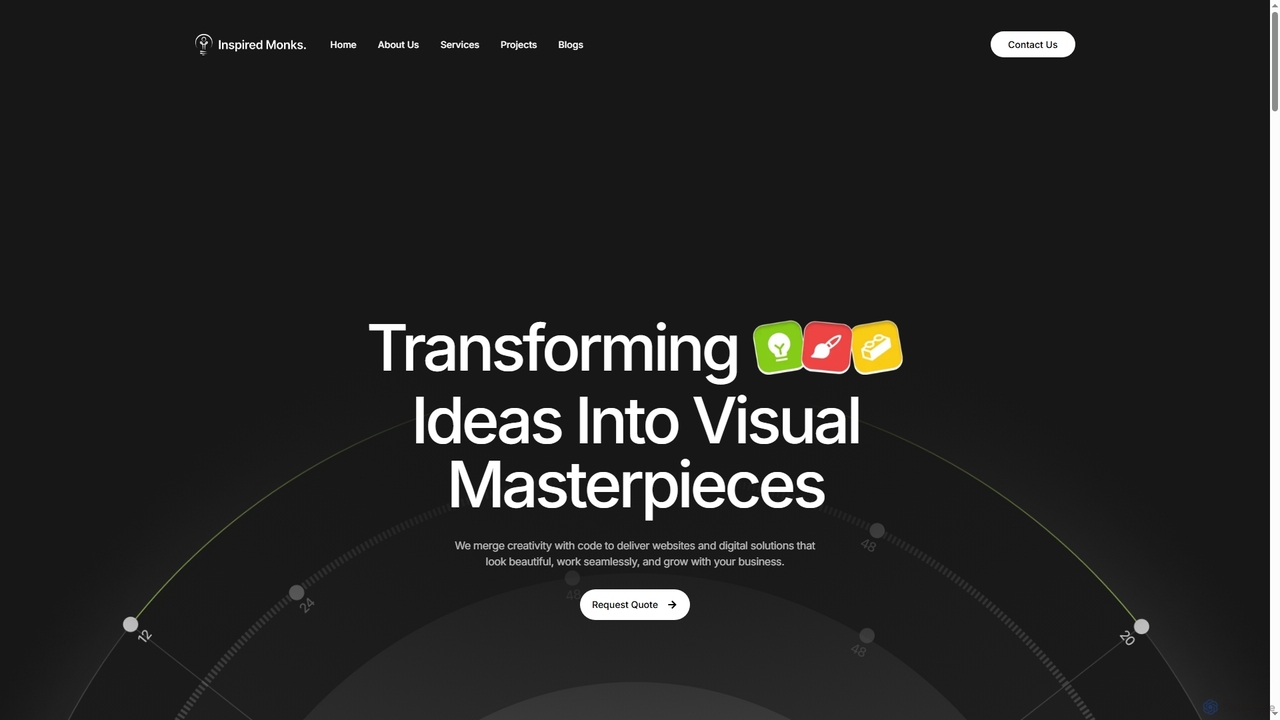
Inspired Monks is a professional web development agency specializing in transforming ideas into robust digital solutions. They offer expert WordPress development, custom web applications, user-centric UI/UX design, and AI-powered content creation, ensuring fast, secure, and scalable online presences for businesses of all sizes.

Writing
Visits 4.3KFavorites 21Likes 23
CuePrompt

CuePrompt

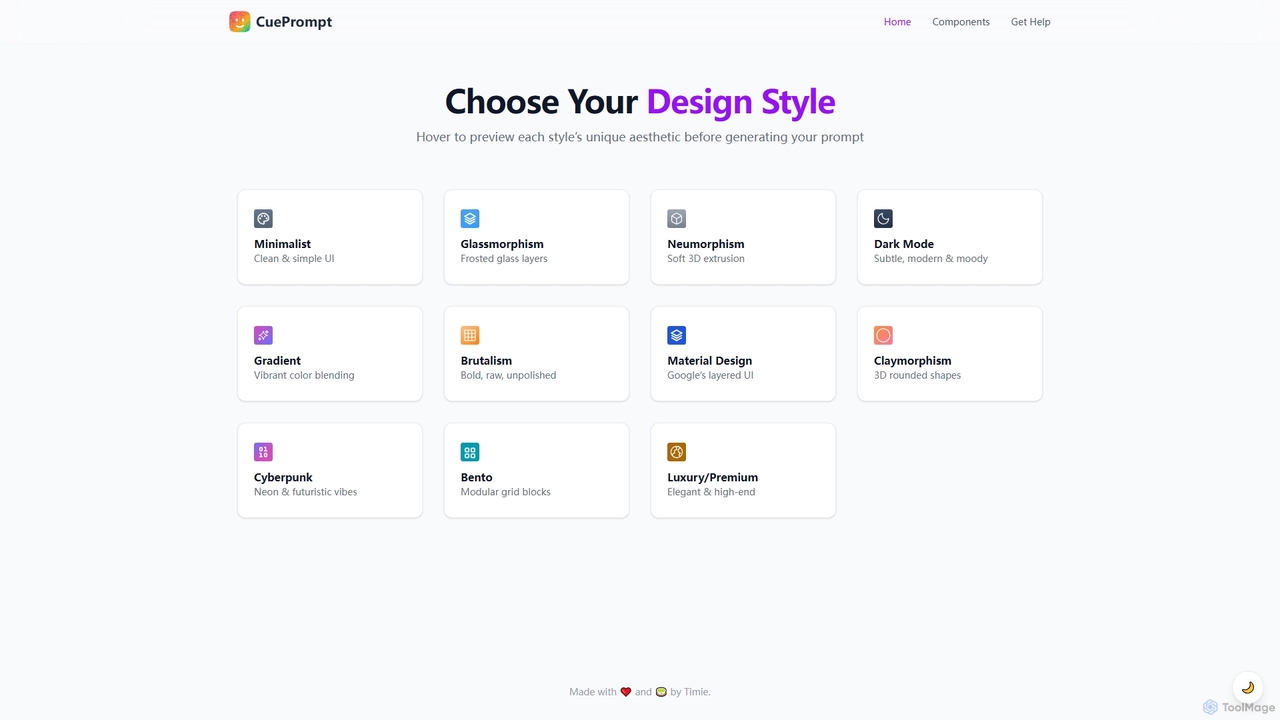
CuePrompt is an intuitive AI-powered tool designed to help designers and creators generate powerful and specific prompts for various UI/UX design styles. It simplifies the process of exploring diverse aesthetics, from Minimalist to Cyberpunk, enabling users to quickly articulate their design vision and kickstart creative projects.

Design Inspiration
Visits 3.4KFavorites 108Likes 114

About User Interface

AI User Interface (UI) tools are a specialized category of design software that use artificial intelligence to automate the creation, analysis, and iteration of digital interfaces. These tools interpret inputs like text prompts, sketches, or existing designs to generate high-fidelity mockups and even functional code. Their primary value lies in dramatically accelerating the design and development workflow, enabling teams to move from idea to prototype much faster. They are particularly effective for rapid prototyping, generating design variations, and ensuring consistency with established design systems.

Core Features

  • Text-to-UI Generation: Creates UI mockups and components directly from natural language descriptions or product briefs.
  • Wireframe/Sketch Conversion: Transforms low-fidelity hand-drawn sketches or digital wireframes into polished, editable designs.
  • Design-to-Code Automation: Generates front-end code (e.g., HTML/CSS, React, Vue) from finished design files, bridging the gap between design and development.
  • UI/UX Analysis: Employs AI to analyze design layouts or user interaction data to identify potential usability issues and suggest improvements.
  • Design System Consistency: Automatically applies styles, components, and rules from a design system to ensure brand and UI consistency across all generated elements.

Use Cases

These tools are widely used by product teams, UX/UI designers, and front-end developers. Common applications include rapidly building interactive prototypes for user testing, generating multiple landing page variations for A/B testing, and converting legacy application designs into modern codebases. Startups and agencies also leverage them to quickly visualize concepts for client presentations.

How to Choose

When selecting an AI UI tool, consider its integration capabilities with your existing workflow (e.g., Figma, Sketch, VS Code). Evaluate the quality and cleanliness of the generated code or design files. Also, assess the tool's flexibility for customization, its learning curve, and whether its pricing model aligns with your project scale and team size.

Featured tool rankings

User Interface use cases

1

Rapid Prototyping from a Product Brief

A product manager needs to visualize a new app feature for a stakeholder meeting. Instead of waiting for the design team, they input the feature requirements and user flow as a text prompt into an AI UI tool. The tool generates several interactive mockup options within minutes. This allows the team to gather early feedback and iterate on the concept before committing significant design or development resources.

2

Converting Sketches to High-Fidelity Designs

A UX designer concludes a brainstorming session with several promising ideas sketched on a whiteboard. They take a photo of the sketches and upload it to an AI UI tool. The AI interprets the rough drawings, converting them into clean, structured, and editable digital wireframes or even high-fidelity mockups in Figma. This process saves hours of manual redrawing and digitizing, allowing the designer to focus immediately on refining the user experience.

3

Generating UI Variations for A/B Testing

A marketing team wants to optimize a landing page's conversion rate. They provide the core content (headlines, copy, call-to-action) to an AI UI tool and request five different layouts with varied button placements, color schemes, and image arrangements. The tool automatically generates these distinct versions, which can then be deployed for A/B testing to identify the most effective design based on real user data.

4

Automating Front-End Code Generation

A front-end developer receives a finalized design in Figma. To accelerate the development process, they use an AI UI tool with a design-to-code feature. The tool analyzes the design file, identifies components, and generates clean, responsive HTML/CSS and JavaScript or even React/Vue components. While the code may require some minor adjustments, it automates the majority of the tedious boilerplate setup, significantly reducing development time.

5

Ensuring Design System Consistency

A large enterprise maintains a strict design system to ensure brand consistency across its digital products. When a new component is needed, a designer uses an AI UI tool that is integrated with their system. The tool generates the new component while automatically adhering to predefined rules for color, typography, spacing, and accessibility. This ensures all new elements are compliant without requiring manual cross-referencing of documentation.

6

Modernizing Legacy Application Interfaces

A company needs to update an old desktop application with a modern, web-based interface. Developers take screenshots of the existing legacy UI and feed them into an AI tool. The AI analyzes the layout and functionality, then generates a modern UI design proposal based on current best practices. This provides a solid foundation for the redesign project, saving significant time in the initial discovery and design phases.

User Interface FAQ

What are AI User Interface tools?

AI User Interface (UI) tools are applications that use artificial intelligence to automate parts of the design and development process. Unlike traditional tools that require manual creation, these tools can generate UI mockups from text, convert sketches into digital designs, and even write front-end code from a design file. Their main purpose is to accelerate workflows, facilitate rapid prototyping, and maintain design consistency.

How do AI UI tools differ from traditional design software like Figma?

The primary difference is automation versus manual control. Traditional tools like Figma and Sketch are powerful canvases for designers to manually create, refine, and collaborate on interfaces. AI UI tools act as assistants or generators within that process. They automate repetitive or time-consuming tasks, such as creating initial layouts, generating component variations, or translating a finished design into code, while Figma remains the environment for detailed manual refinement and system management.

How should I choose the right AI UI tool?

To choose the right tool, first identify your primary need. Are you looking to generate ideas from text (text-to-UI), convert sketches (image-to-UI), or speed up development (design-to-code)? Then, consider these factors:

  • Output Quality: Does it produce clean, editable design files or well-structured code?
  • Integrations: Does it work with your existing tools like Figma, Sketch, or GitHub?
  • Customization: How much control do you have over the generated output?
  • Learning Curve: Is the tool intuitive for your team to adopt?
Can AI completely replace UI/UX designers?

No, AI tools are not expected to replace UI/UX designers. Instead, they are evolving into powerful assistants that handle tedious and repetitive tasks. This allows designers to offload work like creating basic layouts or multiple component states, freeing them to focus on more strategic responsibilities such as user research, complex problem-solving, interaction design, and overall product strategy. AI accelerates the 'how,' allowing designers to focus more on the 'why' and 'what.'

What kind of output can I expect from an AI UI tool?

The output varies significantly depending on the tool's specialty. Some tools generate static images (PNG, JPG) of UI concepts. More advanced tools produce fully editable design files for platforms like Figma or Sketch, complete with layers and components. Design-to-code tools generate front-end code, which can range from basic HTML and CSS to more complex component-based frameworks like React, Vue, or Svelte. The quality and production-readiness of the code are key differentiators among these tools.