
ToolMage
Sign in

Best 1 Art Generation AI tools for Image And Video

Popular Art Generation AI tools in Image And Video include Polyverse Studio, helping you work more efficiently.

Polyverse Studio
Freemium

Polyverse Studio

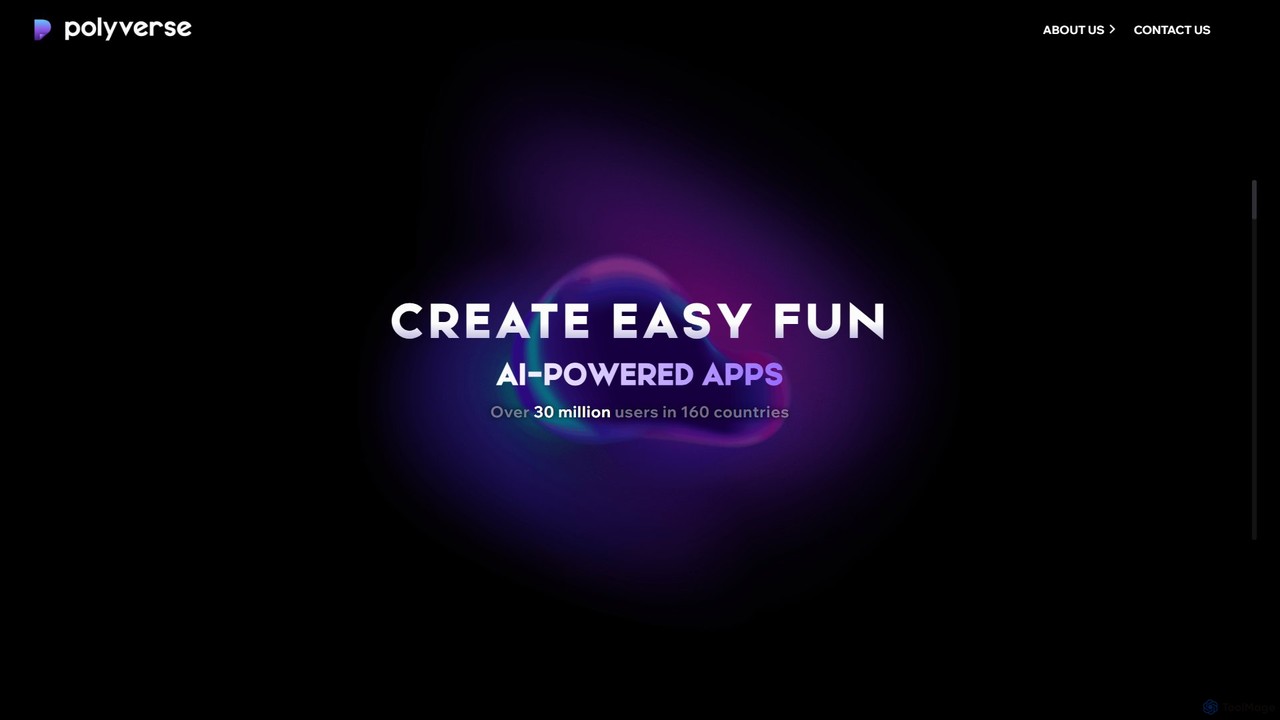
Polyverse Studio is a mobile app developer specializing in fun and easy-to-use AI-powered content creation platforms. Their flagship products, AI Mirror and Spellai, empower over 30 million users to transform photos and videos into various art styles and generate stunning images from text, making creative expression accessible to everyone.

Art Generation
Visits 7.5KFavorites 154Likes 170

About Art Generation

Art Generation tools are a specialized category of AI that create original visual artwork from textual descriptions or other inputs. These tools utilize advanced models like diffusion or GANs to interpret prompts and generate unique images, illustrations, and abstract pieces. Their primary value lies in enabling rapid visualization of ideas, creating custom visuals without traditional artistic skills, and providing a new medium for creative expression. Unlike standard image editors that modify existing pictures, art generators synthesize entirely new content from scratch.

Core Features

  • Text-to-Image Synthesis: Generates detailed images based on written descriptions (prompts).
  • Style Control & Emulation: Applies specific artistic styles, such as impressionism, cyberpunk, or the work of a particular artist.
  • Image-to-Image Transformation: Uses an existing image or sketch as a foundation to generate new variations.
  • Parameter Adjustment: Offers fine-grained control over aspects like aspect ratio, detail level, and creative randomness (seed).
  • Negative Prompting: Allows users to specify elements to exclude from the final image for better accuracy.

Use Cases

Art Generation tools are widely used by digital artists for concept art, graphic designers for creating unique marketing assets, and content creators for custom blog or social media visuals. Game developers also use them to rapidly prototype character and environment designs, while writers and marketers leverage them to visualize scenes or product concepts.

How to Choose

When selecting an Art Generation tool, consider the quality and stylistic range of its underlying AI model. Evaluate the level of control and customization it offers, from simple prompts to advanced parameter tuning. It's also crucial to check the commercial usage rights and licensing terms for the generated images. Finally, compare pricing models—whether subscription-based, pay-per-image, or free—to find one that aligns with your usage needs.

Art Generation use cases

1

Concept Art for Game Development

A game artist needs to generate a wide range of character and environment concepts quickly during the pre-production phase. Using an Art Generation tool, they can input detailed descriptions like 'female elf rogue in dark leather armor, cyberpunk city alley at night, neon lights reflecting on wet pavement'. The AI generates dozens of visual variations in minutes, allowing the team to explore different artistic directions and iterate on designs far faster than manual sketching. This process significantly accelerates creative brainstorming and helps establish the game's visual identity early on.

2

Unique Visuals for Marketing Campaigns

A social media manager needs to create eye-catching, original images for a new ad campaign on a tight budget, avoiding generic stock photos. They use an Art Generation tool to create a series of abstract, thematic images that align with the brand's aesthetic. By providing prompts like 'minimalist composition, pastel colors, geometric shapes representing data flow, soft lighting', they can produce a cohesive set of visuals for social media posts, banners, and ads. This approach provides an endless supply of unique, on-brand content, increasing engagement without the high cost of custom photography or graphic design.

3

Custom Illustrations for Blog Posts

A content writer wants to enhance their articles with custom illustrations that visually explain complex topics, making the content more engaging than text-only posts. Instead of hiring an illustrator, they use an Art Generation tool. For an article on blockchain, they generate an image with the prompt 'stylized digital art of interconnected glowing blocks forming a secure chain, futuristic background'. The tool provides a high-quality, relevant illustration in a specific style that can be used consistently across their blog. This empowers the writer to be visually creative, improves the reader's experience, and elevates the overall quality of their content.

4

Architectural and Interior Design Visualization

An interior designer is developing a mood board for a client's new living room. They need to convey a specific 'Japandi' aesthetic, blending Japanese minimalism with Scandinavian functionality. Using an Art Generation tool with an image-to-image function, they upload a basic 3D render of the room. Then, they apply a text prompt: 'Japandi style living room, natural light, oak wood furniture, neutral color palette, minimalist decor, Wabi-sabi influence'. The AI re-imagines the render in the desired style, producing multiple high-quality visualizations. This allows the designer to present a compelling and accurate vision to the client much faster than manually texturing a 3D model.

5

Personalized Avatars and Profile Pictures

A user wants a unique and artistic avatar for their social media profiles that stands out from standard photos or generic cartoons. They use an Art Generation tool that supports uploading a personal photo. They upload a headshot and use a prompt like 'transform into a watercolor painting avatar, vibrant colors, expressive brushstrokes, fantasy theme'. The AI generates several artistic interpretations of their photo, allowing them to choose a personalized and creative profile picture that reflects their personality. This is a popular use case for individuals seeking digital self-expression without needing artistic skills.

6

Prototyping Fashion and Textile Designs

A fashion designer is exploring new patterns for their upcoming collection. Instead of manually sketching or creating digital patterns, which is time-consuming, they use an Art Generation tool. They input prompts like 'seamless textile pattern, art deco style, geometric gold lines on a dark green background, luxurious feel'. The AI generates a variety of seamless patterns that can be immediately visualized on mockups of clothing items. This allows for rapid experimentation with different aesthetics and colorways, significantly shortening the design ideation cycle and helping to create innovative textile prints.

Art Generation FAQ

What is AI Art Generation?

AI Art Generation refers to the process of using artificial intelligence algorithms, primarily diffusion models or Generative Adversarial Networks (GANs), to create new, original images from text prompts or other inputs. Unlike traditional digital art tools that require manual drawing, these tools interpret language to synthesize visuals. Key features include generating images from descriptions, applying specific artistic styles, and modifying existing images to create new variations. They are used for concept art, marketing visuals, and personal creative projects.

How to choose the right AI Art Generator?

To choose the right AI Art Generator, consider these factors:

  • Model Quality and Style: Evaluate the aesthetic of the images it produces. Some models excel at photorealism, while others are better for anime or abstract art. Find one that matches your desired style.
  • Control and Features: Look for tools that offer detailed control via advanced prompting, negative prompts, and parameter adjustments (like CFG scale, seed).
  • Ease of Use: Decide between a simple, user-friendly web interface or a more complex tool with API access or local installation options like Stable Diffusion.
  • Commercial Rights: Carefully read the terms of service to understand if you can use the generated images for commercial projects. This varies significantly between services.
  • Pricing: Compare costs, whether it's a subscription model, a credit-based system (pay-per-image), or a free, open-source tool.
What's the difference between AI Art Generators and AI Image Editors?

The core difference lies in their primary function: creation versus modification. AI Art Generators create entirely new images from scratch based on text or image prompts. They synthesize pixels to form a novel piece of art. AI Image Editors, on the other hand, work with existing images. They use AI to perform tasks like removing objects, changing backgrounds, upscaling resolution, or applying smart filters. While some tools blend these functions (e.g., using 'inpainting' to generate new elements within an existing photo), the fundamental distinction is that generators produce original content, while editors enhance or alter pre-existing content.

Can I use AI-generated art for commercial purposes?

The ability to use AI-generated art for commercial purposes depends entirely on the terms of service of the specific tool you use and the license of the underlying AI model. Some services grant you full ownership and commercial rights to the images you create, while others may restrict commercial use, especially on free plans. For open-source models like Stable Diffusion, the rights are generally more permissive, but you must still comply with their specific licenses. It is crucial to always read and understand the licensing agreement of any AI art generator before using its output for business, marketing, or any profit-oriented activity.

How do I write a good prompt for an AI Art Generator?

Writing a good prompt is key to getting high-quality results. Follow these tips:

  • Be Specific: Instead of 'a dog', try 'a photorealistic golden retriever puppy playing in a green field during sunset'.
  • Include Style and Medium: Add terms like 'oil painting', 'digital art', '3D render', 'watercolor', or 'in the style of Van Gogh'.
  • Describe the Composition: Use phrases like 'wide-angle shot', 'close-up portrait', or 'from a low angle' to guide the camera perspective.
  • Set the Mood and Lighting: Words like 'dramatic lighting', 'soft morning light', 'cinematic', or 'eerie atmosphere' can dramatically change the output.
  • Use Negative Prompts: Most advanced tools allow you to specify what you don't want, such as 'ugly, deformed, extra limbs, blurry' to clean up results.