Artifactory
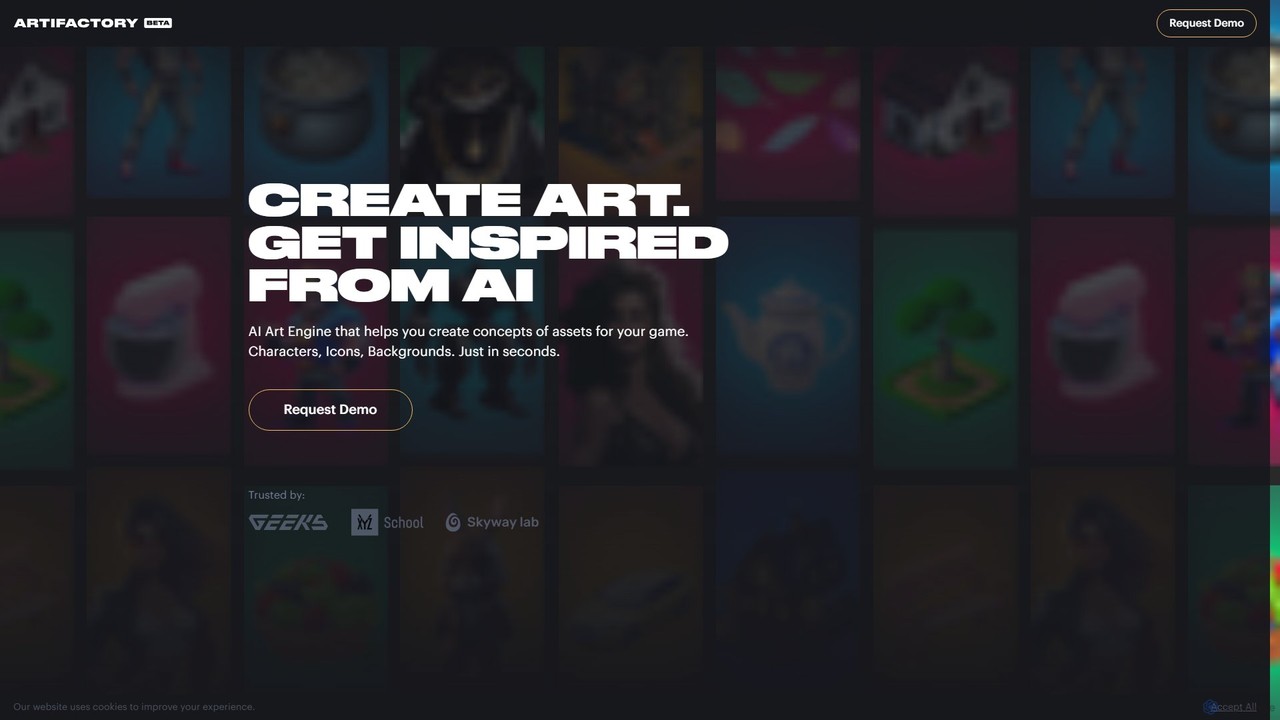
Artifactory is a specialized AI art engine for game developers, enabling the rapid creation of game assets like …
Artifactory is a specialized AI art engine for game developers, enabling the rapid creation of game assets like characters, icons, and backgrounds from text. It provides dedicated, private GPU server sessions for generating and fine-tuning models using technologies like Stable Diffusion. Users retain full intellectual property rights, and all data is deleted after each session, ensuring complete privacy and control.
About Game Asset Generation
AI Game Asset Generation tools are a specialized class of image generators designed to create visual elements specifically for video games. They utilize advanced generative models to produce a wide range of assets, from 2D sprites and seamless textures to concept art and 3D model meshes. This technology dramatically accelerates the development pipeline by automating repetitive creation tasks and enabling rapid prototyping. These tools often include features tailored for game development, such as style consistency controls and integration with popular game engines, allowing developers to quickly populate their worlds with high-quality, stylistically coherent assets.
Core Features
- Seamless Texture Generation: Creates tileable textures for environments and models, ensuring no visible seams when repeated.
- 2D Sprite Sheet Creation: Generates character or object animations by producing a series of frames in a single image file.
- 3D Model Generation: Produces basic 3D meshes and models from text prompts or 2D images, often used for prototyping or as a base for further refinement.
- Concept Art Ideation: Quickly visualizes characters, environments, and props based on descriptive text, speeding up the creative process.
- Style Consistency Control: Maintains a consistent artistic style across all generated assets to match the game's specific aesthetic.
Use Cases
These tools are primarily used by indie game developers, AAA studio artists, and freelance creators. In practice, they are applied for rapid prototyping of game mechanics with placeholder art, generating vast libraries of environmental textures for level design, and exploring diverse character or creature designs during the pre-production phase. They streamline workflows that were once time-consuming, such as creating item variations or UI icons.
How to Choose
When selecting a tool, consider the specific asset types you need (e.g., 2D sprites, 3D models, textures). Evaluate the level of style control and customization offered to ensure it matches your game's art direction. Check for integration capabilities with your chosen game engine, such as Unity or Unreal Engine. Finally, carefully review the licensing terms to confirm you have the rights for commercial use of the generated assets in your project.

Game Asset GenerationUse Cases
Rapid Prototyping for Indie Developers
An indie game developer working on a new platformer needs to quickly build a playable prototype to test core mechanics like jumping and combat. Manually creating placeholder characters, enemies, and background tiles would take days. Using an AI game asset generator, the developer inputs simple prompts like "8-bit hero sprite sheet, walking animation" and "pixel art forest background, seamless tile." Within minutes, the tool generates functional sprites and tileable backgrounds, allowing the developer to assemble a testable level immediately. This accelerates the feedback loop and helps validate the game concept without significant upfront investment in art.
Generating Seamless Textures for 3D Environments
A 3D environment artist for an open-world RPG is tasked with texturing a large medieval city. Creating unique, high-quality, and tileable textures for cobblestone streets, brick walls, and wooden roofs is a repetitive and time-consuming process. The artist uses an AI tool with a "seamless tiling" feature. By providing prompts like "photorealistic wet cobblestone texture, medieval style" or uploading a reference image, they can generate numerous high-resolution, perfectly tileable textures. This not only saves hours of manual work in software like Photoshop or Substance Designer but also ensures a high degree of visual variety across the game world.
Creating Character and Creature Concept Art
A concept artist at a major game studio is in the early stages of designing a new fantasy creature. Instead of starting with a blank canvas, they use an AI generator to explore a wide range of ideas quickly. They input detailed prompts combining different attributes, such as "bioluminescent fungal dragon, crystalline wings, deep forest setting." The AI produces dozens of unique visual interpretations in various styles. The artist can then select the most promising concepts to refine manually, using the AI-generated images as a powerful brainstorming tool to push creative boundaries and present a wider array of options to the art director.
Producing 2D Sprite Sheet Animations
A solo developer creating a 2D side-scrolling game needs animated sprites for the main character and several enemies. Manually drawing each frame for idle, walk, run, and attack animations is a meticulous task. The developer uses a specialized AI tool for sprite generation. They upload a single static image of their character and specify the required animations. The AI analyzes the character's structure and generates complete sprite sheets for each action. This automates a significant portion of the animation workflow, allowing the developer to focus on game logic and level design rather than frame-by-frame drawing.
Designing Cohesive UI Elements and Icons
A UI/UX designer is creating the user interface for a new mobile strategy game with a distinct "steampunk" aesthetic. They need a full set of icons for skills, resources, and menu buttons that all share this specific style. Using an AI asset generator, they set a style reference by uploading a mood board or using a detailed prompt like "steampunk gear icon, brass and copper, intricate details, on a transparent background." The tool can then generate a complete set of icons (e.g., for wood, stone, gold) in the same consistent style, ensuring the game's UI is visually unified and professional.
Creating Variations for In-Game Items
A game designer for a looter-shooter or RPG needs to create hundreds of variations for weapons and armor to make loot drops feel diverse and exciting. Manually designing each variant is impractical. The designer uses an AI tool to generate these variations. They provide a base image of a sword and use prompts like "add glowing magical runes," "make the hilt more ornate," or "change material to obsidian." The AI generates numerous visually distinct but thematically related versions of the item. This allows for a rich and varied loot system that can be implemented with a fraction of the manual art effort.