
Aistant
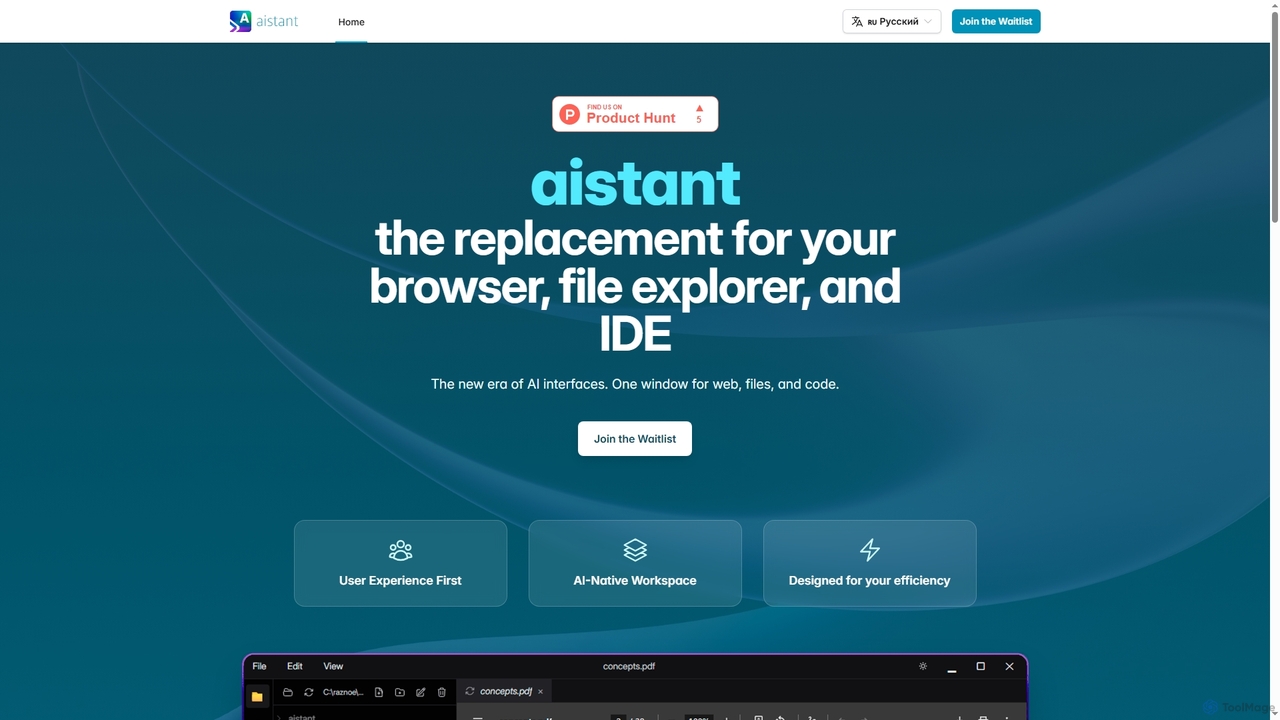
Aistant is an AI-native workspace designed to replace your browser, file explorer, and IDE with a single, unified …
Aistant is an AI-native workspace designed to replace your browser, file explorer, and IDE with a single, unified interface. It offers instant search, visualization, and summarization of web content, local files, and code, all powered by an integrated AI agent-assistant. It emphasizes user efficiency and local data organization.
About Search
AI Search tools are applications that leverage machine learning and natural language processing (NLP) to retrieve information from complex datasets. Unlike traditional keyword-based systems, these tools understand the semantic meaning and context behind a user's query. This allows them to deliver highly relevant results, direct answers, and insights from documents, databases, or code repositories. As a key component of Information Management, AI Search transforms how users interact with data, making information discovery more intuitive and efficient.
Core Features
- Semantic Understanding: Interprets the intent and context of a query, not just keywords, to find conceptually related information.
- Natural Language Query (NLQ): Allows users to ask questions in conversational language instead of using rigid syntax.
- Answer Synthesis: Generates direct, summarized answers by pulling information from multiple sources, rather than just listing links.
- Cross-Repository Indexing: Connects to and searches across various data silos like wikis, databases, and cloud storage simultaneously.
- Personalized Results: Adapts search results based on user history, role, and previous interactions to improve relevance.
Use Cases
These tools are widely used in enterprise environments for internal knowledge management, helping employees find information in company wikis and documents. They are also crucial in customer support for powering intelligent help centers and in software development for searching complex codebases. Legal and research professionals use them for e-discovery and literature review to quickly locate relevant case files or academic papers.
How to Choose
When selecting an AI Search tool, first evaluate its integration capabilities with your existing data sources (e.g., Confluence, SharePoint, GitHub). Assess the accuracy and relevance of its search results for your specific domain. Consider the scalability for indexing large volumes of data and the availability of APIs for custom implementations. Finally, review the security features and compliance certifications to ensure your data is handled safely.
SearchUse Cases
Enterprise Knowledge Base Search
A customer support agent needs to quickly find the solution to a complex technical issue. Instead of manually searching through hundreds of internal wiki pages and technical documents, they use an AI Search tool. They type a natural language question like, 'How to resolve authentication error 503 for a client on the enterprise plan?' The system understands the context, searches across Confluence and Zendesk tickets, and provides a synthesized answer with step-by-step instructions, reducing the average handling time significantly.
Semantic Code Search for Developers
A software developer is working on a new feature and needs to find an existing function for handling API authentication. Searching the entire codebase with keywords like 'auth' or 'login' yields too many irrelevant results. Using an AI Search tool, they can ask, 'Show me functions that handle user token validation.' The tool performs a semantic search, understanding the developer's intent and locating the most relevant code snippets, even if they don't contain the exact keywords, accelerating the development process.
Legal E-Discovery and Document Review
A paralegal is tasked with reviewing thousands of documents for a legal case to find evidence related to 'financial misconduct'. A simple keyword search would miss documents that discuss the topic using different terminology. An AI Search tool can understand the concept of financial misconduct and identify relevant documents discussing 'improper accounting', 'fraudulent transactions', or 'embezzlement'. This drastically reduces manual review time and increases the accuracy of evidence discovery, allowing the legal team to build a stronger case faster.
Academic Research and Literature Review
A PhD student is conducting a literature review on 'the impact of AI on renewable energy grids'. Searching traditional academic databases with keywords returns thousands of papers, many of which are only tangentially related. By using an AI Search tool connected to these databases, the student can ask a more specific question. The tool can then rank papers by relevance, identify seminal works, and even summarize key findings from the most relevant articles, streamlining the research process and helping to uncover novel connections between topics.
Intelligent Customer Self-Service Portal
A SaaS company wants to reduce the number of support tickets for common questions. They integrate an AI Search tool into their public-facing help center. When a customer starts typing a question like 'How do I reset my password?', the search bar provides instant, accurate answers by pulling information directly from the knowledge base articles. This provides a better user experience by offering immediate solutions and frees up the support team to focus on more complex customer issues.
Product Catalog and E-commerce Search
An online retailer with thousands of products wants to improve how customers find items. A traditional search for 'warm jacket for hiking' might only show products with those exact words in the title. An AI Search tool understands user intent, recognizing that 'warm' implies materials like fleece or down, and 'hiking' implies features like water resistance and durability. It then displays a curated list of the most suitable products, even if their descriptions use synonyms, leading to higher conversion rates and better customer satisfaction.