
Floor Plan
Floor Plan is an advanced AI-powered platform offering comprehensive home and architectural design solutions. It enables users to …
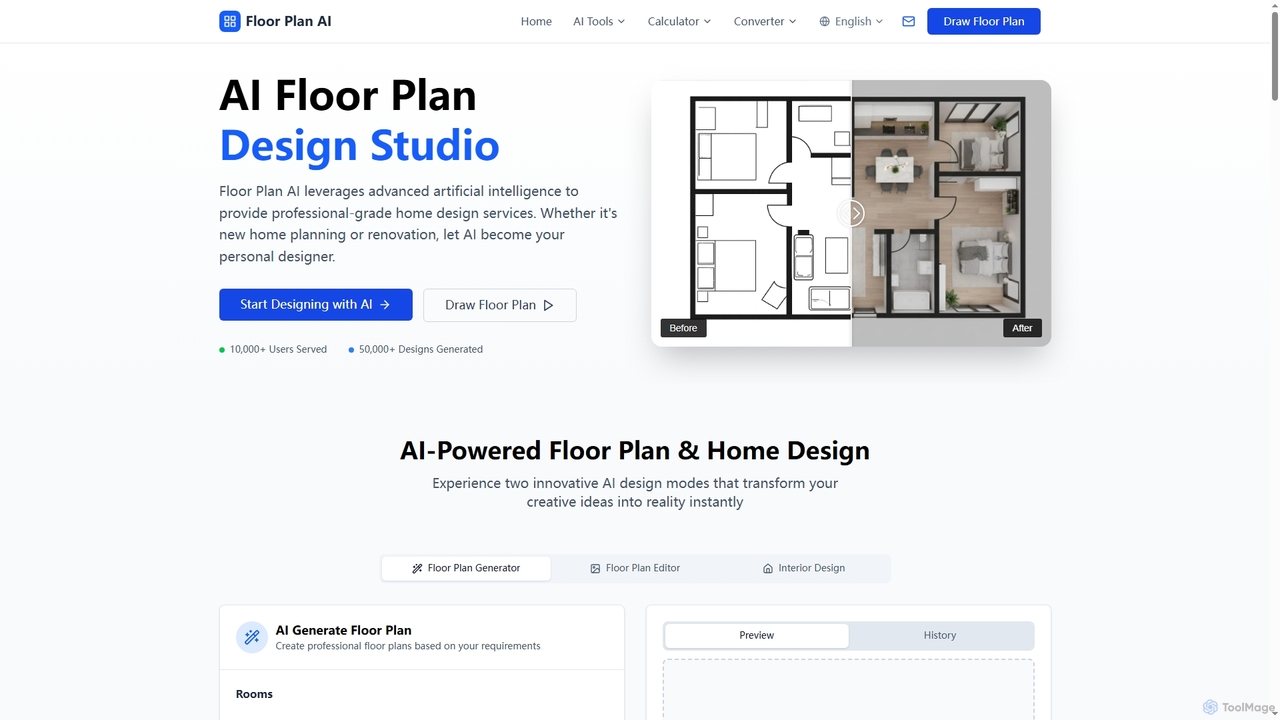
Floor Plan is an advanced AI-powered platform offering comprehensive home and architectural design solutions. It enables users to generate 2D floor plans, transform sketches into photorealistic images, create stunning 3D visualizations from 2D layouts, and instantly stage empty rooms with AI-driven interior designs. Ideal for professionals and homeowners seeking fast, accurate, and creative design tools.
About Home Staging
AI Home Staging tools are specialized applications that use artificial intelligence to virtually furnish and decorate photos of empty or outdated rooms. Leveraging generative AI and computer vision, these tools analyze a room's dimensions and lighting to place realistic furniture, decor, and even change wall colors or flooring. The primary goal is to create appealing, photorealistic images for property listings, helping potential buyers or renters visualize the space's potential. This process is significantly faster and more cost-effective than traditional physical staging.
Core Features
- Virtual Furniture Placement: Automatically adds 3D models of furniture and decor into a room photo with realistic scale and lighting.
- Style Customization: Offers a library of design styles (e.g., Modern, Scandinavian, Farmhouse) to instantly transform a room's aesthetic.
- AI Item Removal: Detects and removes existing furniture or clutter from an image, creating a clean slate for virtual staging.
- Surface Editing: Allows for virtual changes to walls, floors, and ceilings, such as repainting or changing flooring material.
- Photorealistic Rendering: Generates high-resolution, lifelike images that are suitable for professional real estate marketing.
Use Cases
These tools are primarily used by real estate agents, property developers, and homeowners to prepare properties for sale or rent. They are essential for creating compelling online listings on platforms like Zillow or Rightmove. Interior designers also use them to quickly present staging concepts to clients before committing to physical changes.
How to Choose
When selecting an AI Home Staging tool, consider the realism and quality of the final images. Evaluate the size and diversity of the furniture and style library. Assess the user interface for ease of use and the speed of rendering. Finally, compare pricing models—some charge per image, while others offer subscriptions for high-volume users.
Home StagingUse Cases
Enhancing Listings for Real Estate Agents
A real estate agent has a listing for a vacant apartment. They upload photos of the empty living room and bedroom to an AI Home Staging tool. Within minutes, they generate multiple design options: one modern, one Scandinavian, and one traditional. They select the modern design, which features a sleek sofa, abstract art, and neutral tones. These professionally staged images are added to the online listing, leading to a 40% increase in viewing inquiries compared to listings with empty room photos.
Virtually Decluttering for Homeowners
A homeowner needs to sell their lived-in property but doesn't have the time or budget to physically declutter and stage it. They take photos of their furnished rooms and use an AI tool's 'Item Removal' feature. The AI removes personal items, bulky furniture, and clutter. Then, they use the virtual staging feature to add neutral, modern furniture that appeals to a wider audience. This allows them to market their home effectively online without the upfront cost and effort of physical staging.
Marketing New Developments Before Construction
A property developer is pre-selling units in a new condominium building that is still under construction. They use an AI Home Staging tool on the architectural renderings or photos of the empty, unfinished units. The tool furnishes different floor plans with various styles, such as 'Luxury Urban' for penthouses and 'Cozy Minimalist' for smaller units. These realistic images are used in brochures, on the project website, and in social media campaigns to help buyers visualize their future home and secure sales before the building is complete.
Quickly Presenting Concepts for Interior Designers
An interior designer specializing in home staging needs to show a client several potential looks for their property. Instead of creating complex 3D models from scratch, they use an AI tool. They upload a photo of the client's living room and, in a single session, generate three distinct styles: Coastal, Industrial, and Mid-Century Modern. This allows the client to visually compare the options and make a quick decision, streamlining the designer's workflow and improving client communication.
Updating Outdated Rental Property Photos
A property manager oversees a portfolio of rental units, many of which have photos with dated furniture and decor. To attract new tenants without the cost of refurnishing each unit for a photoshoot, they use an AI Home Staging tool. They upload the old photos, use the AI to remove the outdated furniture, and then re-stage the rooms with contemporary, appealing virtual items. The refreshed online listings now showcase modern, inviting spaces, leading to a shorter vacancy period between tenants.
Visualizing Renovations for Flippers
A real estate investor ('flipper') is considering purchasing a property that needs significant renovation. To quickly assess its potential and create a vision for the project, they use an AI Home Staging tool. They upload photos of the current, dated interior. The tool allows them to virtually 'demolish' non-structural walls, change the flooring from old carpet to hardwood, repaint walls, and fully furnish the space in a modern style. This helps them visualize the after-renovation value and create compelling presentations for potential funding partners.