ToolMage
Sign in

Best 1 It Service Management AI tools for It

Popular It Service Management AI tools in It include Onetab AI, helping you work more efficiently.

Onetab AI
Freemium

Onetab AI

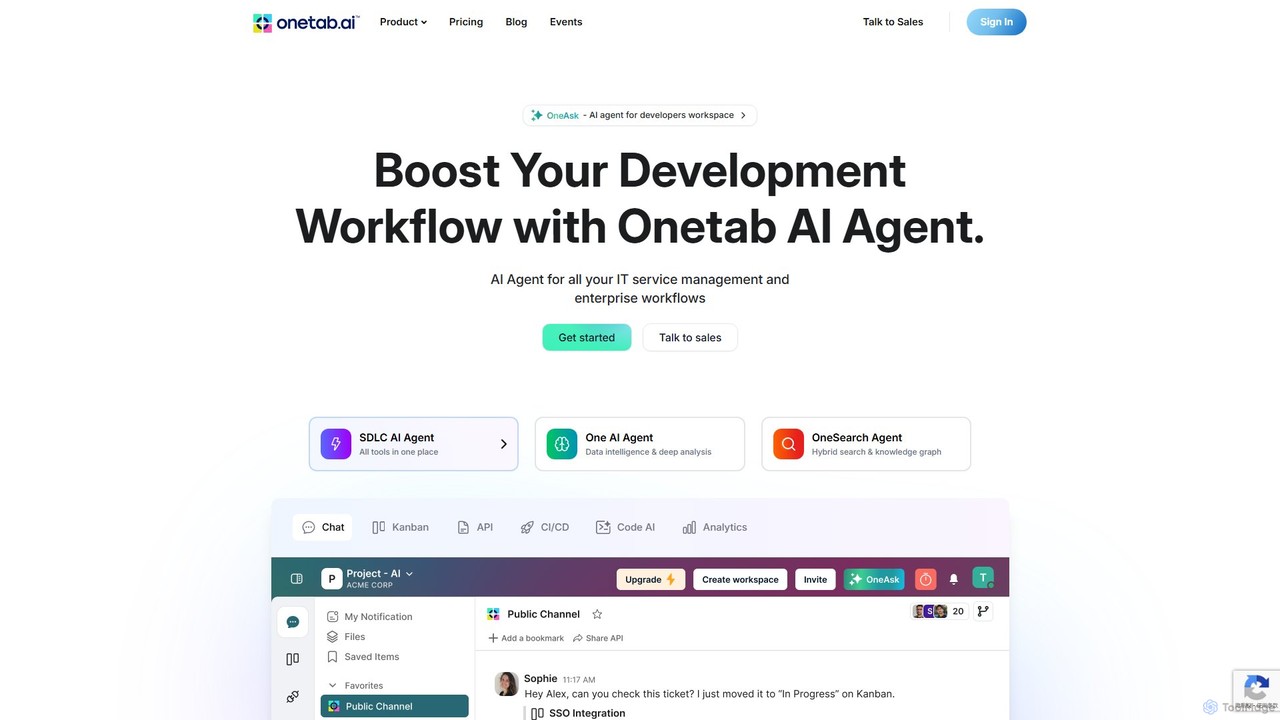
Onetab AI is an all-in-one AI agent platform designed for developers and enterprises. It centralizes tools, automates workflows across the software development lifecycle (SDLC) and IT service management, and acts as a single source of truth to boost team productivity and efficiency.

Knowledge Management
Visits 16KFavorites 147Likes 164

About It Service Management

AI-powered IT Service Management (ITSM) tools are platforms that use artificial intelligence to automate and optimize the delivery of IT services within an organization. These tools leverage machine learning and natural language processing to proactively manage incidents, analyze root causes, and predict potential issues before they impact users. By automating routine tasks and providing intelligent insights, AI ITSM solutions transform traditional IT support into a more efficient, predictive, and responsive operation. They enhance the capabilities of IT teams, reduce resolution times, and improve the overall employee service experience.

Core Features

  • Intelligent Incident Management: Automatically categorizes, prioritizes, and routes tickets, suggesting solutions based on historical data.
  • Predictive Problem Management: Analyzes trends and patterns to identify and address potential systemic issues before they cause major incidents.
  • AI-Powered Service Desk: Deploys conversational AI chatbots to resolve common user requests like password resets or software access 24/7.
  • Automated Change Risk Assessment: Uses AI to evaluate the potential impact and risk of proposed changes to the IT environment, preventing service disruptions.
  • Proactive Monitoring & Alerting: Intelligently monitors system performance, filtering out noise to provide actionable alerts on critical events.

Use Cases

These tools are essential for medium to large enterprises with complex IT infrastructures, especially in sectors like finance, technology, and healthcare where service availability is critical. IT operations teams, service desk managers, and system administrators use AI ITSM to reduce manual workloads, prevent service outages, and ensure IT services effectively support business objectives.

How to Choose

When selecting an AI ITSM tool, consider its integration capabilities with your existing systems (e.g., cloud platforms, monitoring tools). Evaluate the sophistication of its AI models for automation and prediction. Also, assess the platform's scalability to handle your organization's volume of data and service requests, and consider the user interface's intuitiveness for both IT staff and end-users.

It Service Management use cases

1

Automating L1 Support with an AI Service Desk

An IT support manager at a large corporation is struggling with a high volume of repetitive Tier 1 tickets, such as password resets and software access requests. This ties up human agents, preventing them from focusing on more complex issues. By implementing an AI ITSM tool, they deploy a conversational AI chatbot integrated into their communication platform. The chatbot handles thousands of these routine requests daily, authenticating users and automatically fulfilling requests 24/7. This reduces the L1 ticket volume for human agents by over 60%, improves employee satisfaction with instant resolutions, and allows the support team to focus on high-impact problem-solving.

2

Predicting and Preventing System Outages

An IT operations team for an e-commerce platform needs to ensure maximum uptime, especially during peak shopping seasons. Instead of reacting to failures, they use an AI ITSM tool for predictive problem management. The tool continuously analyzes performance metrics, server logs, and network traffic data. It identifies subtle patterns that indicate a potential database overload or network bottleneck. The system then automatically generates a high-priority problem ticket with detailed diagnostics and recommended actions, such as scaling resources. This allows the team to proactively address the issue before it causes a site-wide outage, saving potentially millions in lost revenue.

3

Accelerating Incident Root Cause Analysis

Following a critical application failure, an IT incident response team is under pressure to identify the root cause quickly. Manually sifting through gigabytes of logs from multiple systems is slow and error-prone. They use their AI ITSM tool's root cause analysis (RCA) feature. The AI ingests and correlates logs, performance data, and recent change records in minutes. It identifies an anomaly—a recent software patch that conflicted with a specific server configuration—as the most probable cause. The tool presents this finding with supporting evidence, reducing the RCA time from hours or days to under 30 minutes, enabling a faster, more accurate fix.

4

Intelligent Ticket Routing for a Managed Service Provider

A Managed Service Provider (MSP) handles IT support for dozens of clients, receiving hundreds of tickets daily with varying urgency and complexity. Manual triage is a bottleneck, causing delays in response times. They adopt an AI ITSM platform that analyzes the text of each incoming ticket using natural language processing. The AI understands the user's intent, identifies the affected service and client, and assesses urgency. It then automatically routes the ticket to the appropriate specialist team (e.g., network, security, cloud) without human intervention. This intelligent routing cuts ticket assignment time by 90% and ensures that critical issues are addressed by the right experts immediately.

5

Automating Change Management Risk Assessment

A financial services company needs to deploy frequent updates to its trading platform but must minimize the risk of service disruption. Their change advisory board (CAB) spends hours manually assessing the risk of each proposed change. By integrating an AI ITSM tool, the change management process is enhanced. The AI analyzes the proposed change, cross-references it with system dependencies, historical change success/failure rates, and current system performance. It then provides an automated risk score and highlights potential conflicts. This allows the CAB to focus their review on high-risk changes, approving low-risk, routine changes automatically. This accelerates deployment cycles while improving system stability.

6

Creating a Self-Service Knowledge Base

A rapidly growing tech company finds its IT team is constantly answering the same questions about software setup, VPN access, and printer configuration. To empower employees and reduce repetitive queries, they use an AI ITSM tool to build a dynamic knowledge base. The AI analyzes resolved tickets to identify common problems and automatically suggests new knowledge base articles. It also powers a smart search function that understands natural language, helping employees find relevant articles easily. When an employee searches for an issue, the AI can present a step-by-step guide, effectively deflecting a potential ticket and promoting a self-service culture.

It Service Management FAQ

What is AI in IT Service Management (ITSM)?

AI in IT Service Management (ITSM) refers to the use of artificial intelligence technologies to enhance and automate IT support and operations. It goes beyond traditional ITSM by using machine learning, natural language processing (NLP), and predictive analytics to create a more proactive and intelligent system. Key applications include AI-powered chatbots for instant support, predictive analytics to prevent outages before they happen, and intelligent automation for routing tickets and analyzing root causes. The primary goal is to improve efficiency, reduce manual effort for IT teams, and provide a faster, more effective service experience for employees.

How to choose the right AI ITSM tool?

Choosing the right AI ITSM tool requires evaluating several key factors to match your organization's needs. Consider the following:

  • Integration Capabilities: Ensure the tool can seamlessly integrate with your existing IT infrastructure, such as cloud services (AWS, Azure), monitoring tools, and communication platforms (Slack, Teams).
  • AI Maturity: Assess the sophistication of its AI features. Does it offer true predictive analytics and root cause analysis, or just basic automation and keyword-based chatbots?
  • Scalability: The platform should be able to handle your current and future volume of tickets, users, and data without performance degradation.
  • Ease of Use: Evaluate the user interface for both IT administrators and end-users. A complex tool can hinder adoption and reduce its overall effectiveness.
  • Customization and Flexibility: Check if you can customize workflows, reports, and automation rules to fit your specific operational processes.
What's the difference between traditional ITSM and AI-powered ITSM?

The core difference lies in their approach: traditional ITSM is primarily reactive, while AI-powered ITSM is proactive and predictive. Traditional ITSM relies on manual processes and predefined rules for tasks like ticket logging and routing. It focuses on resolving issues after they occur. In contrast, AI-powered ITSM uses machine learning to analyze data, predict future problems, and automate complex decision-making. For example, instead of just routing a ticket, an AI system might predict a major incident based on minor alerts and automatically initiate a response, or a chatbot can resolve an issue without ever creating a ticket for a human agent.

What are the key benefits of using AI for IT service management?

Using AI in ITSM offers significant benefits that enhance IT operations and business outcomes. The primary advantages include:

  • Increased Efficiency: AI automates repetitive tasks like ticket categorization, password resets, and information retrieval, freeing up IT staff to focus on strategic initiatives.
  • Faster Resolution Times: Intelligent routing, automated root cause analysis, and AI-suggested solutions help resolve incidents and requests much faster than manual methods.
  • Proactive Problem Prevention: By analyzing data to predict potential failures, AI helps organizations move from a reactive 'break-fix' model to a proactive one, reducing downtime.
  • Improved User Experience: 24/7 availability through AI chatbots and faster, more accurate support lead to higher employee satisfaction and productivity.
Who can benefit from using AI ITSM tools?

A wide range of roles and organizations can benefit from AI ITSM tools, particularly those with complex IT environments. Key beneficiaries include:

  • IT Operations Teams: They benefit from predictive alerts and automated root cause analysis, which helps them prevent outages and resolve issues faster.
  • Service Desk Managers and Agents: AI automates ticket triage and handles routine requests via chatbots, reducing agent workload and allowing them to focus on high-value tasks.
  • CIOs and IT Leaders: These tools provide valuable insights and analytics on IT performance and service delivery, enabling better strategic decision-making and resource allocation.
  • End-Users (Employees): They receive faster, 24/7 support for common issues, leading to less frustration and improved productivity.

Essentially, any organization looking to scale its IT support, improve operational efficiency, and enhance the employee service experience will find value in AI ITSM solutions.