It Operations Best in category 1 results Automation AI Tool

Popular AI tools in the Automation field of It Operations include Patchifi, etc., helping you quickly improve efficiency.

Patchifi

Patchifi

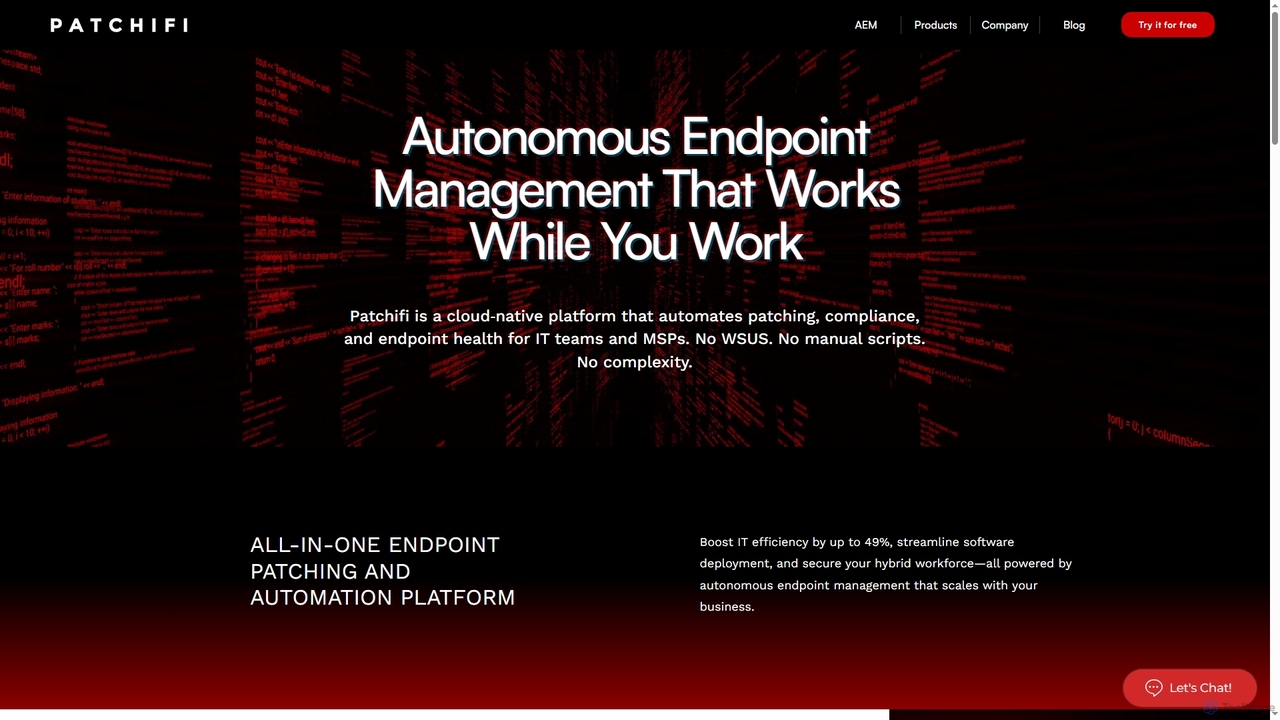
Patchifi is a cloud-native platform that automates endpoint management, patching, and compliance for IT teams and Managed Service …

4.9K

About Automation

Automation tools for IT Operations are a class of software designed to execute recurring tasks and processes without manual intervention. They utilize scripting, APIs, and AI-driven workflows to manage infrastructure, deploy applications, and respond to system events. The primary value of these tools is in increasing operational efficiency, reducing human error, and ensuring consistent system configurations across complex IT environments. Many modern automation platforms support Infrastructure as Code (IaC) principles, allowing teams to manage and provision infrastructure through machine-readable definition files.

Core Features

  • Workflow Orchestration: Automates and coordinates complex, multi-step IT processes across different systems and applications.
  • Configuration Management: Enforces and maintains consistent configurations for servers, networks, and software at scale.
  • Event-Driven Automation: Triggers predefined scripts or runbooks in response to system alerts, logs, or performance metrics.
  • Infrastructure as Code (IaC): Allows for the management and provisioning of infrastructure through code, enabling version control and repeatability.
  • Scheduled Task Execution: Runs routine tasks like backups, system checks, and report generation at specified times or intervals.

Use Cases

These tools are essential for DevOps engineers, system administrators, and cloud engineers. Common applications include building CI/CD pipelines for automated software delivery, provisioning and managing cloud resources on platforms like AWS and Azure, and automating incident response procedures to reduce system downtime.

How to Choose

When selecting an IT automation tool, consider its integration capabilities with your existing technology stack, including cloud providers and monitoring systems. Evaluate its scalability to handle future growth and its approach to automation—whether it's agent-based or agentless. Also, assess the required skill set, such as support for specific scripting languages (e.g., Python, PowerShell) versus a low-code graphical interface.

AutomationUse Cases

1

Automated Server Patching and Maintenance

System administrators in a large enterprise are responsible for maintaining hundreds of servers. They use an automation tool to schedule and execute security patching and software updates across the entire server fleet during non-business hours. The tool automatically identifies servers needing updates, applies the patches, performs a health check, and generates a compliance report. This process minimizes security risks, ensures system consistency, and frees up administrators from tedious, repetitive manual work.

2

CI/CD Pipeline Automation for DevOps

A DevOps team uses an automation platform to build a complete Continuous Integration and Continuous Deployment (CI/CD) pipeline. When a developer commits new code, the tool automatically triggers a series of actions: compiling the code, running unit and integration tests, packaging the application into a container, and deploying it to a staging environment. Upon successful testing, it can then promote the release to production, significantly accelerating the software delivery lifecycle.

3

Cloud Infrastructure Provisioning with IaC

A cloud engineering team needs to create consistent and repeatable development, testing, and production environments in a public cloud like AWS. Using an Infrastructure as Code (IaC) automation tool, they define all required resources—virtual machines, networks, load balancers, and databases—in configuration files. The tool reads these files and automatically provisions the entire environment, ensuring that every deployment is identical and preventing configuration drift.

4

Automated Incident Response and Remediation

An IT operations team integrates their monitoring system with an automation tool to handle common incidents automatically. When the monitoring system detects that a critical web service is unresponsive, it triggers an alert. The automation tool receives this alert and executes a predefined runbook: it attempts to restart the service, collects diagnostic logs from the server, and if the issue persists, creates a high-priority ticket in the service desk system with all relevant information attached.

5

Automated User Account Management

An IT department uses automation to streamline employee onboarding and offboarding. When a new employee is added to the HR system, a workflow is automatically triggered. The automation tool creates user accounts in Active Directory, Office 365, and other relevant applications, assigning appropriate permissions based on the employee's role. Similarly, when an employee leaves, the tool automatically deactivates all accounts to ensure security.

6

Scheduled Database Backup and Verification

A database administrator (DBA) configures an automation tool to manage critical database backups. The tool runs scheduled jobs every night to perform full backups of production databases. After the backup is complete, it automatically initiates a process to restore the backup to a temporary server and run verification checks to ensure the data is consistent and recoverable. This automates a crucial disaster recovery task and provides confidence in data integrity.

AutomationFrequently Asked Questions