
Atlassian
Atlassian provides an integrated suite of collaboration, development, and issue-tracking tools for teams of all sizes. Powered by …
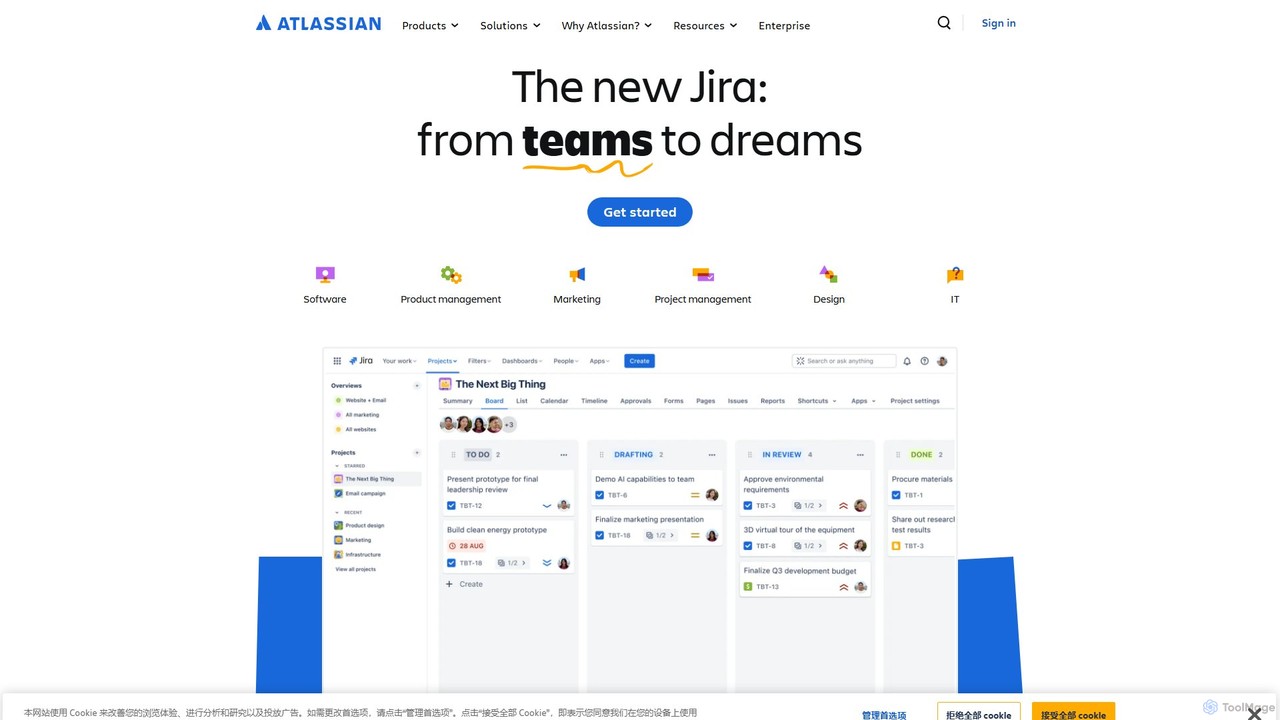
Atlassian provides an integrated suite of collaboration, development, and issue-tracking tools for teams of all sizes. Powered by Atlassian Intelligence, products like Jira, Confluence, and Trello help software, IT, and business teams plan, track, and deliver work more efficiently. It's a comprehensive platform designed to unleash the potential of every team through seamless integration and AI-driven productivity.
About Service Desk
AI Service Desk tools are platforms designed to centralize and automate internal IT support and service management. These tools leverage AI for intelligent ticket routing, automated responses, and predictive issue analysis, often aligning with ITIL frameworks. They streamline IT operations by managing incidents, service requests, and knowledge bases efficiently. This results in faster issue resolution for employees and allows IT teams to focus on more strategic tasks.
Core Features
- Incident Management: Log, track, and resolve IT disruptions with automated prioritization and routing.
- Service Request Fulfillment: Manage employee requests for new hardware, software, or access through standardized workflows.
- Knowledge Base: Provide a self-service portal with AI-powered search for employees to find solutions to common problems.
- Automation Workflows: Automate routine tasks like password resets, user onboarding, and approval processes.
- Asset Management: Track and manage IT hardware and software assets throughout their lifecycle.
Use Cases
AI Service Desk tools are primarily used by internal IT departments in medium to large organizations. They are crucial for companies aiming to standardize their IT support processes, improve employee satisfaction with IT services, and gain visibility into IT operational performance. Common scenarios include managing tech support for a remote workforce, streamlining the onboarding process for new hires, and proactively addressing recurring IT issues.
How to Choose
When selecting an AI Service Desk tool, consider its alignment with ITIL practices and its automation capabilities. Evaluate the intelligence of its AI features, such as ticket categorization and chatbot effectiveness. Assess its integration capabilities with other IT management systems like asset management or monitoring tools. Finally, consider the user-friendliness of both the agent interface and the employee self-service portal.
Service DeskUse Cases
Automated IT Incident Management
An employee in the marketing department experiences a critical software crash before a major presentation. Instead of sending an email, they use the self-service portal to log an incident. The AI Service Desk automatically categorizes the ticket as 'High Priority' based on keywords like 'crash' and 'presentation'. It then routes the ticket directly to a specialized software support technician, bypassing the general queue. The technician receives an instant notification and resolves the issue within 30 minutes, allowing the presentation to proceed on time. This process reduces resolution time and ensures critical issues are addressed promptly.
Streamlining New Employee Onboarding
When HR marks a new candidate as 'hired' in the HR system, an automated workflow is triggered in the AI Service Desk. The system automatically generates a series of service requests: one for IT to provision a laptop and peripherals, another for Facilities to set up a workspace, and several for creating user accounts in different business applications. The progress of each request is tracked centrally. This eliminates manual coordination between departments, ensures all necessary equipment and access are ready on the employee's first day, and provides a smooth, professional onboarding experience.
Self-Service Password Reset and Account Unlock
A user forgets their password outside of IT support hours. Instead of waiting until the next business day, they access the Service Desk's self-service portal. They initiate the password reset process, verify their identity through a multi-factor authentication method (like a code sent to their phone), and set a new password themselves. The entire process is automated and takes less than two minutes. This empowers users to resolve common issues instantly, 24/7, and significantly reduces the volume of low-level, repetitive tickets handled by the IT team.
Proactive Problem Management
The IT team notices a recurring pattern of incidents related to a specific printer model constantly going offline. Using the AI Service Desk's analytics, they identify that all 25 incidents in the last month are linked to a faulty firmware version. Instead of just fixing each incident as it comes, they create a 'Problem' record. They then develop a plan to update the firmware on all printers of that model. A change request is created and approved within the system. After the update, incidents related to that printer drop to zero, proactively preventing future disruptions for hundreds of users.
Managing IT Asset Lifecycle
An IT manager needs to plan the budget for laptop replacements for the next fiscal year. They use the Asset Management module within the Service Desk to generate a report of all laptops that are over three years old and out of warranty. The report includes the assigned user and department for each asset. This data allows the manager to accurately forecast the number of new laptops needed, justify the budget request with concrete data, and plan a phased rollout to minimize disruption. The system also helps track the disposal of old assets in compliance with company policy.
AI-Powered Knowledge Base for Self-Help
A remote employee needs to configure their VPN on a new device. They go to the IT self-service portal and type 'setup vpn'. The AI-powered search doesn't just look for keywords; it understands the user's intent. It immediately presents the most relevant, step-by-step knowledge base article, complete with screenshots and a short video tutorial. The article is also flagged as 'verified' and shows its last update date. The employee follows the guide and successfully connects to the VPN in minutes, without needing to create a ticket or wait for an IT technician, improving their productivity and satisfaction.