Sideindexer
Sideindexer is a powerful Chrome extension designed to revolutionize how you navigate and manage your AI conversations on …
Sideindexer is a powerful Chrome extension designed to revolutionize how you navigate and manage your AI conversations on platforms like ChatGPT, Gemini, and Claude. It provides instant indexing, persistent highlights, and advanced search capabilities, transforming lengthy AI chats into easily navigable knowledge bases.
Phew AI Tab
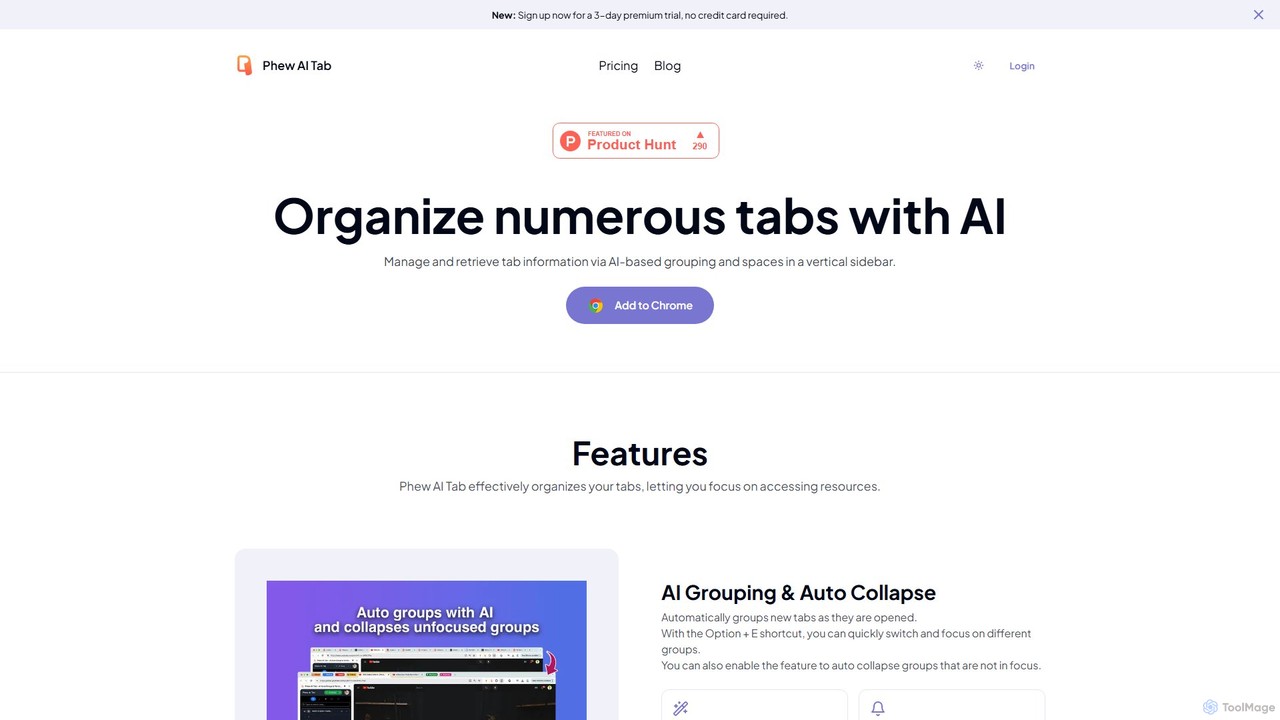
Phew AI Tab is an intelligent browser extension that revolutionizes tab management. It uses AI to automatically group, …
Phew AI Tab is an intelligent browser extension that revolutionizes tab management. It uses AI to automatically group, analyze, and summarize your tabs, transforming them into a searchable knowledge base. With features like cloud-synced "Spaces," vertical tabs, and robust privacy protection including local encryption and self-hosting options, Phew AI Tab helps you stay focused, organized, and productive across all your devices.
Pinbot
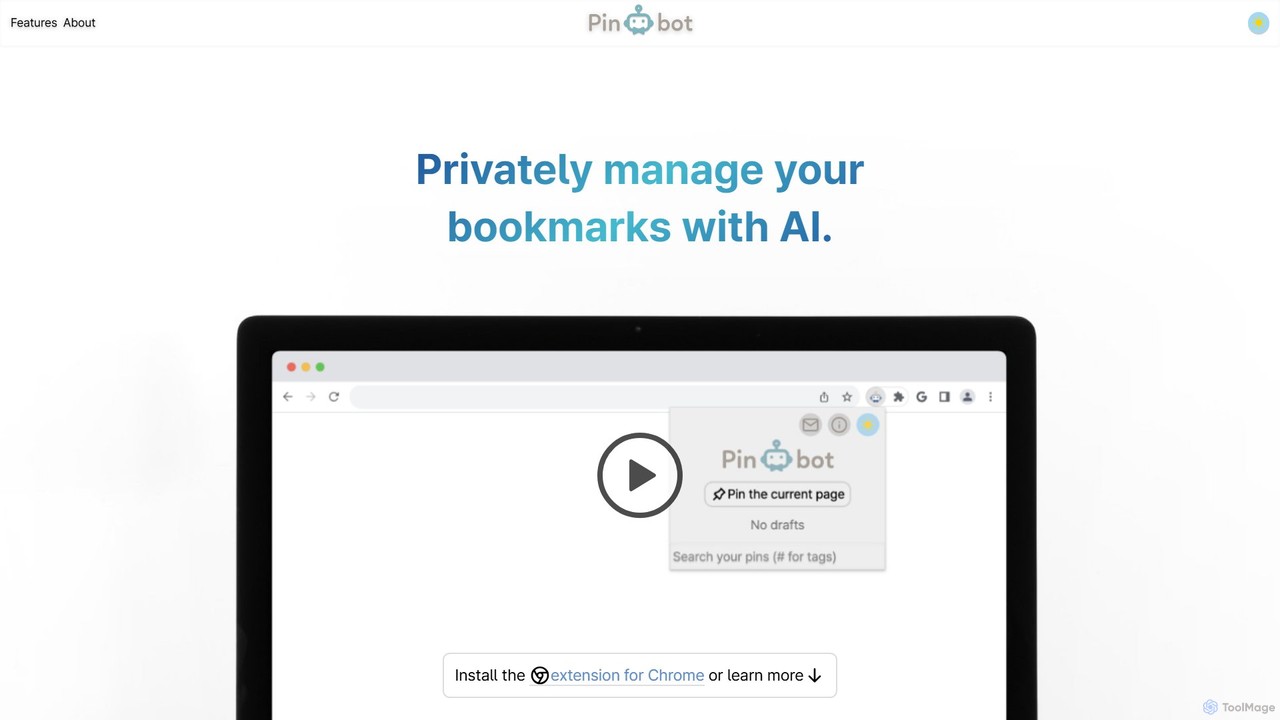
Pinbot is a privacy-focused, AI-powered bookmark manager that works as a Chrome extension. It automatically summarizes web pages, …
Pinbot is a privacy-focused, AI-powered bookmark manager that works as a Chrome extension. It automatically summarizes web pages, suggests relevant tags, and allows you to search your bookmarks using natural language. All data is stored and processed locally on your device, ensuring complete privacy.
About Knowledge Management
Knowledge Management tools are AI-powered platforms designed to capture, organize, share, and retrieve information efficiently within an organization. These tools leverage advanced AI capabilities like natural language processing and machine learning to transform raw data into actionable insights. They significantly enhance decision-making, foster collaboration, and preserve institutional memory by making critical information readily accessible. Ultimately, they empower teams to work smarter and reduce redundant efforts.
Core Features
- Intelligent Search & Retrieval: AI-driven search engines understand context and intent, delivering highly relevant information from vast data repositories.
- Automated Content Tagging: Machine learning algorithms automatically categorize and tag documents, making content easier to organize and discover.
- Knowledge Graph Creation: AI builds semantic networks of information, illustrating relationships between concepts, people, and data for deeper insights.
- Personalized Recommendations: Tools suggest relevant documents, experts, or learning paths based on user roles, projects, and past interactions.
- Version Control & Collaboration: Ensures that users always access the latest information while facilitating real-time co-editing and feedback.
Use Cases
Organizations across various sectors, from large enterprises to small businesses, utilize Knowledge Management tools to centralize their intellectual assets. They are crucial for customer support teams needing quick access to product information, R&D departments managing research data, and HR teams streamlining onboarding processes. These tools ensure that valuable insights are not lost and are consistently applied.
How to Choose
When selecting a Knowledge Management solution, consider its integration capabilities with existing systems like CRM or project management tools to ensure seamless data flow. Evaluate the AI's sophistication in search, tagging, and recommendation features, as this directly impacts usability and effectiveness. Assess scalability to accommodate future growth and the level of security offered for sensitive information. Finally, review user-friendliness and the availability of training resources to ensure high adoption rates.
Knowledge ManagementUse Cases
Enhancing Customer Support Efficiency
Customer service teams leverage Knowledge Management tools to quickly access comprehensive product FAQs, troubleshooting guides, and customer interaction histories. This enables agents to provide accurate and consistent answers, reducing resolution times and improving customer satisfaction without extensive manual searching.
Streamlining Employee Onboarding & Training
HR departments and team leads use these platforms to centralize all onboarding materials, training modules, and company policies. New hires can independently find necessary information, accelerating their ramp-up time and ensuring they quickly become productive members of the team.
Facilitating Research & Development Collaboration
R&D teams utilize Knowledge Management systems to store, share, and track research papers, experimental data, and project documentation. This fosters cross-functional collaboration, prevents duplication of efforts, and ensures that all team members have access to the latest scientific findings and project progress.
Preserving Institutional Knowledge
Organizations implement Knowledge Management tools to capture and document the expertise of departing employees or long-term projects. This ensures that critical operational procedures, historical context, and best practices are retained within the company, preventing knowledge loss and maintaining business continuity.
Optimizing Sales & Marketing Content Access
Sales and marketing teams use these tools to organize and quickly retrieve up-to-date sales collateral, marketing assets, and competitive intelligence. This empowers them to deliver consistent messaging, personalize pitches, and respond to client inquiries with accurate information, ultimately accelerating the sales cycle.
Improving Project Management & Documentation
Project managers and teams rely on Knowledge Management platforms to centralize project plans, meeting notes, design specifications, and decision logs. This ensures all stakeholders have a single source of truth, facilitating better communication, reducing misunderstandings, and improving project delivery outcomes.