Best of the Year 1 results Landscape Design AI Tools

Popular AI tools in the Landscape Design field include StagePro, etc., helping you quickly improve efficiency.

StagePro

StagePro

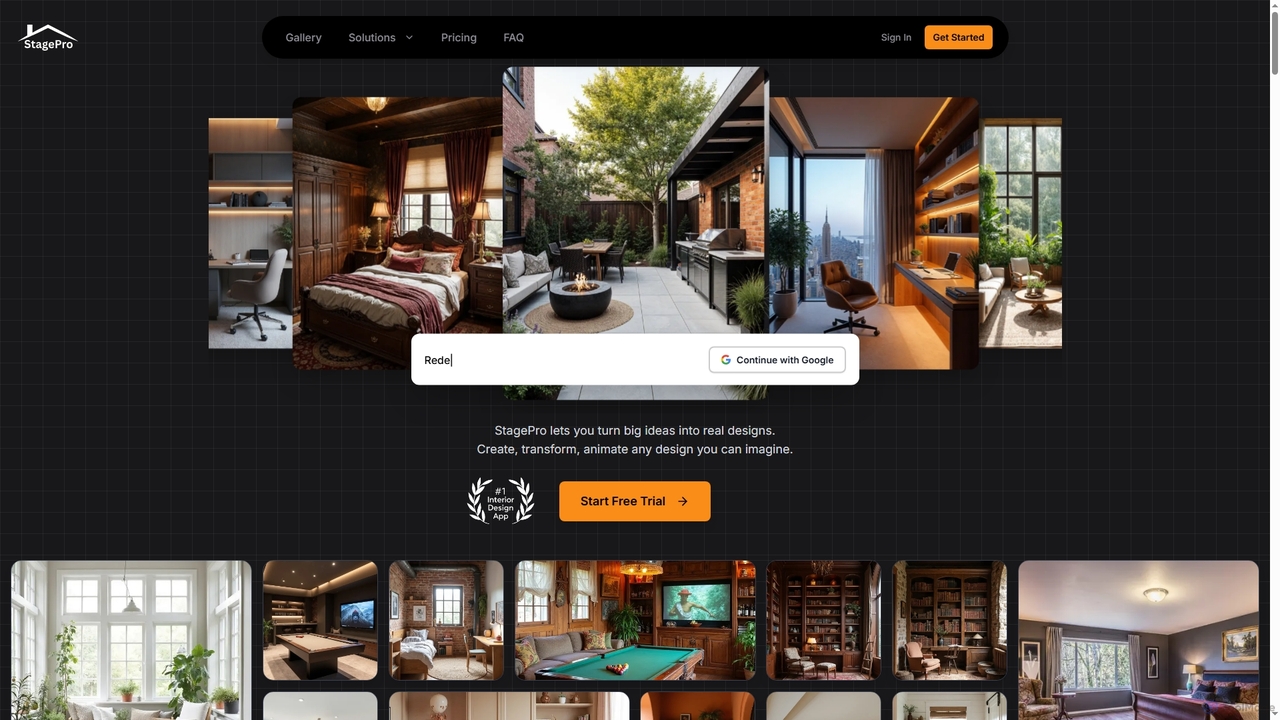
StagePro is an advanced AI-powered interior and exterior design tool that transforms any space into photorealistic visualizations in …

6.8K

About Landscape Design

AI Landscape Design tools are a class of software that utilizes artificial intelligence to help users create, visualize, and plan outdoor spaces. These tools leverage generative AI and computer vision to transform photos, sketches, or text descriptions into detailed garden layouts, plant selections, and realistic 3D models. They empower homeowners, gardeners, and professional designers to explore diverse design concepts, simulate plant growth over time, and make informed decisions before implementation. Many tools can also analyze environmental factors like sunlight and soil type to recommend suitable plants, promoting sustainable and thriving gardens.

Core Features

  • AI Design Generation: Automatically creates multiple landscape concepts and layouts from a single user photo or prompt.
  • Plant Recognition & Suggestion: Identifies existing plants from an image and recommends new ones based on climate, soil, and aesthetic preferences.
  • 3D Visualization & Walkthrough: Renders realistic 3D models of the proposed design, allowing for virtual tours to experience the space.
  • Growth Simulation: Shows how plants and trees will mature over different seasons and years, providing a long-term view.
  • Object & Material Customization: Enables easy placement and modification of hardscape elements like patios, fences, furniture, and lighting.

Use Cases

These tools are widely used by homeowners for DIY backyard renovation projects, professional landscape architects for rapid client prototyping, and real estate developers for visualizing and enhancing property curb appeal. They are also valuable for nurseries and garden centers to help customers visualize plants in their own spaces.

How to Choose

When selecting an AI Landscape Design tool, consider the level of realism in its 3D visualizations and the extensiveness of its plant and object library. Evaluate its ease of use—whether it's a simple photo-based editor or a more complex modeling tool. Also, check for platform compatibility (web, mobile, desktop) and a pricing model that aligns with your project frequency and budget.

Landscape DesignUse Cases

1

Visualize a Dream Backyard Garden

A homeowner wants to completely redesign their outdated backyard. Using an AI landscape design tool, they upload a few photos of the current space and input their preferences: a low-maintenance garden, a patio for entertaining, and native plants to attract pollinators. The AI generates three distinct 3D design concepts within minutes. The homeowner can then take a virtual walkthrough of each design, easily swap out different paving materials for the patio, and see a simulation of how the recommended plants will grow and fill out the space over the next five years. This process allows them to confidently finalize a design before engaging a contractor.

2

Homeowner's Backyard Makeover Planning

A homeowner wants to redesign their outdated backyard but lacks design skills. They upload a photo of their current yard to an AI landscape design tool. Within minutes, the AI generates several distinct design concepts, such as a modern minimalist garden, a lush English cottage style, and a low-maintenance xeriscape. The user can then virtually walk through each 3D design, swap out specific plants, and see how a new patio or fire pit would look, helping them confidently finalize a plan before hiring a contractor.

3

Rapid Prototyping for Client Presentations

A landscape architecture firm is pitching a design for a new corporate campus. To quickly generate compelling visuals, the design team inputs the site plan, architectural models, and client's requirements (e.g., sustainable drainage, outdoor meeting areas) into an AI tool. The AI rapidly generates several layout variations, complete with planting schemes and hardscape options. The team can then refine the best options, render high-quality 3D visualizations, and even create an animated fly-through. This allows them to present multiple, well-developed concepts to the client in a fraction of the time it would take with traditional methods, increasing their chances of winning the project.

4

Professional Client Concept Presentation

A landscape architect needs to present initial ideas to a new client quickly. Instead of spending days on manual sketches or complex CAD models, they use an AI tool. They input the client's property photo and key requirements (e.g., 'family-friendly', 'native plants', 'modern aesthetic'). The AI generates three high-quality, visually distinct concepts. The architect presents these realistic 3D visualizations in the first meeting, allowing the client to immediately react and provide feedback, significantly accelerating the design approval process.

5

Optimizing Public Park Layouts with AI

An urban planner is tasked with designing a new community park. Using an AI landscape tool, they can analyze the site for environmental factors like sun exposure and wind patterns. The planner defines zones for different activities: a playground, a quiet seating area, and a sports field. The AI then suggests optimal layouts that maximize sunlight in the playground during the afternoon, provide shade in the seating areas, and orient the sports field to minimize wind interference. The tool also recommends native, low-water plant species that will thrive in the local climate, helping the city meet its sustainability and budget goals for park maintenance.

6

Visualizing Plant Growth and Seasonal Changes

A gardener is planning a new flower bed and wants to ensure it has year-round visual interest. They use an AI landscape tool to place their chosen plants, including perennials, shrubs, and ornamental grasses. The tool's growth simulation feature allows them to fast-forward through the seasons and years. They can see which plants will bloom in spring, how the foliage will look in summer and fall, and what structural elements will remain in winter. This helps them make better planting decisions for a dynamic and consistently beautiful garden.

7

Enhancing Property Listings with Virtual Landscaping

A real estate developer is marketing a new housing community where the lots are still bare. To attract buyers, they use an AI tool to generate beautiful, mature landscaping for the 3D models of their homes. For each home design, they can create multiple landscape styles, from modern minimalist to lush English cottage. These photorealistic images and virtual tours are included in online listings and marketing brochures. This virtual staging helps potential buyers visualize the property's full potential, making an empty lot feel like a welcoming home and significantly increasing interest and sales velocity.

8

Real Estate Curb Appeal Enhancement

A real estate agent is preparing a property for sale that has a neglected front yard. To show potential buyers the property's full potential without the immediate cost of landscaping, the agent takes a photo of the house and uses an AI tool to generate an attractive, low-maintenance landscape design. They can then include these 'virtual staging' images in the online listing. This helps buyers visualize a beautiful exterior, increasing interest in the property and potentially raising its perceived value.

9

Designing Water-Wise and Native Plant Gardens

A landscape designer specializes in creating sustainable, eco-friendly gardens in a drought-prone region. They use an AI tool's extensive plant database to filter for native, drought-tolerant species that require minimal irrigation. The designer inputs the client's property layout and soil type. The AI then suggests optimal placement for each plant to ensure it receives the correct amount of sunlight. Furthermore, the tool can simulate rainwater runoff, helping the designer strategically place features like rain gardens or swales to capture and utilize every drop of water, resulting in a beautiful, resilient, and low-water-use landscape.

10

Designing an Outdoor Living Space

A family wants to create a functional outdoor living area with a patio, seating, and a grill station. Using an AI design tool, they can upload their backyard dimensions or a photo. They then drag and drop 3D models of furniture, pergolas, and planters into the space. The tool helps them optimize the layout for traffic flow and conversation areas. They can experiment with different materials for the patio, like pavers or wood decking, and visualize how outdoor lighting will look at night, ensuring the final design is both beautiful and practical.

11

Simulating Garden Appearance Across Seasons

A client wants to ensure their new garden provides year-round visual interest. The landscape designer uses an AI tool with a seasonal simulation feature. After creating the initial design, they can generate realistic visualizations of how the garden will look in spring, summer, autumn, and winter. The simulation shows which flowers will be in bloom, the changing colors of foliage, and the structural appearance of trees and shrubs when they lose their leaves. This allows the designer to make informed adjustments, adding evergreen plants for winter structure or late-blooming flowers for autumn color, ensuring the client is delighted with their garden's appearance in every season.

12

Climate-Appropriate Plant Selection

A new homeowner in an unfamiliar climate zone wants to start a garden but is unsure which plants will thrive. They use an AI landscape tool that incorporates climate data. By inputting their location, the tool automatically filters its extensive plant library to show only species suitable for their specific hardiness zone, sunlight conditions, and soil type. The AI can even suggest companion plants that grow well together, helping the user create a sustainable, resilient, and successful garden with a much lower risk of plant failure.

Landscape DesignFrequently Asked Questions