Lead Generation Best in category 6 results Automation AI Tool

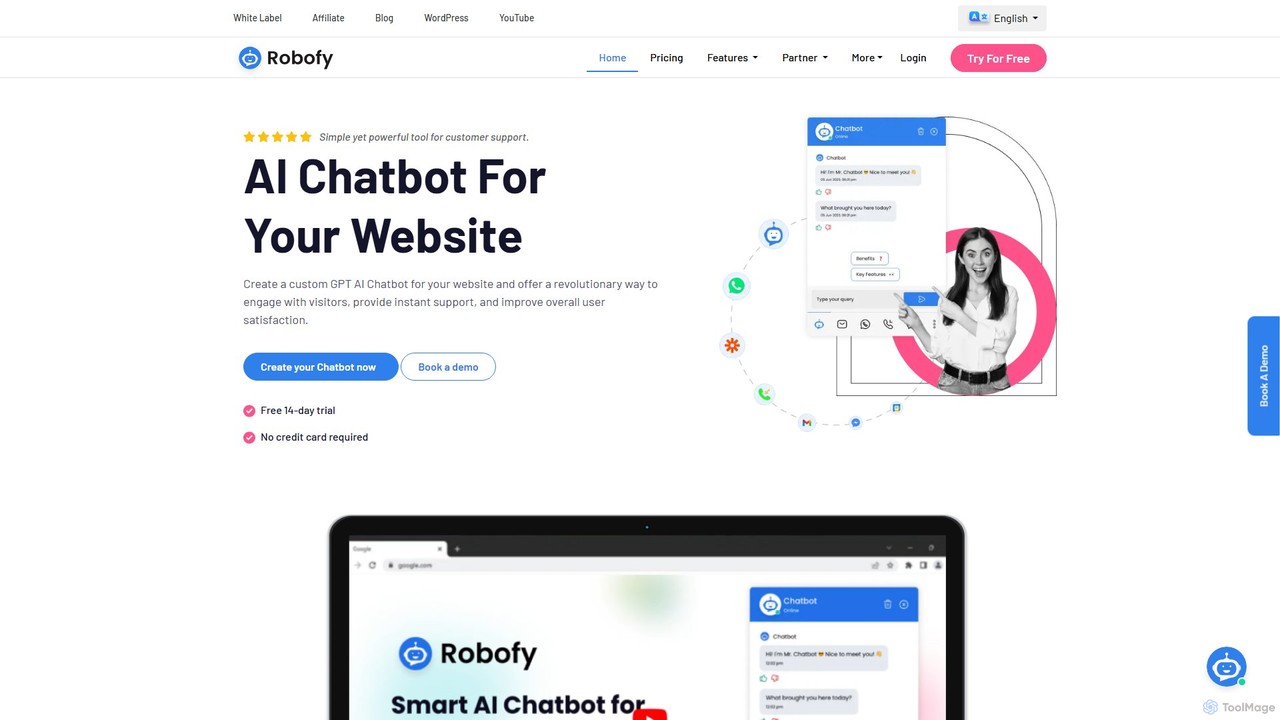
Popular AI tools in the Automation field of Lead Generation include Robofy、ChatShape、Chatbit、Mevo、Chatterdocs、ChatSimple.ai, etc., helping you quickly improve efficiency.

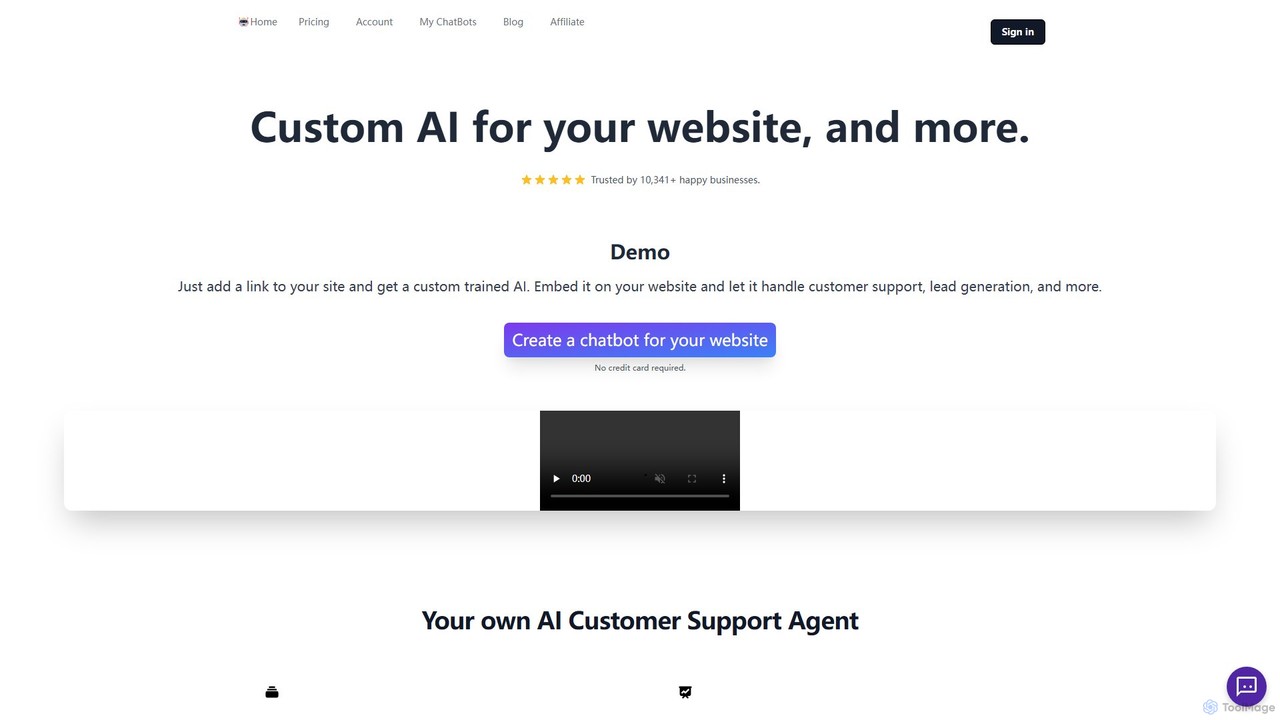
ChatSimple.ai

ChatSimple.ai

ChatSimple.ai is an AI-powered chatbot platform designed to help businesses automate customer support, capture leads, and engage website …

2.6K
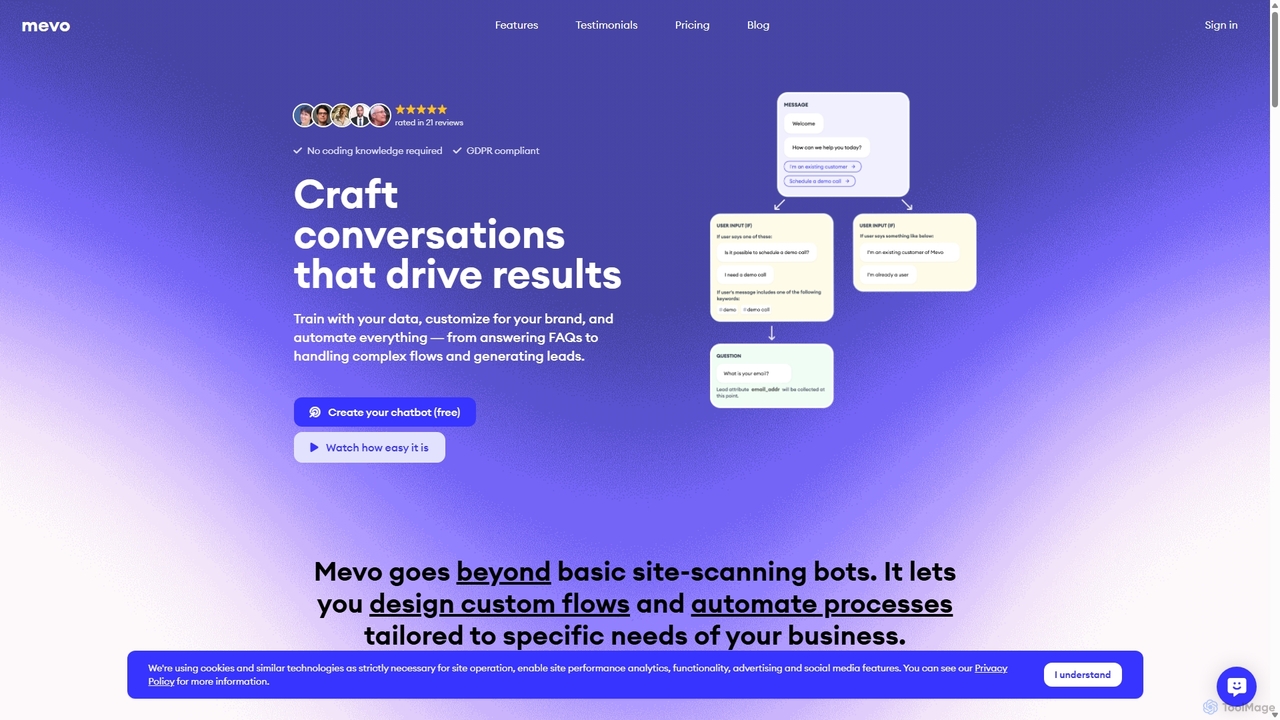
Mevo

Mevo

Mevo is a no-code AI platform that allows you to create custom, ChatGPT-like chatbots for your website. Train …

3.8K
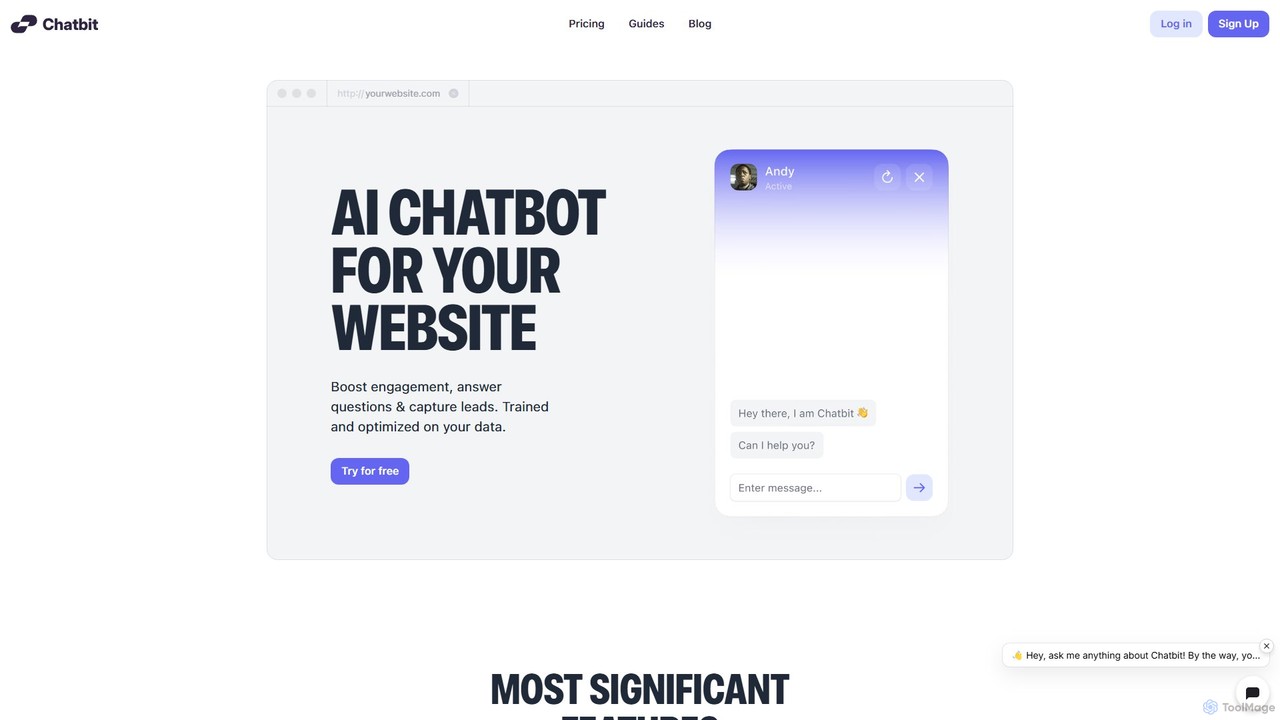
Chatbit

Chatbit

Chatbit is an AI platform that allows you to build custom chatbots for your website, trained on your …

4.5K
ChatShape

ChatShape

ChatShape allows you to create custom AI chatbots trained on your own data, such as your website content …

5.1K
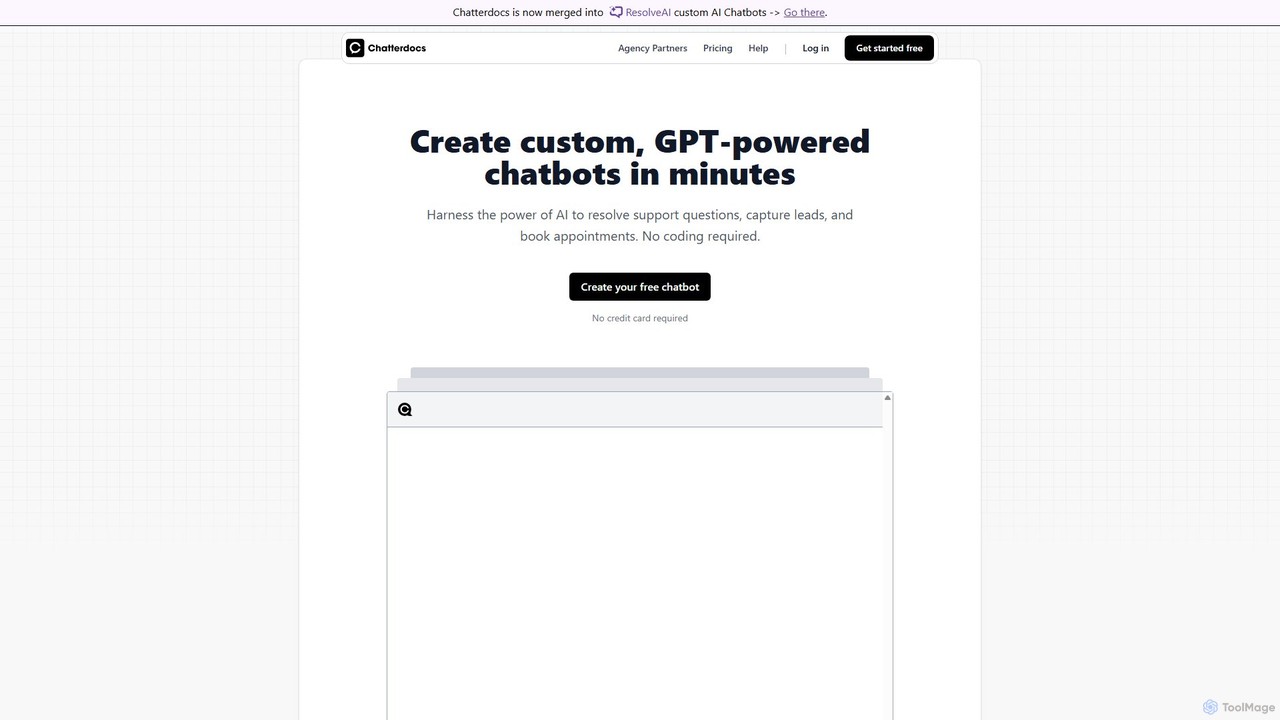
Chatterdocs

Chatterdocs

Chatterdocs is a no-code platform for creating custom, GPT-powered AI chatbots in minutes. Designed to automate customer support, …

3.2K
Robofy

Robofy

Robofy is a custom AI chatbot builder powered by OpenAI's GPT-3.5 and GPT-4. It helps businesses enhance user …

13.9K

About Automation

Lead Generation Automation tools are a class of software designed to automate the repetitive tasks involved in identifying, nurturing, and qualifying potential customers. These tools leverage triggers, pre-defined workflows, and conditional logic to execute actions like sending personalized email sequences, enriching contact data, and scoring leads based on their behavior. Their primary value is in scaling outreach efforts and ensuring timely follow-ups, allowing sales and marketing teams to focus on high-value interactions with qualified prospects. By integrating with CRMs and other marketing platforms, they create a seamless flow of information, reducing manual data entry and improving lead management efficiency.

Core Features

  • Workflow Automation: Build multi-step sequences with triggers, delays, and conditional logic to guide leads through the funnel.
  • Automated Outreach: Schedule and send personalized email and social media message sequences to prospects at scale.
  • Lead Scoring & Routing: Automatically assign scores to leads based on their engagement and demographic data, then route them to the right salesperson.
  • Data Enrichment: Automatically find and append missing information, such as job titles or company size, to lead profiles.
  • Behavioral Tracking: Monitor prospect activities like email opens, link clicks, and website visits to trigger automated actions.

Use Cases

These tools are essential for B2B sales development teams, marketing departments, and startups looking to scale their customer acquisition efforts. They are commonly used to automate cold email campaigns, nurture inbound leads from content downloads, follow up with event attendees, and automatically qualify leads submitted through website forms, ensuring no opportunity is missed.

How to Choose

When selecting a lead generation automation tool, consider its integration capabilities with your existing CRM and marketing stack. Evaluate the flexibility of its workflow builder and the level of personalization available for outreach. Also, assess its analytics and reporting features to measure campaign performance effectively. Finally, consider the tool's scalability to ensure it can support your company's growth.

AutomationUse Cases

1

Automating Cold Email Outreach for B2B Sales

A Sales Development Representative (SDR) at a SaaS company needs to contact hundreds of potential leads each week. Using a lead generation automation tool, they build a multi-step email sequence. The sequence starts with an introductory email, followed by a case study two days later if there's no reply, and a final check-in email after another three days. The tool automatically personalizes each email with the lead's name, company, and job title. This process allows the SDR to manage a large pipeline efficiently, ensuring consistent follow-up without manual effort and focusing their time on responding to interested prospects.

2

Nurturing Inbound Marketing Leads

A marketing manager generates leads through a downloadable e-book on their website. Instead of manually following up, they use an automation tool to create a nurturing workflow. When a user downloads the e-book, they are automatically added to a 4-week email sequence. Each week, they receive valuable content related to the e-book's topic, such as blog posts, webinar invitations, and customer testimonials. The tool tracks engagement (e.g., clicks on a 'request a demo' link) and assigns a score. Once a lead's score reaches a certain threshold, they are automatically routed to the sales team as a Marketing Qualified Lead (MQL), ensuring a warm handover.

3

Automating LinkedIn Prospecting Activities

A founder of a startup wants to connect with potential investors and partners on LinkedIn but lacks the time for manual outreach. They use an automation tool that integrates with LinkedIn. The tool is configured to automatically send connection requests to profiles that match specific criteria (e.g., 'Venture Capital' in the title, located in 'San Francisco'). Once a connection is accepted, the tool automatically sends a pre-written, personalized follow-up message. This automates the top-of-funnel prospecting, allowing the founder to focus on building relationships with those who respond positively.

4

Qualifying and Routing Website Leads

A company's 'Contact Us' form receives dozens of submissions daily, ranging from sales inquiries to support requests. A sales operations manager implements an automation workflow to handle this. The tool automatically analyzes the form content. If the message contains keywords like 'pricing' or 'demo', the lead is scored highly and instantly routed to the appropriate sales team's inbox via a CRM integration. If it contains 'support' or 'issue', it's routed to the customer service desk. This ensures that high-intent sales leads are addressed immediately, improving response times and conversion rates, while keeping the sales pipeline clean.

5

Automating Follow-ups After Events

An event marketer collects hundreds of leads from a trade show. Instead of letting them go cold, they upload the contact list to an automation platform. The platform triggers a specific follow-up sequence for event attendees. The first email, sent within 24 hours, thanks them for visiting the booth and includes a relevant resource. Subsequent emails share more information about the product and invite them to a personalized demo. The system automatically stops the sequence for anyone who replies or books a meeting, preventing awkward duplicate messages and ensuring a smooth transition to a sales conversation.

6

Enriching Lead Data for Better Personalization

A marketing automation specialist has a list of leads with only names and email addresses. To run a targeted campaign, they need more data. They use an automation tool's data enrichment feature. The tool automatically scours public sources and data provider databases to find and append information like company name, company size, industry, and job title to each lead record in the CRM. With this enriched data, the specialist can now segment the list (e.g., by industry) and create highly personalized outreach campaigns, significantly increasing engagement and conversion rates compared to a generic email blast.

AutomationFrequently Asked Questions