
ChatShape Overview
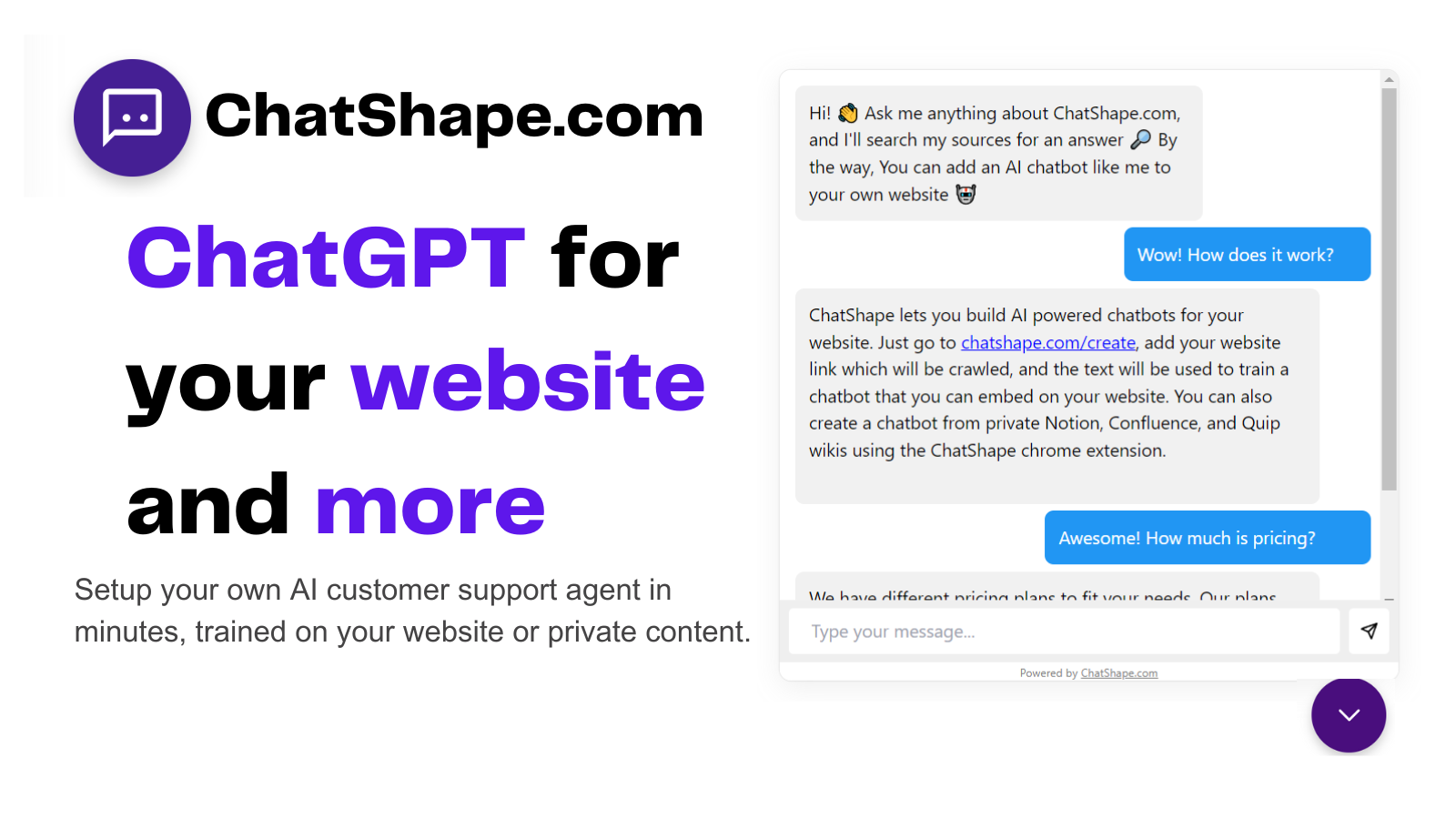
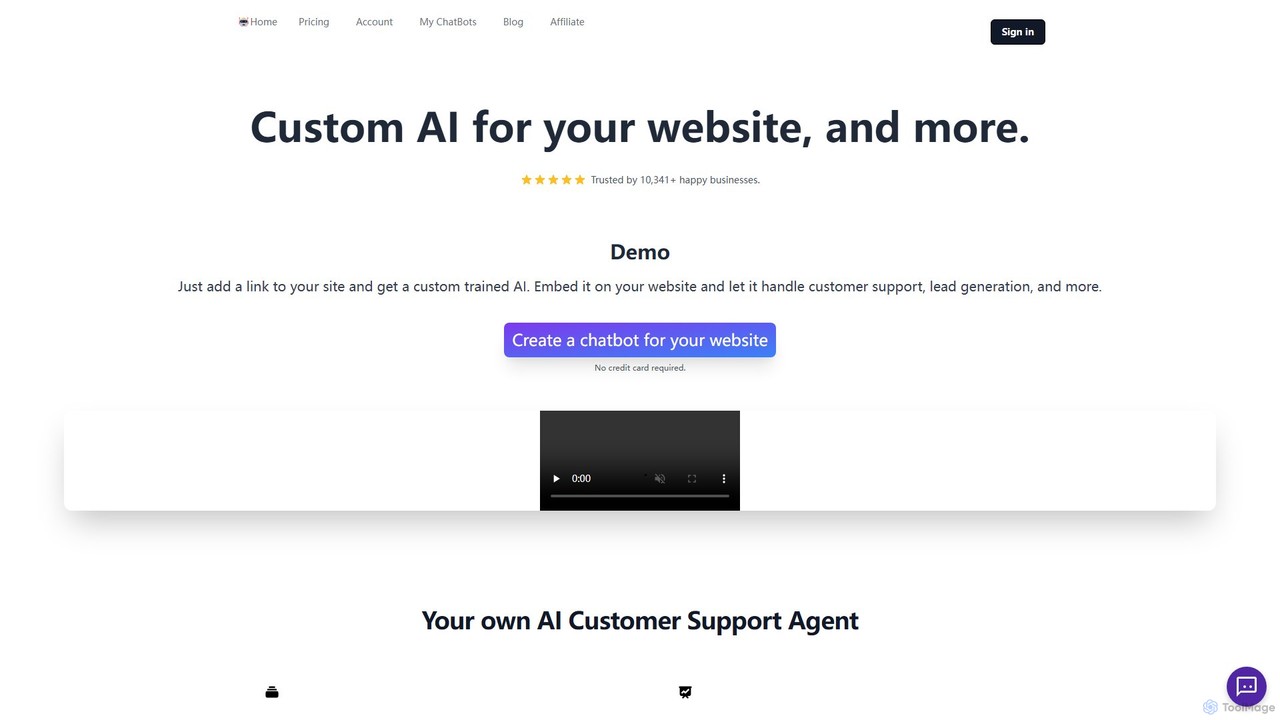
ChatShape is a powerful platform designed to help businesses create and deploy custom AI chatbots on their websites with remarkable ease. Trusted by over 10,000 businesses, it transforms your existing content—from website pages to PDF documents—into an intelligent, interactive conversational agent. This AI assistant can handle a wide range of tasks, from answering customer queries instantly to actively generating and qualifying leads, thereby enhancing user experience and boosting conversion rates.
The core principle of ChatShape is simplicity and power. You don't need any technical expertise or coding skills to build a fully functional chatbot. The platform's intuitive interface allows you to train, customize, and embed your AI in just a few minutes, making advanced AI technology accessible to everyone.
How to use ChatShape
Getting started with ChatShape is a straightforward process designed for efficiency:
- Provide Data Source: Begin by visiting the creation page on the ChatShape website. You can either enter the URL of your website or upload one or more PDF files.
- Content Crawling & Training: The platform's crawler will automatically scan and extract all the text-based content from the provided links or documents. You can review the extracted sources before proceeding.
- Generate Your Chatbot: With a single click, ChatShape uses the extracted information to train a unique AI model tailored to your business.
- Customize and Tune: Once generated, you can access your chatbot's dashboard to customize its appearance, including colors and branding, to match your website's design. You can also fine-tune the AI's personality, tone, and base prompt to control how it responds to users.
- Embed on Your Website: ChatShape provides a simple HTML script tag. Just copy this snippet and paste it into your website's code, and your AI chatbot will instantly appear and be ready to interact with visitors.
Core Features of ChatShape
- Instant AI Training: Create a chatbot in minutes by simply providing a website link or uploading documents like PDFs.
- 24/7 Automated Customer Support: Provide immediate and accurate answers to customer questions around the clock, trained on your specific business information.
- Automated Lead Generation: Configure the chatbot to automatically collect visitor information, such as names, emails, and country of origin, directly within the chat conversation.
- High Customizability: Tailor the chatbot's branding, color scheme, and conversational tone. You can also edit the base prompt to align the AI's responses with your brand's voice.
- Conversation Analytics: Access a comprehensive dashboard to view all chat logs. This allows you to understand customer needs, monitor the bot's performance, and export conversations for further analysis.
- Easy No-Code Embedding: A simple copy-paste script allows for seamless integration into any website without requiring any development resources.
- Multi-Source Data Training: Train your chatbot using content from multiple web pages and documents to create a comprehensive knowledge base.
Use Cases for ChatShape
ChatShape is versatile and can be adapted for various industries and purposes:
- E-commerce: Answer product-related questions, assist with order tracking, explain return policies, and guide users through the checkout process.
- SaaS Companies: Offer instant technical support, provide feature explanations, onboard new users, and capture leads from interested visitors.
- Real Estate: Qualify potential buyers or renters by asking preliminary questions, providing property details, and scheduling viewings.
- Consulting & Agencies: Act as a first point of contact to understand client needs, collect project requirements, and book initial consultations.
- Educational Institutions: Answer prospective students' questions about courses, admission procedures, tuition fees, and campus facilities.
Advantages of ChatShape
Implementing ChatShape offers significant benefits:
- Increased Efficiency: Drastically reduces the time your team spends on repetitive customer inquiries, freeing them to focus on more complex issues.
- Enhanced Customer Experience: Delivers instant, 24/7 support, eliminating customer wait times and improving satisfaction.
- Higher Conversion Rates: Proactively engages website visitors, answers their questions in real-time, and guides them towards making a purchase or inquiry.
- Cost-Effective: Provides a scalable customer support and lead generation solution at a fraction of the cost of hiring additional staff.
- Data-Driven Insights: The analytics dashboard offers valuable insights into what your customers are asking for, helping you refine your products, services, and FAQ content.
Pricing and Plans
ChatShape operates on a freemium model, making it accessible for businesses of all sizes. A free plan is available, which is perfect for small websites or for testing the platform's capabilities. This plan typically includes one chatbot with a limited number of messages per month. For more demanding needs, ChatShape offers several tiered paid plans (e.g., Starter, Pro, Business) that provide a higher volume of messages, the ability to create multiple chatbots, support for more data sources, advanced customization options, and priority support. For the most current and detailed pricing information, it is recommended to visit the official ChatShape website.
Traffic
Latest traffic
Status
Monthly traffic trend
- 2025-9: 3.7K
- 2026-1: 3.5K
- 2026-2: 2.4K
- 2026-3: 2.4K
- 2026-4: 2.5K
- 2026-5: 2.5K
Geography
Top 5 countries / regions
- 🇺🇸United States100.0%
Traffic sources
| Source type | Percentage |
|---|---|
Direct | 93.0% |
Referral | 7.0% |
Top keywords
| Keyword | Cost per click |
|---|---|
| make a riddle out of this | $0.00 |
| riddle generator | $0.30 |
| riddle maker | $0.00 |
| shapes ai chat | $0.00 |
| генератор загадок | $0.00 |
ChatShape Alternatives
Robofy
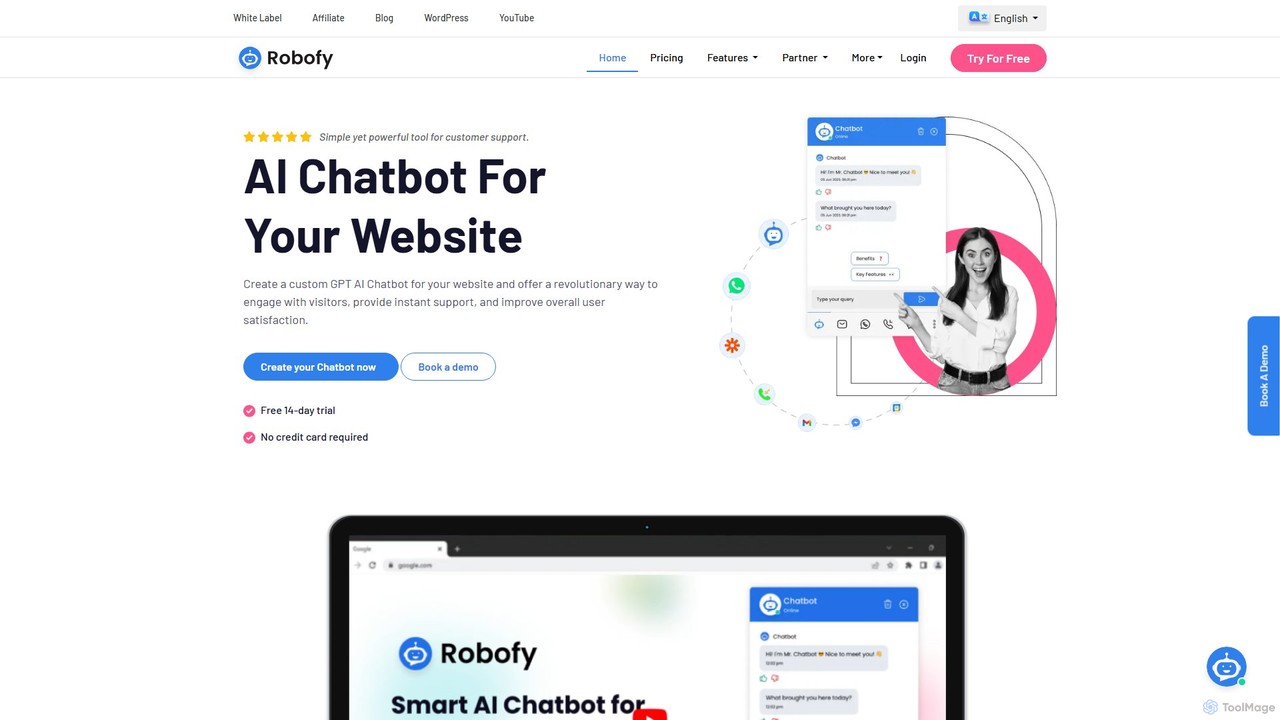
Robofy is a custom AI chatbot builder powered by OpenAI's GPT-3.5 and GPT-4. It helps businesses enhance user engagement, provide instant support, and generate leads directly from their website. Key features include multilingual support, automated content updates, customizable tones, seamless human handover, and detailed analytics. Easily train your chatbot with documents, links, or chat history to create a personalized, intelligent assistant for your visitors.
Chatbot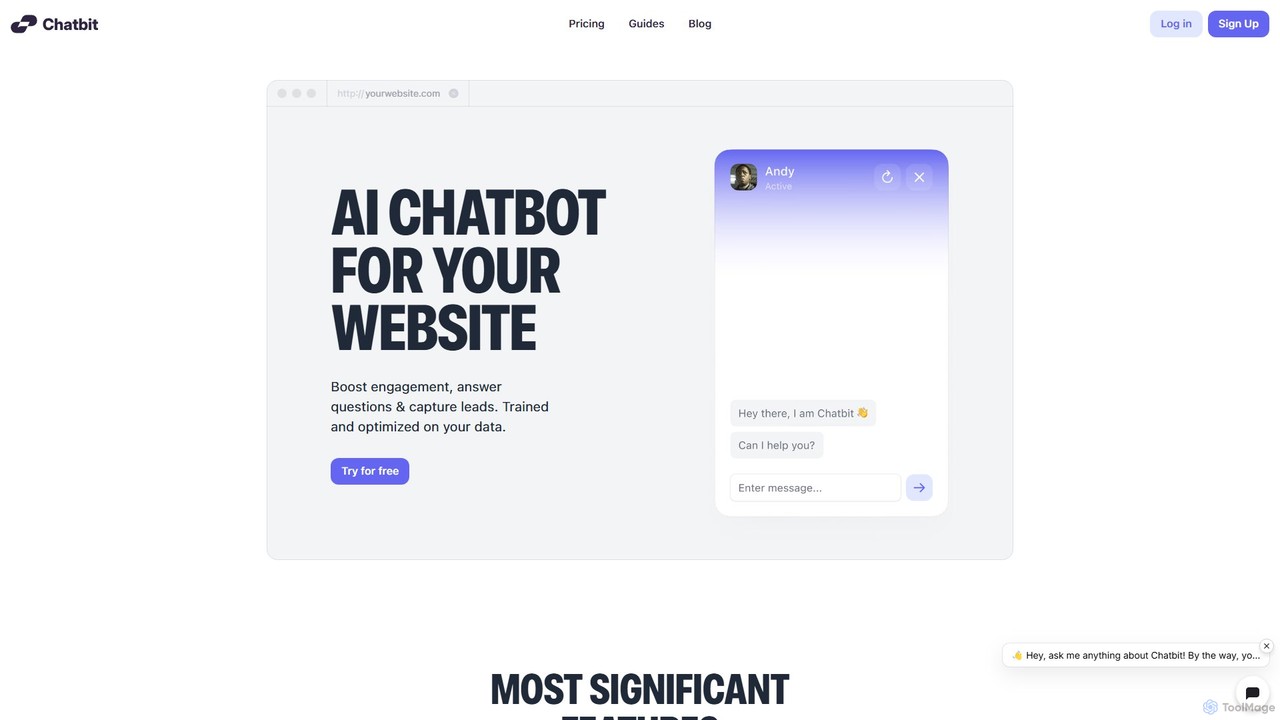
Chatbit
Chatbit is an AI platform that allows you to build custom chatbots for your website, trained on your own data. It's designed to boost visitor engagement, provide instant answers to questions, and automatically capture leads, all with a no-code, easy-to-use interface.
Chatbot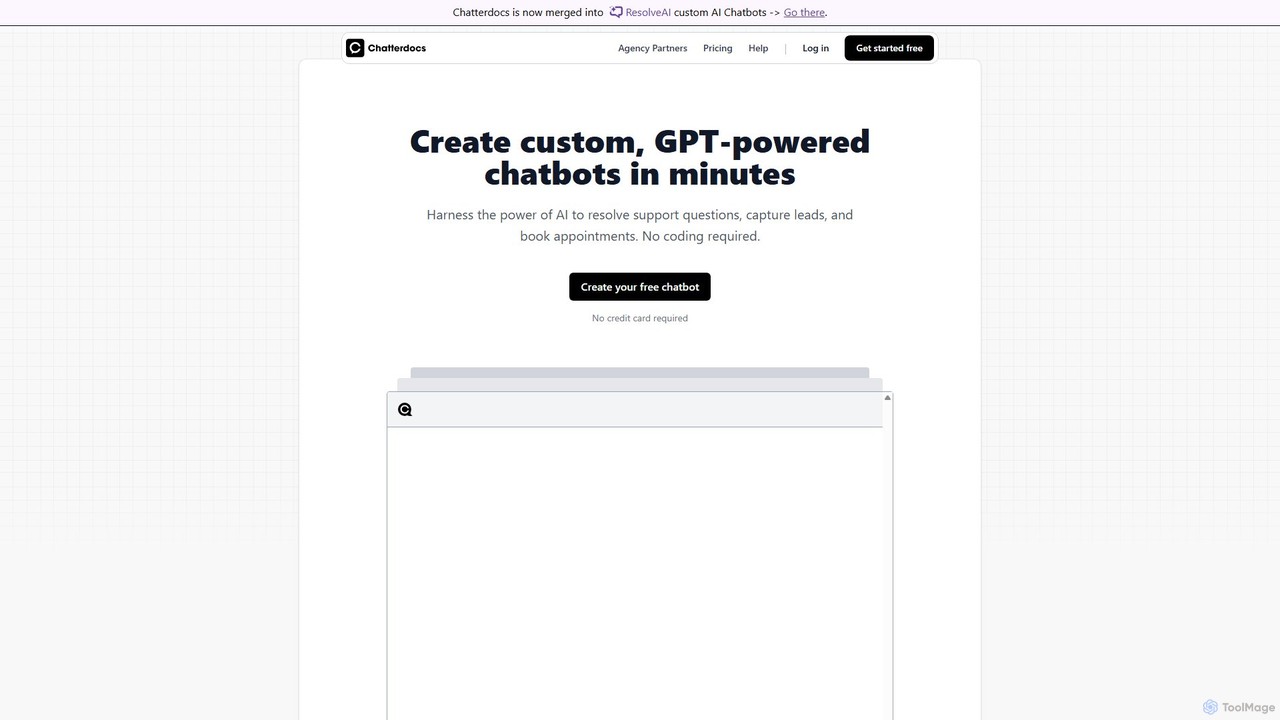
Chatterdocs
Chatterdocs is a no-code platform for creating custom, GPT-powered AI chatbots in minutes. Designed to automate customer support, capture leads, and book appointments, it enhances user engagement 24/7. Note: Chatterdocs has merged with ResolveAI, integrating its powerful features into the ResolveAI platform for an even more robust chatbot-building experience.
Chatbot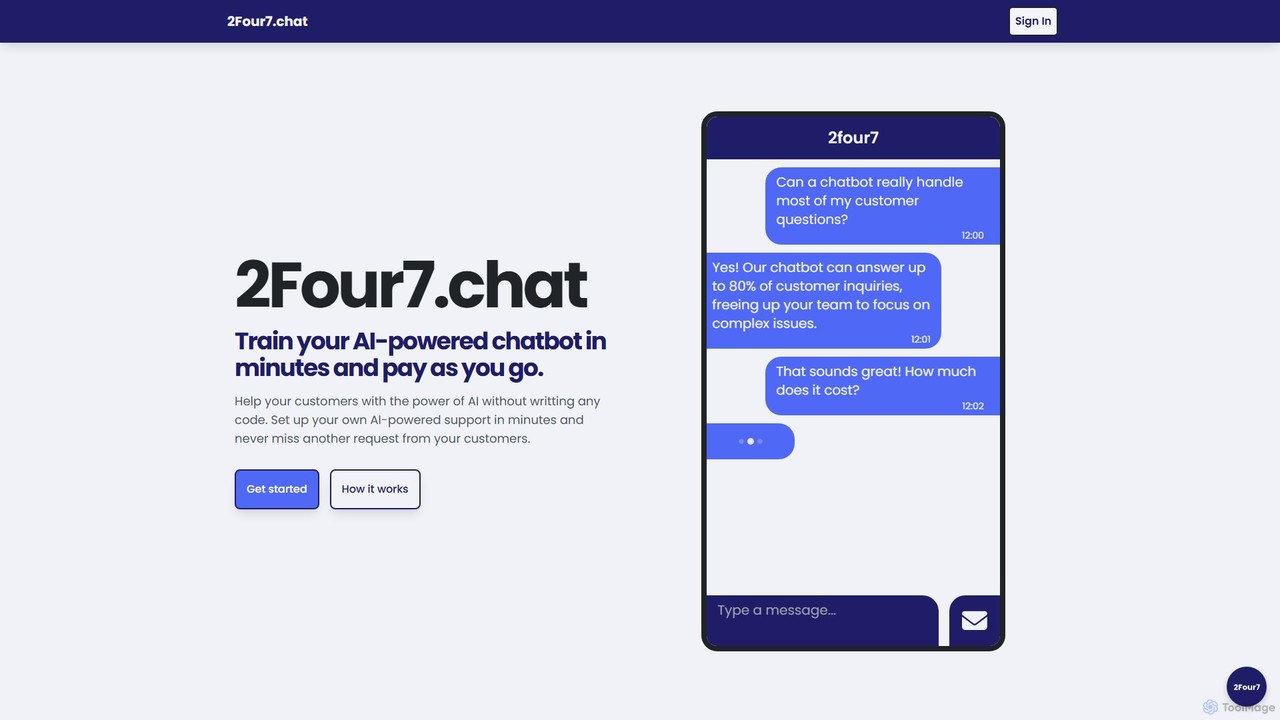
2four7
A no-code platform to build and train custom AI-powered chatbots in minutes. Train the bot with your own data (like PDFs) and deploy it on your website to provide 24/7 customer support. Features a flexible pay-as-you-go pricing model.
Chatbot Builder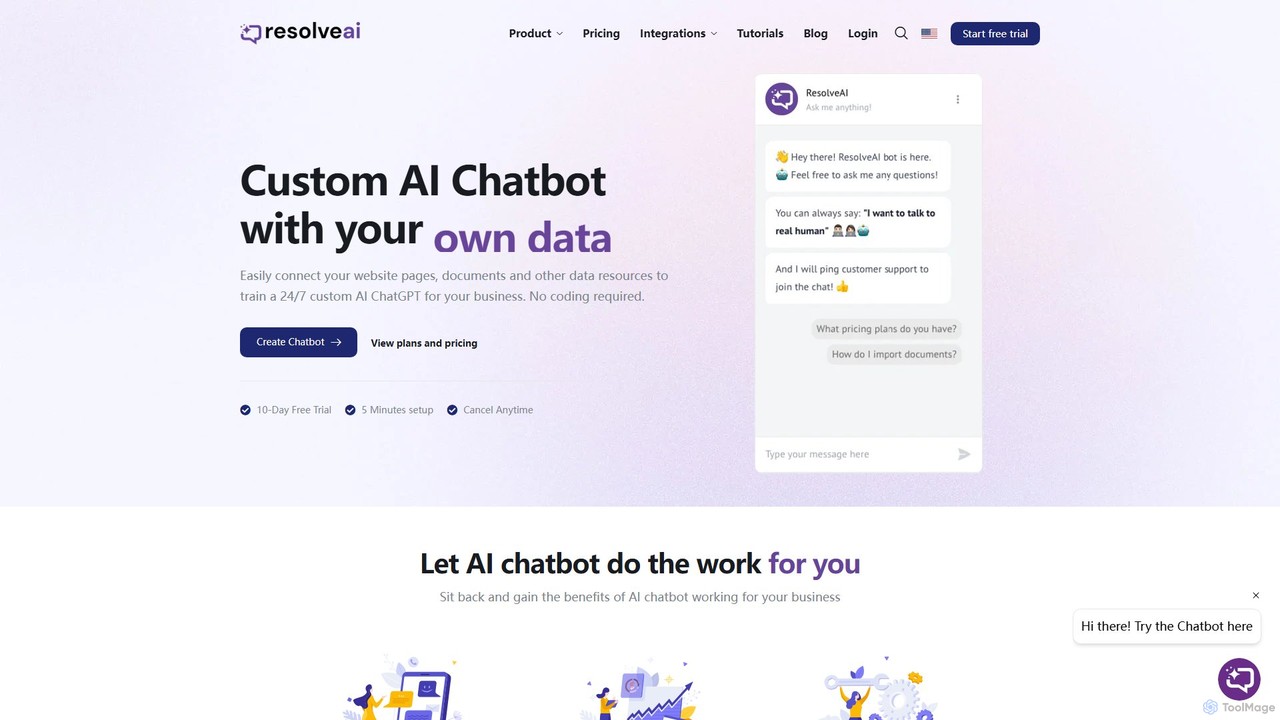
resolveai
resolveai is a no-code platform that enables businesses to create custom AI chatbots trained on their own data. Easily connect website pages, documents, and other resources to build a 24/7 AI assistant that reflects your brand's persona. It enhances customer engagement, automates support, and increases conversion rates. Key features include integrations with popular platforms like WhatsApp and Slack, a booking assistant, and human chat takeover, all with a simple 5-minute setup.
ChatbotChatShape Categories
ChatShape Embed Widget
Copy this embed code to place the badge on your blog, article, or product site and send readers directly to this ToolMage detail page.

Related AI tools
2four7
A no-code platform to build and train custom AI-powered chatbots in minutes. Train the bot with your own data (like PDFs) and deploy it on your website to provide 24/7 customer support. Features a flexible pay-as-you-go pricing model.
Chatbot Builder
Jyek
Jyek is an AI agent platform that understands objectives, creates execution plans, uses tools, and delivers verifiable results for complex, multi-step tasks.
Automation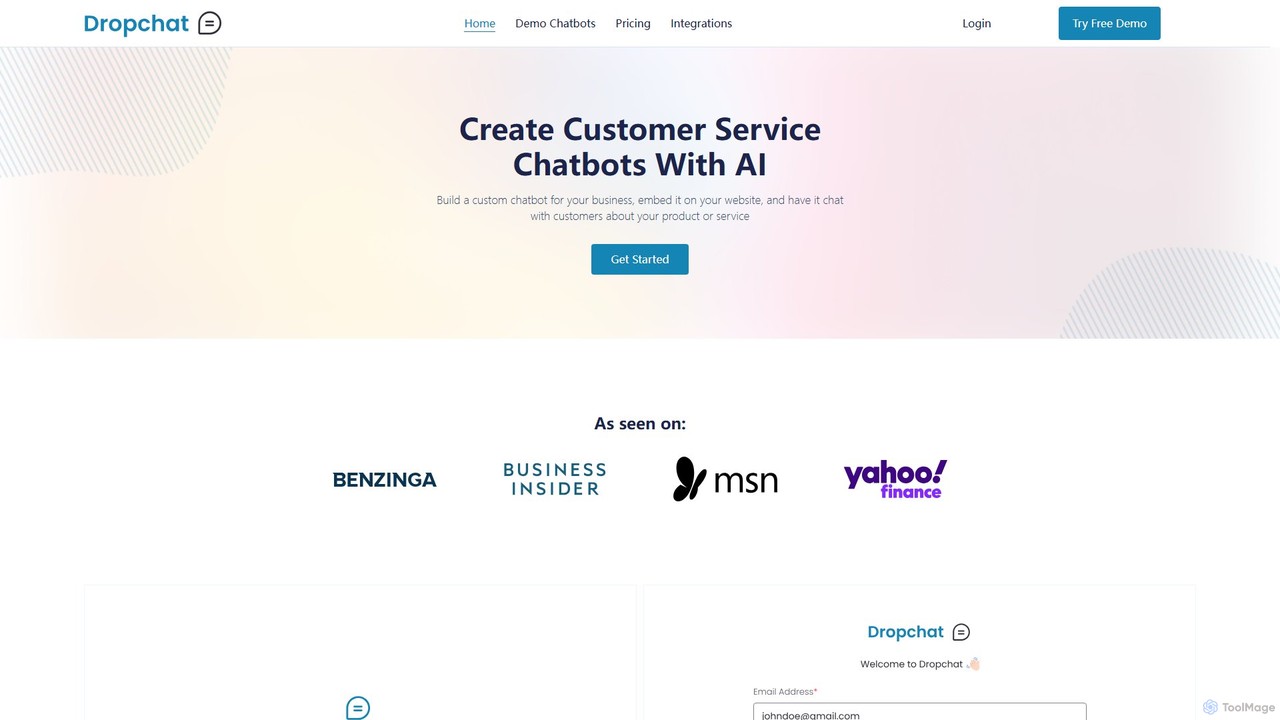
Dropchat
Dropchat is a no-code AI platform that allows businesses to build custom chatbots from their own data. Easily create and embed intelligent chatbots on your website to automate customer service, answer questions 24/7, and engage visitors using content from PDFs, websites, and YouTube videos.
Chatbot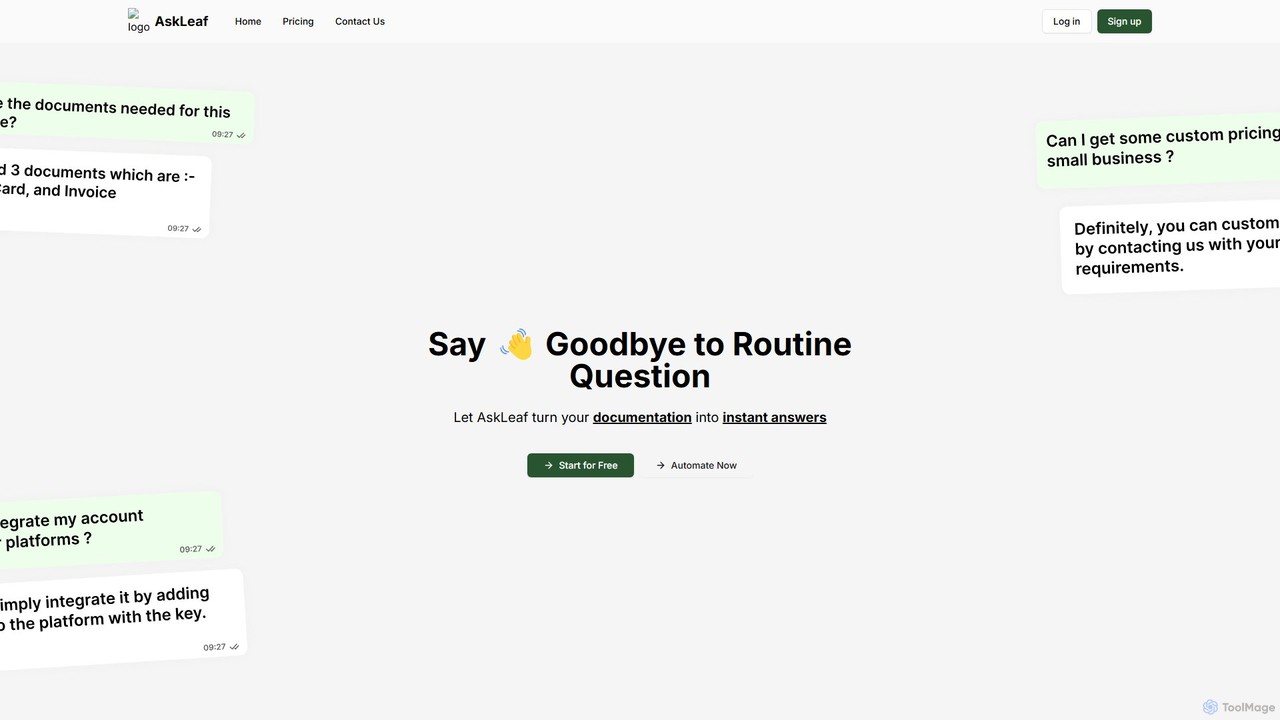
AskLeaf AI
AskLeaf AI is a powerful platform that transforms your company's documentation into an intelligent, 24/7 AI chatbot. Easily upload your knowledge base, FAQs, and product manuals to create a custom chatbot that provides instant, accurate answers to customer queries. This enhances user engagement, automates lead generation, and significantly reduces support costs, all while improving overall customer satisfaction. It's a no-code solution for businesses looking to scale their customer support and sales efforts efficiently.
Chatbot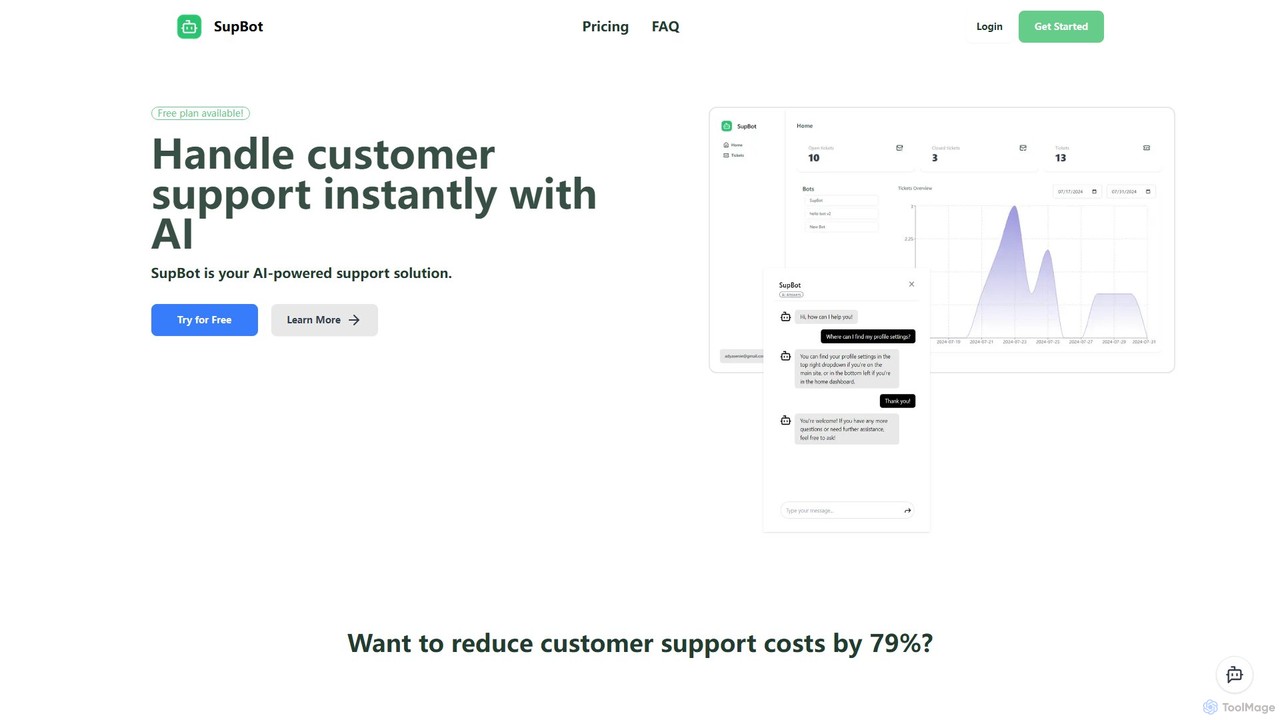
SupBot
SupBot is an AI-powered support solution that allows you to easily train and deploy intelligent chatbots on your website. It provides instant answers to customer queries, integrates a ticketing system for complex issues, and offers a generous free plan to get started.
ChatbotRobofy
Robofy is a custom AI chatbot builder powered by OpenAI's GPT-3.5 and GPT-4. It helps businesses enhance user engagement, provide instant support, and generate leads directly from their website. Key features include multilingual support, automated content updates, customizable tones, seamless human handover, and detailed analytics. Easily train your chatbot with documents, links, or chat history to create a personalized, intelligent assistant for your visitors.
ChatbotChatbit
Chatbit is an AI platform that allows you to build custom chatbots for your website, trained on your own data. It's designed to boost visitor engagement, provide instant answers to questions, and automatically capture leads, all with a no-code, easy-to-use interface.
ChatbotChatterdocs
Chatterdocs is a no-code platform for creating custom, GPT-powered AI chatbots in minutes. Designed to automate customer support, capture leads, and book appointments, it enhances user engagement 24/7. Note: Chatterdocs has merged with ResolveAI, integrating its powerful features into the ResolveAI platform for an even more robust chatbot-building experience.
Chatbotresolveai
resolveai is a no-code platform that enables businesses to create custom AI chatbots trained on their own data. Easily connect website pages, documents, and other resources to build a 24/7 AI assistant that reflects your brand's persona. It enhances customer engagement, automates support, and increases conversion rates. Key features include integrations with popular platforms like WhatsApp and Slack, a booking assistant, and human chat takeover, all with a simple 5-minute setup.
Chatbot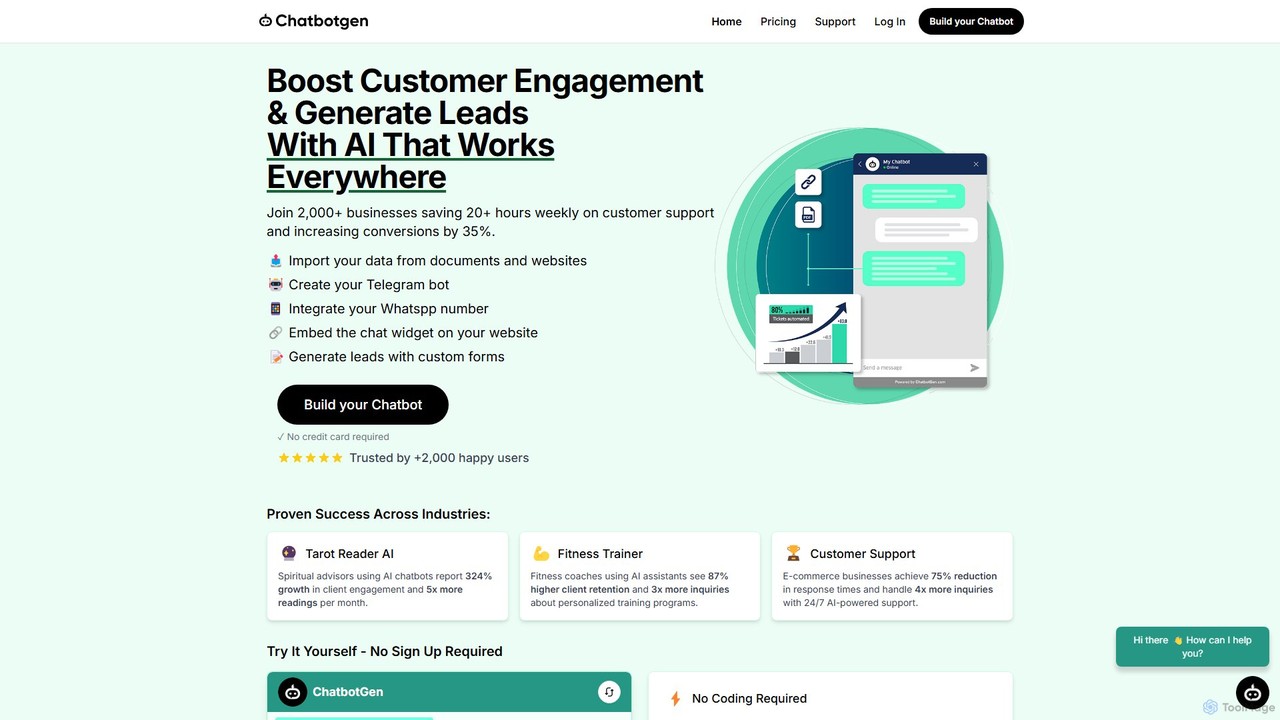
ChatbotGen
ChatbotGen is a no-code AI platform that allows businesses to create custom chatbots trained on their own data. Deploy them on websites, WhatsApp, and Telegram to automate customer support, generate leads, and increase user engagement 24/7.
Chatbot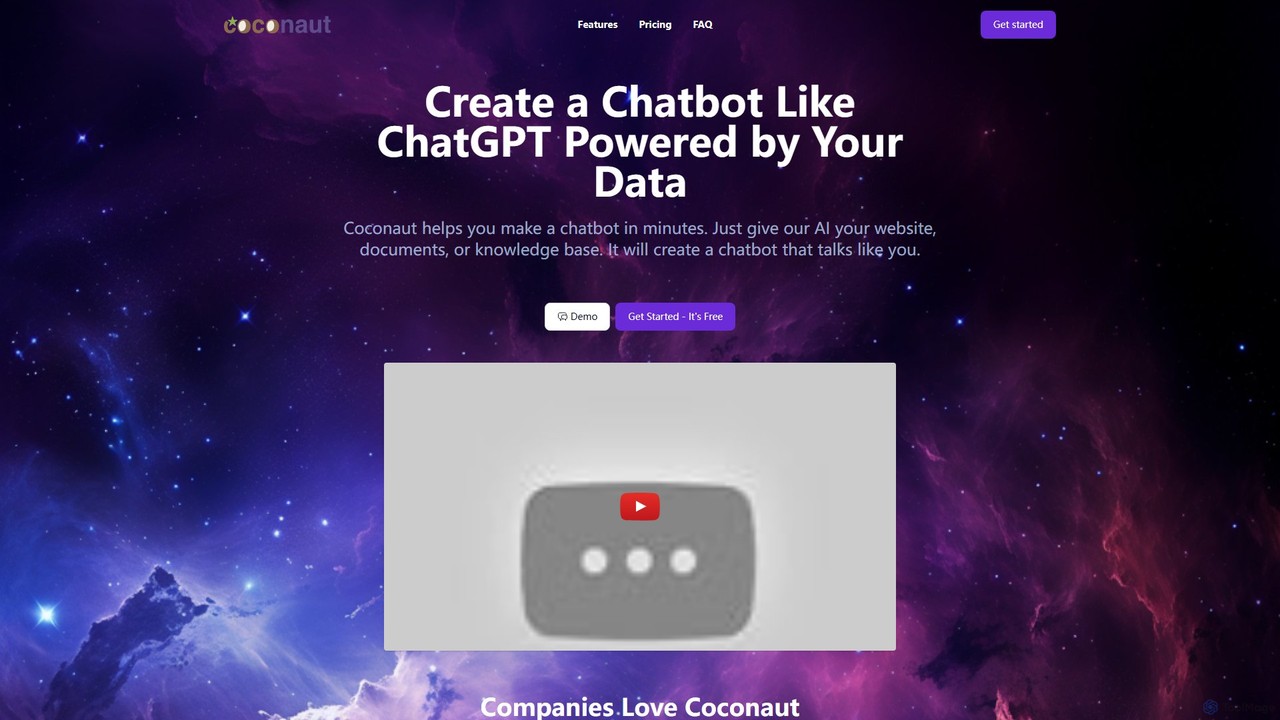
Coconaut.ai
Coconaut.ai is a no-code platform that allows you to create custom AI chatbots powered by your own data. Simply provide a website URL or upload documents, and Coconaut will build a ChatGPT-like bot that understands your content and can be easily embedded into your website to enhance customer engagement and automate support.
Chatbot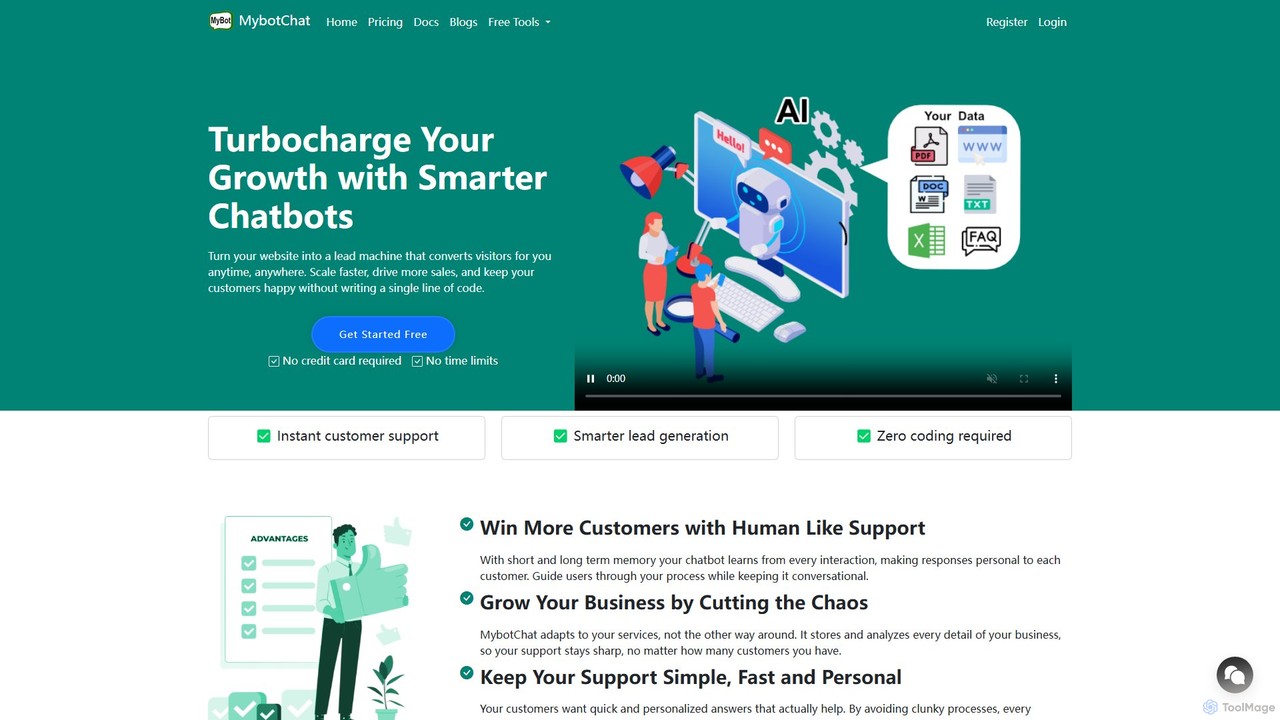
MyBot.Chat
MyBot.Chat is a no-code platform that allows you to build custom AI chatbots from your website content, PDFs, documents, and text. It enhances customer support, automates lead generation, and provides personalized user experiences 24/7. Powered by top AI models like GPT-4o and Llama 3, it offers human-like conversations with short and long-term memory.
Chatbot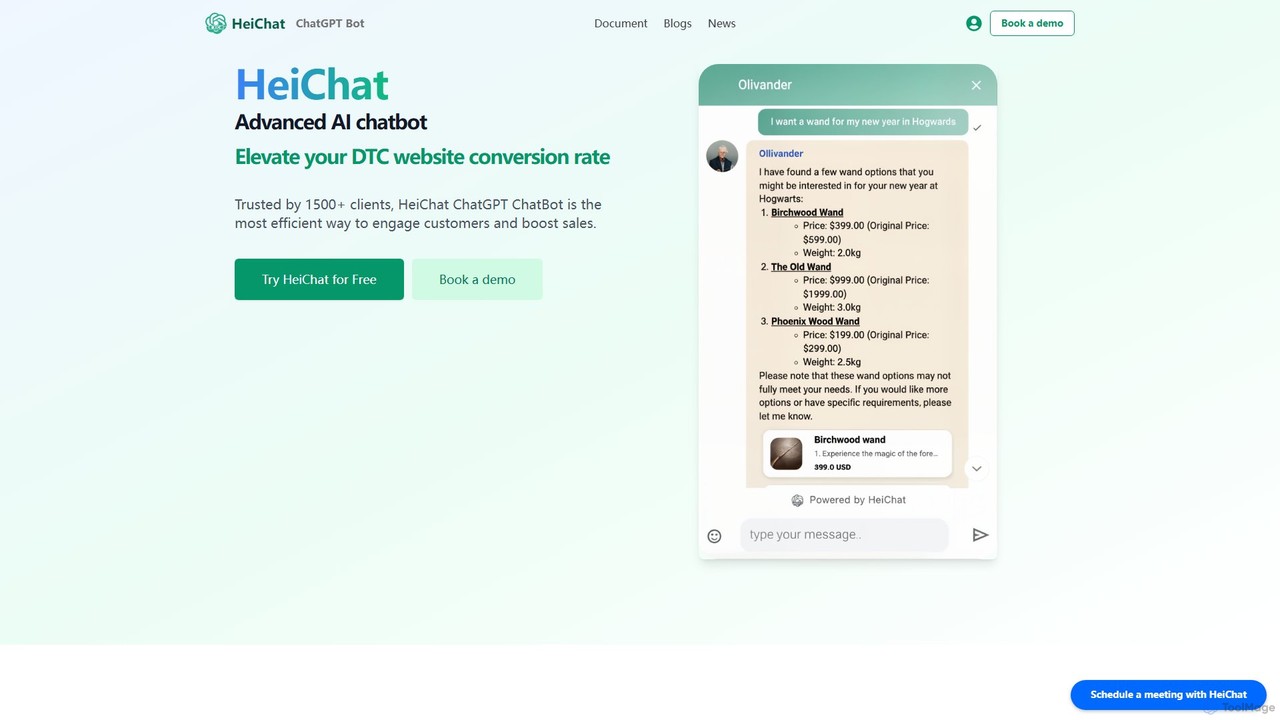
HeiChat
HeiChat is an advanced AI chatbot for e-commerce, powered by GPT-4 and Claude. It integrates seamlessly with platforms like Shopify and WooCommerce to boost sales by providing 24/7 multilingual customer support, personalized product recommendations, and instant answers to customer queries. This no-code tool helps businesses increase conversion rates, reduce support costs, and gain valuable customer insights through an intuitive analytics dashboard.
Chatbot
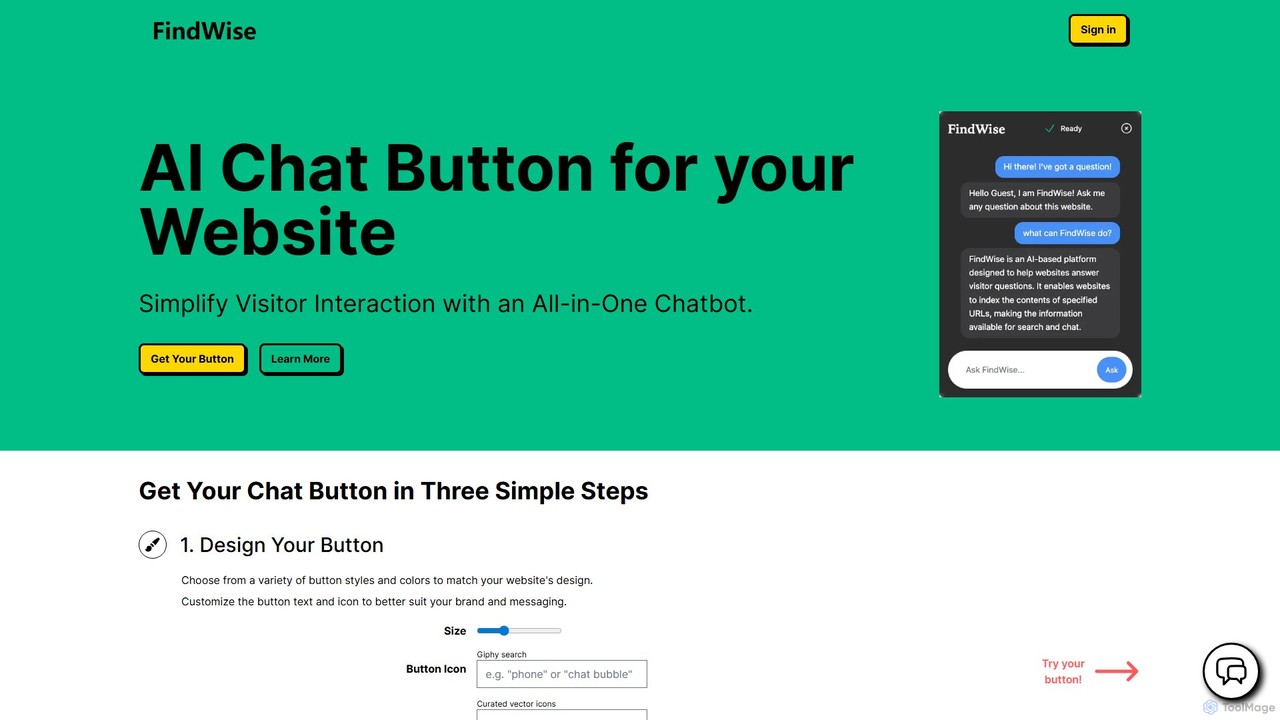
FindWise
FindWise is an AI platform that allows you to add a customizable AI chat button to your website. It trains a chatbot on your site's content, enabling it to provide instant, context-aware answers to visitor questions, enhancing user engagement and reducing support workload without any coding required.
Chatbot
ChatShape Comments (0)
Sign in to comment.
Sign inNo comments yet.