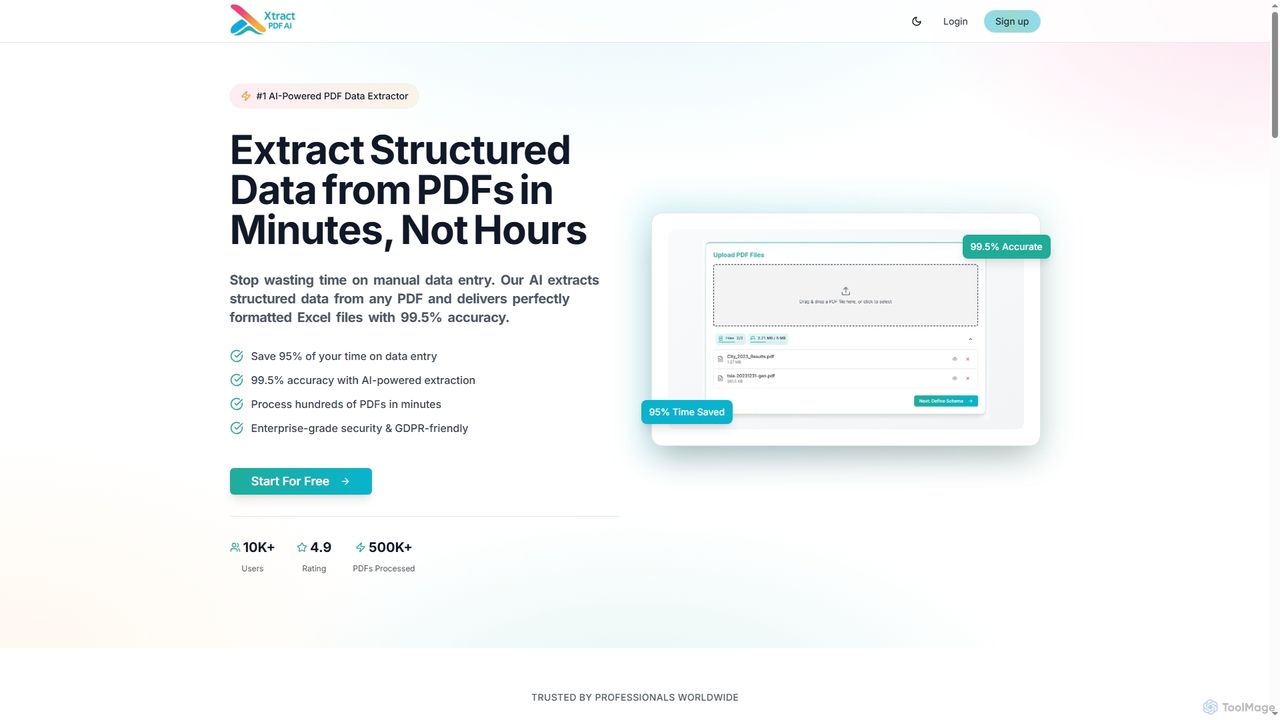
AI Office Software is a class of tools that uses artificial intelligence to automate, enhance, and streamline administrative and creative tasks. These tools integrate machine learning and large language models to assist with document drafting, data analysis in spreadsheets, presentation design, and email management. They significantly boost productivity by generating content, summarizing complex information, and providing intelligent suggestions for daily workflows. Unlike traditional office suites, AI-powered versions can understand context, predict user needs, and generate novel content, transforming tasks from manual execution to strategic supervision.
Core Features
- Intelligent Document Generation: Automatically create reports, emails, and articles from simple text prompts.
- Automated Data Analysis: Analyze spreadsheet data, identify trends, and generate formulas or charts using natural language commands.
- AI-Powered Presentation Design: Instantly generate slides, layouts, and visuals based on a text outline or topic.
- Smart Meeting Assistance: Provide real-time transcription, generate summaries, and identify action items from meetings.
Use Cases
AI Office Software is utilized across various industries by professionals such as project managers, marketing specialists, financial analysts, and administrative assistants. For instance, a marketing team can use it to draft campaign briefs and social media posts, while a financial analyst can interpret sales data in a spreadsheet by asking questions in plain language. It's also valuable for creating internal documentation and managing team communications.
How to Choose
When selecting AI Office Software, first consider its integration capabilities with your existing ecosystem, such as Microsoft 365 or Google Workspace. Evaluate the specific functionalities you need—whether a comprehensive suite or a specialized tool for presentations or data analysis. Also, review the provider's data security and privacy policies, especially for handling sensitive corporate information. Finally, assess the tool's collaboration features to ensure it supports your team's workflow.