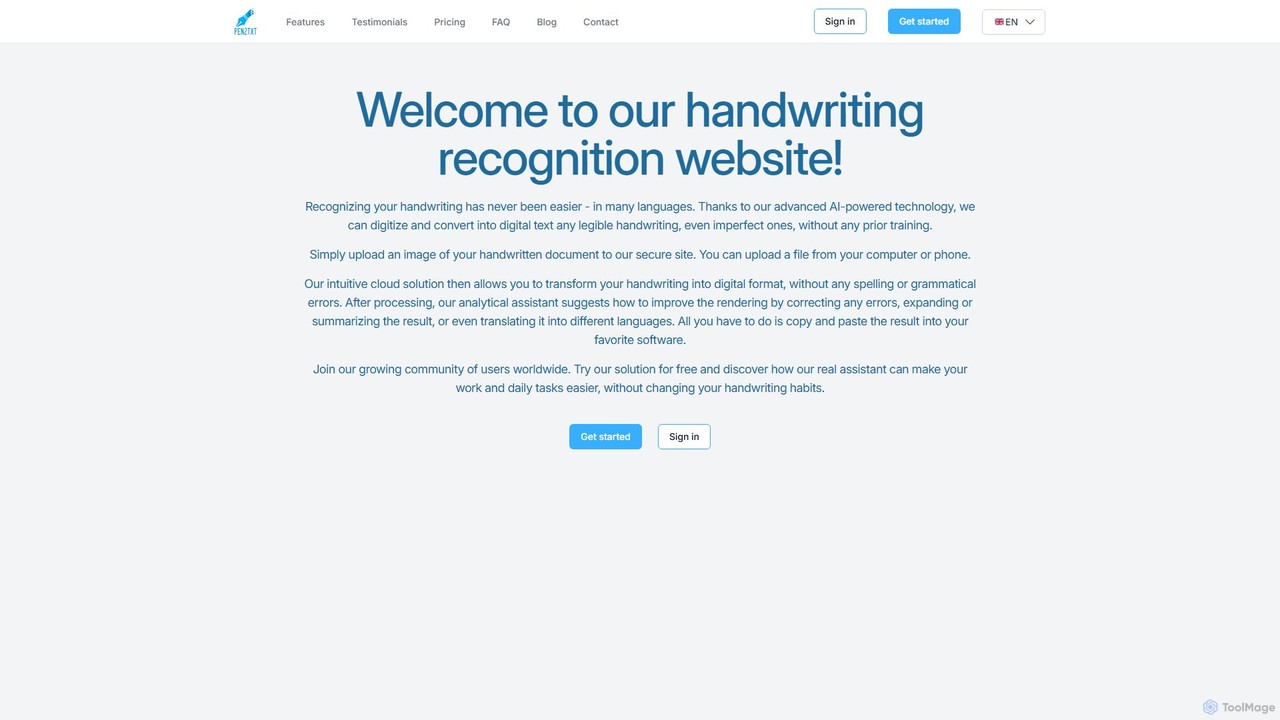
pen2txt
Pen2txt is an AI-powered handwriting recognition (HTR) tool that effortlessly converts handwritten notes into editable, searchable digital text. …
Pen2txt is an AI-powered handwriting recognition (HTR) tool that effortlessly converts handwritten notes into editable, searchable digital text. It supports various languages and handwriting styles, including imperfect and cursive scripts. With its intuitive interface and advanced analytical assistant, you can digitize, correct, summarize, and even translate your notes, bridging the gap between analog writing and digital efficiency.
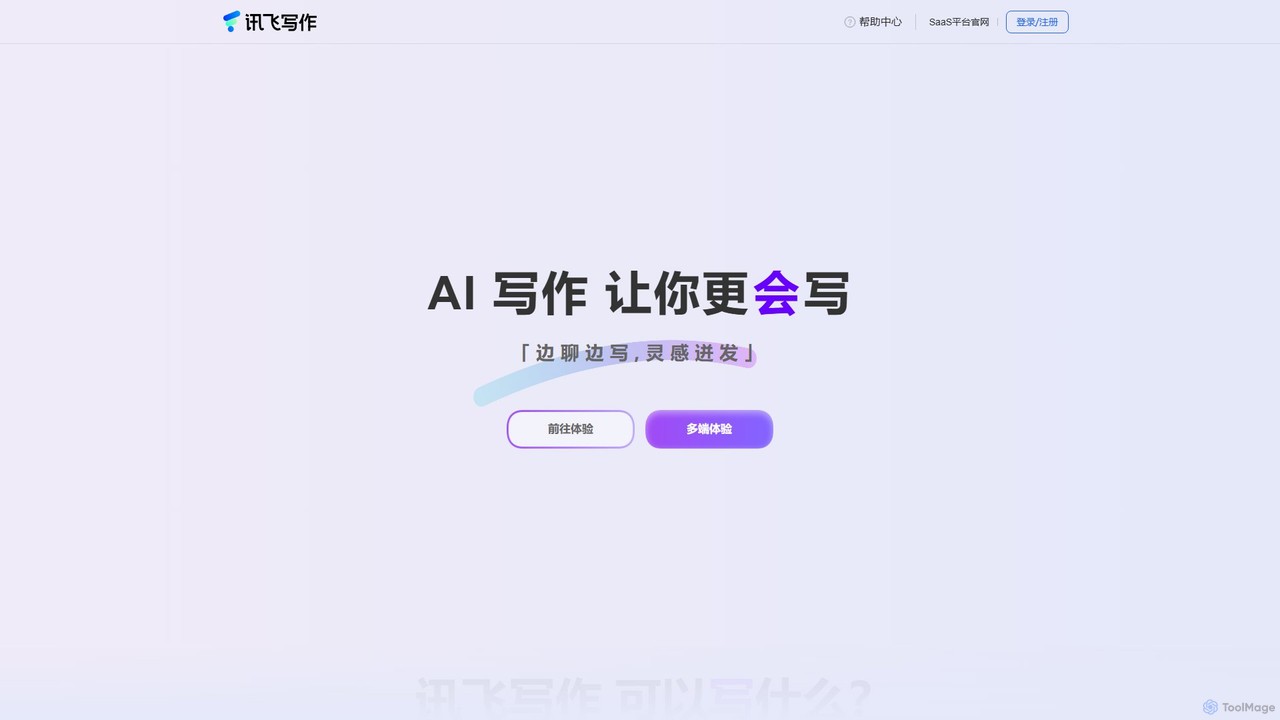
huixie
huixie is an intelligent AI writing assistant from iFlytek, designed to enhance writing efficiency and quality. It supports …
huixie is an intelligent AI writing assistant from iFlytek, designed to enhance writing efficiency and quality. It supports conversational writing, multi-modal content generation from audio/video/documents, and offers a wide range of templates for office work, marketing, and more. It acts as a comprehensive writing partner, from inspiration to polished final draft.
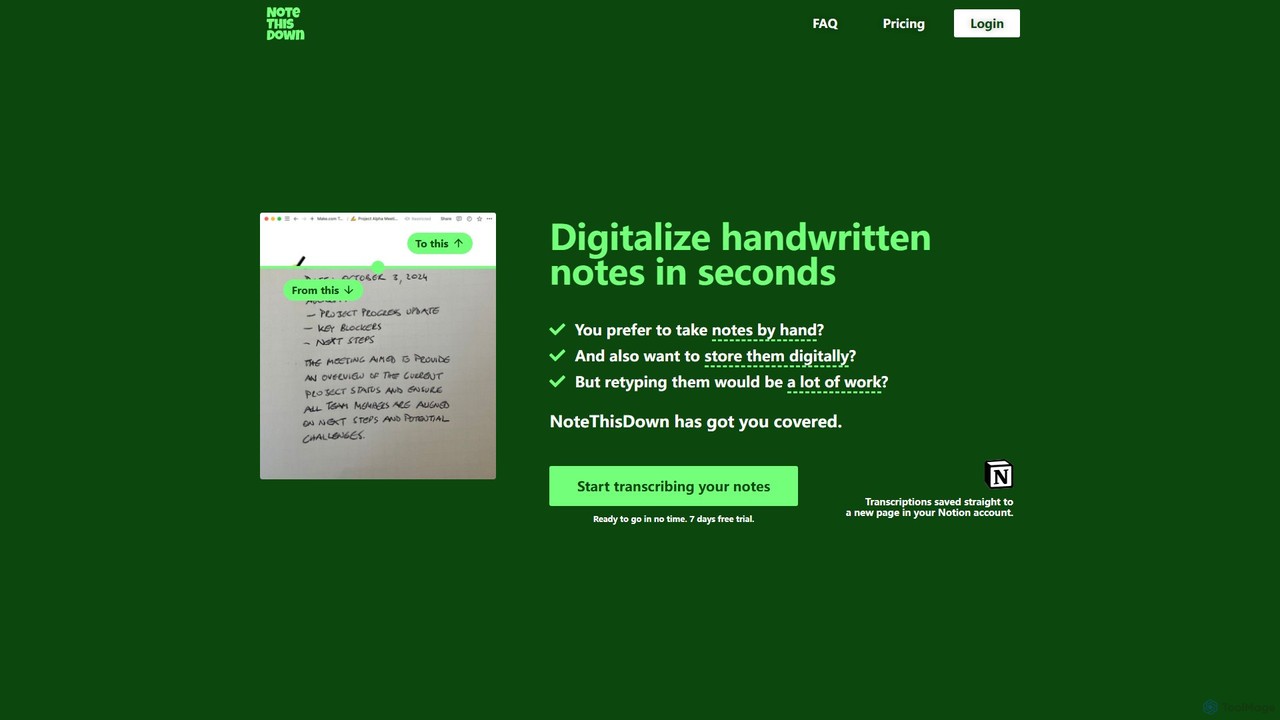
Note This Down
Note This Down is an AI-powered tool that specializes in transcribing handwritten notes into editable digital text. Simply …
Note This Down is an AI-powered tool that specializes in transcribing handwritten notes into editable digital text. Simply upload photos of your notes, and the tool accurately converts them, saving the transcription directly to your Notion account for seamless organization and access.
About Office
Office AI tools are AI-powered applications designed to significantly enhance productivity, automate routine administrative tasks, and streamline workflows across various business functions. Leveraging advanced technologies like natural language processing (NLP), machine learning, and sophisticated data analytics, these tools fundamentally transform how individuals and teams manage documents, communications, data, and general administrative duties. They aim to drastically reduce manual effort, improve the accuracy and speed of decision-making, and free up valuable human time for more strategic, creative, and impactful work. By integrating seamlessly into daily operations, Office AI tools make modern workplaces more efficient, intelligent, and responsive to dynamic business needs.
Core Features
- Document Automation: Automatically generate, summarize, translate, or extract key information from various document types, from reports to contracts, saving significant manual review time.
- Intelligent Communication: Assist with drafting personalized emails, scheduling complex meetings across time zones, transcribing meeting discussions in real-time, and summarizing long email threads.
- Data Analysis & Reporting: Process and analyze large, complex datasets to identify critical trends, generate actionable insights, and create comprehensive, visually engaging reports and dashboards.
- Task & Workflow Automation: Automate repetitive administrative tasks such as data entry, expense reporting, and invoice processing, while also managing project flows and reminders.
- Presentation & Content Creation: Generate professional-looking slides from outlines, draft marketing copy, create internal communications, or even suggest content improvements based on audience analysis.
Use Cases
Office AI tools are invaluable across diverse organizational settings. Marketing teams utilize them for generating comprehensive campaign performance reports and drafting engaging social media content. HR departments leverage AI for automating candidate screening summaries and personalizing onboarding communications. Finance professionals benefit from quick data reconciliation and fraud detection. Project managers use AI for intelligent task assignment and progress tracking, while sales teams employ these tools for personalizing outreach and summarizing client interactions, collectively boosting operational efficiency and strategic focus across all departments.
How to Choose
When selecting Office AI tools, it's crucial to consider several key factors. Evaluate their integration capabilities with your existing software ecosystem, such as Microsoft 365, Google Workspace, or CRM systems, to ensure seamless data flow. Assess the specific range and depth of tasks they automate, ensuring they address your most pressing pain points. Consider scalability to accommodate your team's growth and evolving needs. Furthermore, scrutinize data security protocols, compliance standards, ease of user adoption, and the proven accuracy of AI outputs to ensure the chosen solution aligns perfectly with your organizational requirements, budget, and long-term strategic goals.
OfficeUse Cases
Automating Report Generation
A marketing analyst needs to compile weekly performance reports across multiple channels. Using an Office AI tool, they can automatically pull data from various sources, analyze key metrics, and generate a comprehensive, visually appealing report in minutes. This saves hours of manual data aggregation and formatting, allowing the analyst to focus on strategic insights rather than repetitive compilation.
Intelligent Document Summarization
A legal professional or researcher often deals with lengthy contracts, research papers, or case files. An Office AI tool can quickly process these extensive documents, identifying and extracting key clauses, arguments, or findings, and providing a concise summary. This dramatically reduces reading time and helps in quickly grasping the essence of complex texts, accelerating decision-making.
AI-Powered Meeting Management
For project managers coordinating global teams, scheduling meetings across different time zones and ensuring all participants are informed can be complex. An Office AI tool can intelligently find optimal meeting times, send personalized invitations, transcribe discussions in real-time, and automatically generate meeting minutes with action items, ensuring clarity and accountability.
Personalized Email Drafting
Sales or customer service representatives frequently send out numerous emails that require a personal touch. An Office AI tool can draft personalized email responses or outreach messages based on context, customer history, and desired tone. This not only speeds up communication but also ensures consistency and relevance, improving customer engagement and response rates.
Data Analysis and Visualization
Business analysts need to derive insights from vast spreadsheets and databases. Office AI tools can process raw data, identify patterns, detect anomalies, and generate interactive charts and graphs. This empowers users to quickly understand complex data trends without extensive manual manipulation, facilitating data-driven strategic planning.
Presentation Creation and Enhancement
Executives or educators often spend considerable time creating impactful presentations. An Office AI tool can generate initial slide decks from a text outline, suggest relevant images or icons, and even refine the language for clarity and impact. This significantly reduces design time and enhances the overall quality and professionalism of presentations.