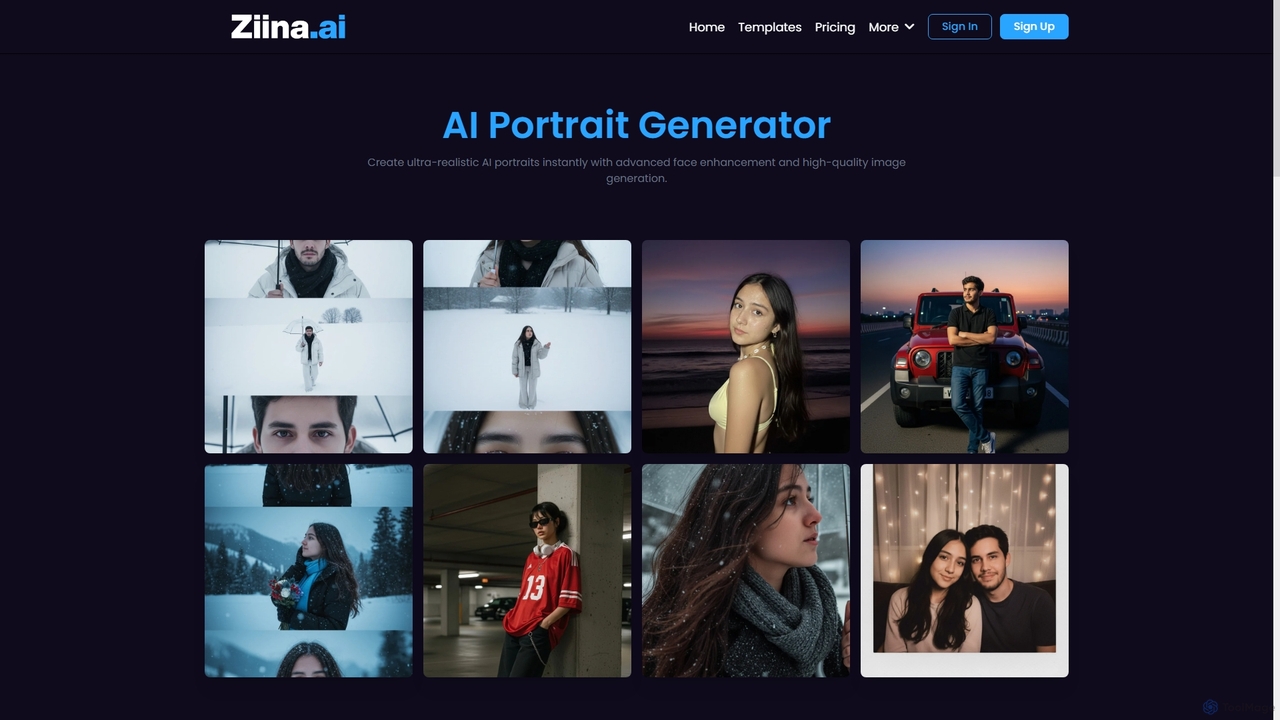
Ziina
Ziina is an advanced AI tool designed to generate ultra-realistic, studio-grade portrait images with unmatched speed, quality, and …
Ziina is an advanced AI tool designed to generate ultra-realistic, studio-grade portrait images with unmatched speed, quality, and simplicity. It offers intelligent face enhancement and multi-format export for various professional and personal uses.
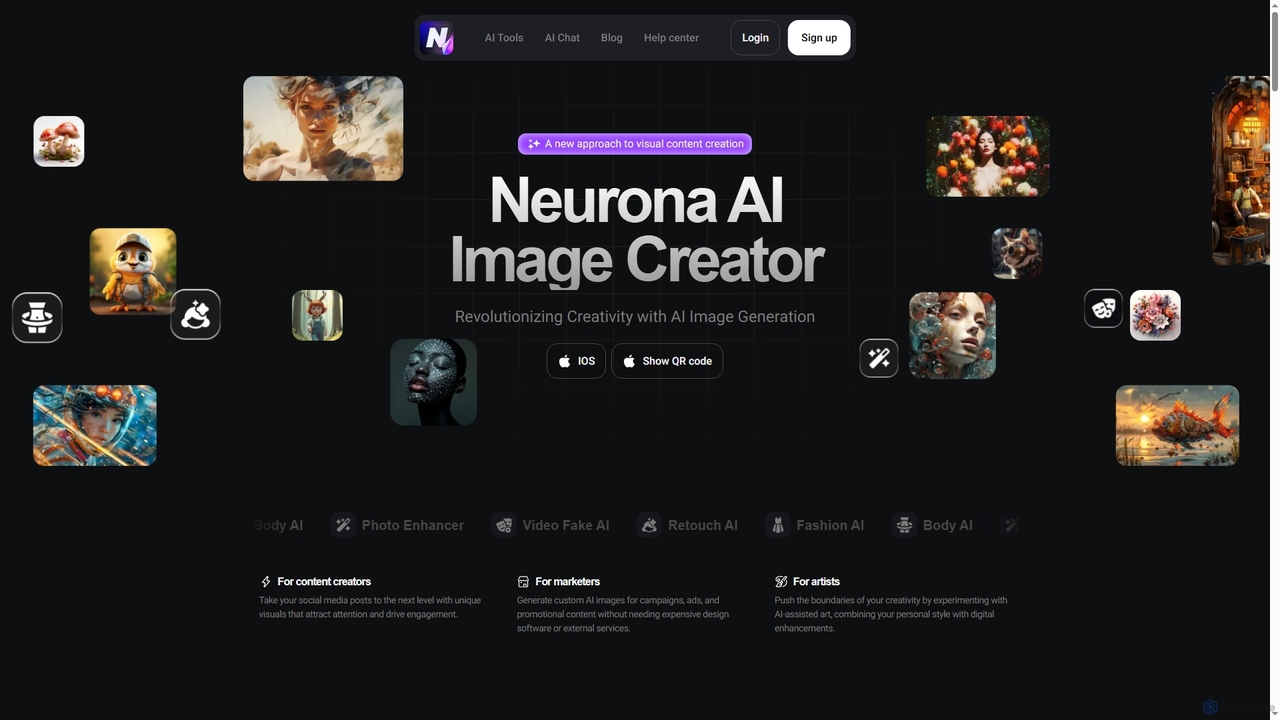
Neurona
Neurona is an AI-powered platform that revolutionizes visual content creation, offering advanced tools for generating high-quality images from …
Neurona is an AI-powered platform that revolutionizes visual content creation, offering advanced tools for generating high-quality images from text prompts, performing realistic face swaps in photos and videos, enhancing image quality, and professional photo retouching. It's designed for creators, marketers, and artists seeking fast, customizable, and stunning visuals.
About Enhancement
AI Enhancement tools are a specialized category of photo editing software that use deep learning algorithms to automatically improve image quality. These tools analyze pixels to intelligently upscale resolution, reduce noise, sharpen details, and correct colors without significant manual input. They are designed to rescue low-quality images, restore old photos, and refine professional shots with remarkable speed and precision. This automated approach allows users of all skill levels to achieve professional-grade results efficiently.
Core Features
- AI Upscaling: Increases image resolution and dimensions without causing pixelation or artifacts, ideal for printing or high-definition displays.
- Noise & Artifact Reduction: Intelligently removes digital noise from low-light photos and compression artifacts from JPEGs.
- Smart Sharpening & Deblurring: Corrects motion blur and focus issues by analyzing the image content to add clarity where it's needed.
- Automatic Color & Tone Correction: Adjusts exposure, contrast, white balance, and color vibrancy with a single click for a balanced and natural look.
Use Cases
These tools are widely used by professional photographers to speed up their post-processing workflow, graphic designers to prepare low-resolution assets for print, and e-commerce businesses to improve product photo quality. Hobbyists and individuals also use them to restore old family photographs or enhance everyday pictures taken on mobile devices.
How to Choose
When selecting an AI Enhancement tool, consider the specific functions you need, such as upscaling versus color correction. Evaluate the processing speed and whether it supports batch processing for large volumes of images. Also, check the output formats supported and whether it operates as a standalone application or a plugin for existing software like Photoshop or Lightroom.
EnhancementUse Cases
Restoring Old Family Photographs
A family historian or genealogist working with scanned vintage photos often faces issues like fading colors, scratches, dust, and low resolution. Using an AI Enhancement tool, they can upload these scanned images and apply automated restoration features. The AI can correct color casts, remove physical damage like cracks and scratches, and use its upscaling algorithm to increase the resolution, making faces and details clear enough for printing or digital archives. This process transforms a faded, damaged memory into a vibrant, shareable image in minutes.
Enhancing E-commerce Product Images
An e-commerce manager needs to process hundreds of product photos from various suppliers, which often have inconsistent lighting and quality. Using an AI Enhancement tool with batch processing, they can automate the improvement of their entire catalog. The tool automatically adjusts brightness and contrast, corrects white balance for accurate colors, and sharpens details to make products look more appealing. This ensures a consistent, high-quality look across the online store, which can lead to higher customer trust and increased conversion rates, all while saving hours of manual editing time.
Upscaling Graphics for Print and Web
A graphic designer is tasked with creating a large banner for an event, but the client only provided a small, low-resolution logo. Redrawing it would be time-consuming. Instead, the designer uses an AI Enhancement tool's upscaling feature. The AI analyzes the logo's shapes and lines, then intelligently enlarges it to the required size, preserving sharp edges and avoiding pixelation. The resulting high-resolution graphic is ready for print. This same process is useful for web designers who need to adapt small icons or images for high-resolution Retina displays without losing quality.
Improving Real Estate Photography
A real estate agent often has to take property photos in challenging lighting conditions, resulting in images that are dark, noisy, or have inaccurate colors. Before listing a property online, the agent uses an AI Enhancement tool to quickly fix these issues. The tool's auto-correction feature brightens up interiors, reduces the digital noise from low-light shots, and adjusts the white balance to make the rooms look clean and inviting. This process dramatically improves the visual appeal of the listings, helping to attract more potential buyers and potentially leading to a faster sale.
Denoising Photos from Mobile Devices
A social media influencer captures a great moment at an evening event with their smartphone, but the resulting photo is grainy due to the low light. To maintain a high-quality feed, they use an AI Enhancement tool specifically for its denoising capabilities. The tool's algorithm identifies and removes the unwanted grain and color noise while preserving important details like textures and edges. The final image is clean, sharp, and ready to be posted, significantly improving its professional appearance without needing a professional camera or complex editing software.
Streamlining a Professional Photographer's Workflow
After a wedding shoot, a professional photographer has over a thousand RAW images to edit. Manually correcting exposure, white balance, and sharpness for each photo is a monumental task. They integrate an AI Enhancement tool into their workflow as a first-pass editor. The tool's batch processing feature analyzes all photos and applies consistent, intelligent corrections for color and tone. It also provides a baseline level of sharpening and noise reduction. This automated step handles up to 80% of the basic adjustments, allowing the photographer to focus their time on creative edits and final touches, drastically reducing turnaround time.