Resume Revival
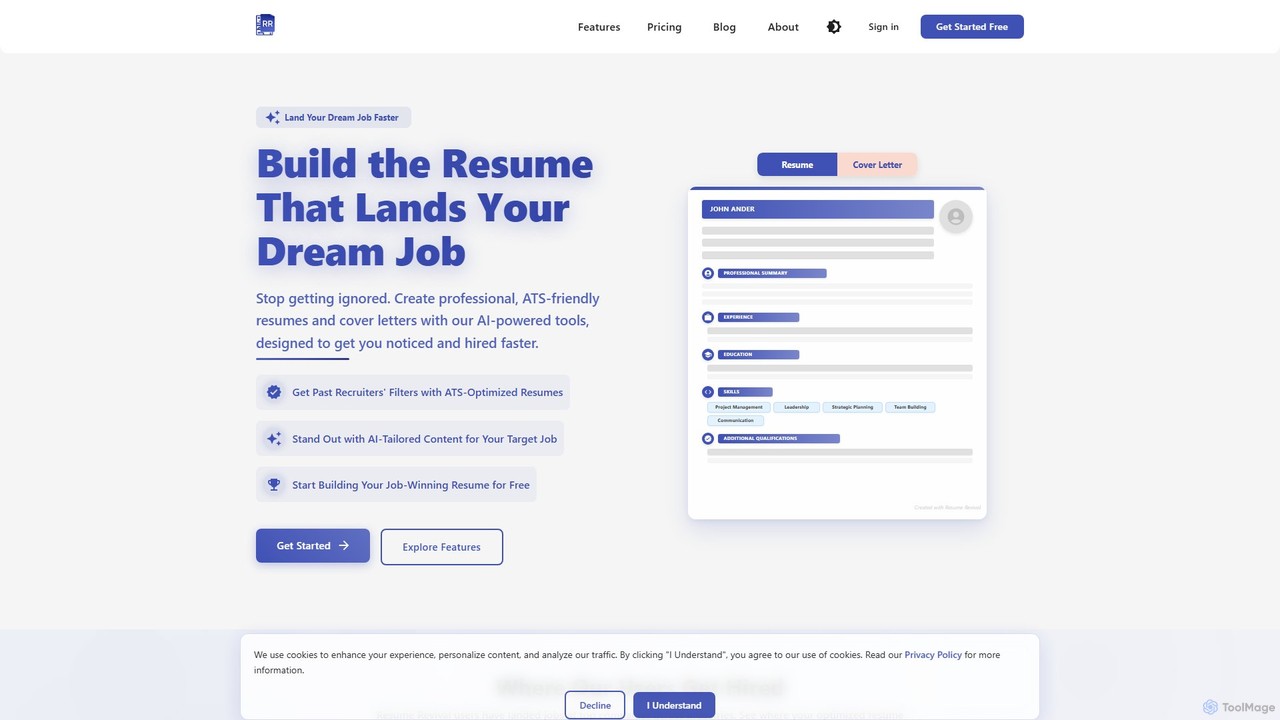
Resume Revival is an AI-powered platform designed to help job seekers create professional, ATS-optimized resumes and cover letters. …
Resume Revival is an AI-powered platform designed to help job seekers create professional, ATS-optimized resumes and cover letters. It offers a comprehensive toolkit including an AI headshot generator, LinkedIn profile optimization, interview coaching, and application tracking to accelerate your job search and land your dream job faster.
TinyFrom
TinyFrom offers an all-in-one suite of AI-powered productivity and utility tools. It provides solutions for data recovery, PDF …
TinyFrom offers an all-in-one suite of AI-powered productivity and utility tools. It provides solutions for data recovery, PDF editing, image enhancement, file management, and data transfer, designed to make digital life smarter and more efficient for users on Windows, Mac, and online.
Lunroo
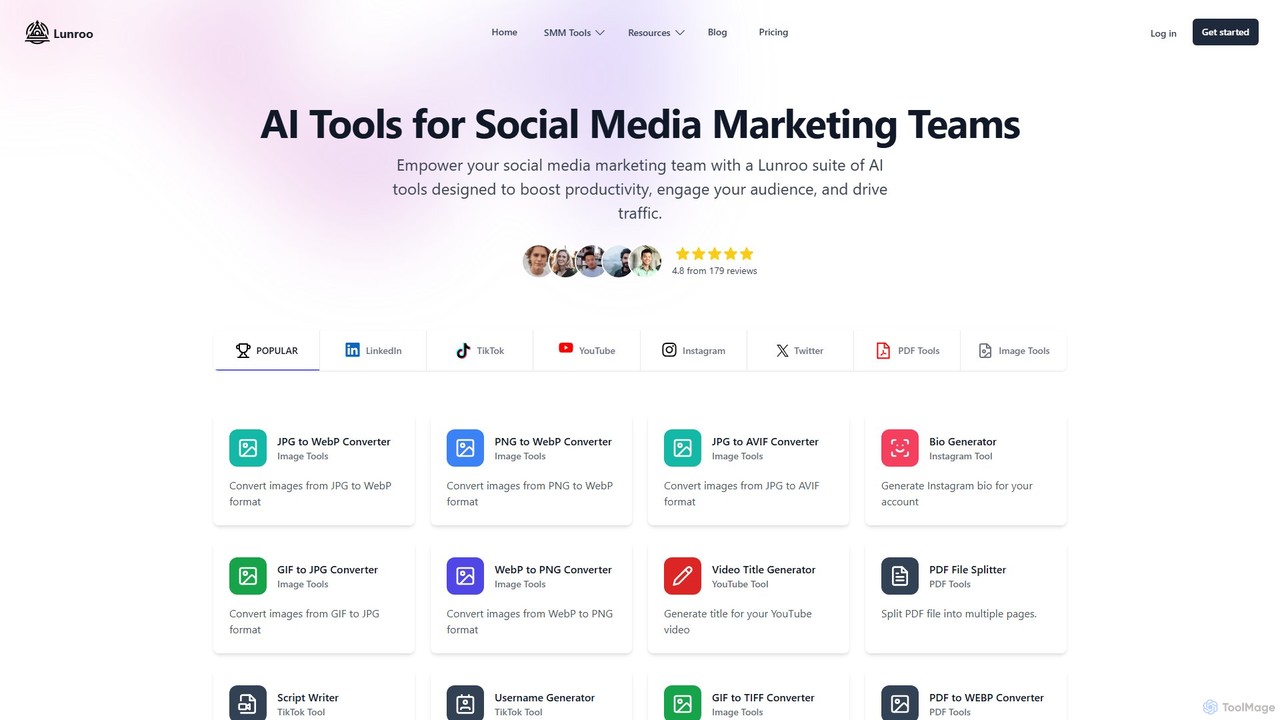
Lunroo is an AI-powered suite for social media marketing, offering tools for content generation (hashtags, bios, descriptions), image …
Lunroo is an AI-powered suite for social media marketing, offering tools for content generation (hashtags, bios, descriptions), image editing (background removal, alt text), and file conversion. It's designed to boost productivity, engagement, and traffic for individuals and teams.
About Image Editing
AI Image Editing tools are specialized software leveraging artificial intelligence to enhance, modify, and transform digital images. These tools utilize advanced algorithms for tasks like object removal, background changes, and intelligent retouching, significantly streamlining the photo editing workflow. They empower users to achieve professional-grade results with unprecedented speed and ease, making complex edits accessible to a wider audience.
Core Features
- AI Background Removal: Automatically detects and precisely removes or replaces image backgrounds with high accuracy.
- Object Selection & Manipulation: Intelligently selects specific objects for resizing, repositioning, removal, or color adjustments.
- Smart Retouching: Uses AI to smooth skin, remove blemishes, whiten teeth, or enhance facial features naturally.
- Image Upscaling & Enhancement: Increases image resolution and quality without pixelation, and improves clarity and detail.
- Style Transfer & Filters: Applies artistic styles from one image to another or suggests intelligent filters based on content.
Use Cases
Content creators use these tools for quick social media graphics. E-commerce businesses leverage them for consistent product photography. Professional photographers utilize AI for batch processing and intricate retouching, saving hours of manual work. Marketing teams apply consistent visual styles across campaigns, ensuring brand cohesion.
How to Choose
When selecting an AI image editing tool, consider the specific AI features offered, the quality and accuracy of its algorithms, and its integration with existing workflows. Evaluate its ease of use, batch processing capabilities, and the types of image formats it supports. Also, assess the pricing model and the naturalness of the AI's output to ensure it meets your project requirements.
Image EditingUse Cases
Automate Product Photo Background Removal
E-commerce store owners and marketing teams frequently need clean, consistent product images. AI image editing tools allow them to automatically detect and remove backgrounds from hundreds of product photos in minutes, replacing them with white, transparent, or custom backdrops. This significantly reduces manual labor, ensures brand consistency, and accelerates product listing creation, saving hours of design time.
Intelligent Object Removal from Photos
Photographers and graphic designers often encounter unwanted elements in their shots, such as distracting objects or photobombers. AI image editing tools enable precise, seamless removal of these elements without leaving noticeable traces. Users simply highlight the object, and the AI intelligently fills the void, preserving the background texture and lighting, which is crucial for professional-grade imagery.
Enhance Portraits with AI Retouching
Portrait photographers and social media influencers can use AI image editing for quick, natural-looking touch-ups. These tools intelligently smooth skin, remove blemishes, whiten teeth, and brighten eyes without over-processing or losing natural texture. This allows for rapid post-production, delivering polished portraits that maintain authenticity and save significant time compared to manual brushwork.
Upscale Low-Resolution Images for Print
Designers and marketers often receive low-resolution images that are unsuitable for print or large displays. AI image editing tools can intelligently upscale these images, increasing their resolution and detail without introducing pixelation or blur. This capability is vital for repurposing old assets, preparing web images for print, or enhancing archival photos, ensuring high-quality output across all mediums.
Apply Consistent Visual Styles Across Campaigns
Marketing professionals and brand managers need to maintain a cohesive visual identity across various campaigns. AI image editing tools can apply specific color grading, filters, or artistic styles to multiple images automatically. This ensures all visual assets align with brand guidelines, saving designers from manually adjusting each image and guaranteeing a unified aesthetic for all promotional materials.
Batch Process Photos for Social Media
Social media managers and content creators regularly publish numerous images that require consistent sizing, watermarking, or minor adjustments. AI image editing tools facilitate batch processing, allowing users to apply a series of edits—like cropping, resizing, color correction, or adding logos—to multiple images simultaneously. This drastically speeds up content preparation, ensuring a steady flow of visually appealing posts.