AIEnhancer
AIEnhancer is a powerful online AI tool that transforms and perfects images. It enhances resolution, restores old photos, …
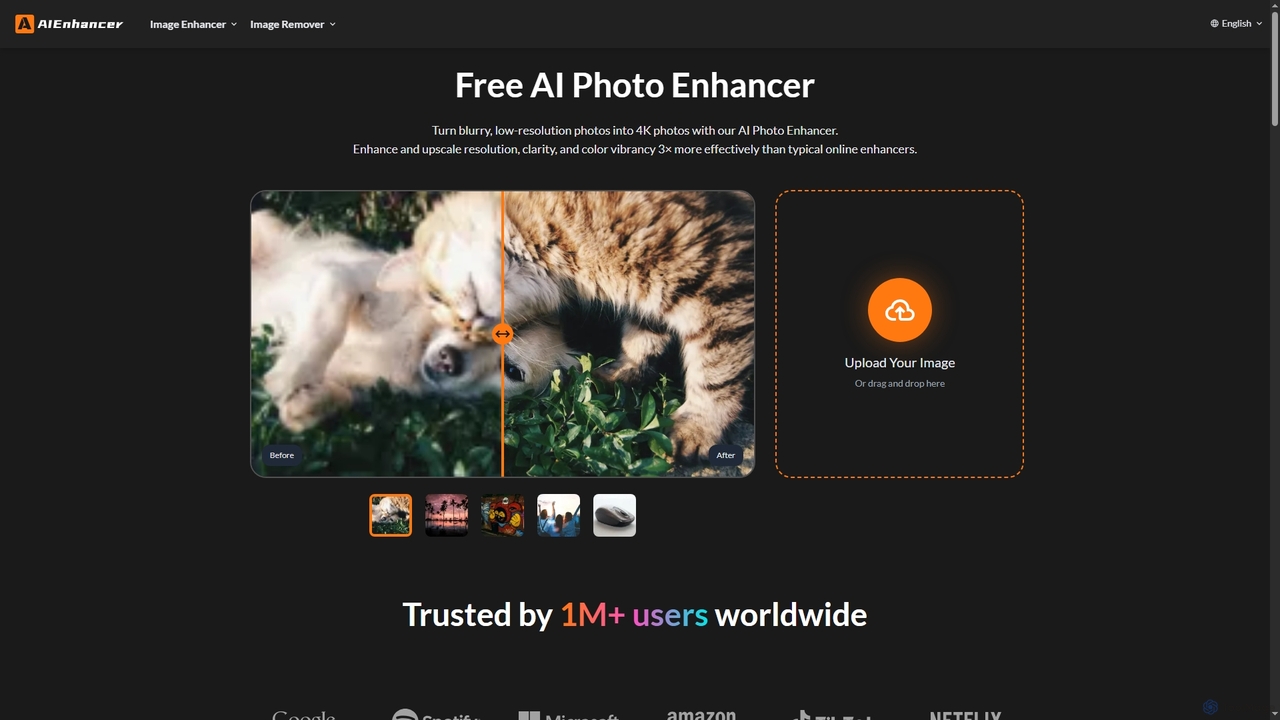
AIEnhancer is a powerful online AI tool that transforms and perfects images. It enhances resolution, restores old photos, removes blur and noise, sharpens details, converts to HD, and precisely removes backgrounds, making professional-grade photo editing accessible and effortless for everyone.
About Photo Restoration
Photo Restoration tools are AI-powered applications designed to revive old, damaged, or faded photographs to their original or improved condition. These tools leverage advanced artificial intelligence algorithms, including deep learning and neural networks, to intelligently detect and repair imperfections, enhance details, and accurately colorize monochrome images. They offer immense value to individuals preserving family history, professional photographers digitizing archives, and content creators seeking to breathe new life into historical visuals, making the process significantly faster and more accessible than traditional manual methods.
Core Features
- Scratch & Tear Removal: Automatically identifies and seamlessly repairs physical damage like scratches, creases, and tears, restoring the image's integrity.
- Colorization: Intelligently adds realistic and vibrant colors to black-and-white or sepia-toned photographs, often inferring natural hues based on context.
- Noise Reduction & Sharpening: Reduces graininess, pixelation, and enhances image clarity, bringing out finer details in blurry or low-quality photos.
- Facial Enhancement: Improves facial features, sharpens eyes, refines skin textures, and smooths complexions without distorting natural likeness, crucial for portraits.
- Stain & Fade Correction: Removes discolored spots, water damage, mold, and corrects color shifts caused by aging, UV exposure, or poor storage conditions.
Use Cases
These tools are invaluable for genealogists restoring ancestral photos to visualize family heritage, professional photographers digitizing and enhancing old prints for client work, and museums preserving historical archives by creating high-quality digital copies. They are also widely used by individuals looking to repair cherished family memories for personal enjoyment, content creators preparing vintage imagery for modern digital platforms, and graphic designers integrating historical elements into new artistic or commercial projects, ensuring visual consistency and quality.
How to Choose
When selecting an AI photo restoration tool, consider the quality of its output for various damage types, such as its effectiveness in removing deep scratches, accurately colorizing complex scenes, or enhancing subtle facial details. Evaluate its ease of use, the intuitiveness of its user interface, and the range of supported image formats (e.g., JPEG, PNG, TIFF). Crucially, check for batch processing capabilities if you have a large collection. Also, assess the pricing model, including subscription costs or per-image fees, and look for tools that provide fine-tuning options for manual adjustments after AI processing to achieve desired artistic control.
Photo RestorationUse Cases
Restoring Cherished Family Photos
Individuals can use AI photo restoration tools to repair old, faded, or damaged family photographs, bringing back vibrant colors and sharp details. This helps preserve precious memories for future generations, making it easier to share and display images that might otherwise be lost to time or decay. The AI can automatically remove scratches, correct discoloration, and even enhance facial features, transforming a worn-out print into a digital heirloom.
Digitizing & Enhancing Historical Archives
Museums, libraries, and historical societies utilize these tools to digitize vast collections of old photographs, making them accessible for research and public viewing. AI restoration ensures that scanned images are free from common aging defects like fading, yellowing, and dust spots, improving their clarity and historical accuracy. This process significantly reduces the manual effort and time traditionally required for such extensive archival work.
Colorizing Black-and-White Images for Modern Media
Content creators, marketers, and journalists employ AI photo restoration to colorize historical black-and-white photographs for use in documentaries, articles, or social media campaigns. Adding realistic colors can make vintage images more engaging and relatable to contemporary audiences, providing a fresh perspective on past events or figures. The AI intelligently infers appropriate colors based on image context, delivering natural-looking results.
Preparing Vintage Photos for Professional Printing
Professional photographers and graphic designers use AI tools to prepare old or damaged photos for high-quality printing or large-format display. The restoration process ensures that imperfections are removed, resolution is optimized, and colors are balanced, resulting in prints that look crisp and vibrant. This is crucial for clients who want to frame or exhibit restored family portraits or historical landscapes.
Enhancing Old Portraits for Clarity and Detail
For portraits where faces are blurry, faded, or obscured by damage, AI photo restoration tools can significantly enhance clarity and detail. This includes sharpening eyes, refining skin textures, and correcting minor distortions, often making subjects more recognizable and expressive. The AI focuses on preserving the original likeness while improving overall image quality, ideal for genealogical research or personal keepsakes.
Batch Processing Large Collections of Photos
Users with extensive collections of old photos, such as those inherited from family or acquired for a project, can leverage AI tools with batch processing capabilities. This allows for the simultaneous restoration of hundreds or thousands of images, applying consistent enhancements across the entire collection. It drastically reduces the time and effort compared to individually editing each photo, making large-scale digitization projects feasible.