SubGetPro
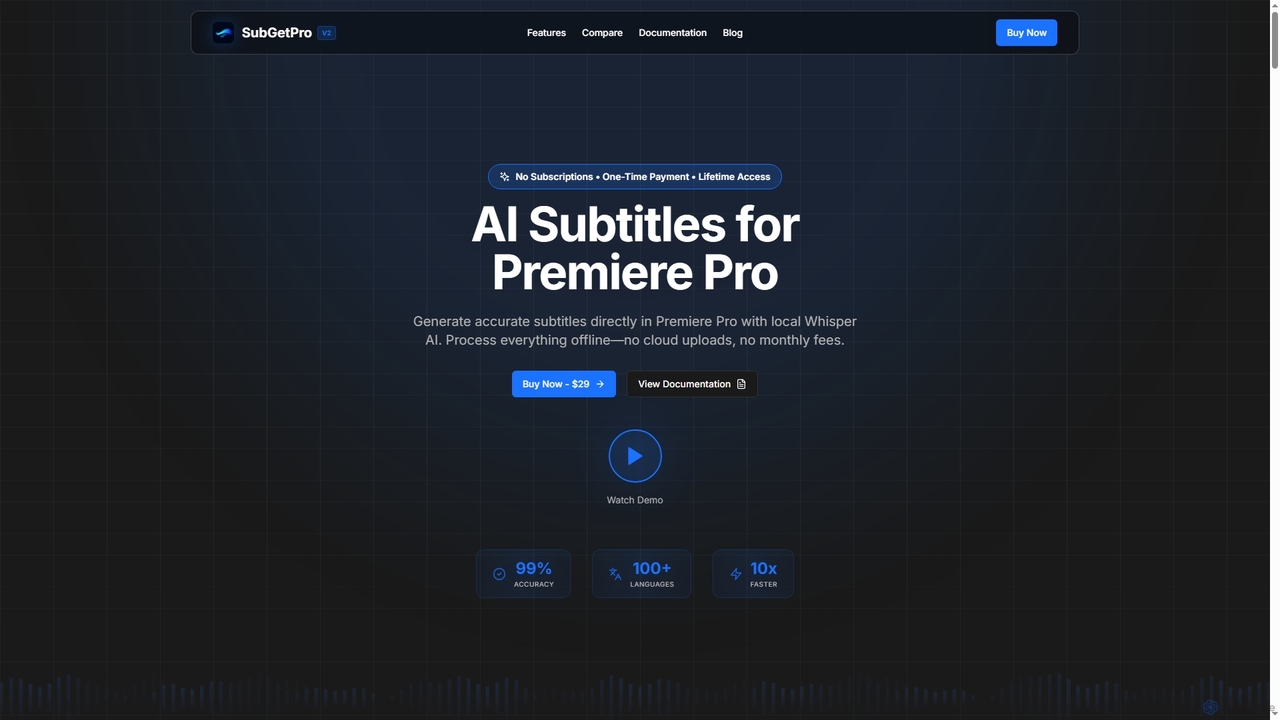
SubGetPro is an AI subtitle generator designed for Adobe Premiere Pro, offering accurate, offline transcription with a one-time …
SubGetPro is an AI subtitle generator designed for Adobe Premiere Pro, offering accurate, offline transcription with a one-time payment. It leverages local Whisper AI to create subtitles in over 100 languages, ensuring privacy and significantly faster processing without any subscriptions.
About Post Production
AI Post Production tools are a class of software that leverages artificial intelligence to automate, enhance, and streamline the final stages of video, audio, and image creation. These tools utilize machine learning models to perform complex tasks such as color grading, audio cleanup, visual effects, and editing. They significantly reduce manual labor and time spent on repetitive processes, allowing creators to focus on the creative aspects of their projects. This technology makes high-quality finishing accessible to a broader range of users, from independent creators to large studios.
Core Features
- Automated Video Enhancement: Intelligently upscale resolution, reduce noise, and stabilize shaky footage without manual adjustments.
- Intelligent Audio Repair: Automatically remove background noise, reverb, and filler words (e.g., 'ums', 'ahs') from dialogue tracks.
- AI-Powered Color Correction & Grading: Instantly match color palettes between different shots or apply cinematic styles based on reference images.
- Smart Object Removal & Rotoscoping: Seamlessly remove unwanted objects or people from video frames and automate the process of isolating subjects.
- Content-Aware Editing: Automatically detect scenes, identify key moments, or generate rough cuts based on transcripts or visual analysis.
Use Cases
These tools are widely used in the film, television, advertising, and social media industries. Video editors, colorists, sound engineers, VFX artists, and content creators use them to accelerate their workflows. For example, a YouTuber can quickly clean up podcast audio, while a film studio can automate complex rotoscoping for visual effects, saving hundreds of hours of manual work.
How to Choose
When selecting an AI Post Production tool, consider its integration with your existing software (e.g., Adobe Premiere Pro, DaVinci Resolve plugins). Evaluate the specificity of its features—some tools excel at audio, while others focus on video enhancement or VFX. Also, assess the processing speed, hardware requirements (especially GPU), and the pricing model, whether it's a subscription, a one-time purchase, or a credit-based system.
Post ProductionUse Cases
Automated Audio Cleanup for Podcasts
A podcast creator regularly records interviews in environments with inconsistent audio quality. Instead of spending hours manually editing each track, they use an AI post-production tool. The tool automatically identifies and removes background noise like hums or traffic, reduces echo, and balances the volume levels between the host and guest. It also intelligently cuts out long pauses and filler words ('ums', 'ahs'), producing a clean, professional-sounding episode in a fraction of the time, allowing the creator to focus on content and publish more frequently.
AI-Powered Color Grading for Social Media Videos
A social media manager for a fashion brand needs to produce a series of short videos for an upcoming campaign, all with a consistent visual aesthetic. They use an AI color grading tool. By uploading a single reference image with the desired color palette, the AI analyzes it and automatically applies a similar grade to all video clips. This ensures brand consistency across the entire campaign without the need for manual, shot-by-shot color correction. The manager can generate multiple style variations quickly to A/B test which aesthetic resonates best with their audience.
Upscaling Archival Footage for Documentaries
A documentary filmmaker has acquired rare, standard-definition (SD) archival footage for a historical film. To integrate it seamlessly with modern 4K footage, they use an AI video enhancement tool. The software analyzes the low-resolution video and intelligently upscales it to 4K, sharpening details, reducing compression artifacts, and even improving frame rates without creating an artificial look. This process revitalizes historical content, making it crisp and clear for contemporary audiences on high-resolution displays, preserving important moments of history with enhanced visual quality.
Automated Rotoscoping for Visual Effects
A visual effects (VFX) artist is tasked with placing a computer-generated background behind an actor in a complex action scene. Traditionally, this requires manually tracing the actor's outline frame by frame, a process called rotoscoping that can take days. By using an AI rotoscoping tool, the artist simply uploads the clip. The AI identifies the human subject and automatically generates a precise matte (an animated silhouette) that separates the actor from the background. This reduces the task from days to minutes, freeing up the artist to focus on the creative integration of the VFX elements.
Generating Rough Cuts from Long-Form Content
A corporate video producer films a three-hour panel discussion and needs to create a five-minute highlight reel for marketing. Instead of manually scrubbing through the entire recording, they use an AI editing assistant. The tool transcribes the audio, allowing the producer to search for keywords and key phrases. It can also automatically identify moments with high energy, multiple speakers, or specific topics. Based on these inputs, the AI generates a rough cut by assembling all relevant clips on a timeline. This provides a strong starting point, saving over 80% of the initial logging and assembly time.
AI Dubbing and Lip-Sync for Content Localization
A content creator wants to expand their audience by releasing their educational videos in Spanish. Instead of hiring voice actors and manually re-editing, they use an AI dubbing service. The tool transcribes the original English audio, translates it to Spanish, and generates a natural-sounding voiceover using a clone of the creator's own voice. Crucially, the AI then analyzes the original video and adjusts the timing and mouth movements of the Spanish audio to match the creator's on-screen lip movements. This creates a seamless, high-quality localization that looks and sounds authentic, making the content accessible to a new global audience.