Vidyard
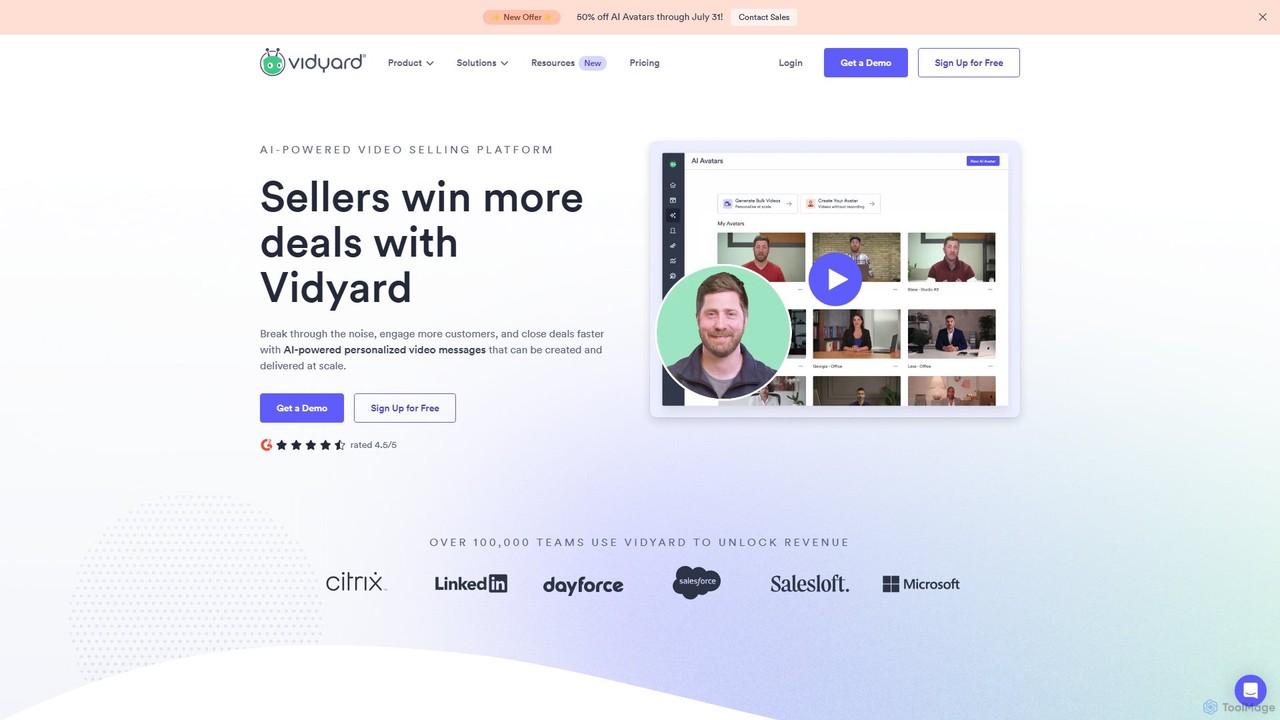
Vidyard is an AI-powered video platform for sales and marketing teams. It enables users to create, share, and …
Vidyard is an AI-powered video platform for sales and marketing teams. It enables users to create, share, and track personalized video messages at scale, using AI avatars and script generation to boost engagement, book more meetings, and close deals faster. It also provides robust video hosting, detailed analytics, and seamless integrations with CRM and sales tools.
About Asynchronous Communication
Asynchronous Communication tools are AI-powered platforms designed to facilitate interactions among individuals or teams without requiring simultaneous presence, significantly enhancing overall productivity. These tools leverage artificial intelligence to streamline information exchange, manage tasks, and foster collaboration across different time zones and schedules. They enable users to convey messages, share updates, and provide feedback at their convenience, reducing the need for real-time meetings and improving focus on deep work.
Core Features
- AI Summarization: Automatically condenses long email threads, chat histories, or meeting transcripts into concise summaries.
- Intelligent Scheduling: Suggests optimal times for follow-ups or future interactions based on participant availability and project timelines.
- Automated Drafting & Response: Assists in composing messages, emails, or reports by suggesting content, correcting grammar, and tailoring tone.
- Voice & Video Messaging: Allows for rich, expressive communication through recorded messages that can be consumed at the recipient's leisure.
- Task & Project Tracking: Integrates communication with project management, enabling updates and discussions directly within task contexts.
Applicable Scenarios
These tools are invaluable for remote and distributed teams needing to maintain seamless collaboration across diverse geographical locations and working hours. They are also crucial for global enterprises managing complex projects with international stakeholders, ensuring all parties remain informed and aligned without constant real-time coordination. Furthermore, individual professionals can use them to manage their communications more effectively, reducing interruptions and improving personal productivity.
How to Choose
When selecting an Asynchronous Communication tool, consider its integration capabilities with existing productivity suites and project management platforms. Evaluate the AI features for summarization, drafting, and scheduling to ensure they align with your team's specific needs. Assess the security protocols and data privacy policies, especially for sensitive information. Finally, review the user interface for intuitiveness and ease of adoption, as well as the scalability to accommodate team growth.
Asynchronous CommunicationUse Cases
Streamlining Global Team Project Updates
For project managers leading geographically dispersed teams, asynchronous communication tools allow for daily or weekly project updates to be shared via recorded video messages or detailed written summaries. Team members can review these updates and provide feedback or ask questions at their own pace, regardless of their time zone. This eliminates the need for inconvenient early morning or late-night meetings, ensuring everyone stays informed and aligned without disrupting individual work schedules, leading to more efficient project progression.
Enhancing Cross-Departmental Feedback Cycles
Product development teams often require feedback from marketing, sales, and customer support departments. Asynchronous tools facilitate this by allowing product managers to share prototypes or documentation for review. Stakeholders can then add comments, annotations, or recorded video feedback directly to the shared assets when they have dedicated time, rather than being rushed in a live meeting. This structured, non-real-time feedback process ensures more thoughtful and comprehensive input, accelerating product iteration cycles.
Onboarding Remote Employees Efficiently
HR departments can leverage asynchronous communication for remote employee onboarding. Instead of scheduling numerous live training sessions, new hires can access pre-recorded video introductions, interactive documentation, and voice-guided tours of company platforms. They can ask questions via chat or voice notes, which HR can answer at their convenience. This self-paced approach allows new employees to absorb information effectively, reduces scheduling conflicts, and ensures a consistent onboarding experience regardless of location.
Facilitating Client Communication for Agencies
Marketing and design agencies often manage multiple client projects simultaneously. Asynchronous communication tools enable account managers to send project updates, creative drafts, and performance reports to clients via shared documents or dedicated client portals. Clients can review these materials and provide detailed feedback or approvals on their own schedule. This reduces the back-and-forth of live calls, minimizes interruptions, and ensures all client communications are documented and easily accessible for future reference.
Documenting Decisions and Knowledge Sharing
Organizations can use asynchronous communication to create a searchable knowledge base of decisions and discussions. Instead of relying solely on meeting minutes, key discussions can be captured through recorded voice notes, summarized chat threads, or annotated documents. This allows team members to easily revisit past decisions, understand context, and access information without interrupting colleagues. It fosters a culture of transparent knowledge sharing and reduces reliance on individual memory, improving institutional knowledge retention.
Managing Support Queries and Internal FAQs
Internal IT support or HR teams can utilize asynchronous tools to manage common queries. Instead of immediate responses, users can submit tickets or voice notes detailing their issues. AI-powered tools can then suggest relevant FAQ articles or draft initial responses, which support staff can refine and send. This allows support personnel to prioritize and address issues systematically, reducing the pressure of real-time demands and providing more comprehensive, well-researched answers to common employee questions.