ToolMage
Sign in

Best 3 Video Prospecting AI tools for Sales

Popular Video Prospecting AI tools in Sales include Vidyard, Sendspark, and Reachout.ai, helping you work more efficiently.

Reachout.ai
Freemium

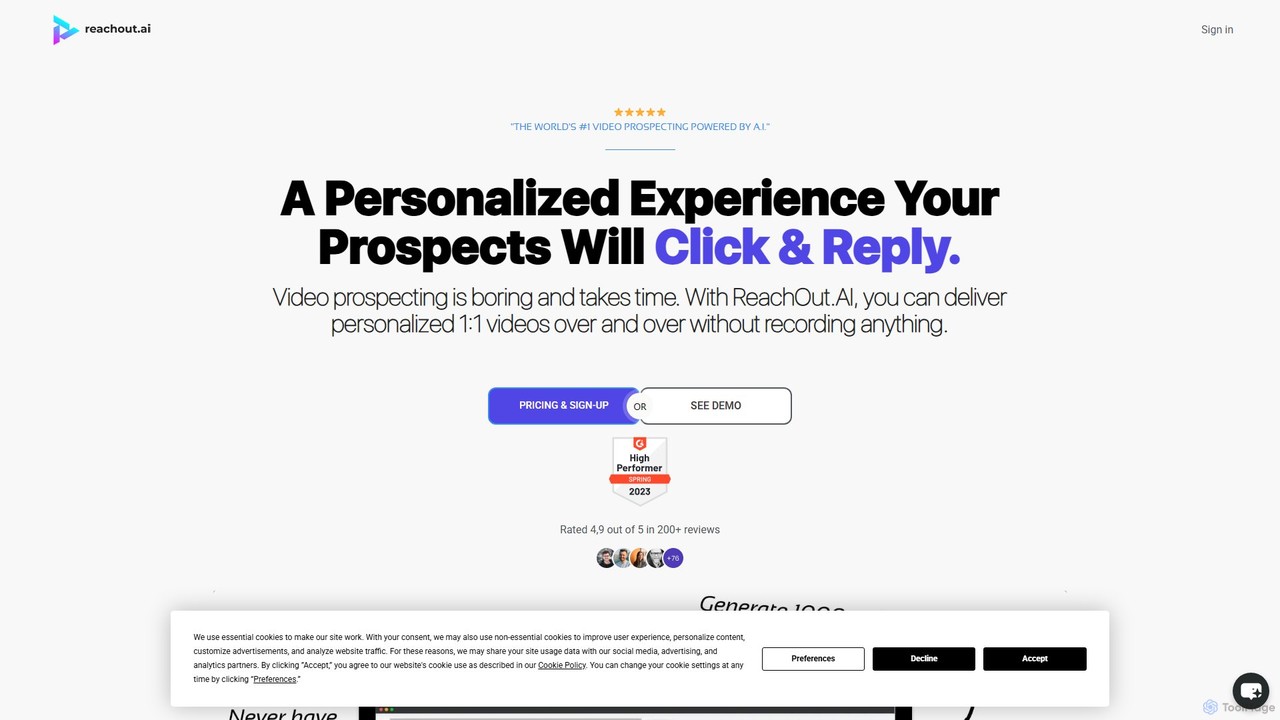
Reachout.ai

Reachout.ai is an AI-powered video prospecting platform that enables users to create and send hyper-personalized videos at scale without recording. It utilizes AI avatars, voice cloning, and text-to-video technology to boost engagement, increase reply rates, and book more meetings, revolutionizing sales and marketing outreach.

Personalization
Visits 6.5KFavorites 116Likes 109
Sendspark
Freemium

Sendspark

Sendspark is an AI-powered video platform designed for sales and marketing teams. It enables users to record a single video and automatically generate thousands of personalized versions with the recipient's name and a custom background, significantly boosting outreach engagement and meeting bookings.

Personalization
Visits 166.2KFavorites 106Likes 110
Vidyard
Freemium

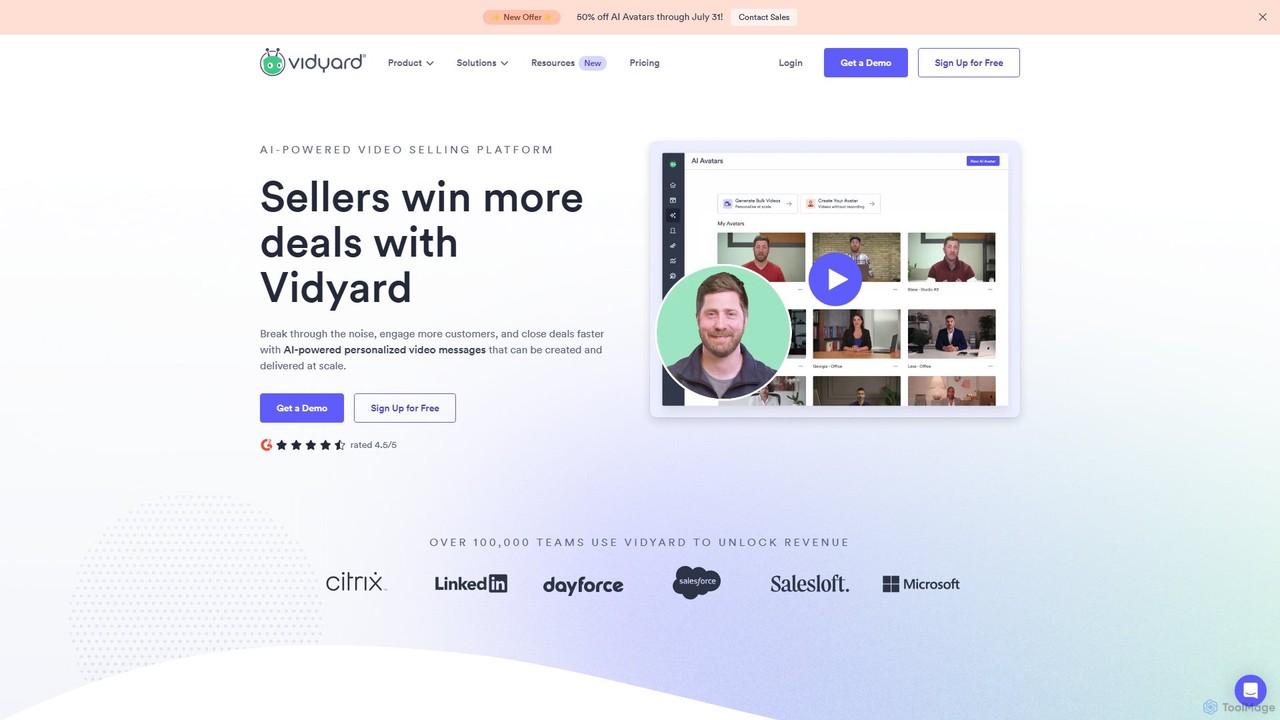
Vidyard

Vidyard is an AI-powered video platform for sales and marketing teams. It enables users to create, share, and track personalized video messages at scale, using AI avatars and script generation to boost engagement, book more meetings, and close deals faster. It also provides robust video hosting, detailed analytics, and seamless integrations with CRM and sales tools.

Video Tutorials
Visits 1MFavorites 110Likes 111

About Video Prospecting

Video Prospecting tools are a specialized category of sales software that enables professionals to create, send, and track personalized videos for outreach. These platforms typically utilize AI for features like dynamic personalization, screen recording, and webcam capture to supplement or replace text-based communication. The primary goal is to increase engagement, build rapport, and improve response rates in the sales process. This approach humanizes digital communication, helping sales teams stand out in crowded inboxes and shorten sales cycles.

Core Features

  • Personalized Video Creation: Automatically generate videos with dynamic elements like the prospect's name, company logo, or website screenshot.
  • Screen & Webcam Recording: Easily record product demos, presentations, or personal messages directly from a browser or desktop app.
  • Video Analytics & Tracking: Monitor who watched the video, for how long, and which parts were replayed to gauge interest.
  • Email & CRM Integration: Seamlessly embed videos in emails and sync activity data with platforms like Salesforce or HubSpot.
  • In-Video Call-to-Action (CTA): Add clickable buttons, forms, or calendar links directly within the video player to drive immediate action.

Use Cases

These tools are primarily used by Sales Development Representatives (SDRs), Account Executives (AEs), and marketing teams in B2B sectors. They are highly effective for cold outreach, follow-up sequences after a demo, and re-engaging dormant leads. Industries like SaaS, professional services, and real estate benefit greatly where building personal trust is a key factor for conversion.

How to Choose

When selecting a Video Prospecting tool, evaluate its integration capabilities with your existing CRM and email client. Consider the ease of use for video creation and editing, the depth of its analytics, and whether its pricing model aligns with your team size and usage volume. Also, assess the quality of personalization features and the customizability of branding and CTAs.

Video Prospecting use cases

1

Personalized Cold Outreach Campaigns

A Sales Development Representative (SDR) at a SaaS company uses a video prospecting tool to create short, personalized videos for target accounts. Instead of a generic text email, they record their screen showing the prospect's website and explain how their solution addresses a specific pain point. This hyper-personalization breaks through the noise, leading to a significantly higher reply rate compared to traditional email campaigns. The integrated analytics show which prospects are most engaged, allowing for prioritized follow-up.

2

Engaging Follow-ups After a Demo

An Account Executive sends a post-demo follow-up video. They record a quick, personalized message recapping key discussion points and answering a specific question that came up during the call. This reinforces the value proposition and maintains momentum in the sales cycle. The video includes a clickable CTA button that links directly to their calendar to book the next meeting, simplifying the scheduling process for the prospect.

3

Re-engaging Dormant or Lost Leads

A sales manager identifies a list of leads that have gone cold. The team creates a 'we miss you' video campaign, showcasing a new product feature or a special offer relevant to the lead's original interest. The personal touch of a video can reignite interest more effectively than a standard text email, bringing old opportunities back into the pipeline by showing genuine effort and providing new value.

4

Enhancing LinkedIn Connection Requests

A business development professional wants to connect with key decision-makers on LinkedIn. They record a 30-second video introducing themselves and explaining why they want to connect, then share the video link in their connection request message or a follow-up InMail. This unique approach makes their profile stand out from the hundreds of generic requests decision-makers receive, significantly increasing the likelihood of the connection being accepted and starting a conversation.

5

Customer Success and Account Management

A Customer Success Manager (CSM) uses video to onboard new clients. They create a personalized welcome video, walking the client through initial setup steps and introducing key resources. For quarterly business reviews, they can send a video summary of performance metrics and suggest new strategies. This provides a high-touch, personal experience that strengthens client relationships, improves retention, and reduces churn by making complex information more digestible and engaging.

6

Internal Sales Training and Onboarding

A sales enablement manager uses a video prospecting tool internally to create a library of short training videos. They record best practices for handling objections, demonstrate new CRM features, or share successful sales call snippets. New hires can access these videos on-demand, ensuring consistent and scalable onboarding without requiring constant live training sessions. This also allows tenured reps to refresh their knowledge on specific topics quickly.

Video Prospecting FAQ

What is Video Prospecting?

Video Prospecting is a sales technique that uses personalized video messages to engage potential customers. AI-powered Video Prospecting tools streamline this process, allowing sales teams to easily create, share, and track these videos at scale. Key features typically include screen recording, dynamic personalization (e.g., adding a prospect's name), and detailed analytics to measure engagement and effectiveness in the sales funnel.

How does Video Prospecting differ from standard email marketing?

The key difference is personalization and medium. Standard email marketing often relies on text-based, mass-sent messages. Video Prospecting focuses on creating unique, one-to-one or one-to-few video messages that build a human connection. This approach typically results in higher engagement and response rates because it stands out in a crowded inbox and conveys personality and sincerity more effectively than text alone.

Who should use Video Prospecting tools?

These tools are ideal for B2B sales professionals, including Sales Development Representatives (SDRs), Account Executives (AEs), and business owners. They are particularly effective for anyone involved in outbound sales, lead nurturing, and account management. Industries like technology (SaaS), professional services, real estate, and recruiting often see significant benefits from building personal rapport through video.

What are the key features to look for in a Video Prospecting tool?

When choosing a tool, look for these essential features:

  • Ease of Use: A simple interface for recording and sharing videos without technical expertise.
  • CRM Integration: The ability to sync with your CRM (like Salesforce or HubSpot) to log activities and track engagement.
  • Analytics: Detailed tracking of views, watch time, and click-throughs on your CTAs.
  • Personalization: Options to add dynamic text, images, or custom thumbnails to make each video feel unique.
  • Sharing Options: Easy embedding in emails and sharing via social media or direct links.
Is Video Prospecting effective for all industries?

Video prospecting is highly effective but its impact can vary by industry. It performs exceptionally well in B2B sectors where building trust and personal relationships is crucial, such as SaaS, consulting, and high-value services. For industries with very short, transactional sales cycles, the return on time investment might be lower. However, even in B2C, it can be a powerful tool for high-consideration purchases like real estate or automotive, where a personal touch can significantly influence a buyer's decision.