Customer Support Best in category 1 results Video Tutorials AI Tool

Popular AI tools in the Video Tutorials field of Customer Support include Vidyard, etc., helping you quickly improve efficiency.

Vidyard

Vidyard

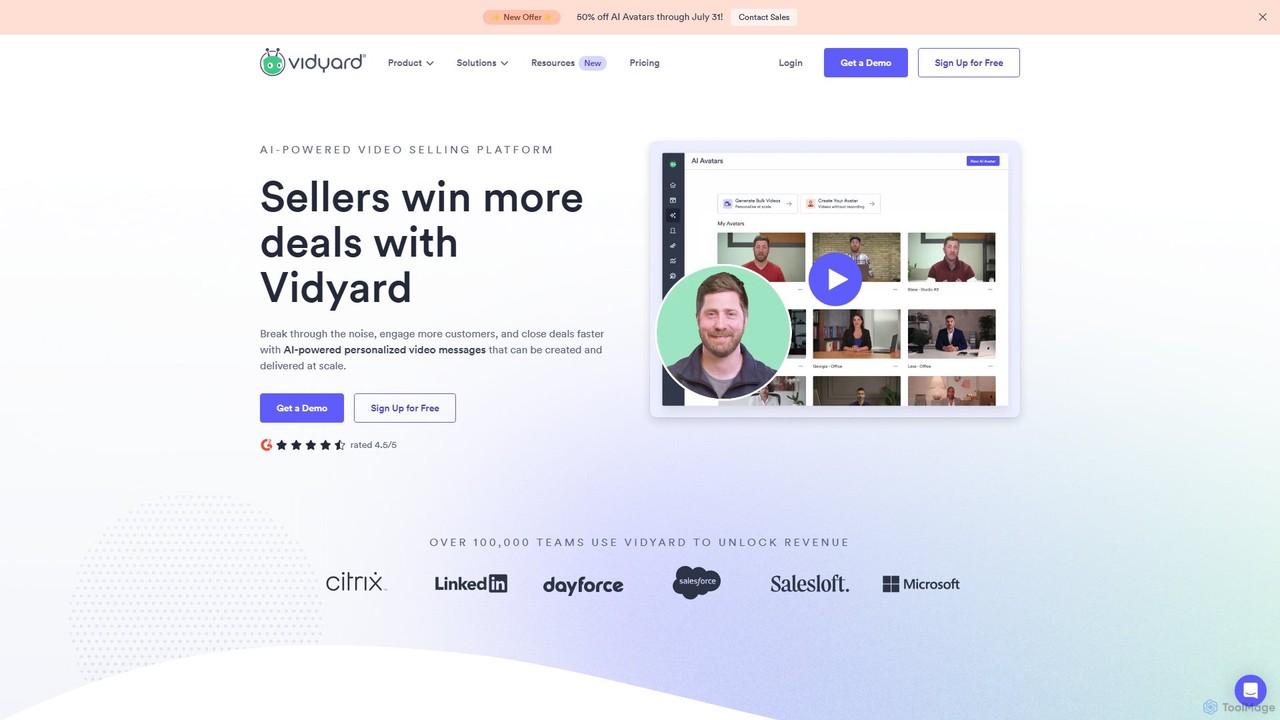
Vidyard is an AI-powered video platform for sales and marketing teams. It enables users to create, share, and …

956.1K

About Video Tutorials

AI Video Tutorial tools are applications that automate the creation of instructional and support videos. As a key component of modern customer support, these tools use AI to transform screen recordings, text documents, or simple inputs into polished, narrated video guides. They analyze on-screen actions to automatically add zooms, highlights, and annotations, and generate human-like voiceovers from text scripts. This significantly reduces the time and technical expertise required to produce high-quality, scalable educational content for users.

Core Features

  • Automated Screen Capture Enhancement: AI analyzes screen recordings to automatically add zooms, clicks, highlights, and text overlays to focus viewer attention.
  • Text-to-Video with AI Narration: Converts written guides, knowledge base articles, or scripts into a video format with synchronized, natural-sounding AI voiceovers.
  • Template-Based Workflows: Provides pre-designed templates to ensure consistent branding, structure, and style across all tutorial videos.
  • Multi-Language Voice & Subtitle Generation: Automatically generates voiceovers and subtitles in numerous languages from a single source script, enabling global support.
  • Smart Editing & Scene Detection: Automatically identifies distinct steps or scenes within a recording, simplifying the editing and structuring process.

Applicable Scenarios

These tools are ideal for SaaS companies, software developers, and corporate training departments. They are used to create user onboarding flows, demonstrate complex software features, produce internal standard operating procedure (SOP) videos, and enhance knowledge base articles with visual guides. Any organization needing to educate users or employees at scale can benefit.

Selection Criteria

When choosing an AI Video Tutorial tool, evaluate the quality and variety of AI voices and languages. Assess the level of customization available for editing, such as the ability to manually adjust AI-generated zooms and highlights. Consider its integration capabilities with your existing helpdesk or knowledge base software, and check the supported input formats (e.g., text, URL, screen recording).

Video TutorialsUse Cases

1

Automating SaaS User Onboarding Videos

A customer success manager at a SaaS company needs to create a consistent onboarding experience for all new users. Instead of spending days manually recording and editing videos, they perform a single walkthrough of the product's core features. The AI Video Tutorial tool automatically captures the screen, identifies key actions like button clicks, and applies smart zooms and highlights. It then uses a pre-written script to generate a professional, clear voiceover. The result is a complete series of onboarding videos produced in a fraction of the time, ensuring every new customer receives the same high-quality guidance.

2

Creating Multilingual Software Feature Demos

A product marketing team is launching a new feature for a global audience. They need to create demonstration videos in five different languages. Using an AI Video Tutorial tool, they upload a single screen recording and a script in English. The tool generates the initial video with an English voiceover. Then, they simply provide the translated scripts for Spanish, French, German, and Japanese. The AI generates four additional videos, each with a natural-sounding, localized AI voiceover and automatically synced subtitles, completing a task that would have taken weeks in just a few hours.

3

Converting Knowledge Base Articles into Videos

A customer support lead wants to improve their self-service portal by adding video content to popular knowledge base articles. Manually creating videos for hundreds of articles is not feasible. Instead, they use an AI tool that can ingest a URL of a text-based article. The AI summarizes the content, breaks it down into logical steps, and generates a short, animated video with a voiceover explaining the process. This allows them to quickly enhance their most-viewed support documents, reducing reading fatigue for users and improving comprehension of complex solutions.

4

Producing Internal Employee Training Videos

An HR department needs to train employees on a new internal software system. They create a series of short screen recordings demonstrating each task. The AI Video Tutorial tool processes these raw recordings, automatically cropping them to the application window, adding professional transitions, and highlighting the correct sequence of clicks. Using the company's brand kit, the tool also adds a logo watermark and uses corporate colors for all annotations. This creates a professional and standardized set of training materials without needing a video production team, making training more efficient and accessible.

5

Creating Quick Troubleshooting Video Guides

A technical support team frequently receives tickets for the same common issues. To reduce ticket volume, a support agent records their screen while solving a common problem, such as resetting a password or configuring a specific setting. They upload the short, unedited recording to an AI tutorial tool. The AI automatically trims silence, adds text callouts explaining each step, and generates a clear voiceover. The final one-minute video is then attached to support ticket responses and added to the FAQ page, providing customers with a quick, visual solution and freeing up agent time.

6

Generating Developer API Walkthroughs

A developer relations team needs to create clear tutorials on how to use their new API. Instead of writing lengthy documentation, they record a developer using an API client like Postman to make requests. The AI Video Tutorial tool analyzes the recording, automatically highlighting important elements like API endpoints, authentication headers, and request bodies. It can also use text-to-speech to narrate code snippets and explain what each parameter does. This transforms a complex technical process into an easy-to-follow visual guide, accelerating API adoption among new developers.

Video TutorialsFrequently Asked Questions