ToolMage
Sign in

Best 1 It Service Management AI tools for Productivity

Popular It Service Management AI tools in Productivity include Freshworks, helping you work more efficiently.

Freshworks
Freemium

Freshworks

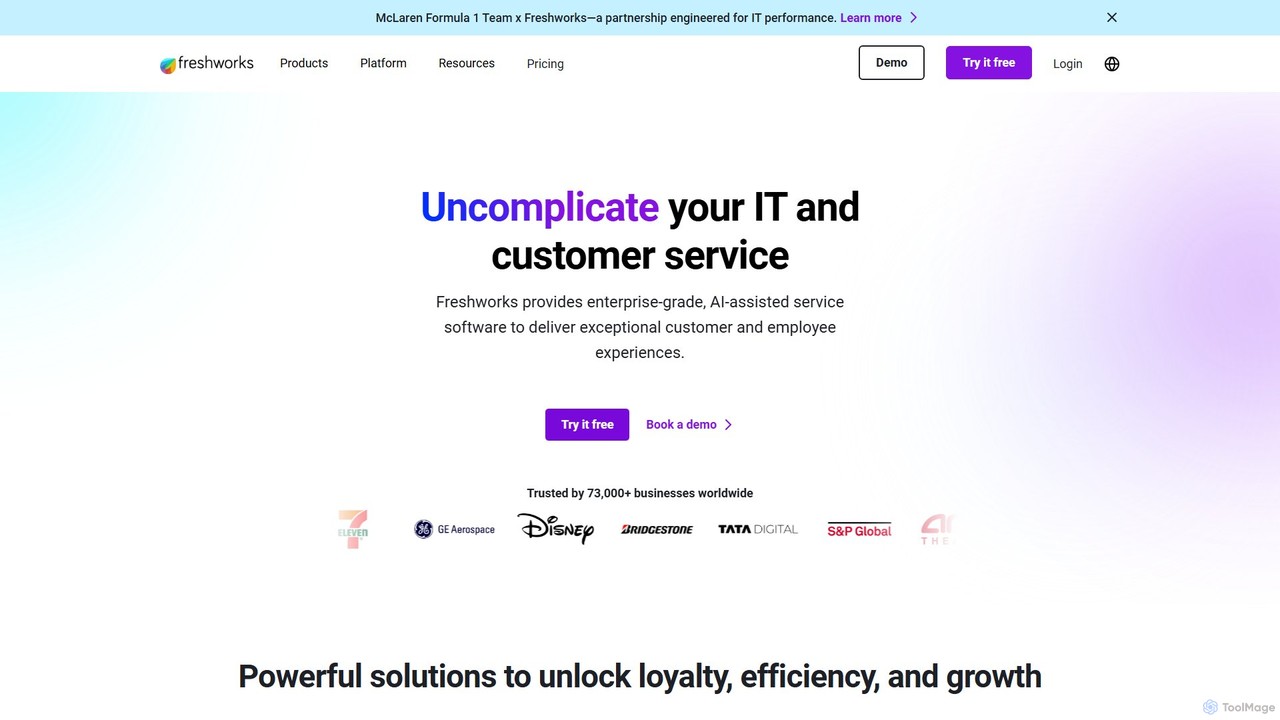
Freshworks provides an AI-powered suite of business software for customer service, IT service management (ITSM), sales, and marketing. Featuring Freddy AI, it automates tasks, enhances agent productivity, and delivers exceptional customer and employee experiences. Trusted by over 73,000 businesses, Freshworks simplifies complex processes with user-friendly, enterprise-grade solutions.

Help Desk
Visits 1.4MFavorites 150Likes 156

About It Service Management

AI-powered IT Service Management (ITSM) tools are platforms that use artificial intelligence to automate and optimize IT support and operations. These tools leverage machine learning and natural language processing to intelligently categorize tickets, predict system issues, and automate resolutions. By doing so, they help organizations reduce manual effort, improve service delivery speed, and proactively manage their IT infrastructure. This approach transforms traditional, reactive IT support into a more predictive and efficient service management model, enhancing overall business productivity.

Core Features

  • Intelligent Ticket Triage: Automatically analyzes, categorizes, and routes incoming support tickets to the appropriate team based on content and urgency.
  • Predictive Incident Analysis: Uses historical data and machine learning to identify patterns and forecast potential system failures before they occur.
  • Automated Resolution Workflows: Resolves common, repetitive issues like password resets or access requests without human intervention.
  • AI-Powered Self-Service: Provides employees with intelligent chatbots and knowledge bases that understand natural language queries for instant support.
  • Root Cause Analysis (RCA): Analyzes incident data to identify the underlying causes of recurring problems, helping to prevent future issues.

Use Cases

These tools are essential for corporate IT departments, Managed Service Providers (MSPs), and DevOps teams. For example, an enterprise IT help desk uses them to manage high volumes of employee requests efficiently. A DevOps team might use predictive analytics to maintain application uptime and prevent service disruptions in a cloud environment.

How to Choose

When selecting an AI ITSM tool, consider its integration capabilities with your existing stack (e.g., Jira, Slack, monitoring tools). Evaluate the accuracy and maturity of its AI models for prediction and classification. Also, assess its scalability to handle your organization's request volume and its compliance with relevant industry standards like ITIL, GDPR, or HIPAA.

It Service Management use cases

1

Automating Incident Triage and Routing

For a large enterprise's IT help desk, manually sorting hundreds of daily support tickets is time-consuming and prone to error. An AI ITSM tool uses Natural Language Processing (NLP) to understand the content and urgency of each ticket. It automatically categorizes it (e.g., 'hardware issue', 'software access'), assigns a priority level, and routes it to the appropriate specialist team. This process can reduce the average ticket response time by over 50% and ensures critical issues are addressed immediately.

2

Predicting and Preventing System Outages

DevOps and Site Reliability Engineering (SRE) teams are responsible for maintaining application uptime. An AI ITSM tool continuously analyzes performance metrics, logs, and past incident data. By identifying subtle anomalies and patterns that precede failures, the system can generate predictive alerts about potential outages. This allows teams to proactively address issues, such as scaling resources or patching a vulnerability, before they impact users, significantly improving system reliability.

3

Enhancing Employee Self-Service Support

Employees frequently have common IT questions about password resets, software installation, or VPN access. Instead of creating a support ticket, they can interact with an AI-powered chatbot within a self-service portal. The chatbot understands their natural language questions and provides instant answers or guides them through automated resolution workflows. This frees up IT staff from repetitive tasks and provides employees with 24/7 instant support, improving overall productivity.

4

Automating Change Request Risk Assessment

Change management is a critical ITSM process, but assessing the risk of each change can be subjective and slow. An AI ITSM tool can analyze a proposed change by comparing it to historical change data, system dependencies, and past incident records. It can then automatically calculate a risk score and predict the potential impact on other services. This provides change advisory boards (CABs) with data-driven insights to make faster, more informed decisions, reducing the likelihood of change-induced failures.

5

Generating Knowledge Base Articles from Tickets

IT support teams often resolve the same issues repeatedly, but documenting the solutions in a knowledge base is an extra step that is often skipped. AI ITSM tools can identify recurring incidents and analyze the resolution steps documented in the tickets. Based on this analysis, the AI can automatically draft a new knowledge base article, complete with a title, problem description, and step-by-step solution. A support agent then only needs to review and publish it, significantly accelerating knowledge creation and improving self-service resources.

6

Analyzing Service Desk Performance with AI

IT managers need to understand service desk performance to identify bottlenecks and areas for improvement. An AI ITSM tool can analyze vast amounts of ticket data to uncover trends that are not obvious through manual reporting. For example, it can identify a specific software update that is causing a spike in incidents, or pinpoint a support agent who may need additional training. These insights allow managers to make data-driven decisions to optimize team performance, allocate resources more effectively, and improve the overall quality of IT support.

It Service Management FAQ

What is AI-powered IT Service Management (ITSM)?

AI-powered IT Service Management is the use of artificial intelligence technologies to enhance and automate traditional ITSM processes. Unlike standard tools that rely on manual rules, AI ITSM uses machine learning to analyze data, predict issues, and automate responses. Key features include intelligent ticket routing, predictive analytics for outage prevention, and conversational AI for self-service. This helps IT teams shift from a reactive to a proactive support model, improving efficiency and user satisfaction.

How is AI ITSM different from traditional ITSM tools?

The main difference is the shift from manual, rule-based operations to intelligent, automated ones. Traditional ITSM tools act as systems of record, requiring significant human effort for tasks like ticket classification and root cause analysis. AI ITSM tools, however, act as systems of intelligence. They can automatically understand the context of a user's request, identify patterns in data to predict future incidents, and resolve common issues without human intervention, making the entire process faster and more proactive.

Who benefits most from using AI for IT Service Management?

While the entire organization benefits, several groups see the most direct impact:

  • IT Support Teams: They benefit from reduced manual workloads, faster ticket resolution, and automated handling of repetitive tasks, allowing them to focus on more complex issues.
  • DevOps and SRE Teams: They gain predictive capabilities to prevent outages and tools for faster root cause analysis, improving system reliability.
  • Employees: They receive faster, 24/7 support through AI-powered self-service portals and chatbots, which improves their productivity.
  • IT Leadership: They get data-driven insights into operational performance, helping them optimize resource allocation and strategic planning.

What are the key features to look for in an AI ITSM tool?

When evaluating AI ITSM tools, focus on features that deliver tangible automation and insights. Key features include:

  • Natural Language Processing (NLP): For understanding user requests in tickets and chatbot conversations.
  • Machine Learning for Classification: To automatically categorize, prioritize, and route incidents.
  • Predictive Analytics: To forecast potential issues and resource needs based on historical data.
  • Automated Workflows: To handle common requests like password resets or software access without human intervention.
  • Strong Integration Capabilities: To connect seamlessly with other IT and business tools like Jira, Slack, and monitoring platforms.

How do I choose the right AI ITSM tool for my organization?

Choosing the right tool requires careful consideration of your specific needs. Follow these steps:

  • Define Your Goals: Identify your biggest pain points. Is it slow response times, frequent outages, or a high volume of repetitive tickets?
  • Assess Integration Needs: Ensure the tool can connect with your existing systems (e.g., identity management, monitoring tools, communication platforms).
  • Request a Demo or Trial: Test the tool's AI capabilities with your own data to evaluate its accuracy and effectiveness for your use cases.
  • Consider Scalability and Support: Choose a vendor that can support your growth and provides reliable customer service and technical support.